

If you are still measuring onboarding success by asking clients, "Did you finish the checklist?", you are already blind to the risk of abandonment. The only metric that matters is how quickly a workspace moves from a blank slate to functional autonomy based on live product data, not just user acknowledgement. We get it; those first few days with a new agency client are a frantic blur of spreadsheets and endless "Did you connect this yet?" pings. It is high-pressure, and it is the exact moment where operational friction often hardens into long-term churn. This is not about chasing access anymore; it is about driving impact.
What the best tools need to handle
When you are managing dozens of brands across hundreds of channels, you do not have time to babysit a setup process. The best platforms do not treat onboarding as a set of static tasks; they treat it as a dynamic state of readiness. For scaling teams, visibility into whether a workspace is actually "live" is non-negotiable.
Think about your current workflow. Does your team know exactly which steps stand between a new client and their first scheduled post? If the answer involves checking a shared document or waiting for a reply, you are losing time.
A high-performing tool must handle three core functions to prevent setup stagnation:
- Real-time state validation: The system should automatically detect connected profiles, asset uploads, and active automations. If a connection drops, the platform should surface the issue immediately, not wait for the user to report a "broken" experience weeks later.
- Actionable next-step guidance: Instead of generic "Welcome" tours, provide context-aware prompts. If a user has connected a profile but has not created a brand group, the guidance should shift to asset organization, not more profile connections.
- Managerial transparency: Agencies need an instant view into the "Operational Readiness" of every active workspace. You need to know if a team is ready to publish or if they are still stuck in the "Attempting" phase.
Operator rule: If the user has to tell you they are "done" with setup, your platform has failed. True readiness is demonstrated, not claimed.
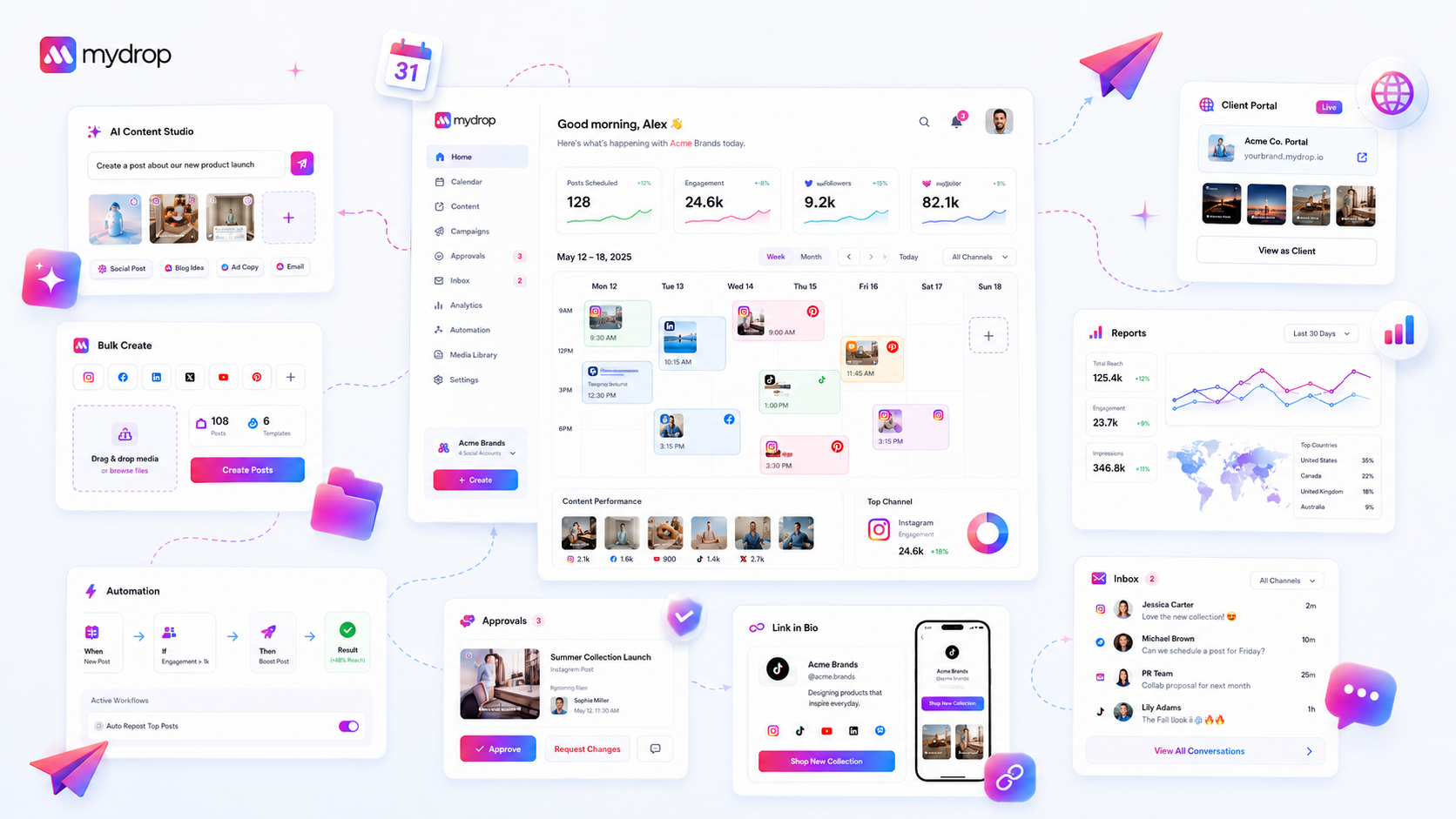
At Mydrop, we have found that the best way to handle this is by baking readiness directly into the workspace metadata. Our approach uses onboarding overlays and Quick Start checklists that pull directly from live product data. We are not checking if a user clicked "Next" on a modal; we are validating that their workspace has the infrastructure to support a successful campaign. This turns onboarding from a passive UI exercise into an active, data-driven deployment strategy. When you have this level of visibility, you stop chasing access and start enabling your team to focus on content performance from day one.
Where basic tools start to break

Here is the awkward truth: if your onboarding process relies on a user manually clicking a "Finished" button in a guided tour, you are essentially asking them to grade their own homework. This is the Checkbox Fallacy.
We have seen this across dozens of agency setups. A new team member clicks "Done" on the profile connection step because they intend to do it later, or because they feel pressured to move past the blocking overlay. The software marks them as "Onboarded," the support team stops monitoring their progress, and the client sits idle for three days waiting for access.
Basic tools treat onboarding as a sequence of UI interactions. But for an agency managing multiple brands, onboarding is actually a data-dependent state transition. If the system does not verify that a profile is actually live and polling for analytics, or that a brand group has at least one asset folder assigned, the "check" is meaningless.
When you lose visibility into the functional state of a workspace, you lose the ability to proactively intervene. You end up manually auditing accounts, which is exactly the kind of friction that makes scaling a team feel impossible.
The buying criteria that matter
When you are vetting a new platform, stop asking if it has an onboarding checklist. Start asking how that checklist knows what it knows. You need a platform that treats setup as a living validation process, not a static task list.
Use this Operational Readiness Scorecard to evaluate how effectively a platform manages its own setup health:
| Metric | Basic Tool (The Trap) | Enterprise-Ready Tool (The Standard) |
|---|---|---|
| Progress Logic | Triggered by user clicks/manual acknowledgment. | Triggered by API verification (e.g., successful OAuth). |
| Visibility | Binary (Onboarded vs. Not). | Granular (Profile Connected, Asset Ready, Auth Valid). |
| Intervention | Support tickets or manual email nudges. | Dynamic, data-driven prompts (e.g., "Reconnect expired token"). |
| Context | Generic documentation links. | Deep-linked workflows into the specific broken setup step. |
Decision check: If a platform cannot programmatically verify that a feature is functional before marking a step as "done," it will create more management overhead, not less.
Look for tools that prioritize functional milestones over simple task completion. Can the platform detect that a user tried to generate an AI post but failed because no brand assets were defined? Does it know the difference between a connected profile and a useful profile with historical data?
Your goal is to move your team away from chasing setup access and toward driving impact. A tool that fails to map your actual setup state is just another place where work goes to die.
How Mydrop supports this workflow
At Mydrop, we approach onboarding as a data-validation exercise, not a lecture series. We realized early on that showing a user a help article is not the same as confirming they can actually post. Our "Quick Start" panel does not just track if a user has opened a tour. It tracks whether they have connected their first profile, successfully uploaded media, or triggered their first AI-assisted draft.
When you look at your workspace dashboard, our onboarding overlays only appear if your setup state is incomplete. If you have already connected your profiles and created a brand asset, you will not see "How to connect a profile" prompts. The interface reacts to the work you have already done. We use live workspace data to guide users to their next logical milestone, bypassing the generic tour for users who have already figured it out.
For teams managing dozens of brands, this reduces the friction of "did we actually set up this specific market channel?" The platform knows the answer immediately based on the active connections. If a new manager joins, they get prompted to follow the workflow for that specific brand group, keeping them on track without needing a manual walkthrough from a senior team member.
Workflow check: Onboarding is not about teaching tools; it is about building the habit of productive output.
A simple shortlist checklist
When evaluating your next social media management tool, do not just ask if they have "onboarding." Ask if that onboarding is tied to your live workspace state. Use this scorecard to cut through the marketing fluff.
| Requirement | The "Checkbox Fallacy" Trap | The Operational Readiness Standard |
|---|---|---|
| Setup Progress | Manual "Mark as Complete" button. | Automatically validates live data (connections, assets). |
| Guided Tours | Static, sequential for everyone. | Contextual, triggered only by missing setup state. |
| Help Surface | Hidden in a disconnected portal. | Embedded in the workflow, surfaced on the Home workspace. |
| User Visibility | Manager must ask "Are you ready?". | Manager sees a real-time readiness dashboard. |
| AI Training | Suggests "Try it out." | Tracks successful generation vs. unused suggestions. |
If a vendor cannot explain how their onboarding system understands your team's unique configuration, or worse, if they do not track setup progress beyond "Did they click the link?", you are going to be chasing those "Did you connect this?" emails for months.
Conclusion
Stop chasing access and start driving impact. The time you spend manually walking a new client through their first post is time you could have spent optimizing a campaign. When you treat onboarding as a measurable data state instead of a subjective checklist, you move the focus from "getting set up" to "getting work done."
The best onboarding is the kind that fades into the background as soon as the work becomes productive. Your tools should be smart enough to know when you have graduated from setup to scaling. If you have to ask a user if they are done, the platform has already failed the test.






















