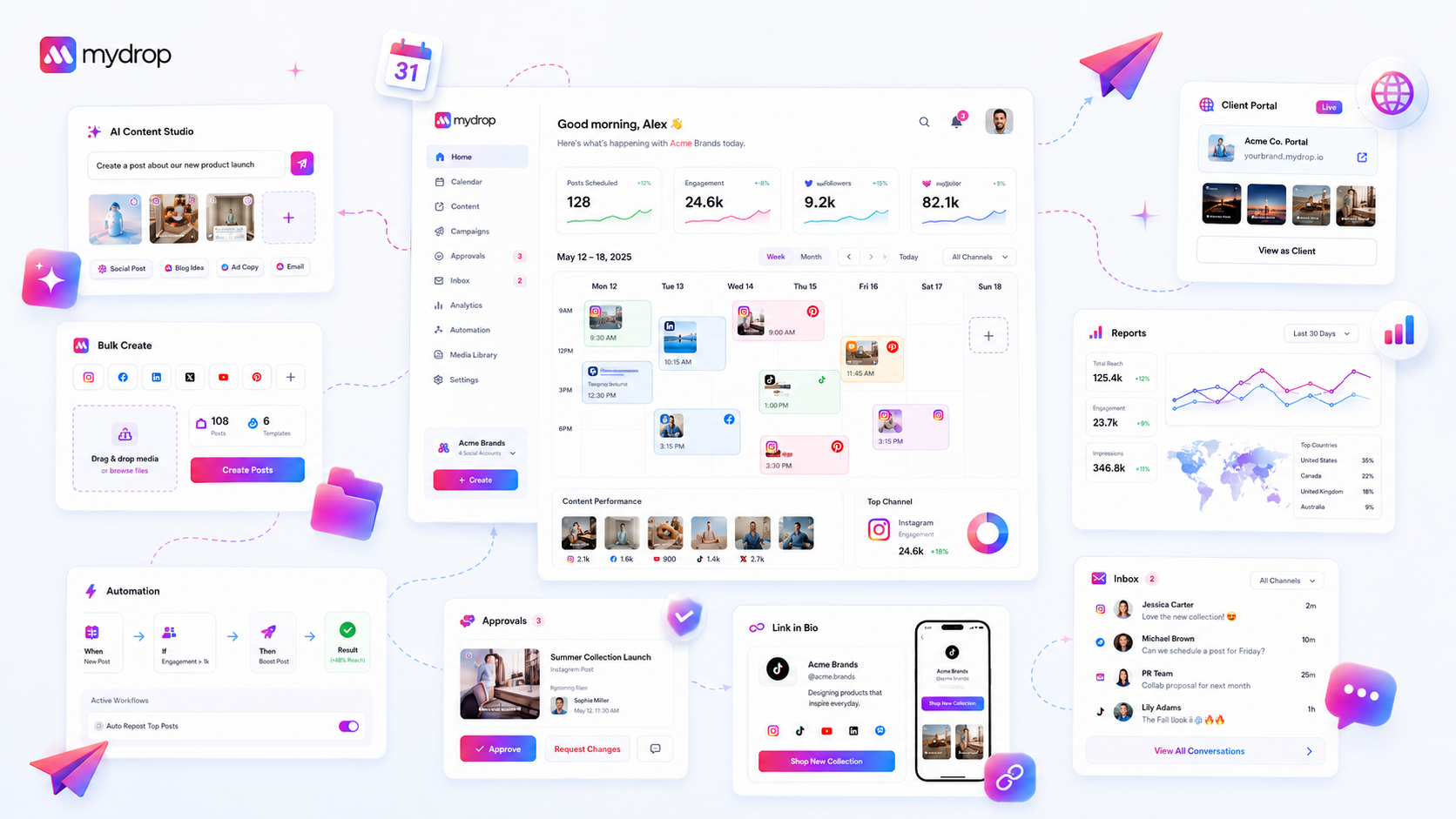
Your onboarding checklist is a diagnostic tool, not a trophy case. If your setup panel reports 100 percent completion but your team isn't consistently hitting their publishing cadence, using the integrated asset library, or applying standard automations, the checklist has become a liability. It is masking coordination debt with the illusion of progress.
We have all been there. You spend weeks getting everyone into the platform, connecting profiles, and organizing brand assets. Seeing that final green checkmark feels like a win. But six months later, you look at the actual output, and something feels off. It is disjointed, manual, and messy. The team is still copying assets from a shared folder because the platform configuration was treated as a one-time "check the box" event rather than an integration into your weekly rhythm.
It is time to accept that the setup isn't finished until the workflow is automatic. When the dashboard says you are ready but the team is still struggling to maintain consistency, you do not need more training-you need to reset the diagnostic lens.
The decision each metric should trigger

Most teams stall because they confuse configuration with operational adoption. They measure success by whether a field is filled in (like a connected profile or a brand logo) rather than by whether that connection actually fuels a repeatable habit.
At Mydrop, we see teams manage hundreds of brand profiles across five markets. The ones that win stop looking at their onboarding status as a static finish line. Instead, they treat every setup milestone as a variable in an Active Milestone Health grid. If a configuration item doesn't correlate with a recurring workflow within 30 days, the setup is likely stale, or the team has developed a workaround that bypasses your governance.
| Setup Milestone | Usage Signal | Decision Trigger |
|---|---|---|
| Connected Profiles | Zero non-suggestion posts | Force profile re-auth or training |
| Brand Assets | High manual file imports | Pivot to centralized library training |
| AI Post Composer | Low trial or low adoption | Review brand-voice guidelines |
| Active Automations | High manual cross-posting | Audit workflow mapping |
Operator rule: If a milestone is complete but the corresponding workflow shows zero activity for 14 days, assume the configuration is failing your team, not the other way around.
The goal isn't to clear the checklist. The goal is to reach a state where the platform does the heavy lifting, and the team just manages the exceptions. When your setup data becomes a "ghost town"-showing all connections are live while actual usage remains flat-you aren't just paying for an underutilized tool; you are actively creating a friction point that forces your team back into manual spreadsheets and fragmented communication. Stop tweaking the settings and start coaching the behavior the moment the data says the workflow is dead.
The scorecard that keeps reporting useful

You need to shift from measuring setup completion to monitoring Active Milestone Health. A green checkmark on a "Connected Profile" in your dashboard is a vanity metric if that profile hasn't seen a non-suggestion post in two weeks.
To bridge this, we use a simple scorecard that forces you to look at whether the team is actually using the tools they configured. If your onboarding checklist is empty but your output is manual and chaotic, you haven't finished onboarding-you have just finished the paperwork.
Workspace Health Scorecard (Illustrative Example)
| Milestone | Checklist Status | Usage Signal | Health Trigger |
|---|---|---|---|
| Profile Connections | Done | Posts published / week | If < 3, flag for audit |
| Asset Library | Done | Asset reuse percentage | If < 10%, reset training |
| AI Post Composer | Done | AI-generated vs. Manual | If 0 AI usage, re-demo |
| Automations | Done | Automation triggers / day | If < 1, check sync errors |
When you review this monthly, the data acts as an objective umpire. If the Checklist Status is "Done" but the Health Trigger shows a downward trend, you don't need a product update or a new tool. You need a 30-minute sit-down to see why the team is bypassing the library or the AI composer.
What to stop measuring by default
The fastest way to kill productivity is to track configuration at the expense of outcome. Stop counting profile connections as a "milestone" once they are live. Stop celebrating the completion of "Guided Tours" as if they were a quarterly goal. These are just the barrier to entry, not the finish line.
We often see managers get stuck tracking the number of people who completed the intro tour. This is a trap. In Mydrop, we focus on whether users have reached the first successful post-generation or scheduled their first workflow. That is the actual operational signal.
Decision check: If a setup item is not required for a recurring, weekly task, stop putting it on the mandatory onboarding checklist.
Every item on your checklist that doesn't correspond to a specific, repeatable action-like tagging a brand group in a post or using a shared calendar view-is just noise. It dilutes the importance of the steps that actually matter.
By removing the "nice to have" configuration steps, you make the onboarding process faster and much more credible. Your team will stop treating your setup instructions like a series of hoops to jump through and start seeing them as a functional path to getting their work done faster. When the checklist is lean, the team actually respects it.
How to connect metrics to next actions
The most effective way to stop staring at an "all green" checklist and start seeing real productivity is to map your setup milestones directly to your team's weekly output. If your dashboard shows "100% Onboarding Complete" but your team is still manually tracking content in a spreadsheet because they do not trust the integrated asset library, you are essentially driving a high-performance sports car in first gear.
The fix is to treat your setup state not as a static historical record, but as a live feedback loop. When you review your team's progress, stop asking "Is the onboarding done?" and start asking, "Which part of our setup is actually being ignored?"
Workflow check: If a platform capability-like an automated brand asset folder or a specific AI post-composer-is not touched at least once in a 14-day cycle by a primary user, that specific milestone is officially stale. Reset your expectations for that user and re-run the specific guided tour for that module.
To keep this from feeling like micromanagement, use this simple 3-step triage to decide whether to push for adoption or force a workspace refresh.
- Audit the friction point: Look at the post history. Are they manually uploading media? Are they copying and pasting captions? That is your diagnostic signal.
- Re-engage the guided path: Do not just email a link to the documentation. In Mydrop, you can force the
Quick Startshow-me tour for that specific module. It resets the stateful UI and prompts the user to reconnect the workflow, not just read about it. - Verify the output: If they still avoid the tool after a refresh, it is not a training problem-it is a workflow mismatch. They have built a bypass, and you need to kill the bypass to force them onto the path of least resistance.
The review cadence that makes the model stick
You cannot treat workspace configuration like a "set it and forget it" task. For teams managing hundreds of brand profiles across multiple markets, drift is inevitable. Assets get moved, profile tokens expire, and new platform updates change how we should be tagging content.
We recommend a Quarterly Workspace Health Check. It is less about checking off boxes and more about pruning the garden of your digital operations.
| Review Phase | Signal to Watch | Action Trigger |
|---|---|---|
| Weekly | Non-suggestion post volume | Low output? Refresh user access to AI-assistant. |
| Monthly | Asset Library usage rate | Low usage? Re-run the Brand Groups setup tour. |
| Quarterly | Stale automation triggers | Disabled/failing automations? Force a profile re-connection. |
Most teams do not have a content problem. They have a decision bottleneck. By tying your review cadence to these specific signals, you stop chasing phantom compliance and start identifying where your operational machine is actually stalling.
Conclusion
Resetting your onboarding checklist is not an admission of failure. It is an act of operational hygiene. If your workspace feels like a ghost town despite a "perfect" setup score, the checklist is lying to you.
When the configuration no longer matches the reality of how your team communicates, moves, and publishes, you must strip away the artificial "completed" state. Force the refresh, watch where they struggle, and coach them through the specific, modern workflows that actually work. Your team will be faster, your content will be more consistent, and you will finally have a workspace that supports the work instead of just hosting it.