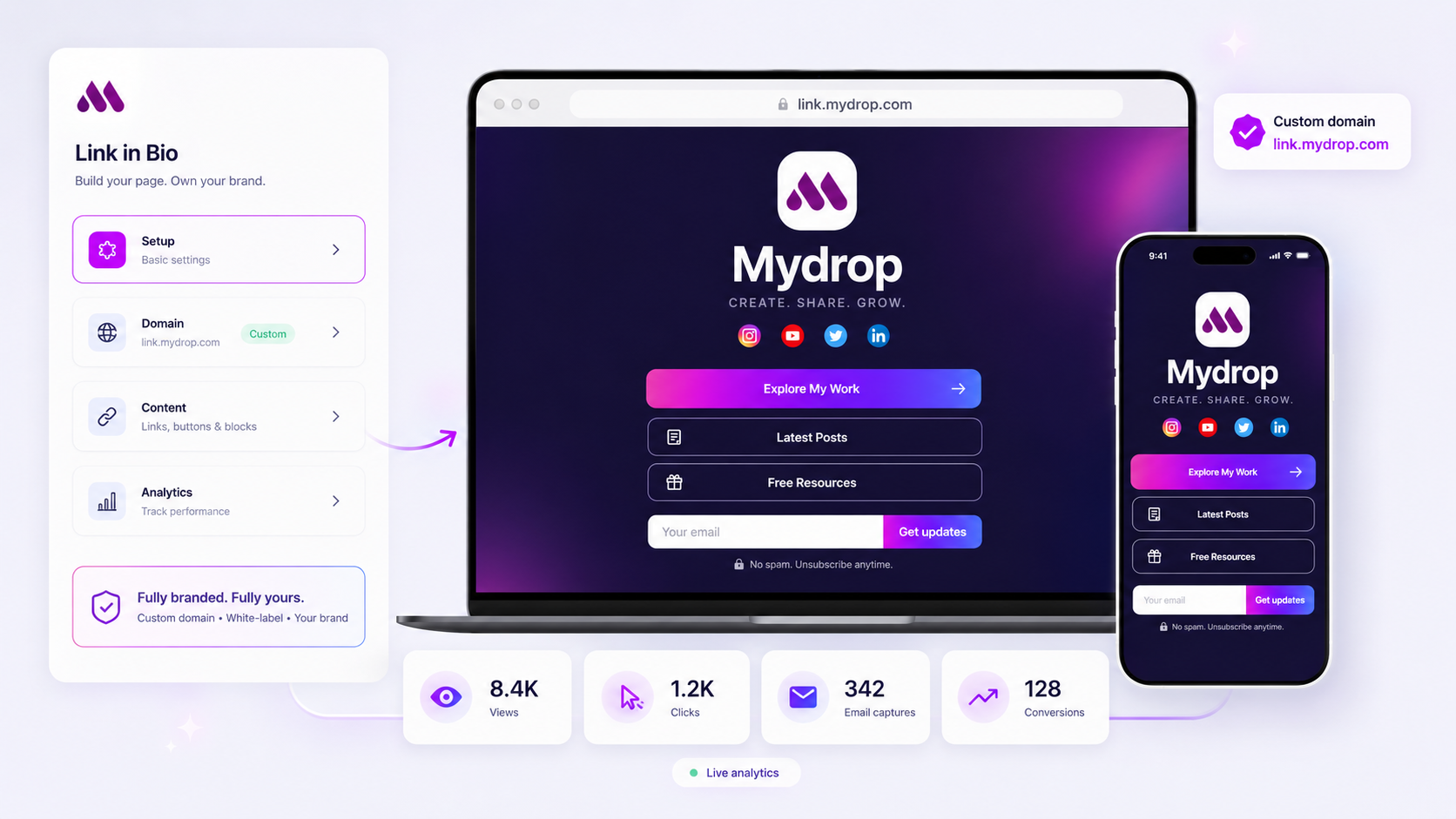
When your link-in-bio traffic or conversion rates crater, the fix is rarely a platform update or an algorithm shift-it is almost always the accumulation of coordination debt. You have likely drifted from a high-intent conversion strategy into an "information graveyard," where legacy links, broken redirects, and competing calls-to-action have diluted your primary signal. To diagnose the drop, you need to stop blaming the dashboard and start auditing the friction you have unknowingly added to your visitor journey.
We get it. Link-in-bio management is the messy middle of enterprise marketing. You are balancing stakeholder requests, shifting campaign priorities, and a constant influx of assets, and when the numbers stall, it feels like the signal is lost in the noise. The good news? You do not need a massive overhaul. You need a systematic, five-minute reset to cut the clutter and get back to a lean, high-performing conversion surface.
The operating problem this solves

The "Link Rot" Fallacy is the most common reason for performance plateaus. Because adding a link is frictionless, teams treat these pages as a dumping ground for every request that comes down the pipeline. Over time, you stop designing for the visitor and start designing for your internal stakeholders.
In our experience, when a team manages dozens of brand profiles and hundreds of active campaigns, the link-in-bio page inevitably shifts from a strategic conversion tool to an "information graveyard."
Here is where teams usually get stuck:
- The "One More Link" Trap: Every department wants their specific initiative at the top of the list. When everything is a priority, nothing is, and your high-value email capture or file download gets pushed below the fold.
- Creative Mismatch: Your latest social post creates high energy, but your link page is styled with outdated brand assets or generic button text that does not match the tone of the content. The visitor feels a "disconnect" and bounces before clicking.
- Technical Drift: You added a custom script for a tracking pixel or an experimental popup three months ago, and no one checked if it still plays nicely with your site's current structure.
This is the part most teams underestimate: your link page is a landing page, not a directory. When you allow it to become a directory, you stop measuring conversion and start measuring noise.
Operator rule: If a link does not serve a clear, current business objective-like capturing an email, distributing a time-sensitive asset, or driving a specific, high-intent campaign-it should be pruned.
When you treat your page like a lean conversion surface rather than an archive, you regain control over the visitor journey. At Mydrop, we see that teams who move to a monthly "cull and calibrate" cycle see a measurable lift in click-through rates simply by removing the dead weight that was previously cannibalizing their most important calls-to-action. You are not losing traffic; you are losing focus.
The minimum system that works

The secret to a high-performing link-in-bio page isn't fancy animations or a custom-coded masterpiece-it's rigorous hierarchy. Your visitor is likely tapping that link from a mobile device while distracted; they don't want a digital scrapbook. They want one clear path forward.
In our experience, the teams that maintain consistent traffic flow treat their link page as a high-conversion landing page, not a dumping ground for every link anyone in the office suggests.
To keep performance stable, you only need this foundational stack:
| Element | Purpose | Success Metric |
|---|---|---|
| Primary CTA | Direct route to your core goal (e.g., Lead capture) | > 40% of all clicks |
| Active Campaign | Timely, high-intent temporary offer | Drives 20% of traffic |
| Evergreen Hubs | Links to search, categories, or contact | Baseline engagement |
| Visual Hook | Branded profile/cover that builds trust | < 2% bounce rate |
Decision check: If a link does not serve a business outcome-like capturing an email, distributing a necessary file, or routing to a campaign-it is just conversion clutter. Remove it.
Where teams overbuild the process
Here is where it gets messy. We have seen teams managing hundreds of brand profiles drift into "customization trap." You start with a simple, branded mini-site, but then the creative team wants a custom font, the marketing team adds a 500-line tracking script, and the web team injects custom head HTML to "fix" the styling.
Suddenly, you aren't running a lean conversion surface anymore; you are running an unmanaged micro-site.
This is the hidden source of your analytics drop. When you add layers of technical complexity, you aren't just adding style-you are adding load-time friction and tracking shadows.
- The "Script Bloat" issue: Every custom script you inject into the
<head>or<body>of your page is a potential point of failure. If one script slows down the page render, your analytics event might not fire before the user taps away. - The "Navigation Maze": When you add buttons for every department (HR, PR, Sales, Partnerships), you dilute the attention of your visitor. You might think you are being helpful, but you are actually forcing your visitor to play a guessing game.
At Mydrop, we often see teams save the day simply by deleting the custom CSS and scripts that were added "just in case" six months ago. Before you assume the algorithm is working against you, open your link page on a mobile device and count how many seconds it takes for the primary button to become interactive.
If it takes longer than your primary social feed takes to load, you haven't been hacked-you have just out-engineered your own conversion path. Complexity is almost always the enemy of a consistent, repeatable conversion habit.
How to run the cadence
If you treat your link-in-bio page like a static digital business card, you are leaving conversion on the table. The most effective teams we work with treat these pages as live campaign surfaces, which means they require a predictable, non-negotiable cleanup cadence.
Without a recurring habit, your bio page inevitably turns into a graveyard of expired events, irrelevant links, and broken promises. To stop this, move your team to a bi-weekly "Link Hygiene" sprint.
The 15-Minute Link Hygiene Sprint
| Step | Action | Success Threshold |
|---|---|---|
| 1. Prune | Delete buttons older than 30 days or those with <0.5% click-through rate. | Zero "orphaned" or legacy links. |
| 2. Prioritize | Drag the primary CTA (lead capture/conversion) to the top position. | High-intent CTA above the fold. |
| 3. Validate | Click every link to verify it routes to a live, correct destination. | 100% functional link integrity. |
| 4. Refresh | Update the hero image or layout to match current brand seasonal focus. | Visuals align with latest social posts. |
Workflow check: If a content block or link hasn't driven a conversion in the last two weeks, it is not "content"-it is noise. Remove it.
This rhythm prevents coordination debt from piling up. When you manage dozens of brands or regions, this cadence is the only thing standing between a high-performing landing surface and a disorganized mess that makes your brand look like it stopped caring three months ago.
The proof that the habit is working
You don't need a massive data science team to see the impact of this work. The proof is in the conversion velocity-the time it takes for a visitor to go from a social tap to a signed-up lead or a downloaded asset.
At Mydrop, we see teams that adopt this cleanup habit routinely beat their own benchmarks by 15-20% within the first month. They aren't getting "more traffic"; they are simply removing the friction that was stopping the existing traffic from taking action.
When you inspect your link analytics, look for these three clear signals:
- Reduced Bounce: A shorter, higher-intent list of links usually correlates with a lower bounce rate on the bio page.
- Higher Click-Through Delta: A successful cleanup should show an immediate spike in clicks on your top-tier buttons, as you've stopped cannibalizing attention with irrelevant secondary links.
- Conversion Alignment: When the hero image and top CTA perfectly match the creative hook of your latest viral post, your conversion rate should climb.
If the numbers don't move after an audit, look at your "referrers." If you are getting traffic but no clicks, your link-in-bio content probably doesn't match the expectation you set in your social captions. It is a creative alignment issue, not a technical one.
Conclusion
The next time your analytics dip, skip the panic. You don't have a platform problem; you have a collection of links that has become too heavy for your visitors to navigate.
Most teams struggle because they view their link-in-bio as a permanent shelf. Stop building a library and start building a high-speed funnel. Prune the clutter, align your CTAs with your current campaign, and commit to the bi-weekly cycle. Your visitors are looking for a clear path to take action-don't make them hunt for it.