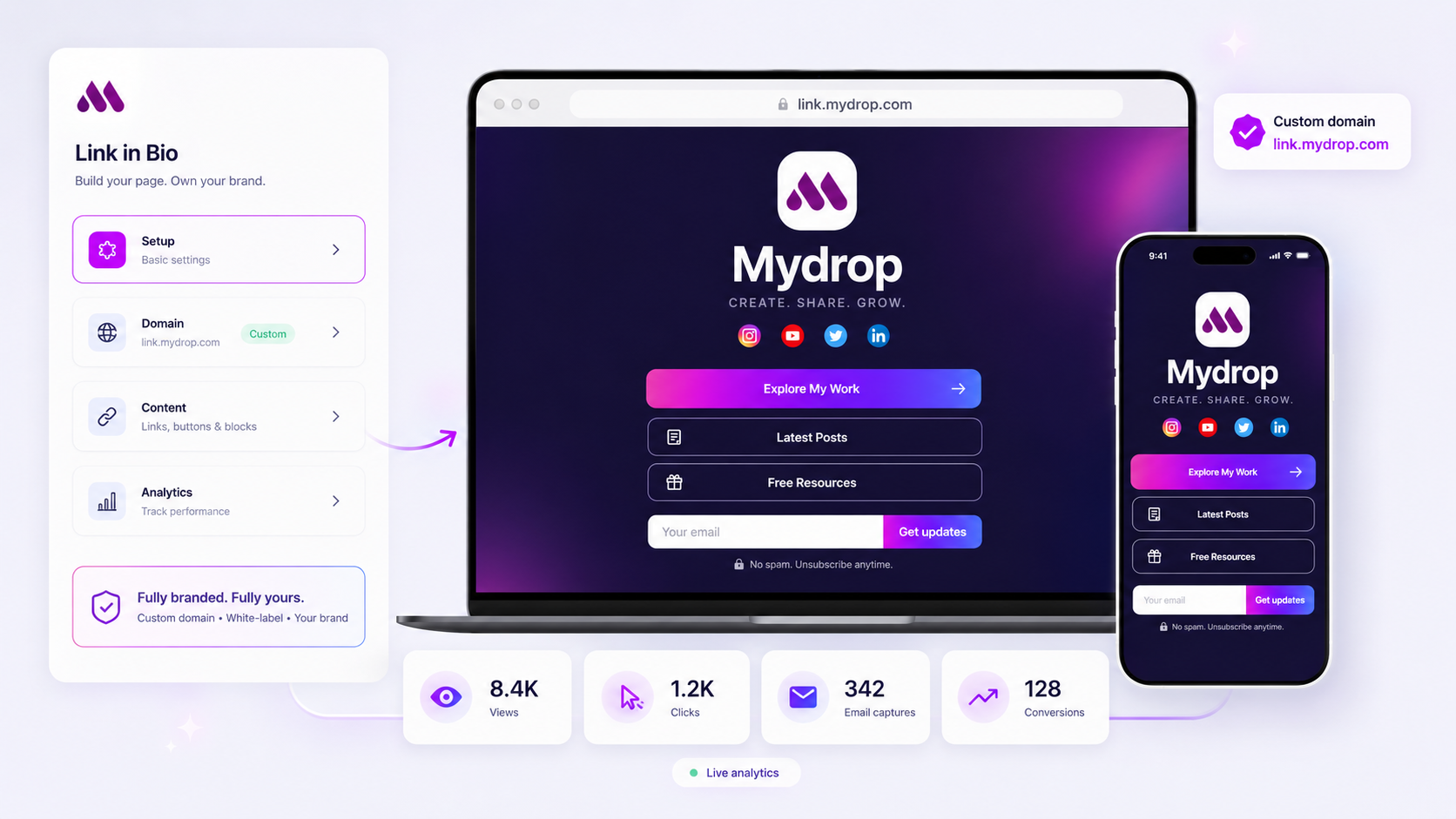
When your click-through rates plummet, don't start by changing your CTA buttons. Start by performing a forensic audit of the journey between your social post and the final lead-capture block on your Link in Bio page. A sudden drop is rarely a platform failure; it is almost always a signal that your "conversion surface" has drifted away from the primary user intent of your latest social campaign.
We get it. You spent weeks coordinating assets, aligning cross-functional teams, and building a high-intent campaign, only to watch the conversion numbers turn into a flatline. It feels like the audience suddenly stopped listening, but the reality is usually a disconnect in the handshake between your content and your destination. This audit will help you isolate the friction point in your branded mini-site and restore flow between your social traffic and your primary conversion goals.
The decision teams usually frame too broadly

Most teams diagnose a conversion drop as a creative failure. They immediately pivot to new images, sharper copy, or a different video edit for their social feed. While fresh creative helps, it is often a expensive distraction from a simpler, more structural issue.
At Mydrop, we see this across thousands of profiles: teams treat their Link in Bio page as a static "menu" that lives forever. They set it up once, link it in their profile, and assume it works for every future post. But in reality, if your destination page isn't being updated as frequently as your social feed, it stops being an asset and becomes a liability.
The real friction usually lives in the handshake between the social post and the page load. If your post promises a "New Summer Collection" but your link takes the user to a generic home page or an outdated bio layout, you have created a context gap. The user is left to hunt for the offer, and in the few seconds it takes to navigate, they bounce.
Here is a simple way to look at where your coordination might be failing:
| Symptom | Hidden Bottleneck | Audit Focus |
|---|---|---|
| High clicks, zero conversion | Creative/Intent Mismatch | Does the top block match the ad promise? |
| High bounce rate on mobile | Technical/UX Friction | Are heavy media blocks pushing your CTA off-screen? |
| Low traffic volume | Coordination Debt | Are you using a stale slug from an old campaign? |
Operator rule: If your Link in Bio content takes more than one minute to sync with the themes and CTAs of your current social campaign, your workflow is too slow for your volume.
What should stay manual and what can move faster

The secret to avoiding total operational paralysis is distinguishing between static brand assets and dynamic campaign triggers. If your team is treating every button update on your Link in Bio as a high-stakes release that requires three layers of approval, you aren't managing a brand; you are manufacturing bottlenecks.
We have seen teams across thousands of profiles struggle because they try to "govern" every single link as if it were a homepage hero image. This is where coordination debt kills your conversion rates. The goal is to move the routine stuff-like surfacing a new blog post or a trending video-into a fast-track lane while keeping the core identity elements behind a tighter gate.
The Tradeoff Matrix
Use this matrix to categorize your next batch of content updates. It helps your team identify which items need a formal sign-off and which ones can be pushed live by the social lead in minutes.
| Content Type | Frequency | Approval Level | Risk Profile | Workflow Strategy |
|---|---|---|---|---|
| Global Theme/CSS | Quarterly | Leadership/Design | High | Full governance review |
| Lead Capture Block | Monthly | Marketing Mgr | High | Validation + A/B test |
| Campaign CTA | Weekly | Social Lead | Medium | Pre-approved template |
| New Blog/Video | Daily | Junior Editor | Low | Immediate self-publish |
| Social Feed Link | Daily | Automated | None | Sync to live feed |
At Mydrop, we usually see that when teams delegate the "New Blog/Video" and "Social Feed" items to the people actually writing the posts, they reclaim hours every week. The approval loop shrinks, the content stays fresh, and you avoid the "stale page" syndrome that makes visitors bounce before they even see your lead-capture form.
Decision check: If a change to your Link in Bio takes more than 15 minutes from "idea" to "live," you are over-engineered. Move the routine content to an automated feed or a pre-approved block system.
The most successful teams we support treat their link page as a living pulse of their social presence. They use the platform's ability to host dynamic content blocks-like pulling in the latest feed activity-so they don't have to manually update their bio every single time they hit publish on a new video. If your conversion surface is static, it is a liability. If it moves at the speed of your social team, it becomes your most effective lead generation machine.
Before you launch another campaign, audit your current process: are you waiting on a sign-off for a button link that will be obsolete in 48 hours? If so, kill the approval requirement, create a template, and let the team ship. Your conversion rates will thank you.
How to pilot the workflow safely
When you are ready to fix a broken conversion surface, the biggest risk is not a wrong button color; it is breaking the existing traffic flow while you experiment. We have seen teams accidentally unlink their primary lead-capture block while trying to "optimize" the page layout.
Use this simple, three-step pilot protocol to test your changes without losing historical performance:
- Duplicate, don't edit: Clone your current, underperforming Link in Bio page as a "Staging" draft. Never iterate on your active, public URL.
- Verify the handshake: Test the new layout using a mobile device, not just the desktop editor. If your custom CSS or media gallery makes the email capture block require a scroll on a standard smartphone, your conversion rate will never recover.
- A/B the slug, not the button: Instead of guessing which CTA works best, publish the new page to a temporary, secondary custom domain or sub-slug. Redirect a small fraction of your social traffic to this test URL for 48 hours.
Workflow check: Never push a layout change to a high-traffic Link in Bio page without verifying that the conversion block remains visible on the first screen (above the fold) on a 375px wide viewport.
The operating rule to keep
The most effective social media leaders we work with treat their Link in Bio page as a transient campaign asset rather than a permanent home page. If you are still managing your landing page changes through a centralized "web team" ticket system, you are structurally guaranteed to have a conversion gap between your social post and your destination.
To maintain consistency, adopt this weekly cadence for your team:
| Stage | Frequency | Owner | Action |
|---|---|---|---|
| Audit | Every Monday | Analytics Lead | Review conversion event totals vs. total clicks for the past 7 days. |
| Align | Every Tuesday | Content Lead | Ensure the Link in Bio primary content block matches the weekly campaign creative. |
| Refresh | Every Wednesday | Social Manager | Update the "recent posts" feed and rotate lead-capture assets for upcoming promos. |
If your team is managing dozens of brands, this is where a unified platform becomes critical. Using a system where you can safely swap out your branded mini-site content while keeping your analytics tracking intact allows you to move at the speed of your social feed, not the speed of your IT department.
Conclusion
A conversion drop is rarely a sign that your brand has lost its audience. It is almost always a sign that your digital front door is no longer speaking the same language as your social posts.
The fix is not more data, more tools, or more brainstorming sessions. It is the discipline of treating your conversion surface as a living, breathing extension of your daily content schedule. When you align your Link in Bio with the immediate intent of your social campaign, the flatline will start to move again. Start with the audit, clean up your coordination debt, and keep the destination as fresh as the post that sent the traffic there.