


When a profile disconnects, stop reflexively clicking "reconnect." You likely just need to verify your OAuth scope permissions in the social provider portal, confirm that the multi-account authorization step didn't time out, and ensure the original token owner hasn't had their access revoked.
We have all been there: a critical campaign is scheduled to launch, and you get that frantic ping that the brand’s LinkedIn page or Instagram account has gone dark. It is messy, frustrating, and feels like the platform is actively working against you. The awkward truth is that most disconnections are not random "glitches." They are the predictable outcome of failing to manage the invisible handshake-the OAuth token lifecycle-between your team, your clients, and the social networks. By shifting from a reactive "reconnect-on-demand" mindset to a systematic audit of token health, enterprise teams can finally stop chasing platform outages and start building stable, reliable publishing pipelines.
The decision each metric should trigger
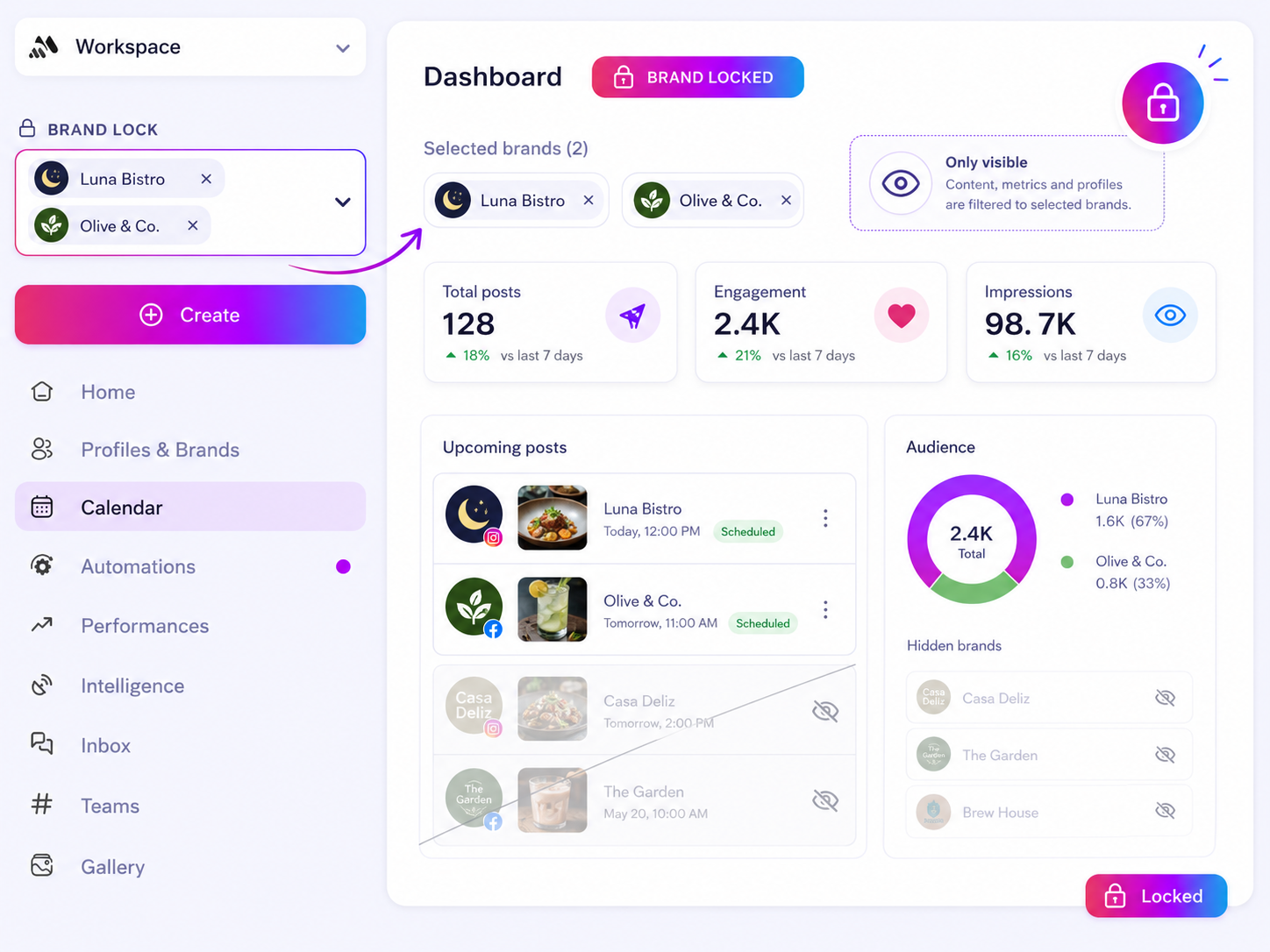
You do not need more data; you need a better decision framework. When your dashboard flags a "disconnected" or "expired" status, you should be asking whether this is a permissioning error or a lifecycle failure.
If you treat every disconnect as a simple "login" problem, you will likely just create a new token that will break again in 30 days. To help teams move faster, we use a simple triage approach that isolates the root cause before you even touch the login button.
| Diagnostic Signal | Root Cause | Decision |
|---|---|---|
| Publishing failure | Permission scope stripped | Re-audit application access in provider settings |
| Systemic outage | Token owner left team | Remap connection to a service account or manager |
| Partial sync | Multi-account mismatch | Re-run connection flow to select missing profiles |
| Recurring expiry | Security/IP event | Review provider-side activity logs for flags |
Most teams get stuck because they rely on whoever is available to re-authenticate, which creates a messy trail of disconnected owners. At Mydrop, we see this constantly: when a team lead leaves,When a social media profile disconnects unexpectedly, don't just reflexively click "reconnect." Start by auditing your OAuth scope permissions in the provider's security portal, checking for recent credential rotations of the token owner, and verifying that no multi-account confirmation prompts were skipped during your last sync.
We have all been there. You are moments away from a major campaign launch, only to get that frantic notification that your brand's primary Instagram or LinkedIn page has gone dark. It is disruptive, incredibly frustrating, and often makes you feel like the platform is actively working against you. But here is the awkward truth: most of these disconnections are not random glitches. They are the predictable, avoidable consequences of a neglected OAuth lifecycle. When you treat connections as "set and forget," you are essentially building on top of a shaky foundation.
This is the kind of coordination debt that cripples enterprise teams. You aren't just losing a connection; you are losing hours of manual triage, team morale, and potentially, campaign results.
The decision each metric should trigger
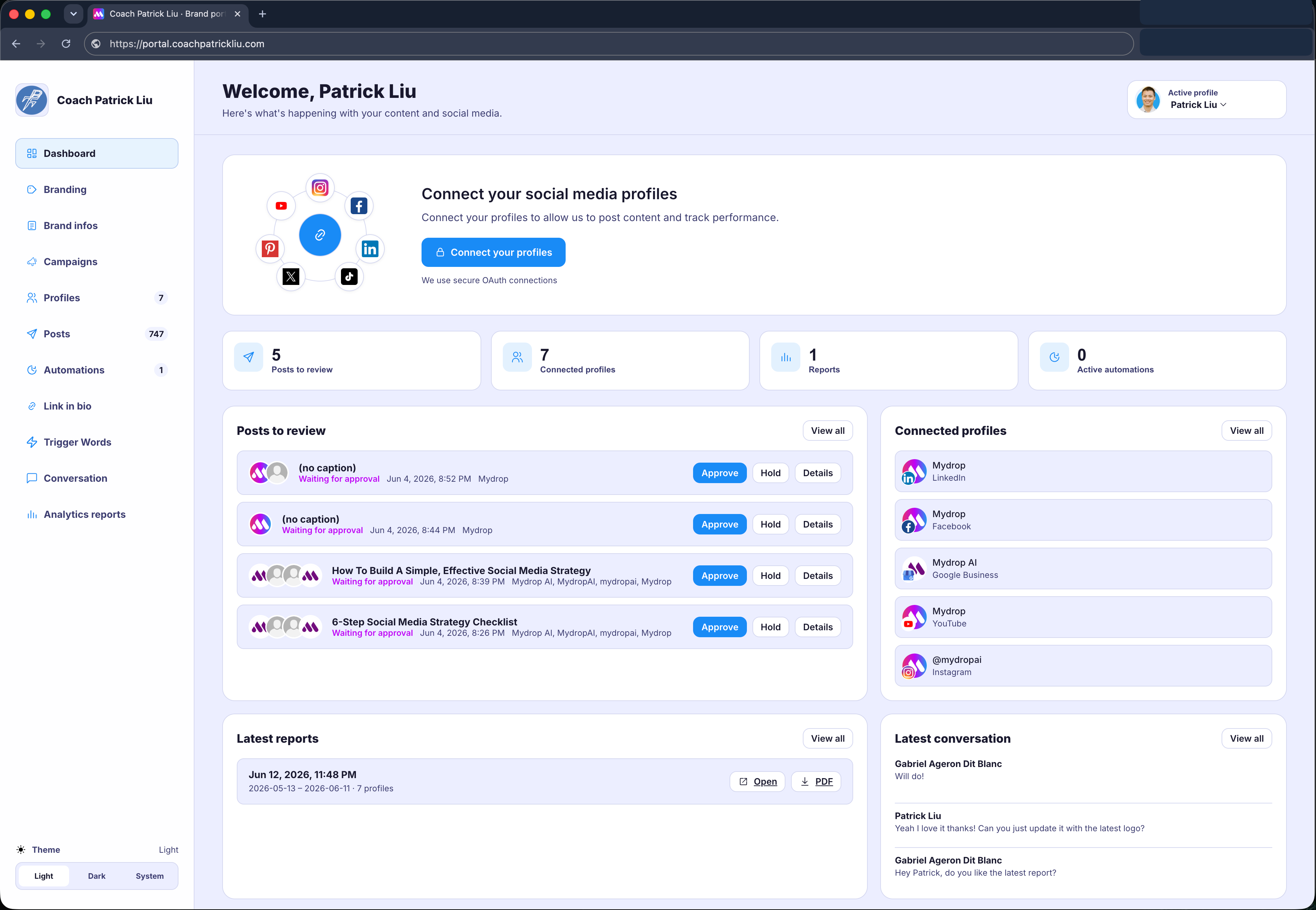
To stop the cycle of endless firefighting, you need to treat profile health as an operational status, not a passive technical state. Use this diagnostic matrix to decide exactly what action your team should take when a status indicator flags a warning or a hard disconnect.
| Trigger Metric | Likely Root Cause | Required Decision |
|---|---|---|
| Publishing Scope Denied | Security settings tightened in the provider portal. | Audit: Review platform-side app permissions and re-authorize required scopes. |
| Token Owner Inactive | The account authorizer left the company; token invalidated. | Rotate: Appoint a new team lead as the primary token owner and re-connect. |
| Multi-Profile Mismatch | Pending connection confirmation was skipped during bulk sync. | Reset: Navigate to Profiles > Pending Profile Connection to map the specific channel. |
| Platform-Side Security Event | Unusual IP activity triggered a force-expiry. | Verify: Audit access logs and re-authenticate with a secure, centralized connection flow. |
At Mydrop, we see teams managing hundreds of brand profiles, and we know that the biggest bottleneck isn't the platform-it is the lack of a clear, repeatable ownership model. When you rely on individual logins, you are one turnover away from a blackout. Moving toward a model where clients or regional managers authorize their own accounts through a portal-without ever sharing passwords or needing full app access-is the only way to scale without constant maintenance.
The goal is to shift from reactive firefighting to a hardened, transparent infrastructure. If your team is still sharing credentials or re-authenticating as "anyone who is logged in," you are essentially just waiting for the next outage to happen.
The scorecard that keeps reporting useful
Stop letting vanity metrics disguise coordination debt. If your dashboard shows "100 percent of scheduled posts published" while your team spent six hours last Friday manually forcing reconnections for broken OAuth tokens, your report is lying to you. You are measuring the outcome, not the reliability of your infrastructure.
Instead, build a simple Operational Integrity Scorecard. This forces you to look at the health of the connection layer rather than just the output. When you track token stability, you stop being surprised when a campaign fails at 9 a.m. on a Monday.
Operational Integrity Scorecard: Example Weekly Audit
| Metric | Threshold | Indicator of Debt |
|---|---|---|
| Token Expiry Rate | < 2% of profiles | Recurring manual re-auths needed |
| Pending Connections | 0 items | Stale OAuth handshakes left unconfirmed |
| Credential Coverage | 100% managed | Profiles owned by personal accounts |
| Sync Latency | < 15 minutes | Stale inbox or analytics data |
When a metric crosses its "Indicator of Debt" threshold, that is your trigger to stop scheduling new content. Spend that time auditing your OAuth scopes in the provider portal or using a tool like Mydrop to move those connections into a shared portal where individual credential rot cannot take down the entire brand.
What to stop measuring by default
We see teams obsess over reach and engagement while ignoring the "invisible" data points that actually indicate a healthy social operation. If you want to stop chasing fires, drop these from your standard weekly reports. They are costing you more time to gather than they are providing in actual value.
- Total Followers vs. Growth Rate: Unless you are a dedicated community team, this is just a distraction. A million followers mean nothing if your publishing pipeline is so brittle that you cannot reliably post.
- Raw "Post Count": High volume does not equal high performance. If your team is posting 50 times a week but 10 of those posts require a manual "re-sync" because of expired tokens, you are not scaling; you are just accumulating more work.
- Cross-Platform Average Sentiment: Stop aggregating sentiment across LinkedIn, TikTok, and X in one big bucket. It flattens the nuance. You need to know if the sentiment is dropping because of a platform-specific outage or because the content missed the mark.
Operator rule: If a metric requires you to manually clean data in a spreadsheet for more than ten minutes, it is not a KPI; it is a chore. If you cannot automate the collection through your platform’s API, stop reporting it.
The most successful teams we work with treat their social tech stack like a physical supply chain. They monitor for blockages, they standardize the entry points (by enforcing portal-based connections rather than "just letting anyone log in"), and they prioritize uptime over vanity growth. A boring, consistent, and fully connected pipeline will always outperform a chaotic, high-volume one. When you stop chasing the "big numbers" and start perfecting the handshake between your tools and your social profiles, the reports-and your weekends-will finally start to look a lot better.
How to connect metrics to next actions
Most teams look at their dashboard and see a sea of green, feeling a temporary sense of relief that the ship is still afloat. But if you are only measuring "published vs. scheduled" success, you are missing the signal buried in the noise. To move from reactive firefighting to real visibility, you need to link your performance metrics to specific operational decisions.
A high "failure rate" on a particular channel is rarely about the channel itself. It is a blinking light telling you that your team’s coordination debt has finally reached a breaking point. When you see a spike in connection failures, don't just ask the team to "re-authenticate." Ask which process created the vacuum.
| Metric | What it signals | The required next action |
|---|---|---|
| Connection Failure Frequency | Personnel churn or password hygiene issues. | Audit who owns the token; move to centralized portal access. |
| Token Refresh Latency | Manual, ad-hoc, and uncoordinated triage. | Implement an automated Profile Token Health monitor. |
| Scope Rejection Rate | Tightening security policies in the brand portal. | Review OAuth permissions specifically for "Publishing" scopes. |
| Multi-Profile Timeout | User error during bulk profile imports. | Re-run the Pending Profile Connection verification step. |
The review cadence that makes the model stick
You cannot set up a stable social operation and then walk away. These connections are living things that require a heartbeat of maintenance. If you wait until a campaign crashes to check your profile health, you have already lost the efficiency battle.
We recommend shifting from "whenever it breaks" to a formal, lightweight rhythm. Here is a simple operating checklist for your social lead or community manager to run every other week:
- The Pulse Check: Open your profile management view to scan for pending expirations or "re-authorize" warnings.
- Permission Audit: Check the provider portal for one key brand to ensure the "Mydrop" app still has the necessary API scopes.
- Personnel Sweep: Identify any team members who have recently offboarded and ensure they were not the sole "token owner" for critical channels.
- Portal Sync: If you are an agency, have one client lead check their
Brand Portalconnection status-it takes two minutes and prevents a week of downtime.
Decision check: Never let the person who is most stressed about a post be the person responsible for the OAuth handshake. Always have a designated "token custodian" who handles the architecture side while the content team focuses on the creative.
Conclusion
The messy truth is that social media scale is rarely undone by a lack of good ideas. It is undone by the invisible friction of broken handshakes and missing permissions.
When you treat OAuth connections as a first-class part of your operating infrastructure-rather than a "tech problem" to be solved by the loudest person in the room-you stop chasing fires and start owning your distribution. It is not about avoiding every disconnection; it is about building the habit of knowing exactly why they happen, and making them a rare, non-event in your team's workflow. Stop clicking "reconnect" and start auditing the chain. Your campaigns, and your team's sanity, will thank you.



