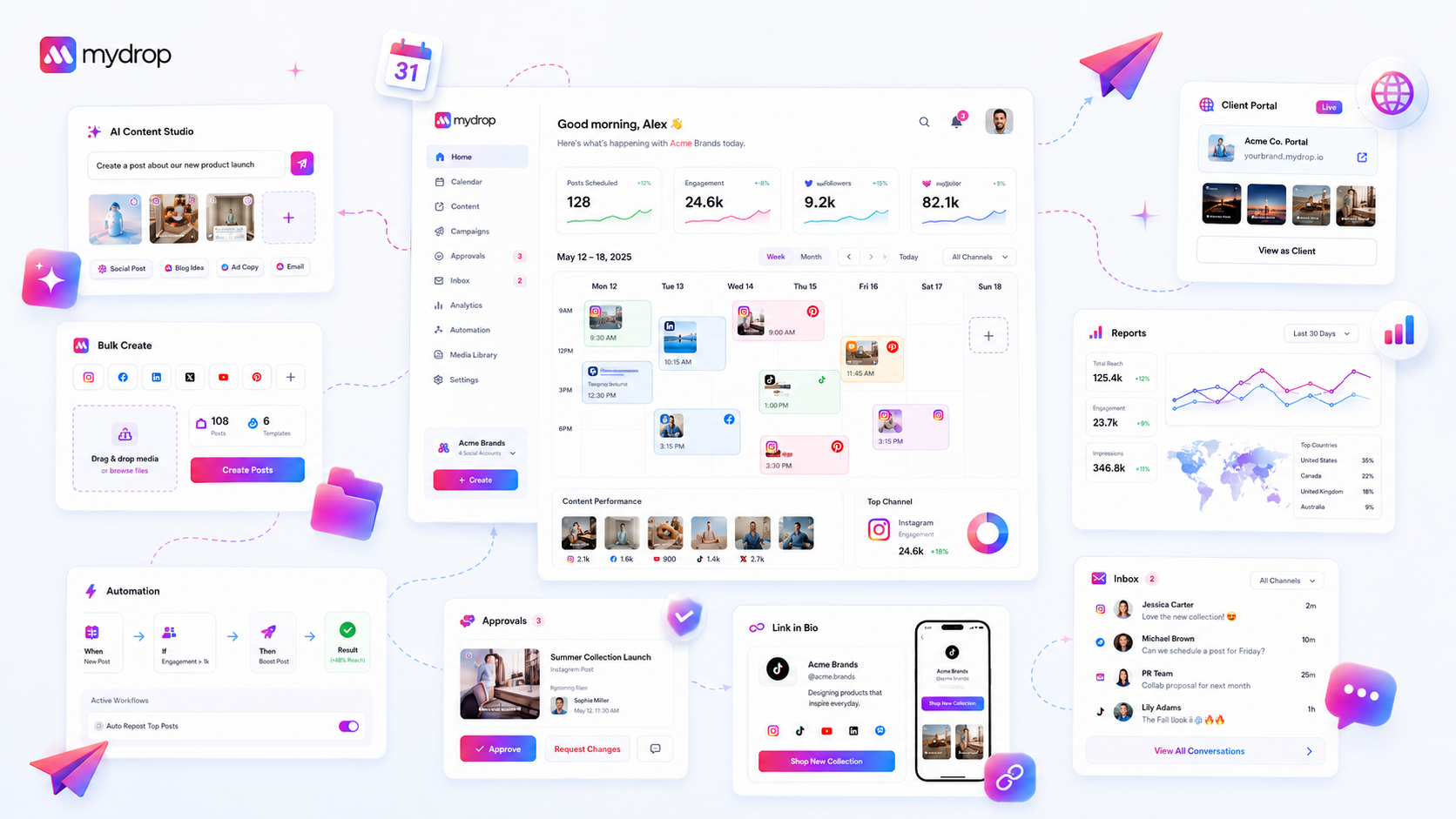
When your new social media hires stall, stop questioning their creative instincts and start auditing their workspace setup. Most onboarding friction stems from "ghost" workspace states-where the platform looks ready but key connection bridges haven't been finalized, leaving the user staring at a blank dashboard with no clear next move.
We get it-you have spent weeks finding the right person, and now they are sitting in the chair, but the momentum is hitting a wall. It is painful to watch a talented hire feel like they are failing because the software hasn't handed them the keys to the kingdom yet. The "Blank Dashboard Paradox" is real: giving a new hire access isn't the same as giving them a workspace. If they are staring at an interface that doesn't show them the way, you aren't paying for a productivity tool; you are paying for a digital paperweight.
What changed before the numbers moved

In our experience across thousands of brand profiles, we have found that "first-publish velocity" is rarely a test of talent. It is a test of data readiness. A user’s capability is only as good as the system’s configuration. If the app doesn't know their brand, it can't guide their content.
We see teams accidentally sabotage their own onboarding by rushing the setup phase. They invite the user, click "done" on a few prompts, and assume the new hire is good to go. But when the user logs in, they are met with a sterile, empty dashboard. Without the historical context of recent chats, notes, or active team reminders, the interface feels like an alien environment.
To break this cycle, you need to view onboarding as a technical state, not a HR checklist. If a new manager has skipped the initial tour, they have effectively deleted their own navigation map.
Here is a quick way to diagnose where your setup might be falling short:
| Diagnostic Point | Indicator of Failure | Path to Resolution |
|---|---|---|
| Profile Bridges | OAuth connections showing "Active" but zero stream data. | Re-authenticate connections to pull recent feed context. |
| Asset Library | Empty media folders or missing brand-group definitions. | Bulk-upload brand assets before the first login. |
| Guided Anchors | User has no "Show Me" tour prompts available. | Force-trigger the intro onboarding flag via workspace reset. |
| Quick Start Progress | Milestone list shows 0% despite user activity. | Audit profile count and verify brand-group assignment. |
Most teams assume the software just "works" once the password is set, but ignoring the state of the Quick Start checklist is a common oversight. If the checklist is empty but the user hasn't connected a profile, they aren't "done"-they are stranded. Before you worry about their creative output, verify that the bridges between your brand groups and the platform are actually solid. If they haven't seen a guided tour, they are flying blind.
The failure patterns to check first

When a new hire stalls, the culprit is rarely their creative output. It is almost always a disconnect between what they think they need to do and what the workspace actually permits them to touch.
We see this across hundreds of brands. A user logs in, the dashboard looks friendly, but they are effectively locked out of the engine room. They stare at the screen, unsure if their credentials bridged correctly or if the brand assets they need are actually synced. They sit there, terrified that clicking the wrong button might break a live feed, so they do nothing.
Here are the three most common "ghost" states that kill momentum on day one:
- The OAuth Limbo: They have an account, but the profile connections are hanging. They can see the brand, but they cannot post to the platform because the token handshake never completed.
- The Asset Vacuum: The brand-group configuration is empty. They cannot draft because there are no templates, no approved media, and no shared notes to pull from. They aren't stalled by a lack of ideas; they are stalled by a lack of access.
- The "Quick Start" Bypass: They felt the pressure to be productive immediately, so they skipped the guided tours and marked the setup checklist as "complete" without actually connecting their data. Now, the app thinks they are ready, so it stops offering help, leaving them with an empty, silent interface.
Operator rule: If a user’s dashboard is empty, they haven’t been onboarded; they’ve just been given a guest pass. True onboarding requires active data bridges, not just login credentials.
The proof that separates signal from noise
Stop guessing if your team is ready and start auditing the data state. If you cannot objectively answer "yes" to these indicators, you are forcing your new hire to debug the software instead of doing the job.
Use this Workspace Velocity Scorecard to diagnose where your setup is failing. If a new hire is stuck, run this audit in five minutes.
| Audit Point | Signal Threshold | Why it matters |
|---|---|---|
| Profile Bridges | All target channels showing "Connected" status | A disconnected profile is a dead-end link that creates anxiety. |
| Brand Assets | Minimum 5 reusable assets or templates present | A blank media library makes the user fear a compliance violation. |
| Guided Tours | User state shows introOnboardingDone: true |
Skipping tours creates a "feature blind" user who doesn't know how to navigate. |
| First-Publish | At least one triedAiPost or non-suggestion entry |
This is the psychological barrier. Getting the first one out breaks the tension. |
| Coordination | At least one active chat or note linked to a brand | If there is no history, the workspace feels sterile and unmanaged. |
Scoring your team:
- 0-1 Points: Critical failure. The workspace is a ghost. Reset their access and force-trigger the guided setup again.
- 2-3 Points: Friction zone. They are likely spending 40 percent of their time searching for tools.
- 4-5 Points: Ready for velocity. They have the context and the bridges to move from draft to publish without calling you for help.
At Mydrop, we see teams fail when they treat onboarding as a generic welcome email. It is a configuration problem, not a communication one. When the software knows their brand through connected assets and completed setup milestones, the user doesn't need a manual-they just need to click "Publish."
What to fix this week
If your new hire is still staring at a screen that says "Welcome" three days after they started, you need to intervene. The goal is to move from passive orientation to active content management within a single session.
Start by auditing the Quick Start state. If the progress bar is stuck at 0%, don't ask them to "figure it out." Sit down and force the hand of the system.
- Reset the tour: Use your administrative access to trigger the guided setup for their profile. Sometimes the browser suppresses the initial tour, leaving them to guess where the brand assets live.
- Bridge the gaps: Ensure their account is not just created, but mapped to the actual brand groups. If they can't see the specific asset library for their assigned market, they are effectively blind.
- Seed the history: A blank home screen is intimidating. Ensure they have access to one recent chat or a single active note. Seeing how the team organizes a recent campaign makes the abstract interface feel like a real workspace.
- Kill the "Show Me" anxiety: If they are hesitant, click the
Show Mebutton on their behalf to load the guided product tour. It removes the pressure of the blank page and shows them the mechanics of the first-publish workflow immediately.
Decision check: If a user marks "Quick Start complete" before they have actually connected a profile or tested the AI post generator, you have created a technical debt trap. They will think they are ready, but they will hit a wall the moment they try to publish their first piece of real content.
When to stop diagnosing and change the workflow
Sometimes you check the data, everything looks green, the profiles are connected, and the permissions are perfect-but the person still isn't moving. At this point, the problem has shifted from software setup to team-level communication.
If you have audited the workspace and the technical path is clear, stop auditing. You are no longer dealing with a "ghost state" issue. You are dealing with an approval bottleneck or a lack of clear mandate.
Check these three markers:
- The "Approval Fear" index: Does the hire know exactly who needs to sign off on a post? If they have to message five people to get an answer, they will naturally avoid clicking the publish button.
- The "Asset Desert": Is the media library actually populated with approved assets? If they have to hunt for a logo or a brand-safe graphic, they will stop trying to reach velocity and start spending their day as a glorified file-fetcher.
- The "Decision Void": Have you empowered them to make the call, or are they waiting for a weekly meeting to get "strategy alignment"?
When the software is ready but the human isn't moving, simplify the decision chain. Give them a smaller, lower-stakes sandbox-like a single low-traffic social channel-and explicitly tell them to break things.
Conclusion
Talent is abundant, but clear pathways are rare. When a new hire struggles to hit their stride, don't assume they aren't the right fit. More often, they are simply stuck in a workspace that hasn't been configured to let them succeed.
At Mydrop, we see this across thousands of workspaces: teams that prioritize state-driven onboarding-where the software setup reflects the actual daily workflow-see new members hit first-publish velocity in hours, not weeks. Your job isn't just to hire the right person; it's to build a machine that makes their first day look like their best day. Clear the technical debris, set the guardrails, and then get out of their way so they can actually do the work.