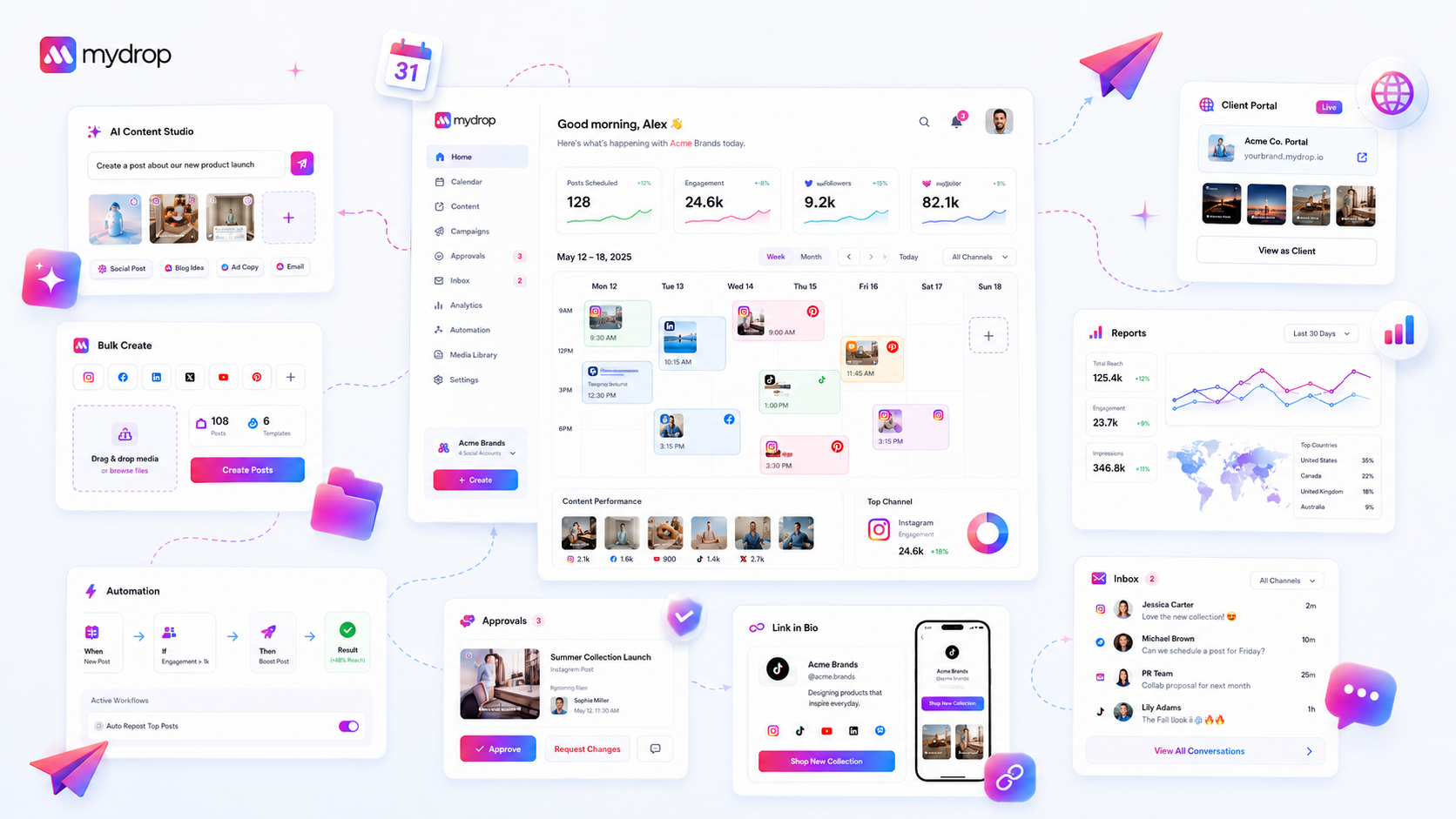
Stop asking if your new hire understands the brand guidelines and start auditing if their workspace state allows them to actually publish. When a campaign stalls in the first week, the issue is almost never a lack of talent or enthusiasm. It is coordination debt-the accumulation of missing permissions, unlinked profiles, and undefined asset groups that keep a capable person from pressing the button.
We have all been there. You walk a new hire through a two-hour orientation, hand them the keys, and then watch in slow motion as they sit idle on their third day. They are stuck in a setup loop, waiting for "proper access," while the campaign deadline quietly inches closer. It is a quiet, expensive form of friction that stalls momentum before it ever begins. The truth is, most teams do not have a content problem; they have a technical readiness bottleneck.
What changed before the numbers moved

In our experience, the transition from "account creation" to "active work" is where most enterprise campaigns lose their first week. You might assume your new team member is just getting up to speed, but if they have not moved past the onboarding prompts, they are likely stuck in a workspace that isn't ready for them.
At Mydrop, we look at the data in the Quick Start panel to see exactly where that momentum dies. It is rarely a lack of skill. It is usually a missing configuration milestone that stops the content composer from even appearing.
When you see a new hire struggling to start, check their progress against this diagnostic table. It maps the technical state of the workspace to the actual capability of your team member.
| Milestone | Diagnostic Trigger | Impact on User |
|---|---|---|
| Profile Sync | OAuth link missing | Publish button remains invisible |
| Asset Grouping | No active Brand Group | No workspace to store/sort creative |
| Governance | Automations not toggled | Safety guardrails are off |
| First Action | Zero-post history | User stuck in "Introduction" loop |
If the "Quick Start" checklist remains unfinished, your hire is effectively locked out of the creative flow. They are not waiting for "clarity"-they are waiting for the software to recognize they have the authority to act. You can save days of back-and-forth by checking these four items before their first login. If these aren't green, the campaign is technically dead in the water, regardless of how great the creative plan is.
Operator rule: If a new hire hasn't completed their first post within 48 hours, stop the training sessions and audit their workspace permissions first; technical friction almost always beats human error in the race to launch.
The failure patterns to check first
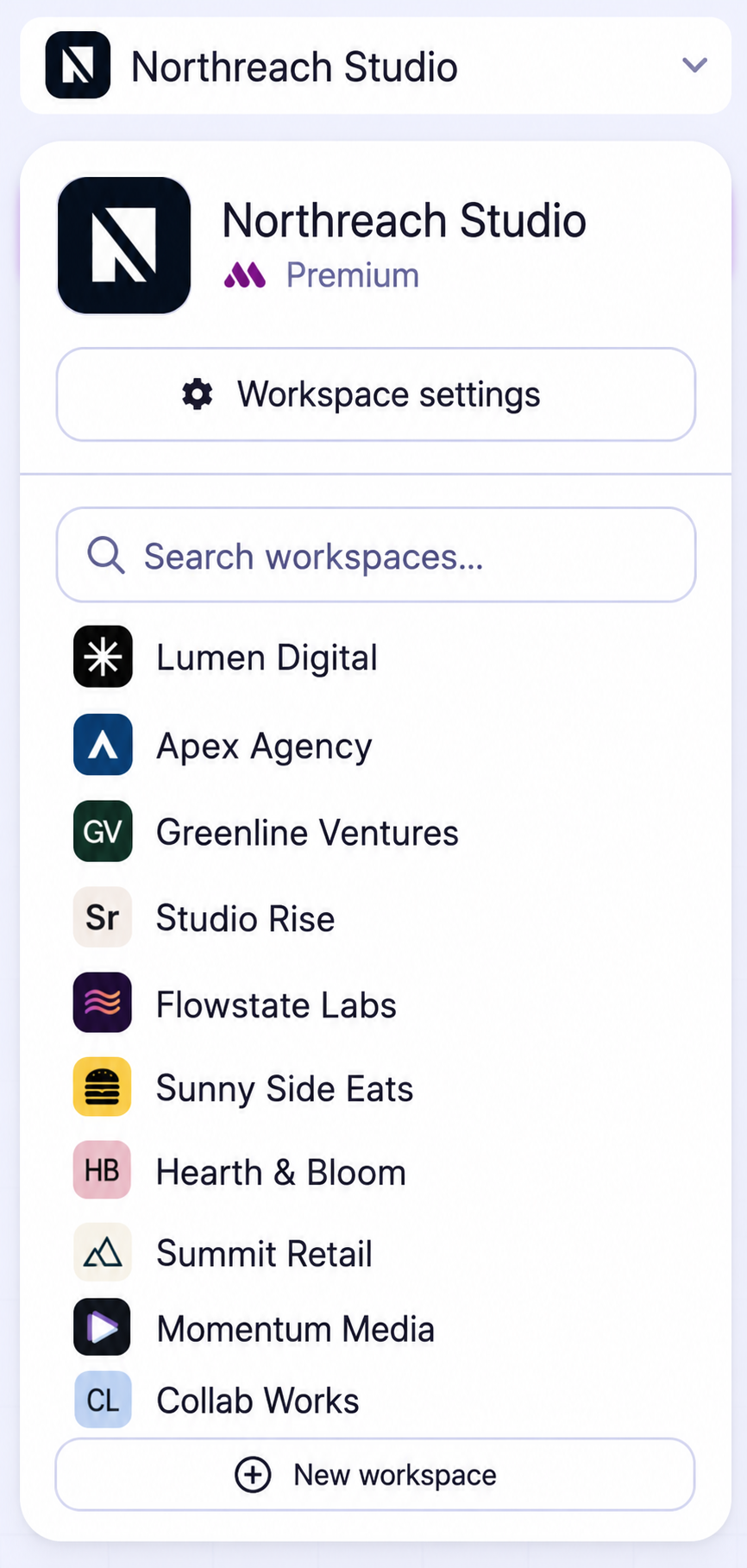
When a new hire stalls, we often assume they are still mapping the internal org chart or waiting for the legal team to sign off on access permissions. While that happens, it is rarely the primary culprit. More often, the "friction" is just a lack of technical readiness in their workspace.
Most teams accidentally create a configuration trap where a user has a login, but their environment lacks the structural data required to execute a single task. We have seen this across hundreds of brand profiles; the user clicks "Create Post," only to be met with a blank screen or missing assets. They sit idle because they cannot see the guardrails.
Look for these three common patterns that force new hires to stop working before they start:
- Identity Gaps: The user is logged in, but their workspace isn't mapped to the social channels they are expected to manage. Without these OAuth connections active in the workspace data, the composer remains locked.
- Asset Isolation: The brand assets-the logos, approved fonts, and campaign imagery-are trapped in a folder the user cannot see. If they have to message someone else to get a file, you have already broken their flow.
- Workflow Vacuum: They have access to the tool, but no active templates or automation rules are set up for their specific role. They end up staring at a blank page, unsure of the naming conventions or tagging structure your team relies on.
Decision check: If a new hire takes more than two hours to draft their first post, do not send them to another training session. Check their workspace data state instead.
The proof that separates signal from noise
We need an objective way to distinguish between "someone who needs more training" and "someone who is technically blocked." Relying on subjective feedback like "I'm still getting comfortable" is a luxury enterprise teams cannot afford when a campaign launch is 48 hours away.
Instead, map their capability directly to their workspace data. This scorecard turns the abstract feeling of "onboarding friction" into a binary setup check.
Workspace Setup Scorecard
| Milestone | Data Requirement | Capability Check |
|---|---|---|
| Profile Access | OAuth link status = Active | Can user see social channels in the composer? |
| Asset Library | Uploaded media count > 0 | Can user drag creative into a new post? |
| Brand Guardrails | Assigned Brand Group exists | Are team-specific templates visible? |
| Automation | Active rule set exists | Do auto-tags or approval paths trigger? |
| First Action | non-suggestion post count > 0 | Has the user successfully published? |
If a team member is stuck, look at their Quick Start progress indicators. In Mydrop, this isn't just a generic progress bar; it is a live reflection of your workspace configuration. If their profile connections are missing or their brand groups are empty, the data will tell you exactly where the chain is broken.
If the scorecard shows "Ready" but the user is still not performing, then-and only then-you have a training problem. Most of the time, fixing these technical milestones in the software environment resolves the struggle faster than any onboarding guide ever could.
What to fix this week
If you are dealing with a stalled hire, stop sending them more brand guidelines or long-form documentation. They likely already have the context; they just cannot manifest it in your publishing environment. Take an hour to sit down with their Quick Start panel. This is your objective source of truth for whether they are technically ready to contribute.
Use this simple, 15-minute diagnostic audit to clear the path for them:
- Identity Audit: Confirm they are mapped to the correct brand profiles in your system. If they cannot see the profiles, they cannot post.
- Asset Check: Ensure they have access to at least one active media folder. If they are staring at an empty library, they will stay stuck in "waiting for assets" mode.
- Template Validation: Check if they can trigger a standard post template. If they are building from scratch every time, they are hitting unnecessary friction.
- Governance Sweep: Verify their approval workflow triggers are active. Sometimes a user is "ready" but silently blocked because the notification routing for their manager is broken.
If the Quick Start checklist shows progress below 40%, they are still in "setup mode" and are not yet "campaign-ready." Do not force them to start complex creative work until those base milestones are ticked.
When to stop diagnosing and change the workflow
There is a point where technical troubleshooting stops being helpful and starts being a distraction. If you have verified their profile connections, confirmed their permissions, and ensured they have a clear path to assets, but they are still not publishing, the problem is no longer technical. It is procedural.
At Mydrop, we often see teams fall into the "perfection loop." The new hire is so worried about the first post being wrong that they never actually hit publish. If you reach this stage, you need to pivot from technical support to operational guardrails.
Stop diagnosing and change the workflow if:
- They have completed all
Quick Startmilestones but still hesitate to submit. - They are spending more time asking "is this okay?" than actually using the composer.
- You are spending more time reviewing their process than reviewing their content.
When this happens, stop the individual coaching. Instead, introduce a "Low-Stakes Tuesday" workflow where the team has a standing, pre-approved format for experimentation. This removes the decision fatigue and forces the first action without the pressure of a high-visibility launch.
Conclusion
We have all seen it: a talented new team member joins, full of energy, only to be neutralized by a quiet, technical bottleneck on their second day. It is a frustrating, avoidable loss of momentum. By treating onboarding as an exercise in removing coordination debt rather than just a training program, you change the dynamic.
Focus on the state of their workspace, clear the technical hurdles, and give them the permission to fail small and fast. The goal is not to have a perfectly onboarded hire who knows every rule; the goal is to have a hire who has successfully pushed their first post through the pipeline. Once that technical barrier breaks, the strategy usually takes care of itself.