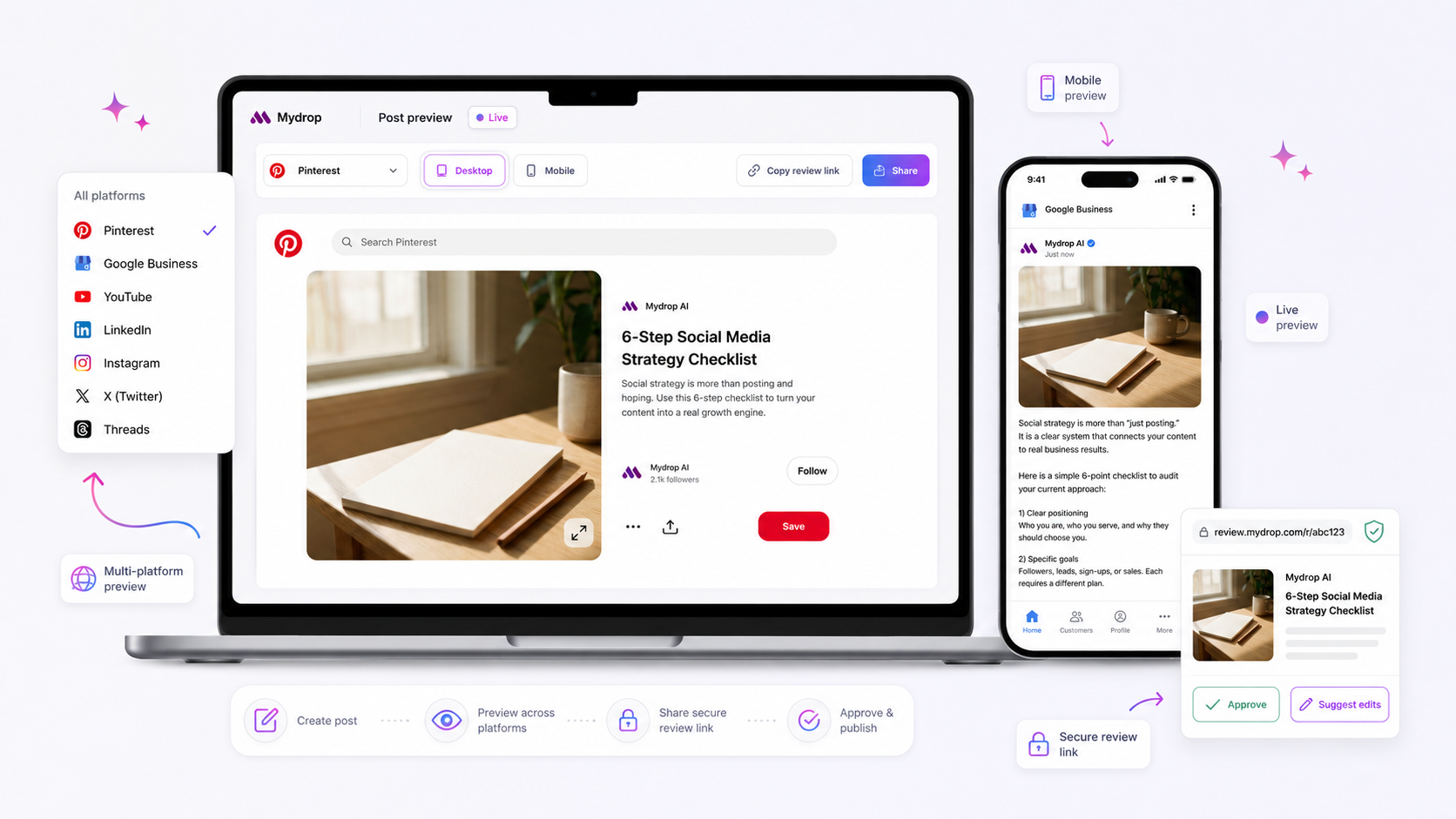
When a multi-platform post fails validation in your composer, stop trying to force the publish button. Instead, isolate your media assets by platform; the conflict is almost certainly a mismatch between a high-fidelity creative asset and a platform’s specific schema constraints.
We get it. You have spent hours refining a campaign, the team is waiting for the green light, and that "Validation Failed" warning feels like a personal attack. It is messy, frustrating, and feels like the tech is working against your creative momentum when the clock is ticking. But here is the awkward truth: your "master asset" is usually the problem, not the composer. If your strategy relies on identical content across TikTok, LinkedIn, and Instagram, you are building in failure.
Validation errors are not bugs-they are the system protecting your brand from platform-level rejection. Treating validation as an operating feedback loop, rather than an obstacle, is the hallmark of high-performing social teams.
What changed before the numbers moved

A few years ago, "multi-platform" meant posting to Facebook and Twitter with a single link. It was simple, and the schemas were forgiving. Today, we are managing hundreds of brand profiles across five or more channels, each with distinct, non-negotiable requirements. When we talk to teams managing this level of volume, the biggest source of coordination debt is the attempt to force a single asset to perform everywhere simultaneously.
We see this across thousands of posts: a team spends a week perfecting a hero video for an Instagram campaign, only to have the post fail validation for every other channel because it ignores platform-specific metadata or aspect ratio rules.
Operator rule: If you are spending more than five minutes "fixing" a post in the composer, you are fighting the platform, not the software.
This is the part people underestimate. When you try to push a LinkedIn-optimized PDF carousel to TikTok, or a 9:16 vertical video to a platform that expects a 16:9 thumbnail, the validation engine isn't just being picky-it's preventing your content from being docked or rejected by the platform’s own feed requirements. The shift from "post once, share everywhere" to "curate once, adapt for impact" is the single biggest pivot required to stop chasing validation errors at 6 p.m. on a Friday.
The failure patterns to check first

When your multi-platform post hits a wall, the error message often feels like a vague hurdle. In reality, it is usually a mismatch between your creative intent and the specific rules of the network you are trying to reach.
Teams often treat a "Validation Failed" warning as a glitch. We have found that it is actually a schema signal. Think of it as the platform politely (but firmly) saying, "I cannot fit this shape into this box."
Here are the three most common culprits you should audit the moment that alert flashes:
- Aspect Ratio Incompatibility: This is the most common silent killer. Your 4:5 portrait asset might look great on Instagram, but if that same file is pushed to a platform that strictly expects 16:9 for landscape delivery, the internal validator will trip.
- Missing Platform-Specific Metadata: We see this constantly when teams try to bulk-upload. You might have a perfectly polished caption, but if you neglected the specific
Thumbnailrequirement for a Facebook video or aLocationtag required by Google My Business, the process stops. The composer is simply waiting for you to complete the unique data set that specific platform demands. - Character Budget Overruns: It is easy to write a "master" caption that works everywhere, but some platforms have tighter character limits or handle link-previews differently. If your caption crosses the limit for your shortest-allowed platform, the validation fails across the board to protect the integrity of the total deployment.
Most teams fix these by brute force-editing the post, hitting publish again, and crossing their fingers. A more sustainable habit? If your strategy relies on identical content across LinkedIn, TikTok, and Instagram, you are building in failure. At Mydrop, we suggest auditing your media compatibility before you ever hit the composer.
The proof that separates signal from noise
Stop guessing which platform is rejecting your content. If you want to move from "error-chasing" to "publishing at scale," you need to map your assets against the specific requirements each network enforces. This is not just about avoiding errors; it is about respecting the constraints that actually make content perform.
Use this Schema Conflict Scorecard to quickly isolate where your campaign is breaking. Instead of trial and error, cross-reference your assets against this matrix before you finalize your post.
| Platform | Common "Silent" Failure | Mydrop Fix / Action |
|---|---|---|
| Missing Story Thumbnail | Use the Platform Options tab to define a static cover. | |
| Title/Header length mismatch | Run the AI tool to optimize for length constraints. | |
| TikTok | Missing Visibility setting | Confirm 'Visibility' is toggled to Public in Platform Options. |
| Unsupported Post Type | Re-verify if 'Video' or 'Image' matches the attached media. | |
| Missing required location data | Ensure your Location ID is passed for multi-branch accounts. |
Decision check: If a single asset fails across three or more platforms simultaneously, stop editing the metadata. You have a creative mismatch. Go back to your master file, re-export it in the aspect ratios required by your top-two channels, and treat them as two separate creative versions rather than one "universal" post.
Most teams do not have a content problem. They have a coordination bottleneck. When you stop trying to force one asset to do the work of three, the validation errors disappear-and your engagement numbers usually start moving in the right direction. Use these diagnostics to turn the "Validation Failed" screen into a clear checklist, not an obstacle to your launch.
What to fix this week
If you are currently wrestling with a queue of validation errors, stop looking for a "master key." The secret isn't in a single setting, but in how you handle the hand-off between creative and technical. Spend 30 minutes this week implementing these three habits to stop the "validation whack-a-mole" cycle.
- Standardize Your "Source of Truth" Templates: Your designers shouldn't be guessing at platform aspect ratios. Create a simple, internal document that lists the native requirements for your core channels (e.g., Instagram, LinkedIn, TikTok). If you use a tool like Mydrop, sync these specs with your team’s preset library so that every asset created by your studio is pre-validated for its primary home.
- Audit Your "Silent" Failures: Look back at the last ten posts that triggered an error. Was it a missing location for a Google My Business entry, or a thumbnail that didn't meet the minimum pixel threshold for Facebook? Identify the one specific field that causes 80% of your team's friction and make that field a mandatory step in your pre-flight checklist.
- Run the "Composer Test" at Intake: Before a post even enters the approval loop, run it through the composer. If it fails, fix the underlying asset immediately rather than trying to force it through a secondary channel later.
Workflow check: Never send a post into the approval queue that doesn't clear the composer’s base validation. If it doesn't pass the check now, it won't magically pass at 5 p.m. on a Friday when you're rushing to hit a campaign deadline.
When to stop diagnosing and change the workflow
There is a point where troubleshooting becomes a sunk-cost fallacy. If you find yourself manually resizing the same video asset for four different platforms every single day, you don't have a validation problem; you have a production architecture problem.
The diagnostic path is for anomalies. If a platform’s schema conflict is a daily recurring event, stop diagnosing and change the workflow. Move toward a "modular asset" strategy where your team produces a core concept that can be easily adapted-not just resized-for each channel. This might mean keeping your core footage "clean" (without text overlays) so that you can add native captions and stickers that comply with each platform’s unique interface requirements.
At Mydrop, we often see that the highest-performing teams stop treating platforms as identical conduits. Instead, they treat them as distinct endpoints with their own creative signatures. When the labor of forcing a piece of content to fit becomes greater than the effort to create a platform-native version, that is your signal to stop diagnosing and start re-architecting your production pipeline.
Conclusion
The "Validation Failed" warning isn't your enemy. It is a guardrail. By shifting your perspective from "fighting the system" to "respecting the schema," you move your team from chaotic, reactive posting to a clean, repeatable operating habit.
Mastering this flow is how you scale from managing a few profiles to orchestrating a multi-brand presence. It turns the technical friction of social media management into a predictable, manageable part of your daily routine. Don't let your creative momentum be held hostage by a configuration mismatch-tighten your intake, respect the constraints, and get back to the work that actually moves your numbers.