To build a truly fail-safe capture workflow, stop treating your ideas as orphans that need a home outside your calendar. When you move an idea from a notebook or a quick-capture app into your scheduling tool, you aren't just saving a note; you are forcing a collision between your imagination and reality. The best creative teams we have worked with do not wait until they are in "planning mode" to record a thought. They anchor their raw ideas directly into the calendar workspace where they will eventually live.
It is surprisingly easy to lose your best work in the shuffle of managing multiple brand voices and shifting market trends. By pinning those early-stage thoughts right where you execute, you eliminate the friction that makes great strategy drift into digital clutter.
Where the handoff is actually breaking
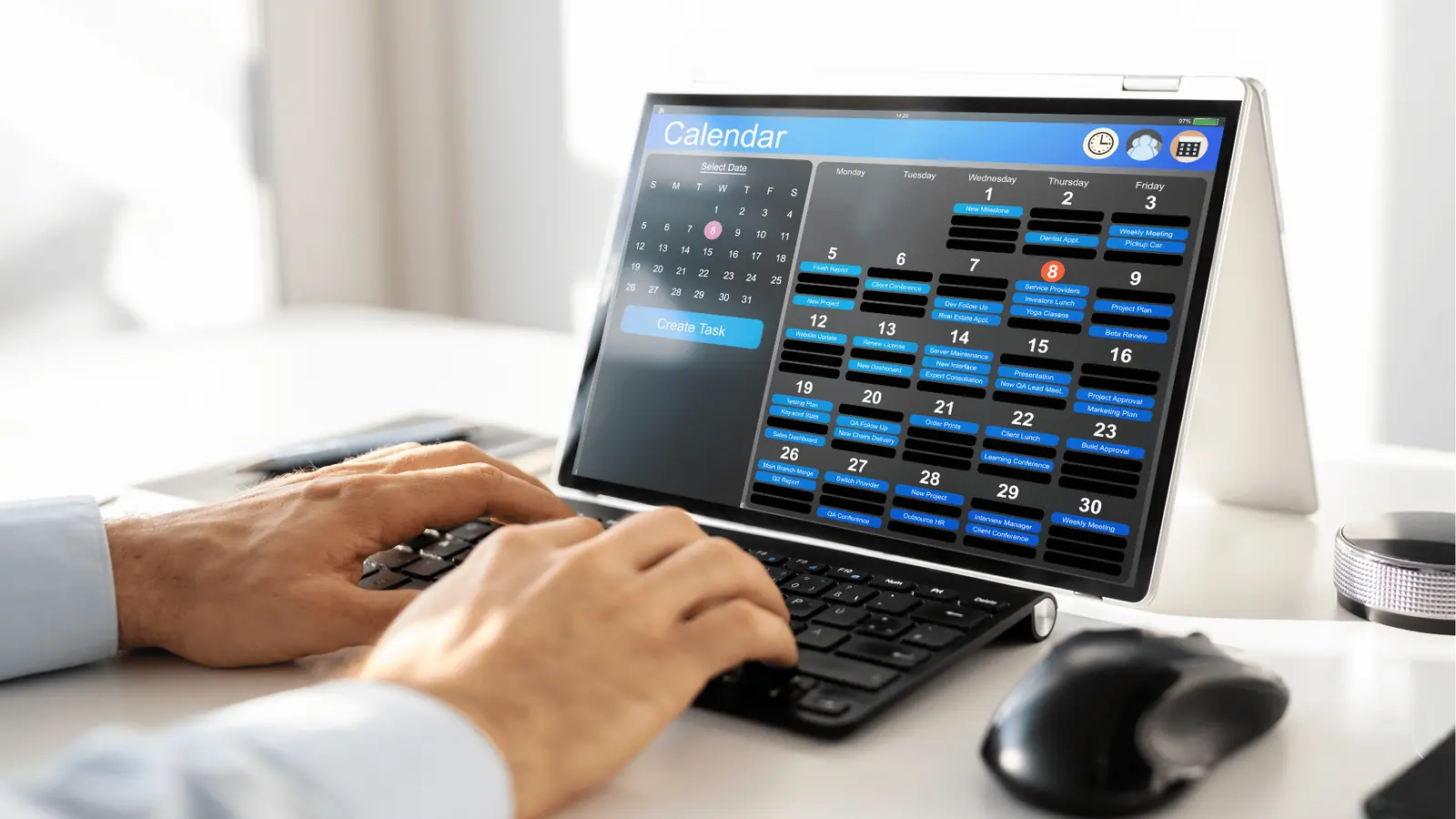
The trouble starts when your team uses a "transfer-heavy" model. You probably recognize the pattern: a brilliant hook gets drafted in a shared doc or a sticky note, someone flags it for later, and then it sits there, waiting for a human to remember it exists, copy it, and find a place for it on the schedule.
This process is fundamentally fragile. It relies on the assumption that someone will have the time and the context to manually reconcile a raw idea with an active calendar. In practice, that reconciliation never happens at scale.
Here is how the typical siloed approach compares to a more resilient, anchored workflow:
| Feature | The Silo (Before) | The Anchor (After) |
|---|---|---|
| Primary State | Floating text in a doc or app | Active card inside the calendar |
| Context | Detached from platform density | Tied to brand, date, and audience |
| Migration | Manual copy-paste required | Immediate visibility upon creation |
| Handoff | Requires Slack or email notice | Direct pickup by the planning lead |
| Risk | High (lost ideas, stale trends) | Low (direct path to execution) |
At Mydrop, we often see teams struggle with this because their capture tools are too far removed from their actual output. When a strategist captures a trend hook in a Notes workspace, it immediately surfaces for the lead creator. Because the note is already living inside the interface where they build the week, they don't have to chase down the context or track down who said what.
Operator rule: If an idea takes more than three seconds to link to a date or a platform, it will likely never be published.
The goal isn't just to "write things down." It is to ensure that when a creative spark hits, it lands in a spot where it is already visible to the people who need to act on it. If you have to move an idea between three different tools to get it scheduled, you have built a system that actively fights your output.
The coordination debt checklist
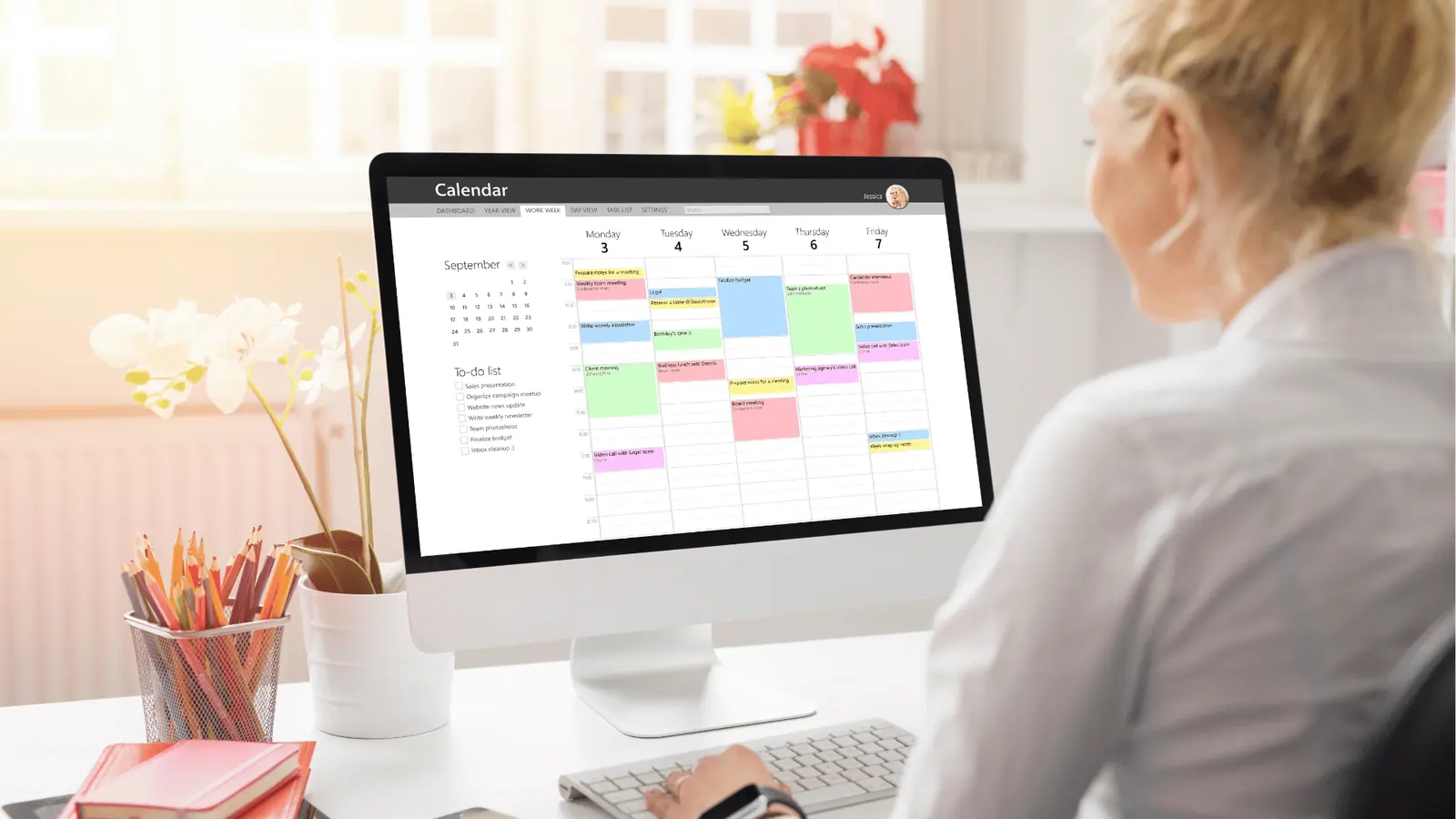
Most marketing teams don't realize they are bleeding ideas until they look at the gaps in their actual output. You might be winning the battle of "volume," but if your best strategic hooks are dying in Slack threads or buried in personal note apps, you are losing the war for attention.
Run this quick audit to see if your team is currently leaking potential. If you answer "yes" to more than two of these, your creative pipeline is essentially a sieve.
| Audit Question | The Red Flag |
|---|---|
| Can you find the origin of any post from last week in under 30 seconds? | Anything longer implies a search, not a workflow. |
| Do you have "orphan ideas" trapped in separate apps or unshared documents? | If it isn't visible to the team, it doesn't exist for the brand. |
| Does your creative team have to ask for context after you approve an idea? | You are missing the "why" in the transfer of the "what." |
| Are you still using copy-paste as your primary integration tool? | Manual migration is where the highest-quality ideas go to get stale. |
| Is there a gap of more than two days between a trend catch and a scheduled slot? | Speed without structure leads to missed market windows. |
If these symptoms feel familiar, don't blame the team. Blame the distance between the spark and the calendar.
How to move decisions closer to the work
To stop the leak, you have to collapse the space between thinking and doing. When you treat ideas as things that live outside your scheduling environment, you force your team to perform a constant, high-friction context switch every time they move from ideation to execution.
We often see managers trying to solve this with more meetings, which is usually the wrong move. Instead, aim for physical proximity.
When you use tools like Mydrop, we anchor those initial, raw ideas directly into the same workspace where you handle your calendar. This changes the dynamic entirely. A strategist can drop a quick note about a competitor's recent campaign move while looking at next week’s social density. Because that note is visible right where the work happens, it doesn't become a task on a separate to-do list; it becomes a piece of context that you can drag into a slot the moment it's ready.
The 3-Second Rule for Execution
If you can't link an idea to a specific day, channel, or brand profile in three seconds, it will likely never be published.
- Capture raw: Don't worry about formatting. Just get the hook or the core insight into a note.
- Anchor: Tag it to the brand or the campaign immediately.
- Decide: View it in your calendar sidebar. If it doesn't have a place, delete it or archive it.
By removing the "where do I put this" question, you stop the buildup of creative clutter. You aren't just filing things away; you are forcing every idea to prove it deserves a spot in the active rotation. When ideas live in the calendar, the decision to publish stops being an act of recovery and starts being an act of curation. You move from hunting for lost assets to refining your actual strategy.
The roles and rules that reduce rework
Standardizing your capture process means stripping away the ambiguity that causes teams to second-guess a project’s status. When you have five brands and a dozen stakeholders, the "I thought someone else was handling that" excuse is a legitimate operational risk. You need clear ownership and hard guardrails to prevent your best ideas from becoming orphans in a forgotten folder.
Assigning clear roles is the first step. Every idea should have an Initiator (who captures the spark) and a Curator (who evaluates it against the brand calendar). If the person capturing the idea isn't also the one responsible for the final polish, the handoff needs to be automated, not manual. Use a shared space where these notes are visible to the entire team, so the Curator doesn't have to hunt through DMs or email threads to find the original intent.
Decision check: If an idea hasn't been assigned to a calendar slot or a "Backlog" category within 48 hours, delete it. If it was truly brilliant, it will come back.
This creates a high-pressure filter that keeps your workflow clean. In Mydrop, we recommend using Notes as the holding pen for these raw sparks. Because these are surfaced directly in your Home view and calendar interface, they act as a constant visual prompt. You aren't opening a separate app; you are literally staring at your next potential post while reviewing your existing schedule.
The weekly habit that keeps the system honest
Every Thursday, hold a 15-minute "Calendar Triage" session. This is not a brainstorming meeting. It is a ruthless audit of everything you captured during the week.
Your goal here is to reduce the volume of "maybe" items that clutter your vision. Use this simple rubric to decide if an idea moves forward or gets archived:
| Decision Factor | Keep (Schedule) | Archive (Delete/Hide) |
|---|---|---|
| Brand Fit | Aligned with current monthly goal | Feels like a random detour |
| Asset Ready | Draft or image exists | Needs significant creation time |
| Timeliness | Relevant for next 14 days | Likely stale after one week |
| Stakeholder | Already pre-approved | Needs new conversation |
By applying this filter, you ensure that your active schedule is packed with high-probability hits. If you find your calendar is consistently missing assets or skipping steps, use that as a diagnostic signal. It means your intake process is disconnected from your reality.
The beauty of this system is that it turns your calendar into a single source of truth. Instead of chasing down assets or questioning why a campaign was delayed, you have a living record of every decision. When a note is converted into a scheduled post, the context-the "why" behind the creative-stays attached, meaning the lead creator doesn't have to guess what you were thinking at 2:00 AM on a Tuesday.
Conclusion
Building a fail-safe workflow isn't about finding the perfect tool; it is about respecting the distance between an idea and a live post. Every time you leave your scheduling environment to capture a thought, you build a tiny wall between your strategy and your execution.
Collapse that distance. Anchor your ideas where you plan. If you give your team a shared space to capture and triage, you stop treating creative work like an endless, chaotic scramble and start managing it like a repeatable business process. The noise dies down, the gaps disappear, and your team finally gets to focus on what matters: the quality of the work hitting the screen.