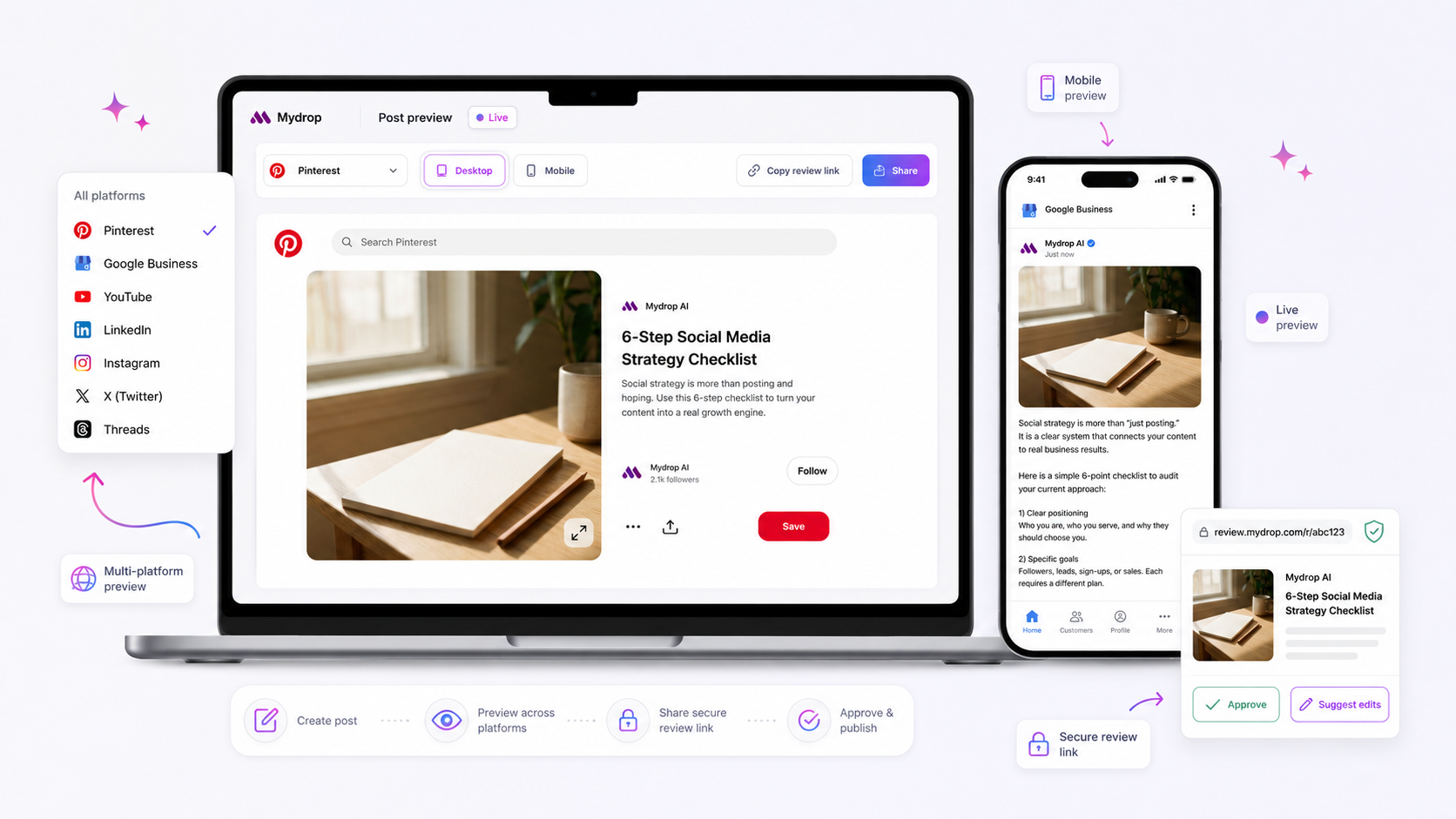
The best brand compliance tool for multi-brand agencies isn't just an asset repository; it is a unified command center that links social profiles to dynamic brand identity data like colors, logos, tone, and prompt guidance. It ensures that every piece of content, whether written by a human or generated by AI, is tethered to the correct brand context from the moment of creation.
We know the struggle: juggling three different client voices, four color palettes, and a dozen social profiles while trying to ensure no one posts a stale logo or uses the wrong brand tone. It is messy, high-stakes, and exhausting to police manually. When you are managing dozens of stakeholders across multiple markets, "good enough" brand management usually results in fragmented identities and slow approvals. True compliance isn't about rigid restrictions; it is about embedding intelligence directly into your workflow so that drift is structurally impossible.
What the best tools need to handle

Most teams do not have a content problem. They have a coordination debt problem. When your tools treat social profiles and brand assets as separate silos, you force your team to constantly switch contexts, and that is where the mistakes happen. You need a platform that treats a "Brand" not just as a folder of logos, but as a live, intelligent configuration that informs everything from AI-driven drafts to final publication.
At a minimum, your compliance tech must handle these three operational requirements:
- Centralized Identity Context: Every profile must be mapped to a single "source of truth" that includes its color palette, font family, tone guidelines, and AI prompt guidance. If someone generates a post, the tool should already know which brand they are working for, without requiring manual input.
- Asset Linking: Your logo, media, and specific campaign assets should be directly accessible within the composer. If a team member has to download a file from a shared drive and re-upload it to a social tool, you have already lost.
- Dynamic Intelligence Updates: Brand guidelines change. If you update a brand’s tone or hashtag list, those changes must propagate immediately to all active AI prompts, reporting dashboards, and link-in-bio pages.
Here is how to audit your current stack. If you cannot check these boxes, you are likely operating with significant compliance risk.
| Capability | Why It Matters | Risk of Failure |
|---|---|---|
| Profile Grouping | Maps social channels to one brand context. | Posting on the wrong account or using the wrong voice. |
| Brand Intelligence | Stores tone, hashtags, and goals for AI usage. | Generic, off-brand AI content that sounds like a robot. |
| Asset Repository | Links brand media directly to the composer. | Using outdated logos or unapproved marketing graphics. |
| Website Import | Auto-extracts colors and assets from your site. | Manual entry errors and time spent setting up. |
| Campaign Sync | Ties brand identity to specific initiatives. | Inconsistent messaging across cross-channel campaigns. |
When these elements are disconnected, you rely on human memory, and human memory fails under the pressure of a 6 p.m. publishing deadline. The best compliance workflow is one where the tool acts as a guardrail, not a hurdle, by ensuring the right context is always front and center.
Where basic tools start to break

Here is where it gets messy. You are probably using a mix of a social scheduler, a shared drive for assets, and a chaotic spreadsheet to track client preferences. It works, until it doesn't. The moment you start managing multiple brands with different tones, color palettes, and social profiles, this setup becomes a massive "coordination debt" machine.
The most common failure point? Silos. When your social scheduler is a completely different universe from where your logos and fonts live, your team is constantly forced to switch contexts. They have to jump from a browser tab to a file folder, pull the right version of a logo, and then-if they're lucky-remember which hex codes were approved for this specific client.
It sounds small, but it’s the primary driver of brand drift. The human brain is prone to error under pressure. When the client is pushing for a post at 5 p.m. on a Friday, someone will inevitably pull a stale logo or guess the brand color. And once that wrong color becomes the "new normal" for a specific team member, you have a compliance problem that’s incredibly hard to unwind.
Common mistake: Treating "Brand" as a static file folder. Real brand compliance needs to be dynamic, where profiles are linked to assets, not just stored next to them.
Even worse is the "AI Disconnect." If your team uses AI to generate captions but doesn't have the AI tightly locked to the brand's specific tone guidelines, hashtags, and prohibited words, they aren't generating brand content-they're generating generic content that sounds like everyone else. If your tool doesn't explicitly tether that AI generation to a verified brand configuration, you aren't managing brands; you're just managing chaos at scale.
The buying criteria that matter
To stop the bleeding, stop looking for "scheduling tools" and start looking for a "Brand Intelligence" system. You need a platform that treats a Brand not as a tag, but as a command center. When your team is ready to build content, the brand configuration-the colors, the approved media, the AI tone guides-should already be "in the room."
Here is how you score your current setup to see if you are managing a brand or just waiting for a compliance disaster.
Brand Drift Scorecard
| Capability | Low Maturity (Disconnected) | High Maturity (Brand Intelligence) |
|---|---|---|
| Asset Linking | Manual upload per post | Profiles are permanently tethered to approved asset folders |
| Palette Management | "Eye-balling" colors or hex copy-paste | Palette is locked to the brand; AI picks from approved colors only |
| AI Content Context | Generic prompts; manual rewriting | AI reads from a pre-defined Brand Group intelligence field |
| Onboarding/Churn | Re-connecting dozens of profiles | Add/remove profiles from a Brand Group instantly |
| Governance | None (approval relies on eagle-eyed humans) | Automated asset/config limits at point of creation |
If your current tool scores mostly on the left, you are carrying too much coordination debt. You need to transition to a workflow where Context Comes Before Creation.
In our experience, teams managing hundreds of brand profiles need to move to a structure like the Mydrop "Brand Groups and Assets" feature. This allows you to group social profiles under a single brand entity and, crucially, attach all the "intelligence" to that group-colors, logos, tone, and prompt guidance.
The real benefit isn't just saving 30 seconds on a logo search. It’s the peace of mind knowing that when someone opens the composer to post for Brand X, the AI already knows the tone, the hashtags, and the palette constraints. The tool is no longer just a conduit for posting; it's a structural barrier against brand drift.
A simple rule to guide your next buying decision: If the tool doesn't force the creator to pick a Brand Group before they start, it isn't a brand compliance tool. It’s just a megaphone.
How Mydrop supports this workflow
When you shift from 'managing assets' to 'governing Brand Groups', the entire operational friction changes. At Mydrop, we built Brand Groups precisely to bridge the gap between social profile management and identity enforcement. Instead of just parking a logo in a folder, you link your social profiles directly to a structured brand record. This record acts as the source of truth for your color palettes, font families, and crucial AI prompt guidance, which is the intelligence layer that tells your team and AI tools exactly how to represent the brand.
For example, our website import tool can automatically extract brand colors and assets from a client's site, saving your team from manual file chasing or hunting down hex codes in outdated PDFs.
Using Mydrop's Brand Groups, you do not just store assets; you set guardrails. When a designer or a social lead generates a new campaign, the platform pulls directly from that brand's specific context. If the brand tone is 'witty but professional', that instruction is baked into the AI prompt generator. If the palette is muted earth tones, the composer will not suggest neon accents. You are embedding compliance into the creative process, rather than relying on a frantic final review.
This approach solves the core pain of disconnected tools. You are no longer jumping between a shared drive, a scheduler, and a blank prompt window. Everything you need is anchored to the profile itself, so your team stays focused on execution instead of hunting for the right version of a logo.
A simple shortlist checklist
Before you commit to a platform, run this checklist against your current workflow. If you cannot check these boxes without a secondary tool or a spreadsheet, your compliance strategy has a structural flaw.
- Unified Identity Mapping: Can you link social profiles to a dedicated brand record that enforces specific colors, fonts, and assets?
- AI Context Tethering: Does your AI generation tool pull from a central repository of brand-specific tone, hashtags, and goals, or are you pasting prompts every time?
- Asset Portability: Can your team pull approved logos, images, and media directly from the brand record without leaving the publishing workflow?
- Dynamic Updates: If you change a brand color or update a logo in the central record, does it propagate across all active campaigns and publishing tools?
- Role-Based Governance: Can you restrict access to these brand records so that only authorized stakeholders can update identity assets while others have read-only access for content creation?
Conclusion
Most teams do not have a content problem. They have a decision bottleneck.
When your process relies on memory, manual checks, or a complex spreadsheet that has become a crime scene, compliance will always be a struggle. True brand consistency at scale requires moving intelligence closer to the point of creation. It means stopping the practice of 'publish first, audit later' and ensuring that the context needed to stay on-brand is already present when your team starts working.
If you want to see how this looks in practice, Mydrop can help you automate the initial setup by extracting brand context directly from your clients' websites. It is a small step, but it instantly clears away the clutter and lets your team get back to doing what they do best: creating content that actually resonates.
Stop policing your team and start empowering them with the right tools.