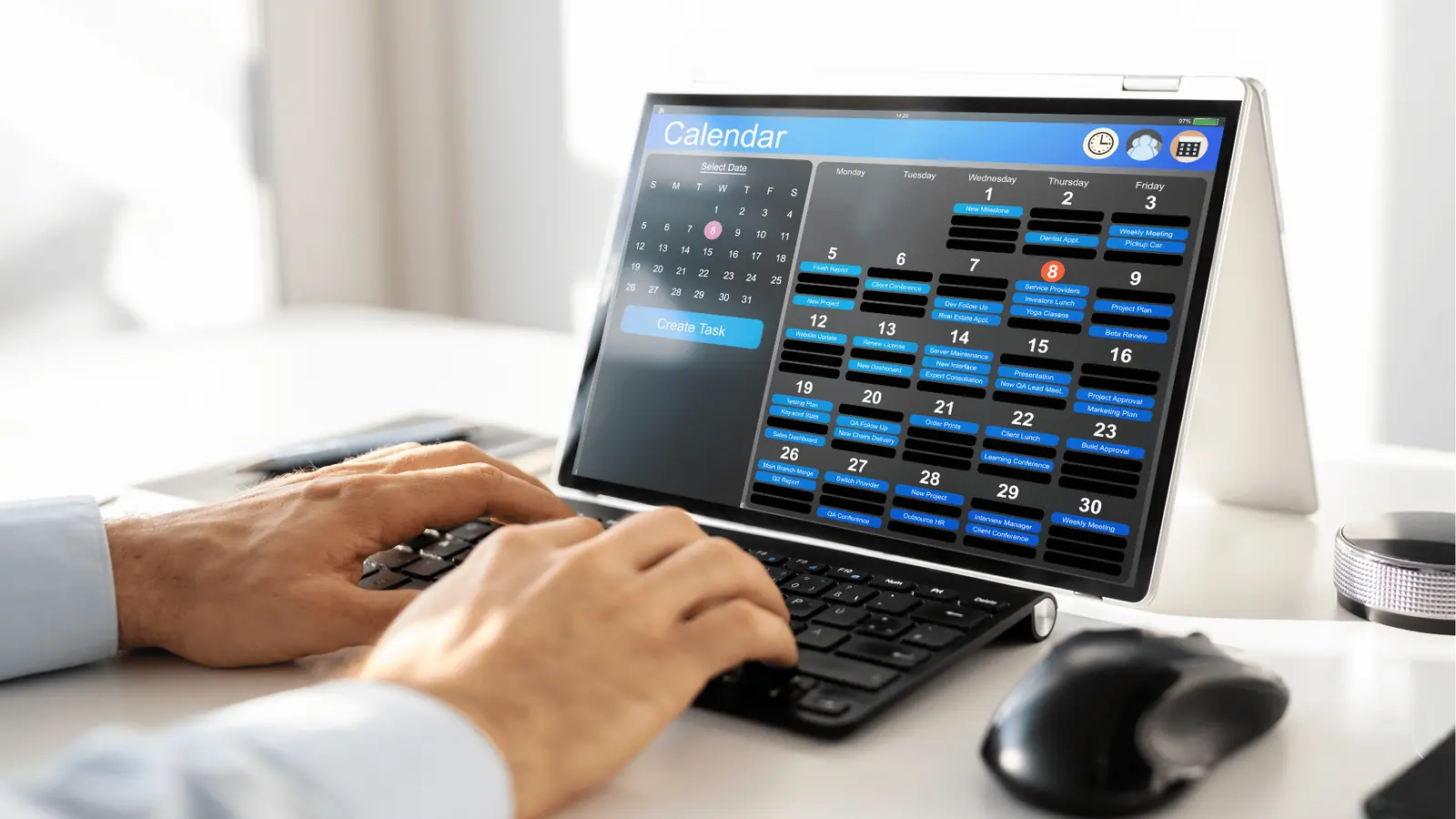
The secret to managing a dozen brand voices without losing your mind isn't finding a bigger screen; it is mastering the filter. When your calendar is a sea of overlapping colors, conflicting campaigns, and endless approval states, you have stopped planning and started guessing. You need to pivot from an "All-Hands" view, which is meant for high-level resource balancing, to a "Focus" view that is strictly for execution. If you are using the same lens to plan a brand-wide holiday takeover as you are to approve a single reactive post, you are creating unnecessary coordination debt that will eventually sink your team's velocity.
We get it. Your calendar feels like a crime scene of sticky notes and missed deadlines. You have thousands of posts, hundreds of profiles, and dozens of stakeholders, and somewhere in that mess is the one campaign that needs your attention right now. The relief comes when you stop staring at everything at once and start interrogating the data for exactly what you need.
The decision teams usually frame too broadly

Most teams fall into the "All-View Trap." They assume that because they can see every brand, profile, and campaign on a single timeline, they should. It feels safer to keep everything visible, but this leads to massive cognitive overload. You are not actually getting oversight; you are getting white noise.
When you try to monitor global strategy and tactical approvals in the same pane, you will miss the gaps in your content coverage every single time.
Operator rule: If it takes more than three clicks to clear your view of irrelevant data, your filtering workflow is broken.
The most effective social operations leaders treat their planning calendar as a dashboard for specific roles. A creative lead doesn't need to see the compliance status of a minor regional post; a brand manager doesn't need to be distracted by the social media manager's all-day reminders for influencer outreach. By using filters to strip away the irrelevant, you turn a chaotic calendar into a precision instrument.
Here is how the transition from "Macro" to "Micro" actually looks in practice:
| Scope | Goal | View Strategy |
|---|---|---|
| Strategic Planning | High-level resource balancing | Filter by Brand Group to see overlapping campaign windows. |
| Daily Approval | Bottleneck clearance | Filter by Post State (Pending Approval) + Specific Profile. |
| Reactive Sprints | Rapid engagement | Filter by Campaign to isolate agile assets from evergreen content. |
The mistake isn't using a unified calendar; it is failing to define the specific filtering criteria required for each team role. We have seen teams cut their approval latency in half simply by switching from a "look-at-everything" habit to a "view-preset" discipline. When you isolate the signals from the noise, you don't just see the work-you finally see the strategy.
What should stay manual and what can move faster

The secret to avoiding total calendar burnout is knowing when to let the software handle the heavy lifting and when your eyes need to be the final filter. You should treat your calendar as a high-velocity sorting machine, not a passive status dashboard. If you are manually scanning the entire calendar just to see which posts are ready for final approval, you are working harder than you need to.
High-level strategic planning is the only thing that should stay truly manual. Deciding on the quarterly theme, balancing your brand-wide narrative, or ensuring that your holiday campaigns don't crash into each other-that requires human intuition and a high-level view. Here, you want the full context.
Everything else? That should move through filtered, automated views. Approvals, regional tweaks, and reactive content are all tasks that benefit from "tunnel vision." If you are a brand lead for North America, you have no business seeing the status of a draft for the APAC influencer campaign unless it directly impacts your work. Filtering by Profile Groups or Campaign isn't just a quality-of-life improvement; it is how you protect your team's focus from becoming a casualty of your own volume.
Decision check: If you need to search for a specific status, you have already lost. The view should be filtered before you even open the calendar.
The tradeoff matrix
The temptation is always to keep every channel visible "just in case," but that is where coordination debt lives. The following matrix illustrates the tension between oversight and execution speed. Most teams live in the "All-Hands" column and wonder why they feel overwhelmed; the goal is to shift your daily cadence toward the "Filtered" column.
| Decision Type | Scope | Primary Goal | Tool View |
|---|---|---|---|
| Strategic Planning | Macro | Resource Balancing | All-Hands Calendar |
| Daily Approvals | Micro | Bottleneck Removal | Status/Role Filtered |
| Reactive Sprints | Micro | Speed/Accuracy | Campaign/Group Filtered |
| Compliance Audit | Meso | Risk Mitigation | Group/Status Filtered |
How to read this:
- Macro (All-Hands): Use this to answer, "Are we over-indexed on one brand?" or "Do we have any obvious content gaps for next month?" This view is for interrogating the strategy, not for editing individual posts.
- Micro (Filtered): Use this for your 15-minute morning review. If you are an approver, apply a "Pending Approval" state filter and a "Primary Profiles" brand filter. You should see only the five posts that actually need your attention, not the hundred that are already scheduled or live.
At Mydrop, we see teams managing hundreds of brand profiles across five markets. The ones that don't burn out are the ones that stop viewing their calendar as a single, endless timeline. They treat the calendar as a dynamic surface, applying specific filters to generate a focused working set for every role on the team.
The goal isn't to see everything at once. It is to see exactly what matters for the next hour of work.
How to pilot the workflow safely
You do not need to overhaul your entire calendar structure in a single afternoon. In fact, doing so usually causes more panic than clarity. Instead, treat your next campaign as a contained experiment.
Start by building your views around specific, actionable Filter Presets rather than staring at the full board. Here is how to run a low-risk audit of your current calendar setup:
- The Isolation Audit: Identify the three most frequent roles on your team (e.g., Creative Lead, Regional Manager, Legal Approver). Ask each person which content tags they actually need to see to do their job. If they are looking at posts for three regions they don't manage, that is your first cut.
- The 3-Click Test: Apply your filters in Mydrop. Can you get from the main dashboard to a clean view of only pending campaign content for one region in three clicks or less? If not, adjust your profile groups or campaign categories until the path is trivial.
- The "Ghost" Cleanup: Filter for "All Statuses" and look for items that have been sitting in the calendar for months without an update. If it is not on the active roadmap, delete it or move it to a "Draft" folder. Clutter is the enemy of intent.
- Define the View Hierarchy: Create a shared naming convention for your campaign filters (e.g., [Brand] - [Region] - [Campaign Name]). This prevents the "I couldn't find the filter" excuse that happens when everyone labels campaigns differently.
Workflow check: If a view is not being used to make a decision-approval, edit, or resource shift-it shouldn't be saved as a primary filter. Keep your top-level navigation lean.
The operating rule to keep
The most successful enterprise teams we work with treat the calendar like a high-traffic highway: if you don't keep the lanes clear, everything slows to a crawl. The ultimate goal is to reach a state where you are interrogating the calendar, not just observing it.
When you log in, your first question shouldn't be "What is happening today?" That is a passive posture that invites overwhelm. Your question should be "Which decision am I making right now?" If you are in "Creative Review" mode, apply the filter and ignore everything else. If you are in "Resource Balancing" mode, clear the filters and look for the gaps.
This constant toggling between the macro and the micro is how you scale. It allows you to maintain global oversight of brand compliance while ensuring the daily grind of approvals doesn't get buried under the sheer volume of content.
Conclusion
At the end of the day, your calendar is just a tool. It will either reflect your team's strategic intent or it will mirror your operational chaos. By moving away from the "All-Hands" view and embracing granular, role-specific filtering, you stop fighting the tool and start using it as an extension of your own oversight.
You don't need a bigger screen to manage complex, multi-brand social strategies. You just need a clearer lens. Start by tightening your filter sets, enforce a consistent tagging protocol, and remember that visibility is only useful if it leads to better, faster decisions. Stop watching the calendar and start using it to drive the work forward.