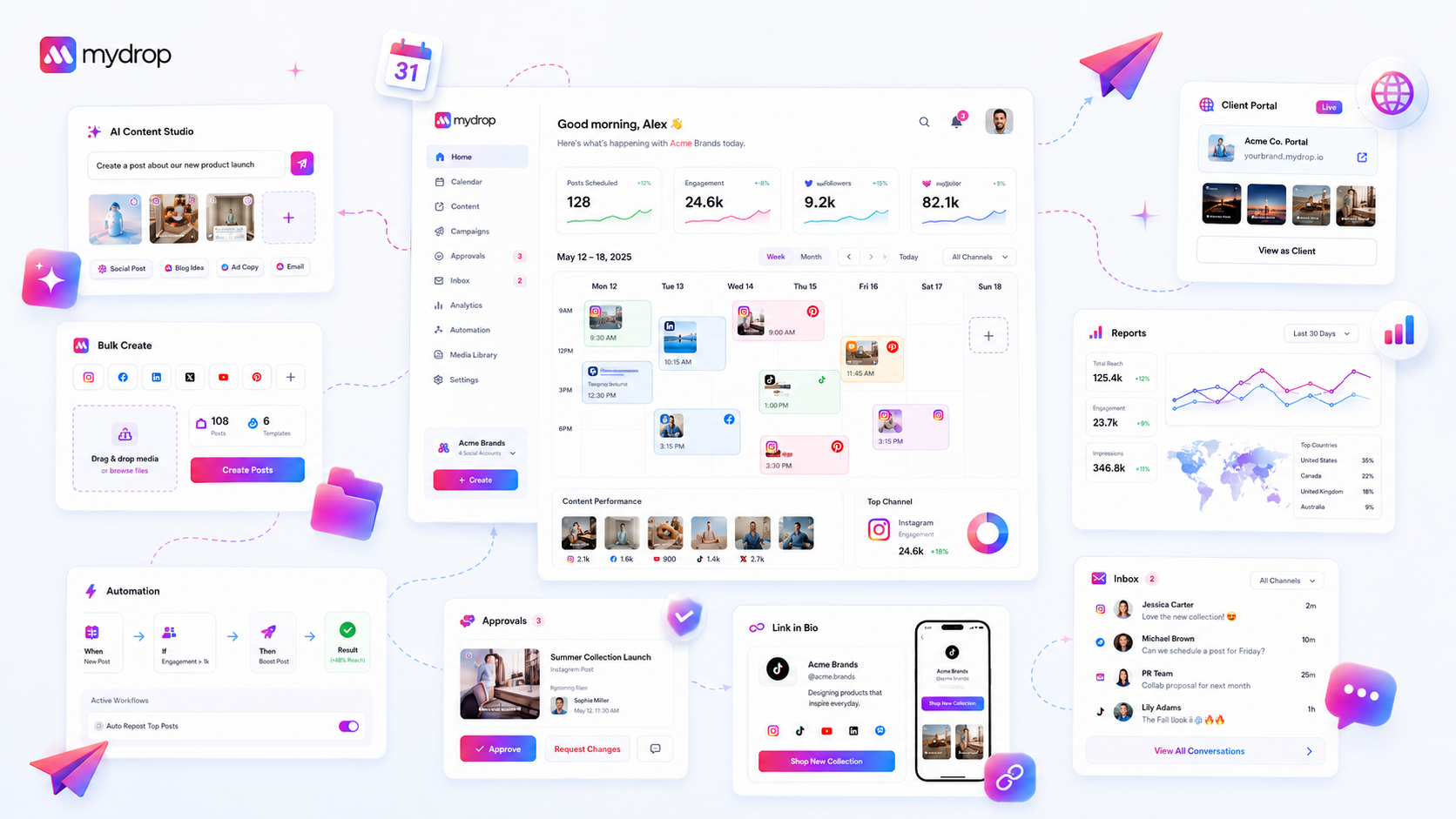
When your team stalls at the starting gate, stop auditing your creative and start auditing your infrastructure. The friction isn't your content strategy; it’s the silent gap between "access granted" and "operational readiness." We get it-you’ve hired top-tier talent and mapped out the perfect content calendar, only to watch the launch window slam shut while your team fumbles with profile connections and brand asset permissions. It’s messy, it’s frustrating, and it feels like you’re paying for experts who are stuck doing entry-level troubleshooting.
The reality is that most enterprise social media teams don't have a content problem. They have a coordination debt problem.
We have seen this across hundreds of brands: the most sophisticated campaign plans die in a draft folder because someone couldn't access the right asset library, or a regional manager’s OAuth token expired three days before the global rollout. You aren't lacking vision; you are lacking a verified operational foundation.
What changed before the numbers moved

In our experience, the difference between a team that launches on time and one that misses the mark usually boils down to a shift in how they view "setup." When your team is small, you can muscle through technical hiccups. You notice a broken link, you fix it, you post. At scale, that manual intervention becomes a bottleneck.
The "First-Week Paradox" is where most teams get stuck. You spend months debating campaign creative and market positioning, yet you spend zero time verifying the plumbing-the technical handshake between your team, your brand assets, and the social platforms themselves.
If your team is struggling to launch, it is rarely because they don't know how to write a caption. It is because the hidden technical backlog has become an invisible wall.
Here is where the transition usually breaks down:
- Credential Rot: Your social accounts are connected, but the underlying tokens are stale.
- Permission Silos: The content team has creative access, but the specific brand assets they need are locked behind a separate, unmanaged folder.
- Workflow Friction: New team members skip the product walkthroughs, thinking they can "figure it out," only to end up with a dozen manual workarounds that bypass your governance.
At Mydrop, we track this using a simple readiness model. When a team tells us they are "blocked," we rarely check their strategy. We check their data. We look at whether their Quick Start checklist is actually complete or if they are just ignoring the onboarding prompts.
Operator rule: If your team hasn't cleared the setup checklist, they aren't ready to launch. Do not let them treat setup as optional "homework" to be done after the campaign goes live.
Infrastructure is the silent partner of every great campaign. If you haven't verified it, you're just hoping the gears won't grind to a halt the moment you hit publish.
The failure patterns to check first

When a campaign hits a wall, the culprits are usually boring. We see teams lose days over a single expired token or a misunderstood permission setting, and it is honestly painful to watch. You have high-level strategy and low-level friction fighting for control.
Here is where we see the most frequent stalls:
- Connectivity Drift: Across a portfolio of dozens of profiles, it is mathematically probable that someone’s OAuth token has expired or a password update broke the link. If you have not checked your profile health today, do not trust your queue.
- Permission Asymmetry: A common trap in agency life is giving someone dashboard access without the corresponding brand-asset privileges. They can see the calendar, but they cannot attach the creative. The result? A "pending" post that sits there until someone manually intervenes.
- Automation Stasis: Sometimes, a perfectly good trigger is misconfigured. You might have an automated workflow waiting for an approval that was already given-but because the system state did not sync properly across the team, the post hangs in limbo.
- Setup Neglect: We often find that new hires skip the guided walkthroughs because they think they know the platform. But if they haven't completed the quick-start milestones, they are essentially working in a blind spot, manually compensating for features that are designed to run in the background.
Decision check: If a campaign stalls, assume technical friction before creative failure. Audit your connectivity and permissions first, then look at the content.
The proof that separates signal from noise
Stop relying on gut feelings to gauge if you are ready to launch. You need a way to quantify readiness that ignores the marketing fluff. In our experience, teams managing high-volume campaigns need a standard to force a "go/no-go" decision.
We use the following Scorecard as a litmus test. If you are not hitting at least a 4 out of 5 on this before hitting publish, your campaign is carrying too much risk.
| Category | Readiness Check | Risk Threshold (Action Required if...) |
|---|---|---|
| 1. Profile Health | Are all channels actively authenticated? | Any profile status is "expired" or "re-auth required" |
| 2. Asset Access | Can the scheduler pull the required brand media? | Any team member lacks folder/asset permissions |
| 3. Workflow Sync | Is the approval routing logic active? | Post is queued but not assigned to a reviewer |
| 4. Setup Status | Has the team cleared the quick-start milestones? | The account setup flag is < 90% complete |
| 5. Queue Integrity | Are all posts clear of dependency errors? | Any post shows a "missing asset" or "invalid format" |
How to interpret this: If your team scores a 3, you are in the "danger zone." You aren't just delayed; you are accumulating coordination debt. Every hour spent manually checking these items is an hour not spent on actual strategy.
At Mydrop, we see the most successful teams treat this scorecard like a pre-flight checklist. They don't just "hope" everything is ready-they use the platform's setup state to verify it. If the Quick Start panel still shows open milestones, they do not clear the campaign for launch. It is not about being rigid; it is about protecting your experts from getting stuck in the weeds of basic connectivity.
What to fix this week
If you are currently staring at a stalled launch, do not try to overhaul your entire strategy today. Instead, focus on removing the technical friction that is hiding in plain sight. Most teams find that clearing their coordination debt takes less than a few hours if they stop guessing and look at their actual workspace state.
Start by running this Launch Readiness Audit with your team lead. If you are using Mydrop, you can pull this data directly from your Quick Start checklist to verify setup milestones without digging through logs.
| Check Item | Threshold for Launch | Why it Matters |
|---|---|---|
| Profile Tokens | All mapped active channels | Expired OAuth triggers silent, failed posts. |
| Brand Assets | Current year/quarter library sync | Missing assets force manual re-uploads at the last minute. |
| Permission Audit | Roles mapped to at least two brands | Avoids single-point-of-failure if a manager is offline. |
| Automation Triggers | All active workflows validated | Misconfigured logic is why posts hang in "pending". |
| AI Setup | One successful test generation | Proves the tool is actually talking to your brand guidelines. |
Once you run this, assign one person to clear any "pending" status on those five items. It is rarely a complex coding issue; it is usually just a missing permission or a stale connection that no one bothered to check because they were too busy chasing creative approvals.
When to stop diagnosing and change the workflow
There is a point where technical troubleshooting stops being helpful and starts being a distraction from a broken process. If you find yourself fixing the same "minor" profile connection issue or re-granting asset permissions every single week, the problem is not the tool-it is your operational habit.
At Mydrop, we often see teams confuse "we need to fix this link" with "we need to fix how we onboard new members." If your team spends more than 10% of the launch window troubleshooting, you are not scaling; you are just paying for expensive manual labor.
Workflow check: If a technical glitch repeats three times, it is no longer a glitch-it is a workflow failure.
When you hit this threshold, stop diagnosing and shift your approach. This means moving from manual, reactive setup to a standardized onboarding flow. Use guided tours or persistent team checklists to ensure every member sets up their environment correctly the first time. If the system allows it, use automation to push these settings so individual users cannot accidentally "break" their access.
Ultimately, your goal is to make the "Launch Readiness" check a boring, non-event. If you can move your team from "panic-checking everything" to "automated verification," you stop being a digital firefighter and start being a publisher.
Conclusion
Campaigns die in the draft folder not because the creative is bad, but because the path to the feed is blocked by avoidable, unmanaged friction. By shifting your focus from the content itself to the infrastructure that carries it, you reclaim the hours lost to troubleshooting and ensure your team stays focused on strategy. When you fix the foundation, the launch happens because it is expected to happen, not because you manually dragged it over the finish line.