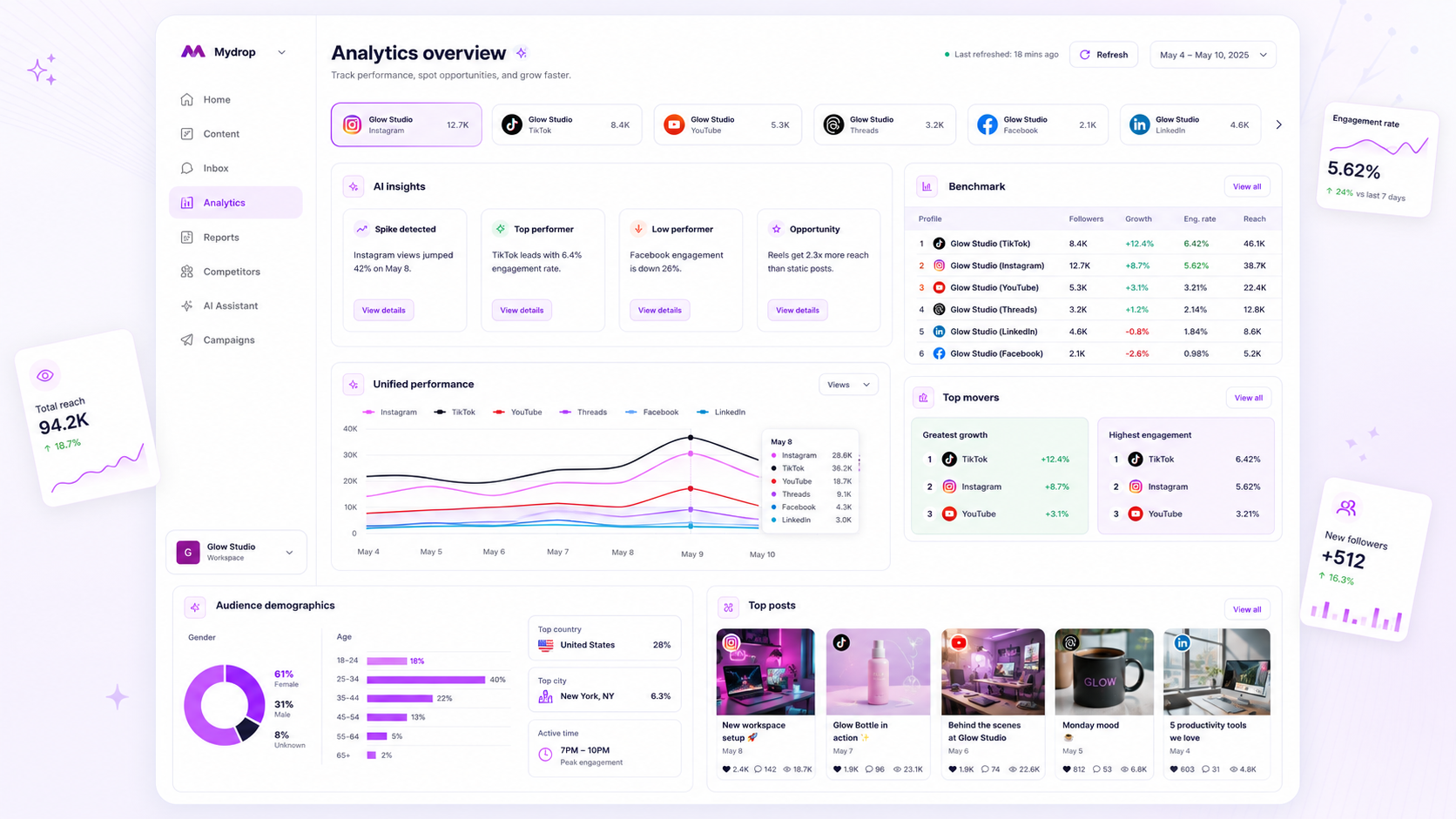
When your analytics dashboard shows flat lines or gaps, the instinct is to blame the network or the social platform’s API. Instead, assume your cached data has simply reached its expiration and work backward from your connection health to your refresh schedule.
We get it. You have a meeting with stakeholders in ten minutes, the data looks wrong, and you are staring at a screen that feels like it is lying to you. That sinking feeling that your hard-won campaign results have vanished into thin air? We have all been there. The awkward truth is that most dashboard errors are actually just permission rot. Your dashboard is not broken; your access is simply tired.
At Mydrop, we see this across hundreds of brand profiles: stale data is rarely a platform failure. It is almost always a coordination debt caused by disconnected permissions or expired tokens. A reliable diagnostic check can restore your dashboard confidence in minutes, not hours.
The decision each metric should trigger

Metrics without a clear decision path are just vanity pixels. When you view your Analytics Dashboard, the goal is not just to see the numbers; it is to validate the health of your current strategy. If the data is stale, the feedback loop breaks, and your team ends up guessing instead of optimizing.
To keep your operations moving, every metric family should map to a specific operational lever. If the metrics aren't updating, your ability to pull those levers effectively vanishes.
| Metric Family | Primary Decision Trigger | Operational Risk of Stale Data |
|---|---|---|
| Reach & Impressions | Adjust budget allocation or audience targeting | Over-investing in failing ad sets |
| Engagement Rate | Pivot content format or hook strategy | Missing a viral trend or community signal |
| Video Watch Time | Retool video pacing or script length | Repeating underperforming content styles |
| Profile/Link Clicks | Calibrate landing page calls-to-action | Misattributing traffic across markets |
Operator rule: A dashboard is not a historical record; it is a live instrument. If you cannot make a tactical change based on the data within 24 hours, the dashboard is not "stale"-it is disconnected from your team's workflow.
When the numbers seem frozen, ask yourself if that specific metric is currently influencing a live campaign. If it is, the "stale" status is an immediate operational bottleneck. If it is not, you have time to perform a proper connection handshake without the pressure of a looming stakeholder review. Most of the time, the fix is as simple as re-authenticating a profile connection that lost its link during a routine platform security update.
The scorecard that keeps reporting useful

Stop guessing if your data is healthy and start tracking the connection status of your profiles like you track your campaign spend. If you are managing dozens of brand profiles across five or more platforms, you cannot rely on "feeling" that the data is current. You need a clear, binary status for every integration in your workspace.
At Mydrop, we suggest building a simple Connection Health Scorecard into your Monday morning routine. This turns a frantic 6 p.m. reporting crisis into a five-minute maintenance task. If a profile shows "Yellow" or "Red," you know exactly where the bottleneck is before your stakeholders even open the link.
| Status | Definition | Recommended Action |
|---|---|---|
| Green | All tokens valid; last sync < 24h. | Proceed with reporting. |
| Yellow | Data cached > 48h; manual refresh required. | Trigger refresh; verify API permissions. |
| Red | Auth expired; platform access revoked. | Re-authenticate profile; check business account status. |
Decision check: If a profile is "Red" for more than 48 hours, it is not just a reporting gap; it is a broken link in your brand's digital presence.
What to stop measuring by default
The fastest way to kill your team's morale is to report on metrics that do not actually move the needle for your business goals. When your analytics dashboard is cluttered with vanity metrics, you lose sight of the "permission rot" that causes those stale data errors. If a metric is hard to pull, requires constant manual intervention, or is frequently subject to platform-level API restrictions-like some specific X-only premium insights-ask if you actually need it for your quarterly review.
We see teams spend hours chasing "missing" data that wasn't worth measuring in the first place. You are better off with a clean, 100% accurate set of core benchmarks-reach, engagement, and conversion-than a massive, broken report filled with "access denied" placeholders.
If you find yourself frequently troubleshooting access to niche metrics, drop them. Shift that energy into maintaining the health of your primary conduits. Remember, your dashboard is a tool for decision-making, not a museum of every possible social interaction.
Most of the time, the "stale data" frustration happens because teams treat their analytics dashboard like a passive billboard. It is not. It is an active infrastructure. When you treat your profile connections as a high-priority asset-just like your content calendars or creative assets-the "stale" errors disappear. You stop chasing ghosts and start focusing on the actual performance of your campaigns. The goal isn't just to have data; it is to trust the data you have.
How to connect metrics to next actions
The most dangerous thing you can do with a dashboard is look at it, nod, and close the tab without a decision. Data that does not trigger a change is just decorative noise. To break that cycle, you need to tie specific metric shifts to defined operational moves.
When you see a dip, don't just ask "why." Ask "what do we do if this stays low?" In our experience, teams that define the Response Trigger ahead of time spend 80% less time debating what to do during a crisis.
| Metric Trend | Probable Operational Cause | Next Action |
|---|---|---|
| Reach down 20% | Content decay or platform shadow-testing | Swap format; test shorter hooks |
| Engagement stalling | Community management gap | Increase proactive comment replies |
| Click-through flat | Weak CTA placement | Refresh link in bio; optimize landing page |
| Video watch time low | Hook doesn't pay off | Move core value to first 3 seconds |
We often see teams treat "low engagement" as a general failure. That is too broad. By mapping the trend to a concrete action-like changing your hook or swapping a creative asset-you turn a stressful "why is this happening" moment into a simple "let's try this" workflow.
The review cadence that makes the model stick
Consistency is the antidote to the fear that your analytics are lying to you. If you only check your dashboard when you feel panicked, you will always be operating in a state of high anxiety. You need a rhythm that separates "system health" from "campaign performance."
At Mydrop, we suggest a two-tiered cadence for enterprise teams:
- The Monday Health Check (15 mins): This is not about winning or losing. It is purely technical. Quickly scan your Analytics Dashboard to ensure every profile has a recent "Last Refreshed" timestamp. If a profile shows a stale date, hit the manual refresh or re-auth the connection. Do this before your team meeting so you are never surprised by missing data.
- The Mid-Week Strategy Pivot (45 mins): Now that you know your data is current, look at the benchmarks. If your cross-platform reach is trending down, look at the specific subcollections for your top-performing profiles. Use this time to compare your current results against your 30-day baseline and adjust your upcoming content calendar accordingly.
Workflow check: If your data is more than 48 hours old, it does not exist. Do not build a strategy on a stale foundation.
Conclusion
The sinking feeling that your data is wrong is almost always just a sign that your connection maintenance has fallen behind. You don't need a PhD in data science to fix it; you need a checklist and a recurring habit. By treating your profile connections as a piece of infrastructure-no different from your content calendar or your asset library-you stop fighting the platform and start owning your workflow.
Next time the numbers look off, don't waste an hour digging into the API documentation. Check your tokens, verify your refresh status, and trust your gut. Most of the time, the dashboard is fine; it just needed a little attention. Keep your connections fresh, your cadence steady, and your focus on what you're actually going to do about the trends you see. You've got this.