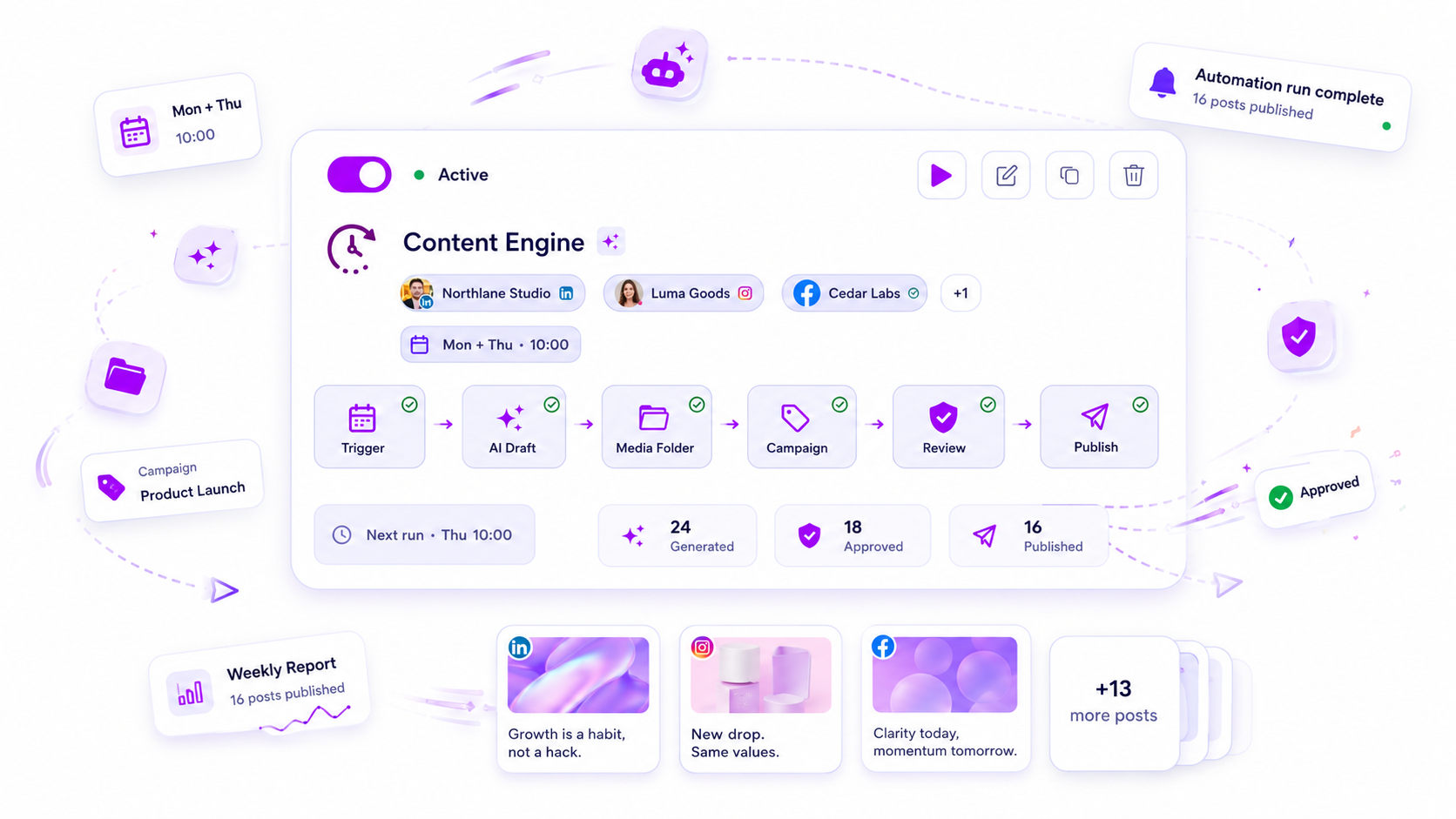
When your Mydrop automations stall, stop checking the system and start auditing your source dependencies. Most of the time, the issue is not a software bug, but rather a disconnect between your inputs-like folder slots or form data-and your security settings. If your posts are suddenly sitting in a ghost-town state of "review" or simply refusing to generate, the cause is usually a missing media asset or an approval recipient who is no longer active in your workspace.
We get it. You set up these workflows to reclaim your schedule, not to spend your mornings playing detective. It is incredibly frustrating when a "set it and forget it" process turns into a frantic scavenger hunt for why the content flow suddenly hit a wall. You are not alone in this; we see it across enterprise teams managing dozens of brands. When you move fast, the small administrative gaps-a deleted folder, a renamed user profile, a permissions shift-are the first things to quietly snap the chain.
The good news is that these gaps are easy to bridge once you know where to look. By tightening your oversight on the handoffs between your source data and your publishing gates, you can stop the silent outages before they impact your brand presence.
What changed before the numbers moved

When an automation fails to fire or keeps dropping posts into an endless holding pattern, you are looking at a classic case of coordination debt. Something in your operating environment has drifted while the automation was busy doing exactly what it was programmed to do: waiting for conditions that are no longer being met.
Before you re-run the job or ping your engineering lead, look at the recent history of your workspace. Did a team member move to a new department? Did you clear out that folder of "used" assets? Did a campaign end?
Think of your automation as a precise instrument. If the settings you defined last month-the specific folder paths, the assigned reviewers, the content templates-do not align with the reality of your workspace today, the instrument cannot play.
Operator rule: Every automation failure is a mismatch in one of three buckets: the trigger input, the safety guard, or the final output. Always audit in that specific order.
To help you get back on track, use this diagnostic audit to find the broken link in your chain.
| Symptom | Primary Cause Category | Check This First |
|---|---|---|
| Automation runs, but 0 posts created | Technical/Configuration | Folder-slot capacity (empty slots?) |
| Posts appear in "Review" but never move | Workflow/Approval | Active status of Approval Recipients |
| Posts failing to generate (blank fields) | Creative/Mapping | Do form-field mappings match incoming data? |
| Scheduled posts missing in calendar | Platform/System | Did trigger frequency exceed your product quota? |
Most teams discover that the fix is not about adding more features, but about closing a loop that someone inadvertently opened. Your publishing cadence relies on the consistency of the data you feed it; keep your source folders stocked and your recipient lists updated, and your operations will hum along with minimal intervention.
The failure patterns to check first

When the dashboard goes quiet, resist the urge to reboot everything. Most of the time, the issue is not a software crash but a simple mismatch between your current setup and the reality of your content queue.
Start your audit with these three common culprits:
- The empty media well: If you rely on folder-slot automations to populate posts, check your storage. If those slots are empty because you haven't uploaded new assets, the logic hits a wall and stops, preferring silence over posting the same image for the tenth time.
- The ghost stakeholder: If your posts are getting stuck in the review phase, verify that your assigned approval recipients are still active. When someone leaves the team or has their permissions updated, the automated chain often loses its final link, leaving your content to languish in the queue indefinitely.
- Data field drift: If you use form submissions as a trigger, check if your incoming data still aligns with your mapping rules. If a teammate added a new required field to your intake form but didn't update the corresponding mapping in your workflow, the system will effectively ignore those submissions, unable to parse the payload.
The proof that separates signal from noise
We have seen this across hundreds of brand profiles: the difference between a high-performing operations team and one perpetually troubleshooting is a simple diagnostic habit. Use this table to map your current symptoms to the real bottleneck.
| Symptom | Primary Cause Category | Check This First |
|---|---|---|
| Automation runs, but 0 posts created | Asset Supply | Are your folder slots empty or exhausted? |
| Posts appear in Review but never move | Governance | Are all approval recipients still active? |
| Posts generated, but fields are blank | Data Sync | Do field mappings match your intake form? |
| Scheduled posts missing in calendar | Quota Limits | Have you exceeded your automation run quota? |
Decision check: If your automation relies on external input, your monitoring must start at the input source, not the publishing tool.
It is easy to blame the tool when a post misses its window, but the reality is usually more mundane. At Mydrop, we often find that teams spend hours investigating platform issues when the real problem is just a missing file or a stale permission.
Fix the input, refresh the guard, and the output usually clears itself up instantly. Most teams do not have a production problem; they have a coordination snag that needs a quick calibration. Spend ten minutes verifying these connections, and you will likely find that your publishing pipeline is perfectly healthy, just waiting for the green light.
What to fix this week
If you are currently staring at a queue that refuses to move, do not try to rewrite your entire strategy. Instead, perform a quick 15-minute diagnostic sprint to clear the most common debris. When your system stops, it is almost never because the technology failed you; it is because the human or physical inputs have drifted.
Check these four items in your dashboard today to regain momentum:
- Empty folder slots: If your automation consumes media from specific folders, check if they are actually stocked. If a folder is empty, the logic often pauses rather than throwing an error to prevent you from posting blank content.
- Stale approval recipients: Scroll through your assigned approvers. If someone left the team or changed roles, any notification sent to their ghost account will just hang in the void, stalling your entire pipeline.
- Form mapping drift: Did you recently update your intake forms? If the field names in your form no longer match what your automation expects, the post data will fail to populate, leaving you with empty drafts.
- Quota and rate limits: Verify that your frequency settings haven't crept up beyond what your current plan allows. Sometimes a successful expansion leads to a silent cap on how many triggers can fire per day.
Workflow check: If your system is paused, treat the entire chain like a physical assembly line. If the conveyor belt stops, do not fix the motor; check which station ran out of parts.
When to stop diagnosing and change the workflow
There comes a point where "fixing the gears" is just a distraction from the fact that your setup is outdated. If you find yourself auditing these four items every single Monday, you do not have a technical glitch; you have a governance mismatch.
Stop diagnosing and start re-engineering if:
- You are manually intervening more than twice a week: If you have to push a button or swap a file every few days, the process is no longer automated. It is just manual work with extra steps.
- Approval bottlenecks are constant: If your legal or brand team cannot keep up with the volume of triggered posts, stop forcing them into a high-speed lane. Switch your output to "Draft" mode by default, or move to a batch-approval model where they review sets of posts rather than individual items.
- Creative quality is dropping: When AI-generated drafts start needing massive human edits, you are fighting your own system. It is usually faster to change your prompt settings than to fix the same mistake in fifty different post drafts.
At Mydrop, we often see teams try to force a one-size-fits-all workflow onto every brand. The truth is that your automations should reflect your team's actual capacity. If your legal reviewers are overworked, automate the creation but keep the publishing manual. You lose a little speed, but you regain total control.
Conclusion
The goal of your content system should be to stop you from being the bottleneck. When you view your publishing setup not as a set-it-and-forget-it black box but as an evolving part of your team, you stop playing detective.
Most teams do not have a content problem; they have a decision bottleneck. Once you align your triggers, your guards, and your output expectations, the system stops being a source of stress and starts being the engine you were promised. Keep the inputs clean, keep your stakeholders in the loop, and let the work flow.