Stop viewing your media library as a "dumping ground" for finished assets. The moment a file lands in your library without a clear folder path, naming convention, or brand attribution, you have introduced "coordination debt" that will inevitably surface as a brand-damaging error in a live post. Treat your library as the ultimate proxy for your team's operational maturity; if the storage is chaotic, your brand output is guaranteed to be inconsistent.
We get it. You are moving fast, chasing trends, and juggling twenty platforms at once. It is easy to tell yourself that "getting the post live" matters more than where the raw file ends up. But that accumulated mess is exactly what turns a quick edit into a frantic search for the actual approved logo while your stakeholders watch the clock. At Mydrop, we have seen this across thousands of posts and hundreds of teams: the real cost of a messy library is not just storage; it is the silent, massive overhead of your designers and social managers hunting for files, using outdated assets, or accidentally duplicating work because they cannot trust the source of truth.
The decision each metric should trigger
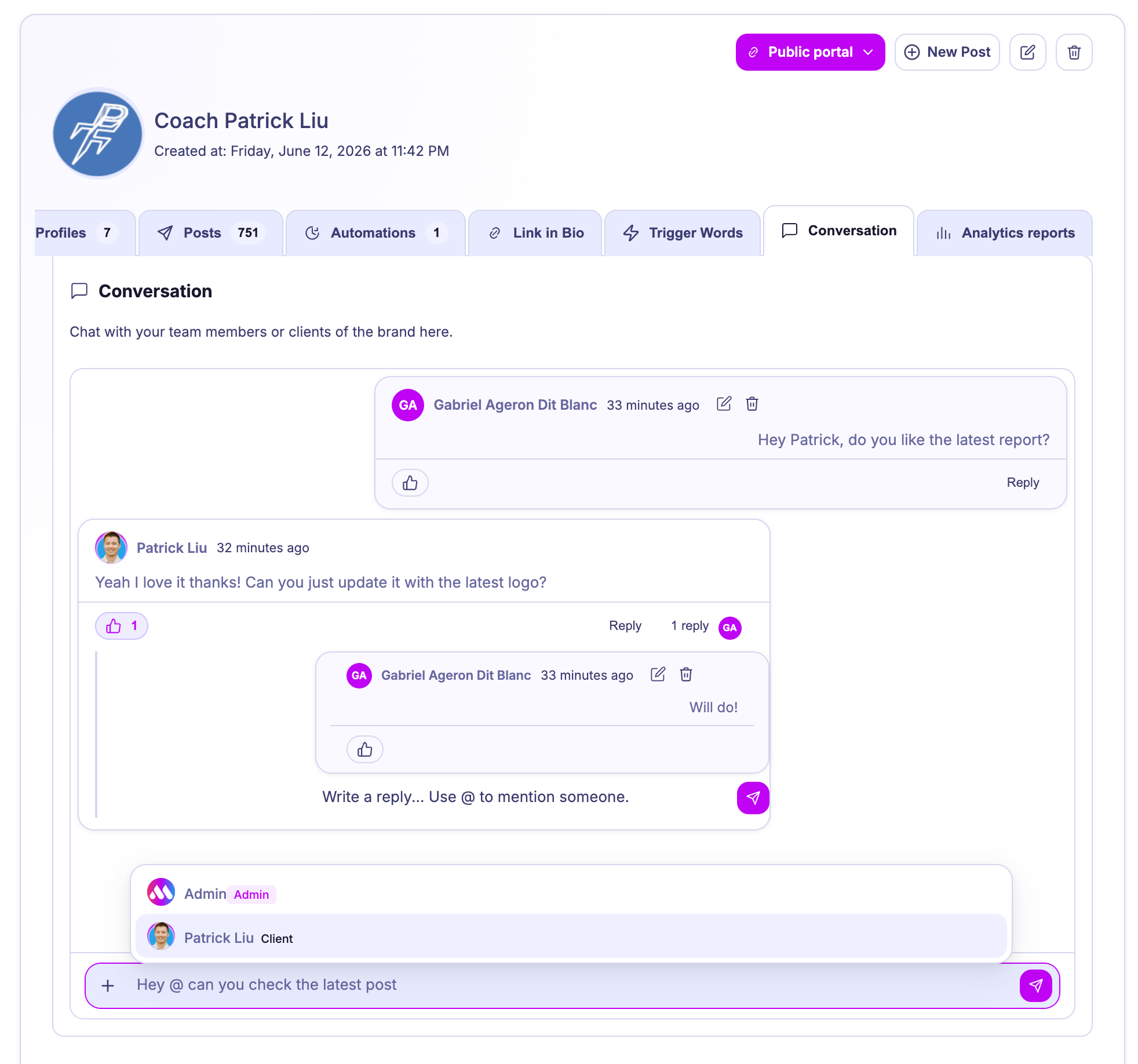
If you want to move from "chaotic storage" to a "governed library," stop auditing by aesthetic and start auditing by utility. You need to know if an asset is findable, current, and approved.
Use this scorecard to identify where your library is actually failing.
| Metric | What it measures | Trigger for action |
|---|---|---|
| Findability | Search success rate for common assets | If team spends > 3 minutes finding a logo, mandatory folder re-structuring is required. |
| Versioning | Presence of "Final_V2" style duplicates | If > 10% of files have ambiguous naming, enforce strict file-naming protocols. |
| Brand Compliance | Usage of assets outside brand folders | If non-brand-approved assets are used, restrict folder permissions immediately. |
| Metadata Health | Completeness of alt-text and descriptions | If metadata is missing for 50%+ of assets, halt all non-essential uploads until tagging is caught up. |
If you find that your "General" or "Downloads" folder is the most populated in your workspace, you are failing the Governance by Proximity test. In a healthy Mydrop setup, media should live exclusively in the specific brand or campaign folder where it belongs. If an asset isn't nested correctly, it effectively does not exist for the rest of your team.
A simple rule helps: If a new hire cannot navigate to a product folder and find the one correct, high-resolution shot within 60 seconds, you are not organized; you are just storing data.
The scorecard that keeps reporting useful
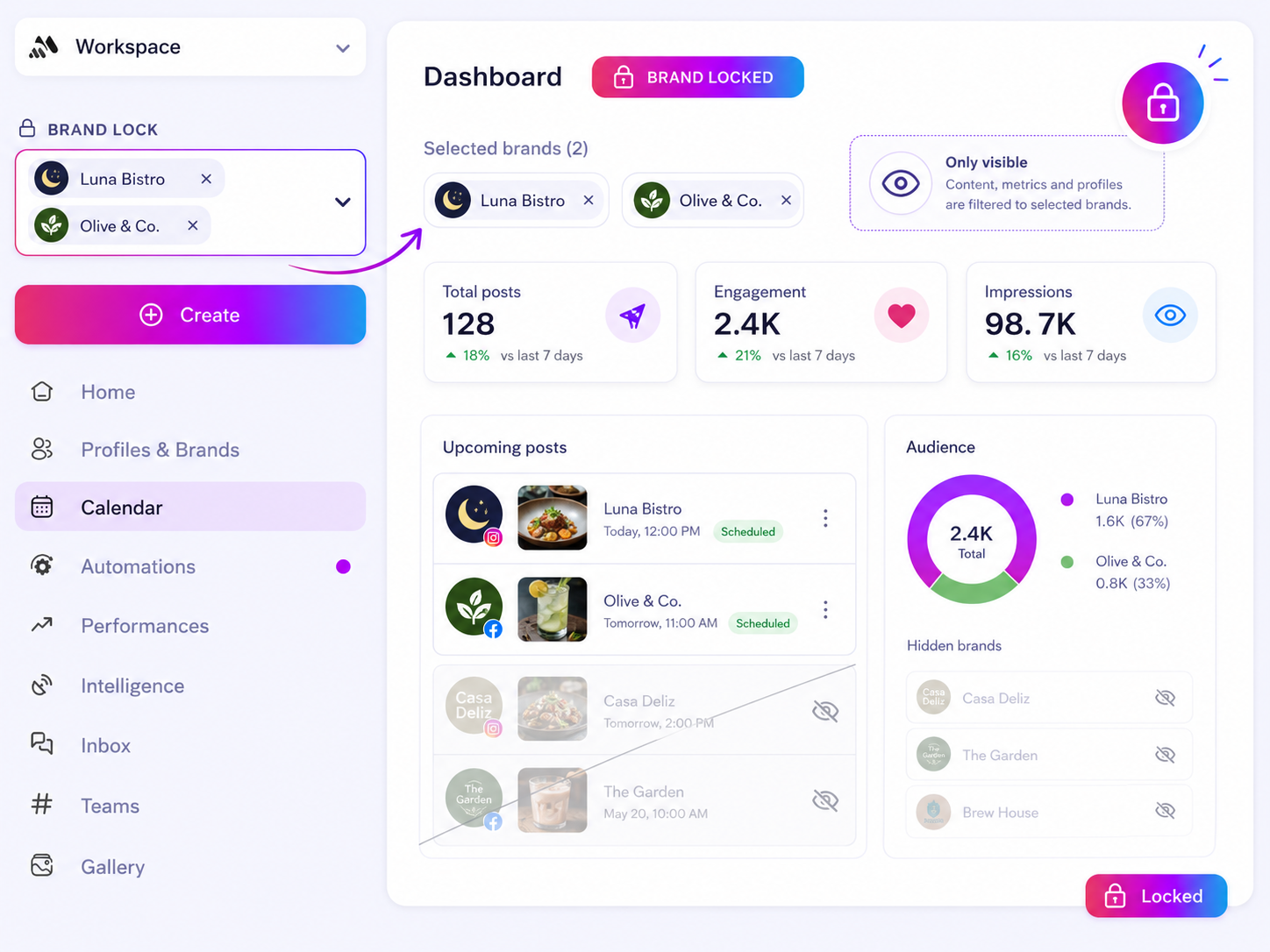
Stop asking your team to manually aggregate metrics from a dozen different sources. If you are still hunting for engagement data that matches the specific version of an asset used, your reporting will always be a work of fiction. Instead, your media library should act as the primary key for your performance reports. When an asset is stored, tagged, and versioned within your workspace folders, it carries the history of its own deployment.
The goal is to turn "Where did that file come from?" into an automated data point. Use this scorecard to determine if your current library structure supports the reporting you need to actually grow.
| Category | High-Maturity Indicator | Low-Maturity Red Flag |
|---|---|---|
| Findability | Assets are nested by campaign or brand folder, never in root. | The "General" or "Downloads" folder holds 80% of your assets. |
| Versioning | File names include descriptive context and version ID (e.g., Summer_Campaign_Logo_v3). |
File names like Final_Final_V2.png are common. |
| Attribution | Media metadata links directly to the brand-specific folder ID. | Media has no folder association; metadata fields are mostly blank. |
| Governance | Delete permissions are restricted to asset leads; moves are tracked. | Anyone can move or delete assets, breaking post-to-file links. |
| Data Integrity | Reporting dashboards pull directly from mediaMetadata documents. |
Reports are built manually from downloaded spreadsheets. |
If you score low in Findability or Attribution, your reports are likely inflated by "ghost data" where metrics are tied to dead or mislabeled files. At Mydrop, we often see teams struggle with this because their storage is disconnected from their analytics. When you align your mediaMetadata with your folder structure, you stop auditing your own work and start trusting your data.
What to stop measuring by default
Stop measuring "asset upload volume." It is a vanity metric that actively encourages clutter. A high volume of uploads in a chaotic library just means your team is generating more coordination debt every week.
Instead, measure Library Retrieval Efficiency. This is the time-or the number of clicks-it takes for a creator to move from an idea to the right, approved asset in the composer. If your team is spending more than a few minutes searching for a logo or a product shot, you are paying a hidden tax on every single post that goes live.
We have seen teams waste hundreds of hours a year simply re-uploading the same assets because they could not trust the current library state. It is not just inefficient; it is a compliance nightmare. When you lack a single, governed path to your brand assets, you are one rogue upload away from posting an outdated logo to a million followers.
A simple rule helps: If it cannot be found via a folder filter in three clicks, it is not in the library. When you stop tracking how much "stuff" you have and start tracking how fast you can reliably access your approved brand assets, you stop being a storage manager and start being a brand operator. Your library should be a high-speed conduit for your best ideas, not a digital attic where assets go to die.
How to connect metrics to next actions
The quickest way to burn out a creative team is to bury them in data that never leads to a decision. If your reporting dashboard shows low engagement but gives no signal on whether the issue was the copy, the creative asset, or the timing, your team will just guess-and guessing is a recipe for a disorganized content calendar.
Instead, map every key metric directly to a specific operational shift. If your reach drops on a specific brand campaign, don't just "analyze it." Force a Version Control Check.
Operator rule: If a high-performing creative asset suddenly dips, your first action is not to create new content. It is to verify the file in your media library to ensure someone didn't overwrite the source file with a lower-resolution or off-brand derivative.
At Mydrop, we see teams struggle because they view analytics as a historical record rather than a diagnostic tool. Your next actions should look like this:
| Metric Trigger | Likely Operational Failure | Recommended Action |
|---|---|---|
| Engagement dip | Using an unapproved or legacy version of an asset. | Audit the asset folder; lock the approved version. |
| High production cost | Repeatedly recreating assets already in the library. | Tag assets with usage metadata; train team on search. |
| Slow approval loop | Versioning chaos (Final_v1, Final_v2). | Standardize naming conventions and move to central folders. |
| Inconsistent brand look | Designers pulling from "Downloads" instead of "Brand Assets." | Restrict write access to core brand folders. |
The review cadence that makes the model stick
A clean library isn't a one-time project; it is a weekly habit. If you wait until a crisis to organize your folders, you are already behind. The goal is to build a "Library Hygiene" rhythm that fits into your existing team meetings.
We recommend a simple, tiered review structure that prevents the buildup of coordination debt:
- Weekly "Asset Sweep": 15 minutes. A designated lead reviews the previous week's uploads. Are files in the right brand folders? Are they named correctly? If not, move them and ping the owner. This sounds small, but it prevents the "monthly mountain" of files that no one recognizes.
- Monthly "Governance Audit": 30 minutes. Check permissions. Did someone move a critical logo file to their personal workspace folder? Does the team still have access to folders for retired campaigns?
- Quarterly "Library Purge": 1 hour. This is where you leverage features like bulk download or archive to clear out low-quality derivatives and stale draft assets. If a file hasn't been referenced in a live post or brand asset for 90 days, archive it.
If you don't enforce this cadence, the "invisible cost of clutter" will slowly eat your team's velocity.
Conclusion
The reality is that your media library is the heartbeat of your social operations. If it is chaotic, your team is spending hours every week searching for files, second-guessing versions, and fixing avoidable mistakes.
Stop treating your storage as a static bin. Treat it as a living part of your brand's governance infrastructure. When your team can trust that every file in the folder is the correct, approved version, they stop worrying about compliance and start focusing on the work that actually moves the needle. A little discipline here pays for itself in every single post you ship.