
You stop chasing trends by shifting your focus from volume-based production to the active lifecycle management of your existing high-value assets. Most teams are not actually losing because they lack ideas; they are losing to operational amnesia. Every month, your marketing team burns the majority of their bandwidth fighting fires and reacting to the latest algorithm shift, all while the evergreen content that actually drives long-term revenue gathers digital dust. You do not need to produce more; you need to manage what you already own as if it were a high-performing property portfolio.
The constant pressure to feed the feed creates a treadmill effect where the speed only increases, but the output quality stays flat. There is a deep, quiet relief that comes when you stop trying to invent the next big thing every morning and start optimizing the systems that keep your best work alive.
TLDR: Your content strategy fails when the "why" and "when" of your work are trapped in static documents rather than pinned to your execution calendar. Stop treating your content like perishable goods and start managing it like real estate.
The real problem hiding under the surface
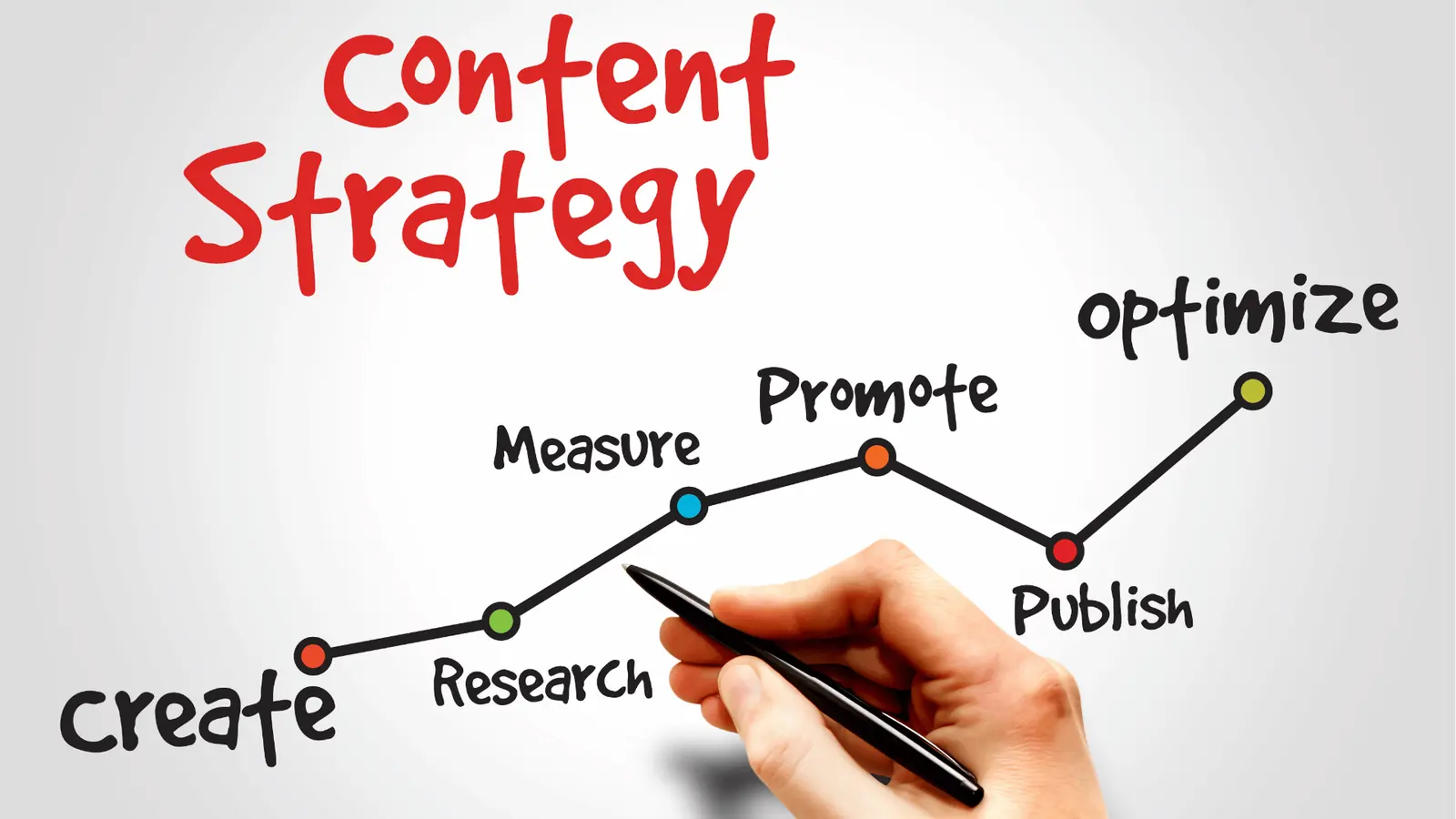
The real issue is that most enterprise teams suffer from a fundamental disconnect between their strategy documentation and their daily publishing rhythm. Your creative team builds a beautiful, high-performing campaign, and it gets published. Then, it is forgotten. The documentation for why that post worked, who it was for, and when it should be refreshed lives in a separate folder, a pinned chat thread, or a sprawling spreadsheet that no one actually opens during their daily workflow.
The real issue: When the instructions for a post's lifecycle are not visible the moment you view it in your calendar, that post will die a slow, ignored death.
If your team has to switch contexts-leaving the calendar to check a document-the refresh simply does not happen. You are creating a friction-heavy environment where the easiest path is to just publish something new and hope it sticks.
Here is where teams usually get stuck:
- Separation of Concerns: You treat strategy as a "planning phase" and execution as a "delivery phase," creating a gap that allows institutional knowledge to leak out.
- The "Trend Trap": You view content performance as a one-time event, ignoring the fact that evergreen pillars need recurring maintenance to remain relevant.
- Lack of Visibility: When the operational context is hidden, your stakeholders cannot see the "why" behind the publishing cadence, leading to constant, repetitive approval cycles.
You are essentially running a newsroom where the reporters have no access to the archives. A simple rule helps clarify the path forward: If it is not in the calendar, it does not exist.
This is the part that most people underestimate. By using Calendar Notes directly inside your scheduling view, you can capture campaign themes, review reminders, and specific refresh triggers exactly where the work is happening. You remove the need to guess what needs a refresh and why.
| Feature | The "Chaotic" Way | The "Mydrop" Way |
|---|---|---|
| Refresh Logic | Buried in a Notion/Drive doc | Calendar Notes pinned to specific dates |
| Asset Origin | Manual DL/Upload from Drive | Google Drive integration in-app |
| Repeat Cycles | Copy-pasting old posts | Reusable Post Templates |
| Success Basis | Gut feeling on "trends" | Analytics > Posts dashboard data |
Most teams do not have a content problem. They have a decision bottleneck. When you pull your operational context into the same UI as your publishing schedule, you turn a chaotic reactive cycle into a predictable, manageable process. The goal is to move your team from being "trend-chasers" to "asset managers," focusing your effort on the pieces that have the highest potential for long-term compounding returns.
Why the old way breaks once volume rises

The moment your team crosses the threshold of managing more than two brands or five active channels, the "distributed document" strategy inevitably collapses. You start with good intentions: a centralized spreadsheet tracking evergreen post themes, publication dates, and performance targets. But because that document lives in a different browser tab from your publishing tool, it becomes a graveyard for good ideas rather than a launchpad for great ones.
Most teams underestimate: The cost of context switching is not just the lost time; it is the loss of intent. Every time a content manager jumps from the calendar to a spreadsheet to see why a post is scheduled, they lose the narrative momentum of the actual campaign.
This separation creates a dangerous silent failure. When your strategy lives in an isolated doc, the "why" of a post gets detached from the "what." Eventually, your team begins publishing content just to fill the grid, losing the nuance of why this specific asset was evergreen, who it was intended for, and what metric justified its return to the feed. You aren't just losing efficiency; you are losing control over your own brand voice.
The communication breakdown
| Symptom | The "Chaotic" Reality | The Operational Risk |
|---|---|---|
| Strategy Drift | Docs updated quarterly, calendars daily | Outdated goals drive current work |
| Feedback Loop | Comments lost in doc threads | Missed critical approvals |
| Asset Usage | Re-creating files for every region | Brand inconsistency across markets |
| Optimization | Performance data is a "post-mortem" | No real-time pivots during campaigns |
When the strategy isn't visible the moment you view the work, the work inevitably turns into a box-ticking exercise. It's the difference between flying with a flight plan in the cockpit versus trying to read a map someone left on the tarmac.
The simpler operating model

If you want to move away from trend-chasing, you have to adopt "Context Proximity"-the principle that strategy context must be anchored directly to the execution surface. In practice, this means your operational notes, review criteria, and performance reminders need to live where your posts live: inside your publishing calendar.
This isn't about adding more steps; it's about eliminating the ones that don't add value. By utilizing Mydrop Calendar Notes, you stop treating planning as an auxiliary task. Instead, you treat the calendar as the single source of truth for both your schedule and your reasoning.
How to shift your workflow
To move from "firefighting" to "active management," follow this 4-step loop. Each step is designed to keep your focus on the asset, not the noise:
- Review: Look at the Analytics > Posts dashboard to identify the top 5% of your evergreen assets from the last quarter.
- Refresh: Pull those specific assets into your Gallery from your connected Google Drive, applying fresh crop ratios or updated copy via templates.
- Reset: Open the Mydrop calendar, drop a Note on the target date, and outline the specific performance goal for this refresh.
- Validate: Use that same note to leave a checklist for your team:
[ ] Is the copy still relevant? [ ] Did we check the engagement data? [ ] Are the UTMs updated?
Operator rule: If the instruction for a post's lifecycle isn't visible the moment you view the post in your calendar, that post will die a slow, ignored death.
This model changes the tone of your team meetings. Instead of asking "What do we post tomorrow?" you find yourself asking, "What does our top-performing content from last month need to stay relevant today?" You stop being a content factory and start being a portfolio manager.
The goal is to stop treating every post like a one-off launch and start treating your content library like a high-value real estate portfolio that requires periodic maintenance, not constant demolition and rebuilding. When the strategy is pinned to the calendar, the "how" and "when" become automatic, leaving your team free to focus on the nuance that actually drives audience loyalty.
Where AI and automation actually help

The most dangerous trap in social media management is using automation to pump out more noise. True operational efficiency comes from automating the repetitive "janitor work" so your team can focus on the actual craft of evergreen refinement.
When you treat content like real estate, you stop trying to generate fifty new assets a week and start finding ways to refresh the five that actually move the needle. Here is how to use technology to stop the cycle of manual overhead.
Operator rule: Automation is for consistency, not volume. If your automated process isn't making your quality control easier, you are just scaling chaos.
Using reusable Post Templates in Mydrop is the simplest way to enforce this. Instead of having your team reinvent the wheel for every evergreen campaign, you codify the structure. You save the layout, the brand-safe visual ratios, and the core messaging framework as a template. When it is time to refresh, you aren't drafting from a blank screen; you are updating a proven vessel with new data or current creative.
You also stop the "find the file" bottleneck by pulling assets directly from your cloud storage. The friction of manually downloading from Google Drive, resizing, and re-uploading to a gallery is where creative momentum dies. By connecting your Drive directly to your publishing workflow, you ensure that the designer's approved work is always just a few clicks away from the calendar.
Progress check: A healthy evergreen lifecycle relies on these four pillars:
- Identify high-performing assets via analytics.
- Pull current assets directly from your source of truth (e.g., Drive).
- Refresh the copy using a reusable template.
- Reset the calendar entry with a note explaining the change.
The metrics that prove the system is working

If you are still judging your success by "total reach" or "follower count," you are playing a vanity game that ignores the health of your content estate. Real brands track the Refresh Engagement Rate-the delta in performance between an asset in its initial launch and its subsequent, optimized iterations.
When you use the Analytics > Posts dashboard to isolate specific content pillars, you stop guessing which trends are worth chasing. You start seeing which themes are actually foundational to your brand's authority.
KPI box: The Evergreen Health Scorecard
- Asset Longevity: How many days between refresh cycles? (Target: < 90 days)
- Refresh Lift: Percentage increase in engagement after a manual refresh.
- Template Utilization: Are you using saved formats or building one-offs?
- Calendar Coverage: Percentage of evergreen slots with active review notes.
If your refresh lift remains flat, your creative isn't evolving, regardless of the trends. This is your primary diagnostic tool. If you see a dip, check your Calendar Notes. Did the team skip the review phase? Did they push the post without updating the copy for the current market climate?
Common mistake: Relying on "average engagement" across all posts. This masks the performance of your top 10 percent and hides the stagnation of your bottom 50. Always filter by profile and content category to get an honest look.
To keep this loop running, integrate a simple auditing habit into your week.
- Filter Analytics by post category to identify three underperforming evergreen assets.
- Open the Calendar and add a "Refresh Required" note to the next three upcoming slots.
- Use the Mydrop Drive importer to locate the original source creative for these posts.
- Apply a saved Post Template to streamline the creative update.
- Mark the calendar note as "Resolved" only after the new asset is scheduled.
Most teams do not have a content problem; they have a decision bottleneck. When you move your instructions out of scattered documents and directly onto the calendar, you make the work visible, accountable, and, for the first time, manageable.
The operating habit that makes the change stick

The biggest reason content strategies fail isn't a lack of creativity; it is the lack of a standing meeting that forces you to look at the past while you plan the future. If you only look forward at the calendar to fill empty slots, you are effectively flying blind. You need to anchor your team in a "look-back" habit that makes reviewing old performance as mandatory as creating new assets.
Consistency dies in the gaps between your tools. To fix this, stop treating the calendar as a production schedule and start treating it as your operational cockpit. If a note about a high-performing post isn't sitting on next Tuesday's calendar date, your team will simply never see it-and the content will stay buried.
Here is the three-step workflow to implement this week:
- The Monday Sync: Spend 15 minutes in your Analytics dashboard. Sort by reach and engagement rate to identify the top three assets from the last 90 days.
- The Calendar Anchor: Locate those dates in your Mydrop calendar. Use a Calendar Note to tag the post, summarize why it worked, and set a reminder to "Refresh/Republish" for a future date.
- The Template Lock: Turn that successful post into a Post Template immediately. This ensures the visual structure and copy format are ready for the next iteration without your team needing to "reinvent the wheel."
Framework: The 3-R Loop
- Review: Check Analytics > Posts to confirm which content actually moved the needle.
- Refresh: Bring the original creative from your connected Google Drive into the gallery for a quick update or edit.
- Reset: Use a Calendar Note as the permanent record for when and why to re-run the content.
Do not let your team view the calendar as a blank page to be filled. It should be a living record of your past wins, mapped precisely against your future goals. When you stop treating evergreen assets like one-off launches, you stop the panic-driven cycle of chasing trends.
Conclusion

The pressure to produce endless new content is usually a symptom of a hidden management flaw: you are over-indexing on distribution and under-indexing on optimization. Most teams view social media as a river that flows in one direction, carrying yesterday's work into the void. This mindset forces you to stay on the treadmill, terrified that a day of silence equals a loss of relevance.
The reality is far more forgiving. Your audience does not remember every post, but they do remember high-quality themes that resonate with their needs. When you move the operational context-the "why" and "when"-directly into your calendar, you stop managing individual posts and start managing a portfolio of assets.
Success in modern social media operations isn't about being first to the trend; it is about building a system that remembers what works, so you don't have to. You don't need more content to stay competitive; you need a better way to ensure your best work keeps earning its keep. Coordination debt is the silent killer of strategy, and the only way to pay it off is to keep your strategy, your assets, and your schedule in one place.