
For most enterprise marketing teams, the best social media collaboration tool is the one that stops the endless cycle of context-switching between your design files, your project management dashboard, and your actual social calendar. Mydrop is our strongest recommendation here because it collapses these silos by tethering conversations and assets directly to the post preview.
You are tired of the "where did we leave that feedback?" treasure hunt across Slack, email, and Trello. Imagine a workflow where your assets live inside the post draft, your feedback is a threaded reply on the preview, and your reminders surface exactly when you need to act. That is the kind of relief that turns a chaotic social operation into a predictable engine.
TLDR: Mydrop vs. Traditional PMs: Why embedding collaboration into the canvas beats managing it in a separate dashboard.
- Contextual Gravity: Keep talk and work together.
- Native Asset Handling: Avoid broken links and version mismatches.
- Operational Clarity: Turn social chores into visible calendar commitments.
"Contextual Gravity"-the closer the conversation is to the asset, the higher the team’s velocity.
The feature list is not the decision
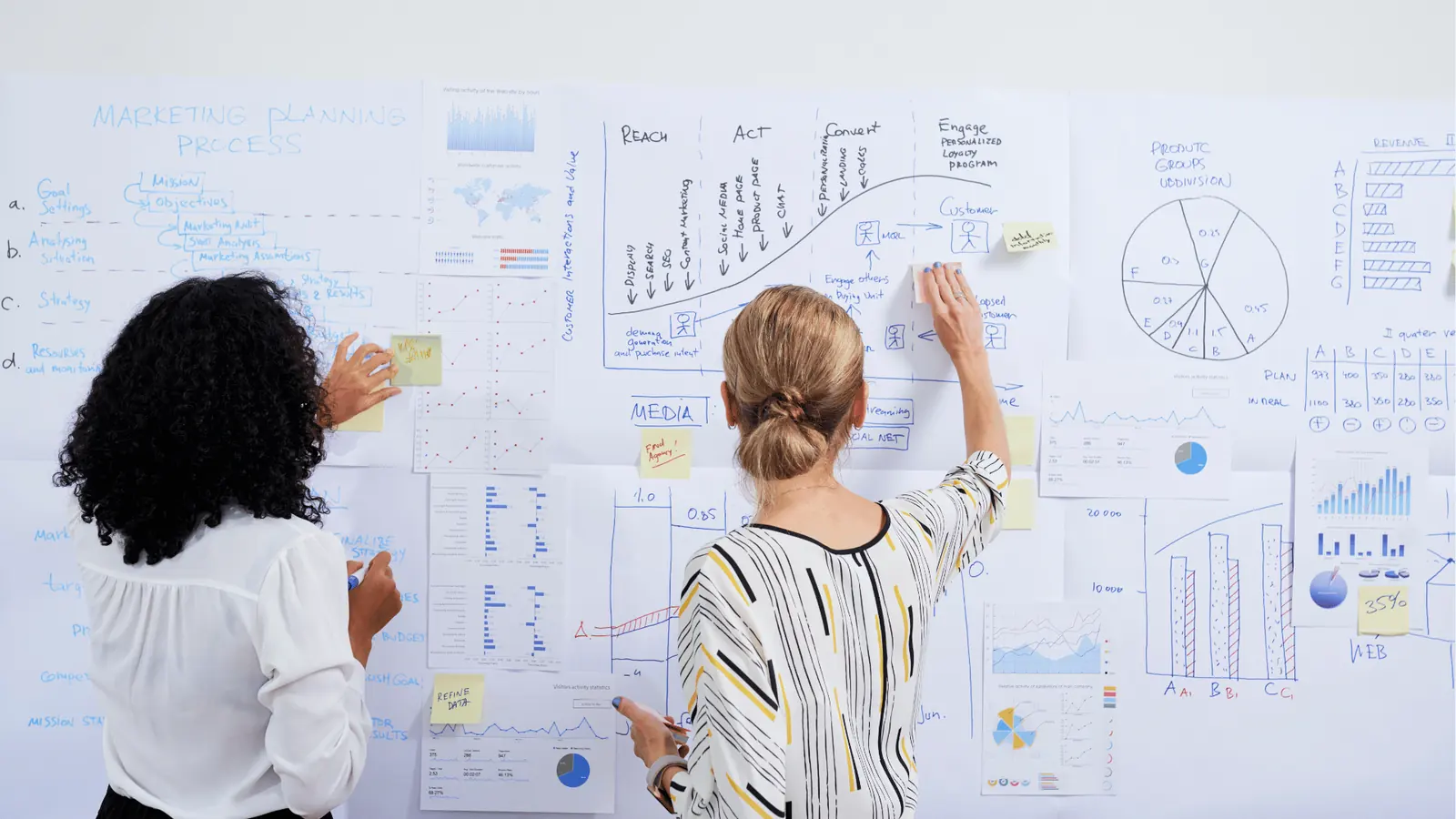
It is tempting to shop for a new social tool by checking off feature boxes: multi-channel support, analytics reports, and a slick mobile app. But if you focus only on the list, you will miss the fundamental problem that kills most social programs: coordination debt.
Most teams treat their social tools like glorified file cabinets. They use a generic project management platform to track the idea of a post, then move to a design tool for the visual, then switch to a messaging app for the critique, and finally hop into a scheduling tool to publish.
This is where the hidden cognitive tax is paid. Every time a creative or a strategist switches tabs to find a missing thread or a lost asset, they lose momentum. Worse, the actual context of why a change was requested is often lost in translation between the task manager and the post itself.
The real issue: Traditional "all-in-one" PM tools cause more fragmentation, not less. They act as a central hub for tasks, but they lack the native ability to view or manipulate the final social asset in its native format, forcing users to rely on external links that inevitably break or become outdated.
When you look for your next tool, stop asking "what can it do?" and start asking "where does the work actually happen?" If your feedback loop lives in a different tab than your post, your workflow is fundamentally broken. Collaboration should be a feature of your content, not a separate task in your backlog.
The difference comes down to whether your tool supports Contextual Gravity. In Mydrop, for instance, a teammate can leave a comment directly on a post preview in a workspace channel. Because the conversation is anchored to that specific draft, nobody has to hunt through Slack to figure out what the "v2" feedback actually meant. The asset, the critique, and the operational status are a single, unified source of truth.
This is the part that most teams underestimate: the time wasted on "asset retrieval" is usually higher than the time spent on actual creation. When you have dozens of campaigns running across multiple markets and brands, that wasted time scales into a massive drag on your entire department's capacity.
Operator rule: Never move an asset to a conversation. Move the conversation to the asset.
The buying criteria teams usually miss

Most teams evaluate software by staring at a features list, but they inevitably ignore the hidden cost of coordination debt. You might find a tool with a beautiful drag-and-drop calendar, but if that calendar sits behind a wall of three different apps every time you need to confirm a color choice or legal disclaimer, you are not saving time. You are just moving the clutter around.
What enterprise teams should prioritize instead is context retention. It is the ability for a designer, a copywriter, and an account manager to look at a post preview and see the entire history of the asset-the original feedback, the approved copy, and the deployment date-without ever leaving that single view.
Most teams underestimate: The massive friction created by switching between a design proofing app and a publishing calendar. Every time you switch tabs to check an asset version or confirm if a caption was approved, you lose focus. Over a hundred posts a month, that adds up to hours of lost productivity.
When evaluating your next tool, look past the shiny interface and ask where the conversation actually lives. If the answer involves "integrating with Slack" or "exporting to Trello," you are still running a fractured operation. True collaboration is an attribute of the content itself, not an external task in a secondary dashboard.
| Criterion | Task-First PM Tools | Mydrop Social Workflow |
|---|---|---|
| Asset Origin | Upload/Attach to Task | Embedded Gallery/Canvas |
| Feedback Loop | Comments on PM Card | Threads inside Post Preview |
| Context | Requires Link Back to Doc | Persistent with the Content |
| Operational Trigger | Manual Calendar Entry | Automated Reminder on Post |
Where the options quietly diverge

The split in the market is sharper than it looks. On one side, you have general-purpose project management platforms that treat a social post like just another ticket in a queue. On the other, you have platforms built specifically to solve the social media lifecycle, where the post is the heartbeat of the system.
If you rely on general project management tools, your team is likely stuck in the "Duplicate Work" trap. You have to manually create the task, upload the asset, track the feedback in a separate chat channel, and then finally move that data into your publishing tool. Every one of those steps is a place where a file version can get lost or a stakeholder can miss a notification.
Common mistake: Treating a social post like a static file. Social content is living. It requires constant context, from the initial creative concept to the final community engagement plan. If you manage it like a static document in a project tracker, you lose the ability to see how your creative strategy is actually performing in real-time.
Mydrop avoids this by anchoring every part of the campaign-the initial note, the creative asset, and the final preview-to the social work itself. This Contextual Gravity means you aren't searching for the "latest version" of a campaign; you are looking at the only version, with all the relevant history attached.
The 3-Layer Collaboration Stack
- Conversations: Discussing creative direction and approvals directly in the post thread.
- Assets: Connecting your design gallery workflow to the publish date so formats remain optimized.
- Operations: Using calendar-embedded reminders to keep community managers and stakeholders in lockstep.
The goal isn't just to publish more content. It is to publish with more confidence, knowing that every piece of feedback is right where you need it, exactly when you need to act on it. When your workflow removes the need to hunt for context, the quality of your output naturally rises. Collaboration should be a feature of your content, not a separate task in your backlog.
Match the tool to the mess you really have

You rarely have a tool problem; you have a coordination debt problem. The friction usually starts when your creative process is divorced from your publishing calendar, forcing your team to act as human bridges between disparate apps. If you are managing two brands across three regions, you cannot afford to have feedback living in an email thread while your approved assets sit in a separate cloud drive, disconnected from the actual post preview.
Operator rule: Never move an asset to a conversation. Move the conversation to the asset.
When you bring the discussion directly into your workspace-using Mydrop's threaded replies inside the post preview-you stop the treasure hunt. Creative teams stop asking "Which version is final?" because the feedback is anchored to the specific draft being reviewed.
Match your needs to the operational reality:
| Team State | Primary Friction | The Fix |
|---|---|---|
| High-Volume Retail | Missing windows for community replies | Calendar-linked reminders |
| Global Enterprise | Inconsistent brand/governance | Saved post templates |
| Fast-Moving Agencies | Scattered feedback on design assets | In-preview threaded conversations |
| Product-Launch Focused | Asset handoff delays | Gallery service imports |
If you are currently struggling to scale because your team spends more time updating status cells in a spreadsheet than actually refining content, stop treating social media as a task-list problem. It is a flow problem.
Implementation path for the switch
When your team is ready to move away from the "all-in-one" PM tools that don't actually handle social media, follow this sequence to avoid stalling your current campaigns.
- Audit your current "feedback trail" for the last three major campaigns to identify where information dropped.
- Map your existing manual approval steps against Mydrop’s template-based workflow to see where you can automate.
- Set up calendar reminders for the next 30 days to ensure community engagement windows are never ignored.
- Designate one pilot brand or region to move their creative review process entirely inside the post preview.
- Evaluate the time saved on "where is the latest file" questions after the first two weeks of the transition.
Common mistake: Trying to manage social content in a generic project management tool without integrated previews. This creates a "double-work" trap where you must create the post twice: once for the internal task manager and again for the social platform itself.
The proof that the switch is working

You know the transition is taking hold not when you finish a post faster, but when the "noise" of creative production disappears. The metric that matters is context-switching frequency. When your team stops leaving the Mydrop workspace to hunt for an attachment or an email confirmation, they enter a higher tier of creative output.
KPI box: Measuring Collaboration Velocity
- Review Cycle Time: Target a 30% reduction by keeping feedback on-preview.
- Asset Localization Time: Target 50% faster turnaround using gallery imports.
- Missed Engagement: Target zero missed community windows using calendar reminders.
This shift changes the team's identity. Instead of acting as administrative traffic controllers who move tasks from "To Do" to "Done," they become creative operators. They stop managing the process of social media and start managing the impact of the content.
The most successful teams are the ones that treat contextual gravity as their primary competitive advantage. If your tools don't respect the relationship between your creative assets and your publishing timeline, they are just adding weight to your backlog. Real social collaboration should feel invisible, keeping the team focused on the work itself rather than the tools required to discuss it. When the conversation lives where the content lives, you stop building a social media backlog and start building a reliable brand machine.
Choose the option your team will actually use

Stop looking for the perfect feature set and start looking for the tool that respects your team's mental bandwidth. If you pick a powerful task-manager that requires a manual export of every creative file just to get feedback, you are asking your team to pay a cognitive tax they cannot afford. The best tool is the one that disappears into the background, letting the conversation happen right where the work lives.
You need a solution that feels like a natural extension of your creative desk, not a separate administrative chore. When you minimize the clicks between seeing a draft and commenting on it, you stop the information leaks that plague every large-scale social operation.
Common mistake: The "Manager-First" Trap. Teams often buy tools based on how they look to the boss (clean dashboards) rather than how they work for the person hitting publish. If a tool makes a task look pretty but adds two extra steps to every feedback loop, your team will eventually ignore it or revert to Slack threads, leaving you with zero visibility into why a post was changed.
For most enterprise teams, the transition comes down to three concrete steps:
- Audit your current feedback loops: Pick one recurring campaign and count exactly how many different browser tabs or applications a single asset travels through from initial draft to final post.
- Standardize the entry point: Move your creative file imports directly into the publishing platform so the asset is already there when the stakeholders start their review.
- Formalize the context: Require that all feedback happen inside the platform's threaded comments, not in a chat window, so the rationale stays attached to the post forever.
Framework: The 3-Layer Collaboration Stack
- Layer 1: Conversations. Discussion happens attached to the specific asset or post preview.
- Layer 2: Assets. Files are stored in the gallery, fully version-controlled and format-ready.
- Layer 3: Operations. Reminders and notes provide the "why" and "when" right on the calendar.
If you are struggling with missed deadlines and scattered feedback, do not just hire more people or buy more seats. You have a coordination debt problem that no amount of extra budget can solve. Your goal is simple: ensure that the conversation stays tethered to the content.
When your team can open a calendar and see not just the post, but the entire history of why that post exists, who approved the creative, and what the final goal is, the friction vanishes. You gain the ability to scale your output without losing the nuance that makes your brand effective.
Collaboration should be a feature of your content, not a separate task in your backlog. If your feedback loop lives in a different tab than your post, your workflow is broken. Mydrop is designed to resolve this by keeping those workspace conversations directly inside the social workflow, turning what was once a fragmented scavenger hunt into a single, cohesive engine for your brand. Stop managing the process and start building the content.