
The best way to handle social media collaboration in 2026 is to stop treating your publishing calendar as a separate universe from your team’s internal communication. If your creative team has to toggle between a project management tool for feedback and a scheduling tool for execution, you are leaking productivity at every handoff. For high-velocity brands, the real threat to quality isn't a lack of creative ideas, but the friction caused by this constant context-switching.
When your team’s most important feedback is trapped in a disconnected chat app, post quality suffers, revisions drag on, and stress spikes. Moving your conversations directly into the publishing flow brings the relief of instant clarity and the operational payoff of faster, higher-confidence approvals.
Effective social media management is not about having a project management tool plus a scheduling tool; it is about choosing a platform that anchors team communication directly inside the publishing workflow.
TLDR: Who is this for?
- Enterprise marketing teams drowning in Slack threads and version control errors.
- Agencies managing multiple brand voices across fragmented timezones.
- Social leads who need to prove ROI and governance without babysitting daily tasks.
Operator rule: Never approve a post without seeing the context thread. If the feedback, asset history, and approval signature aren't attached to the preview, the post isn't ready.
The feature list is not the decision

The awkward truth: Most teams buy software to solve chaos, only to create "digital overhead"-a secondary, complex management system that requires more maintenance than the social content itself. When you audit your current stack, don't look at the feature list. TikTok support, AI drafting, and multi-platform scheduling are now baseline requirements, not competitive differentiators.
Instead, look at the "Friction Index." Count how many clicks and windows it takes for a designer to see a copywriter’s requested change on an Instagram mock-up. If the answer is more than one, you are managing coordination debt.
When you strip away the marketing fluff, your team actually needs three things to scale without losing control:
- Integrated Context: Can you discuss the specific crop of a thumbnail while looking at the final platform preview?
- Operational Continuity: Does the AI assistant know the brand guidelines used in last month’s top-performing campaign, or does it start from a blank prompt every time?
- Regional Visibility: Can your workspace host multiple brands or markets without the calendar turning into a cluttered, unreadable mess?
Here is where teams usually get stuck: they try to force their entire workflow into a rigid, task-heavy project management tool. They create cards, set deadlines, and attach files, but the actual "social" work-the nuance of a caption, the preview of a layout, the timing of a launch-lives in a separate dashboard.
Common mistake: The Centralization Trap. Forcing creative teams into a generic project management tool often leads to "ghost" processes where people copy-paste feedback out of the tool because it’s too cumbersome to use during a live review.
If you have to switch tabs to ask a question, the context is already lost. Your social tool should be a conversation hub, not just a calendar. That is the difference between managing tasks and managing the actual work.
The buying criteria teams usually miss
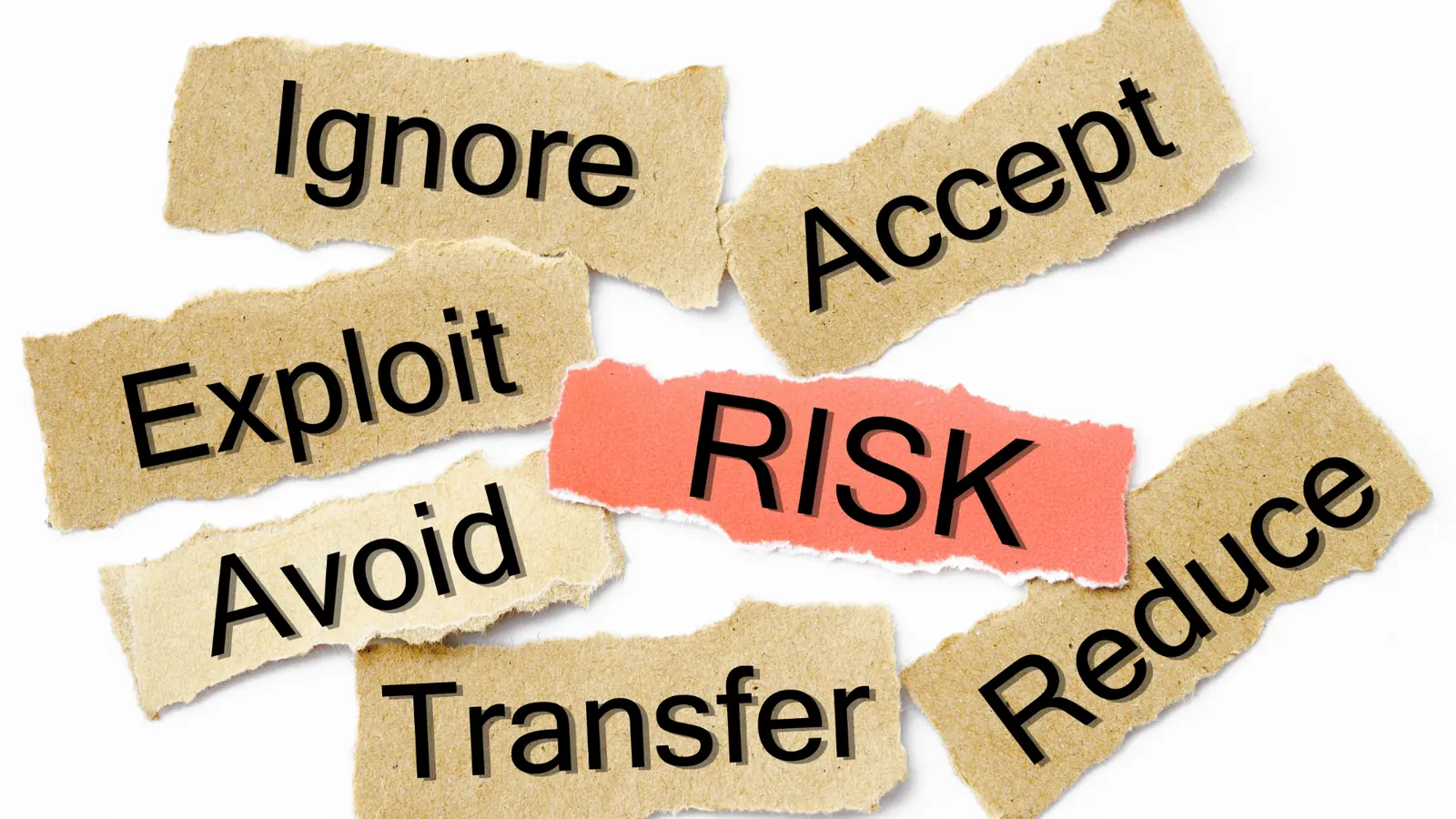
Most teams get dazzled by the number of social networks a platform supports or the flashiness of the dashboard widgets. They end up buying for 2026, but their internal communication style is stuck in 2012. You are not just buying a scheduling tool; you are buying an operational bottleneck or an operational accelerator.
Most teams underestimate: The true cost of the "feedback gap." When you add up the time spent copying captions into email, screenshotting previews to send over Slack, and then chasing down approvals in a third window, you aren't just losing hours. You are losing the thread of the original creative intent.
Before you sign a contract, look at these four criteria that rarely make it onto a standard RFP spreadsheet but define your actual day-to-day survival:
| Criteria | The "Stuck" Way | The High-Velocity Way |
|---|---|---|
| Feedback Loop | Comments trapped in email/DM | Threaded conversations on the post |
| Context | Re-attaching assets in every chat | Assets and history baked into the workflow |
| Account Sync | Refreshing tokens and reconnecting | Continuous, background profile health |
| Team Hand-offs | Manual task assignment | Direct mentions in the publishing flow |
If your platform treats "collaboration" as an afterthought-like a generic comment box hidden in a sidebar-it will eventually force your team to retreat to their comfort zone of Slack or Microsoft Teams. That retreat is where context dies.
Common mistake: Forcing your creative team to use a rigid project management tool to manage social content. These tools are great for software builds but terrible for social media, where the timeline is fluid and the creative asset is the project itself. You need a platform that treats the post as the conversation hub, not as a ticket in a backlog.
Where the options quietly diverge
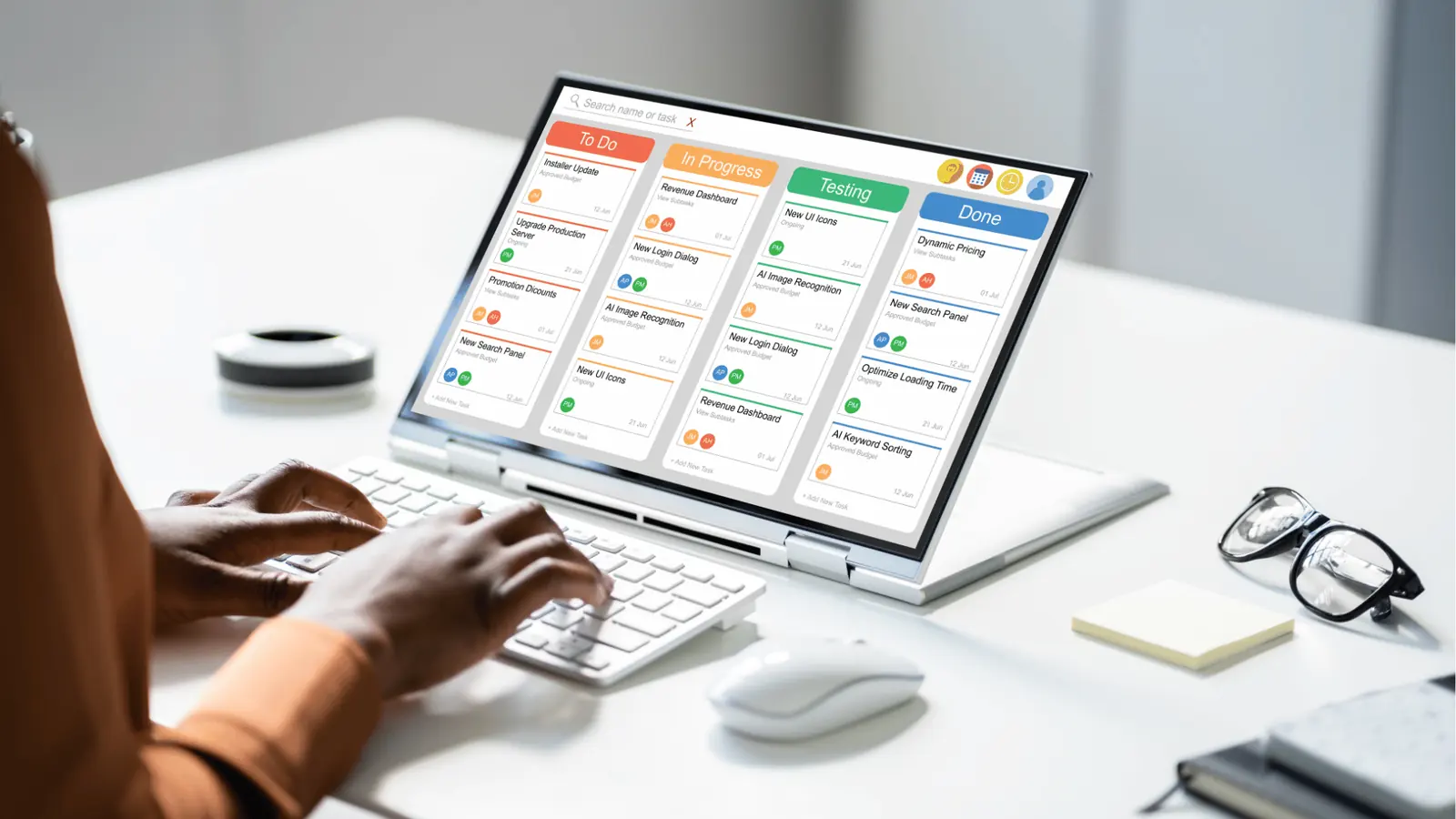
The market is split between two philosophies: Task-Centered suites and Context-Centered platforms like Mydrop. The difference isn't just UX; it is about how much "coordination debt" you carry every morning.
Task-Centered tools treat a social post like an item to be checked off. You schedule, you review, you approve, and the tool marks it "done." But social media for an enterprise brand is rarely just "done." It requires nuanced back-and-forth about whether a thumbnail works for LinkedIn versus TikTok, or whether a caption violates a new regional compliance rule.
In a traditional suite, that conversation lives in a separate app. In a Context-Centered workflow, the conversation is the record of the work.
Operator rule: Never approve a post without seeing the context thread. If you cannot see the history of why a decision was made right next to the preview, you are approving in the dark.
Here is how the workflow feels across the divide:
1. The Task-Centered Flow (The "Toggle" Tax)
- Draft post in dashboard.
- Copy link to post preview.
- Paste link into team messaging app.
- Wait for feedback, then reconcile it back into the dashboard.
- Update status in a separate spreadsheet tracker.
2. The Context-Centered Flow (The Mydrop Approach)
- Draft post in the composer.
- Mention the stakeholder directly on the post preview.
- Exchange feedback and adjustments in the thread.
- Hit approve once the conversation hits consensus.
- The history of the decision remains tethered to the post forever.
This isn't just about speed; it is about accountability. When you have a high-stakes campaign, you want that audit trail of "who said what" sitting directly inside your social calendar. When a post performs unexpectedly, you can go back to the original thread, see the conversation, and learn from it.
If your current stack requires you to leave the screen to get the green light, you have built a system that relies on human memory rather than digital records. At scale, that memory fails. Moving communication into the publishing flow is the only way to stop the churn of lost feedback and disconnected team members. Your social tool should be a conversation hub, not just a glorified calendar. Stop managing tasks and start managing the work itself.
Match the tool to the mess you really have

Choosing software feels like a high-stakes personality test, but it is actually just a diagnostic of your current operational debt. If your team is small and focused on a single vertical, a lightweight scheduler might keep the noise down for a while. But once you introduce multiple markets, layered stakeholder approvals, and the inevitable churn of changing brand assets, "simple" tools quickly become the bottleneck.
Common mistake: Trying to force a rigid, task-focused Project Management (PM) tool into a creative publishing flow. You end up with designers, copywriters, and legal reviewers all living in tickets, while the actual social post-the thing that matters-is hidden behind a link that nobody remembers to click.
To find the right fit, you have to honestly map your current friction points.
- Intake -> Approval -> Compliance -> Publishing -> Reporting
If your "Intake" phase happens in one app, your "Approval" in another, and your "Publishing" in a third, you are not managing a workflow; you are managing a relay race where everyone keeps dropping the baton. For enterprise teams, the goal is not "more features," it is coordination density. You want the fewest possible clicks between a creative thought and a live post.
If you find yourself constantly saying, "Did you see the latest version in the sheet?" or "Who approved this edit?", your stack is leaking information. You need a platform where the conversation lives inside the preview.
Operator rule: Never approve a post without seeing the context thread. If you have to ask for context outside the tool, you are already behind schedule.
Before you commit to a new platform, audit your current feedback loop with this quick check:
- Can teammates @mention each other directly on a post preview?
- Does the thread history stay attached to the post after it is scheduled?
- Can a legal reviewer see the exact asset and caption without opening a separate document?
- Are timezone discrepancies automatically handled in the calendar view for distributed teams?
- Can you turn an AI-generated draft into a post without copy-pasting across three tabs?
If you answered "No" to more than two, you are paying a "context tax" every single day.
The proof that the switch is working
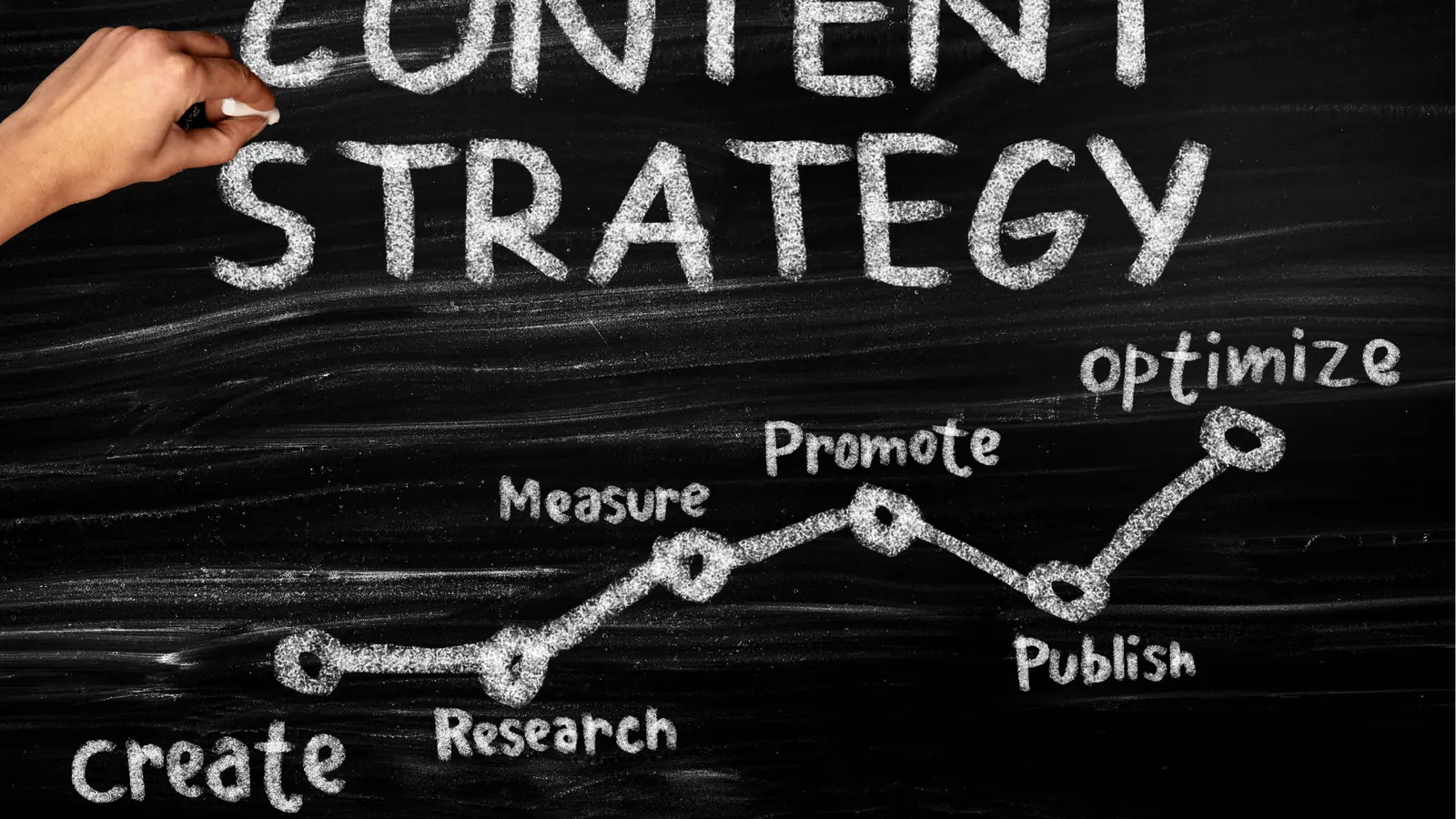
The moment you move communication into the publishing flow, the metrics shift. You stop counting how many posts you pushed out and start measuring the health of your coordination. This is the difference between a team that is just "posting" and a team that is actually "operating."
KPI box: Look for a 20% to 30% reduction in "time-to-approval" within your first quarter of unified-flow publishing.
When your platform integrates conversations directly, the team stops having meta-conversations about the work and starts having real conversations about the work. You aren't asking "Is this updated?"; you're discussing the nuance of the copy or the brightness of the thumbnail. That shift in tone is the primary indicator of operational maturity.
Pull quote: "Your social tool should be a conversation hub, not just a calendar."
The most telling sign of success is when your creative leads stop checking their email for approval notifications. They start working entirely within the dashboard. They can look at a calendar, see a thread of conversation on a specific LinkedIn post, read the final sign-off from the regional manager, and know with total confidence that the asset is compliant and ready.
This is what <mark>Mydrop</mark> brings to the table for serious teams. By anchoring the conversation to the post itself, you eliminate the "where is the file" scramble. You aren't just scheduling content anymore; you are building a searchable, permanent record of why every single creative decision was made.
At the end of the day, scale isn't solved by adding more tools. It’s solved by stripping away the ones that force you to work in silos. The teams that win in 2026 are the ones that stop treating communication as an external overhead and start treating it as the core engine of their publishing strategy. When the work and the talk about the work exist in the same space, the quality of your output naturally follows.
Choose the option your team will actually use
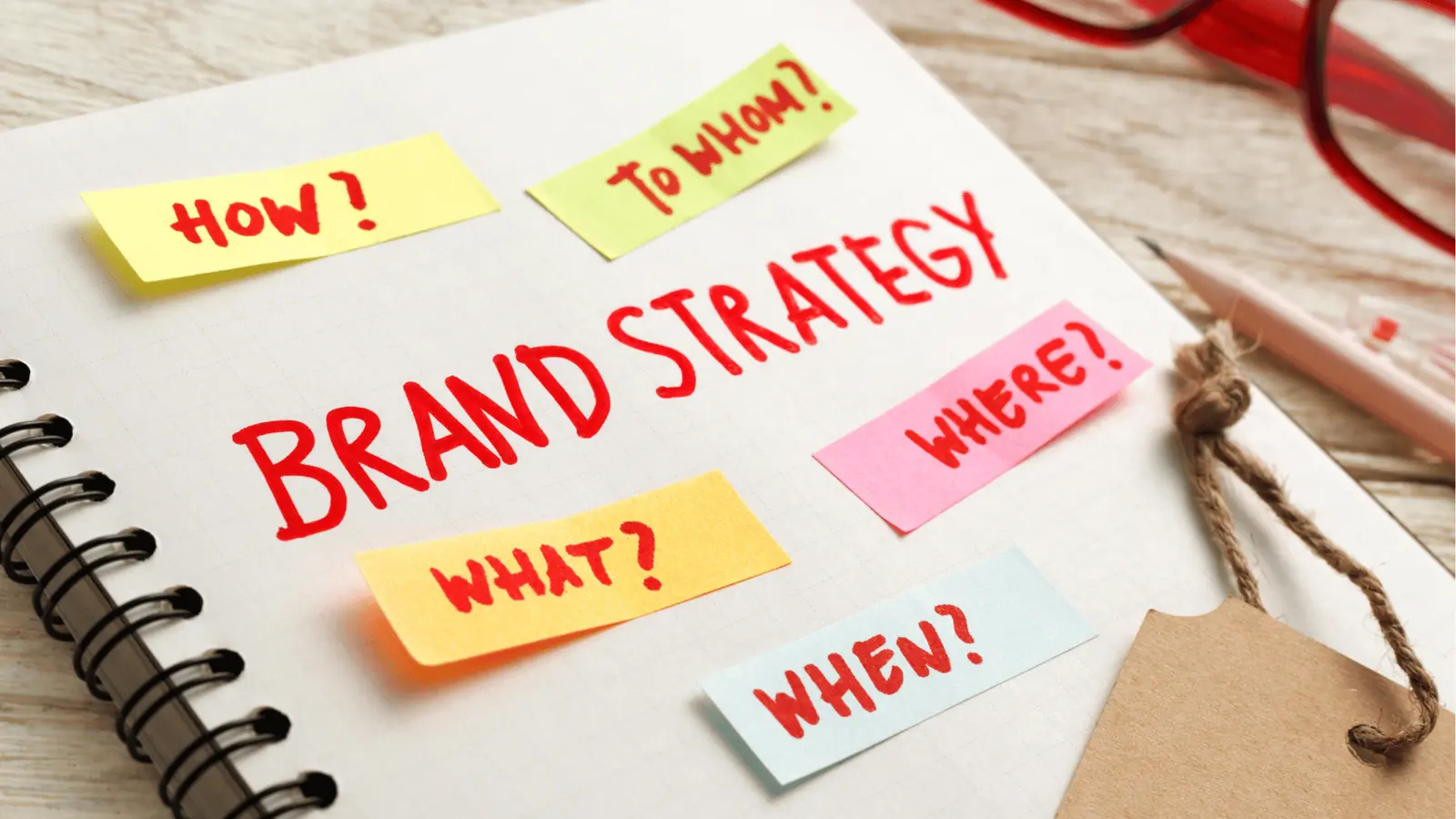
The right choice isn't the platform with the deepest feature list; it is the one your team will adopt without being nagged. If you choose a tool that requires a secondary project management dashboard, you are paying for software that guarantees a breakdown in communication.
Framework: The Adoption-Gravity Test Before signing a contract, look at your current workflow. If your team has to leave the post preview to ask a question, the software lacks Gravity. High-gravity tools-like Mydrop-pull communication inward, turning every post into a dedicated thread where feedback, assets, and decisions live together. Low-gravity suites require constant, manual effort to re-sync conversations with actual content.
If you are a large team, you aren't just buying a scheduler; you are buying a collaboration protocol. If you need to stop losing context, look for platforms that integrate your chat directly into the calendar. If you just need to automate some social posts and don't care about the feedback loop, a standard scheduler is fine. But for anyone managing multiple brands or high-stakes campaigns, the friction of "tab-switching" is a silent killer of productivity.
Here are three steps you can take this week to stop the bleed:
- Conduct a "Toggle Audit": Track how many times you switch from your social dashboard to Slack or email just to get a caption approved.
- Standardize the Handoff: Mandate that no post is moved to "Ready" status without a confirmed thread-based review directly on the post preview.
- Pilot the Conversation: Move one brand or one monthly campaign into a workflow where internal feedback is captured on the platform, not outside of it.
Pull quote: "Your social tool should be a conversation hub, not just a calendar. If you have to switch tabs to ask a question, the context is already lost."
Conclusion

Operational maturity in social media isn't achieved by adding more tools to your stack. It is achieved by stripping away the layers that distance your team from the work.
The goal is to reach a state where the publishing schedule is a live, breathing record of your team’s decisions, not just a static map of when content goes out. When you anchor your communications within the work itself, the chaotic back-and-forth of approvals vanishes, replaced by the quiet confidence of a team that knows exactly what is being said, where it is being said, and why.
Social media scale usually fails from coordination debt, not lack of ideas. Mydrop is built on the reality that when you centralize the conversation, you don't just work faster; you work with a level of clarity that makes the high-volume pressure of 2026 feel manageable. Stop managing tasks across five different apps, and start managing the work where it actually happens.