Most teams aren't leaving Later because the tool is broken or the interface is clunky. They're leaving because they've outgrown the manual handoff that comes with it. When you are managing a single brand, downloading a file from Canva and uploading it into a scheduler is a minor task. When you scale to ten brands, fifty channels, and three different timezones, that "invisible middle" stops being a chore and starts being a full-time job of file management rather than strategic marketing.
There is a specific kind of 9 PM anxiety that only social media managers truly understand. It's the "failed post" notification. You check your phone, see the red exclamation mark, and realize the video aspect ratio was slightly off for that specific platform or the caption was three characters too long. It feels like a personal failure, but it is actually a workflow failure. Real operational peace of mind isn't just about having a pretty calendar; it is about having a system that prevents you from making mistakes before you ever hit the schedule button.
The operational truth is simple: A tool that lets you schedule a mistake isn't a workflow; it's a liability. Enterprise-Grade Operations require more than just a grid view; they require a guardrailed pipeline.
TLDR: Later is built for visual scheduling; Mydrop is built for high-velocity production. While Later excels at the "grid aesthetic" for individual creators, enterprise teams are switching to Mydrop to eliminate the manual "Export-Check-Upload" loop through Canva-native exports and automated pre-publish validation that catches errors before they go live.
If you are evaluating your current stack, here are three signs you have hit the coordination ceiling:
- The 20% Rule: Your team spends more than 20% of their day moving files between browser tabs, "Downloads" folders, and different tools.
- The Error Frequency: You have had more than two "failed post" notifications or manual deletion-reposts this month due to technical specs.
- The Timezone Dance: You are manually calculating posting times for different client markets because your workspace settings don't align with their local operating hours.
Why the old tool starts cracking at multi-brand scale
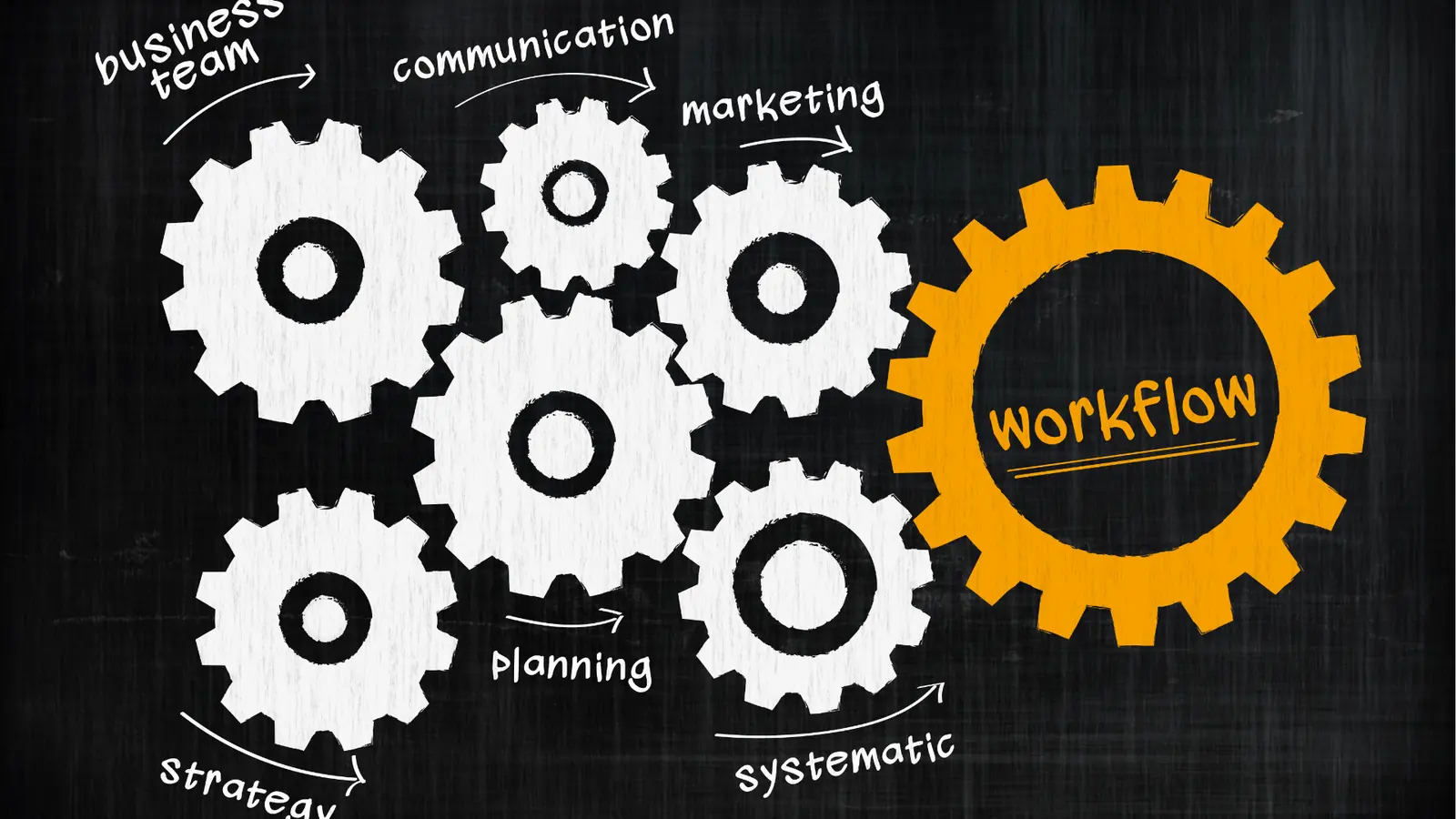
The transition from "managing a social account" to "running a social media operation" is where the "Later Tax" starts to come due. This isn't a line item on your invoice; it's the unbudgeted cost of using a tool built for influencers to run a professional agency or an enterprise brand.
In the early days, Later was a revelation. It made Instagram feel manageable because it focused on the visual grid. But for a modern team managing a multi-channel presence across LinkedIn, TikTok, and Instagram, the "visual-first" approach starts to feel like a "manual-first" bottleneck.
The real issue is the "Invisible Middle." This is the gap between your design tool (usually Canva) and your scheduler where errors live and breathe. In a typical Later workflow, a designer finishes an asset in Canva. A manager then downloads that asset, checks the file size, ensures the aspect ratio is correct for the destination, uploads it to the Later library, and then manually types in the caption.
Here is where it gets messy: every one of those manual steps is an opportunity for a mistake. If the video is 61 seconds instead of 60, or if the file size is 1MB over the limit, you won't know it's a problem until you try to schedule it-or worse, until the API rejects it at the moment of publishing.
The real issue: Most teams underestimate the cognitive load required to maintain accuracy across multiple brands. When you treat "Social Media Manager" as a "Manual File Uploader," you aren't just wasting money; you are burning out your best talent on low-value data entry.
We see this most often in the "Downloads folder graveyard." You know the one: a cluttered mess of files named "Final_v2_FINAL_for_real.mp4" that your team has to sift through just to get a post live. Mydrop replaces this chaotic handoff with a "zero-handoff" model. By using Canva-native exports, the creative files arrive in the gallery in the exact usable format needed for the campaign. No re-downloading, no re-sizing, and no guessing if the version you have is the one the client actually approved.
Then there is the issue of "Timezone Tetris." For agencies managing global brands, Later’s workspace limitations often force teams to keep a "master sheet" of when posts should actually go live versus when they appear in the tool. This is a recipe for a PR disaster. Mydrop’s workspace and timezone controls allow you to switch between brands and keep every calendar commitment aligned to the specific market's operating hours.
Operator rule: Never schedule an asset that hasn't been validated against the destination platform’s specific API requirements. "I think it is the right size" is how brands end up with cropped logos and cut-off captions.
When you move from one brand to ten, you stop needing a "planner" and start needing a "pipeline." You need a system that says "No" to a 4:5 video on a platform that requires 9:16 before the manager even sees it. This isn't about being restrictive; it is about being fast. When the "No" is automated, the "Yes" happens much faster.
| Feature | Manual Handoff (Later) | Integrated Flow (Mydrop) |
|---|---|---|
| Canva Integration | Download/Upload loop | Native Gallery import with format presets |
| Error Handling | Post fails at publish time | Pre-publish validation catches errors at entry |
| Timezones | Often manual or workspace-wide | Per-workspace and per-market alignment |
| Scale Speed | Linear (more brands = more manual work) | Exponential (templates and validation save time) |
The part people underestimate is how much "coordination debt" they are carrying. Every time you have to slack a teammate to ask "is this the right version?" or "did we check the TikTok duration?", you are paying that debt. Mydrop is designed to clear those books so your team can get back to the work that actually moves the needle: strategy and performance.
The coordination cost nobody budgets for
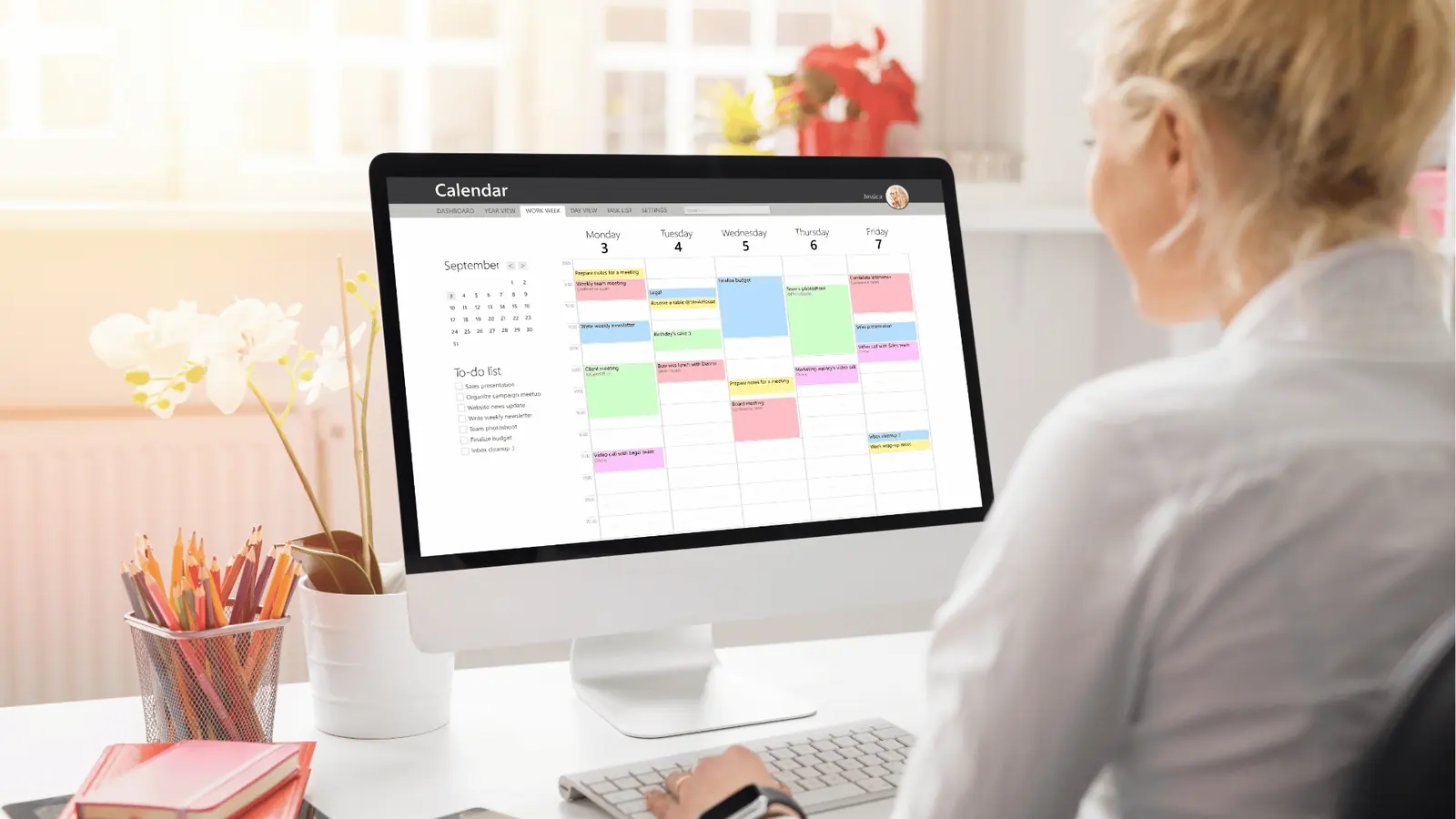
The real cost of a social media tool isn't the line item on your monthly invoice; it is the hours your most expensive talent spends acting as a human file-transfer protocol. When you are running a single personal account, Later's visual grid feels like a superpower. But when you are an agency juggling twenty clients across four continents, that same grid starts to feel like a spreadsheet you simply cannot escape.
This is the part where the "Later Tax" starts to bite. It is the unbudgeted time spent downloading a video from Canva, checking if it is under sixty seconds for a specific platform, realizing it is sixty-one seconds, going back to Canva, trimming it, downloading it again, and then manually uploading it to the right workspace. If you do that ten times a day across five team members, you have just lost a full workday to clicking "Download." For an enterprise brand, this is not just inefficient; it is a structural bottleneck that prevents you from scaling your content volume.
Most teams leave Later not because it is broken, but because they have hit a "coordination ceiling." In a multi-brand environment, the invisible middle-the gap between "The asset is done in Canva" and "The post is scheduled correctly"-is where all the risk lives. This is where a social media manager accidentally posts a UK-specific promotion to a US-market profile because they were toggling between fifteen different browser tabs and lost their place.
Most teams underestimate: The cognitive load of "context switching" between workspaces. Every time an operator has to log out, check a timezone setting, and verify a local holiday calendar, they lose the creative momentum needed for the actual strategy. This "manual friction" is why teams feel burnt out even when they have a scheduler in place.
| Feature | Manual Handoff (Later) | Integrated Flow (Mydrop) |
|---|---|---|
| Canva Workflow | Download to desktop, then upload | Direct native export to gallery |
| Validation | Manual eyes on specs | Automated pre-publish check |
| Multi-Brand | Frequent workspace toggling | Unified view with global controls |
| Timezones | Per-post manual setting | Workspace-locked timezone logic |
| Error Handling | Notification after failure | Blocked schedule before failure |
The 9 PM anxiety of a "failed post" notification is a choice, not a requirement. Usually, those failures happen because of a mismatched aspect ratio or a file size that was slightly too large for the platform's API. Later lets you schedule that mistake. It lets you hit "Save" on a post that is destined to fail three hours later while you are at dinner. Real operational payoff isn't just a scheduled post: it is the silence of a workflow that validates itself before the error ever leaves the building.
How Mydrop removes the extra handoffs

Mydrop was built on the premise that "Social Media Manager" should not be a synonym for "Manual File Uploader." If your team spends more time managing assets than managing engagement, the system is broken. The goal is to move from a "bucket" model-where you just dump content into a scheduler-to a "pipeline" model.
In the pipeline model, the tool acts as a gatekeeper. This is what we call the Guardrailed Pipeline. It starts with the Canva Gallery import. Instead of the "Export-Check-Upload" loop, Mydrop allows users to choose output formats and options such as image quality, video orientation, or PDF size directly within the gallery workflow. The files arrive in usable formats for specific social campaigns without ever touching a "Downloads" folder.
Operator rule: Never schedule an asset that hasn't been validated against the destination platform's specific API requirements. If your tool doesn't catch a 4K video destined for a platform that only accepts 1080p, the tool is a liability, not an asset.
Here is where it gets messy for most teams: the timezone trap. When you are managing a global brand, you aren't just scheduling for "now"; you are scheduling for a specific market's "now." Mydrop solves this with workspace-level timezone controls. When you switch to a specific brand's workspace, the entire calendar and every post time align to that market's operating timezone. You don't have to do the mental math of "What time is it in Singapore?" every time you hit schedule.
The V.A.P. Method is how high-speed teams turn social operations into an assembly line rather than a manual craft table:
- Validate: Before a post is scheduled, Mydrop runs a pre-publish check. It looks at profile selection, caption length, media format, duration, and even thumbnails. If the legal reviewer or the brand lead hasn't given the green light, the post doesn't move.
- Automate: Design production is connected to publishing. Assets flow from Canva to the gallery with pre-set orientations. Calendar reminders turn social chores into visible commitments so filming and analytics review happen on time.
- Perform: Decisions are based on evidence. Users review metrics like reach, engagement rate, and post-level results with date presets and profile filters to see what is actually working across the entire portfolio.
Watch out: A common mistake is treating the "Post Now" button as the end of the job. For enterprise teams, the job is the reproducible system. If your workflow relies on one person's memory to check if a video has the right thumbnail, you don't have a system; you have a person who is going to get tired eventually.
For agencies managing many stakeholders, the "coordination debt" can be crippling. When you have five different clients expecting five different reporting styles, you need a way to find which posts are working without digging through a dozen separate CSV exports. Mydrop's Analytics > Posts workflow allows you to sort by engagement rate or reach across multiple profiles simultaneously, making the strategic pivot much faster than the old manual way.
The "Scale-Ready" Audit: [ ] Are your Canva designs flowing directly into your gallery without manual downloads? [ ] Is your tool blocking "invalid" posts (wrong size/duration) before they are scheduled? [ ] Does each brand have its own workspace with a locked timezone? [ ] Are you using calendar reminders to track "asset collection" and "legal review" as separate tasks?
KPI box: Teams switching to a zero-handoff model typically see a 30% reduction in "Time-to-Publish" per asset. For a team producing 100 posts a month, that is roughly 12 to 15 hours of reclaimed strategic time that was previously spent on manual file handling and spec-checking.
A tool that lets you schedule a mistake isn't a workflow; it is a liability. Mydrop doesn't just host your content; it protects your brand's reputation by ensuring every post meets platform requirements before you ever hit "Schedule." The shift from Later to Mydrop isn't about getting a better grid view; it is about building an operational engine that handles the complexity so your team can focus on the story.
The migration checks that prevent a messy switch
Migration is not a data dump; it is a workflow reset. Most teams treat the move from Later to Mydrop like moving houses-they just want to shove everything into boxes and deal with the clutter later. But if you want to break the "coordination ceiling" that slowed you down in the first place, you have to audit the handoffs before you move the assets.
The messy middle is where enterprise transitions usually die. You have three years of history in your old tool, five different naming conventions for your Canva folders, and a team that is used to the "Export-Check-Upload" grind. The anxiety isn't about the new buttons; it is the fear of a 9 PM failed post because a timezone didn't sync or a video aspect ratio was wrong.
TLDR: Don't just move your content; move your logic. Map your workspace timezones, connect your Canva galleries directly, and set your validation rules before you invite the whole team.
To ensure the switch actually saves time instead of creating a second job, run through this "Scale-Ready" Audit. This is how you move from a manual craft table to a high-speed assembly line.
The "Scale-Ready" Migration Audit
- Audit Workspace Timezones: Ensure every brand profile is pinned to its local operating timezone, not the timezone of the person hitting "Schedule."
- Map Canva Gallery Imports: Identify which design folders need to sync directly so your team never has to visit their "Downloads" folder again.
- Define Validation Guardrails: Set your requirements for captions, media sizes, and platform-specific tags so the system can say "No" before a human has to.
- Sync Team Reminders: Move your recurring social chores-like community management or analytics reviews-into the Mydrop calendar so they become visible commitments.
- Test the "Zero-Handoff" Loop: Run one test post from Canva design to Mydrop validation to ensure the file quality and orientation settings are perfect.
Watch out: The "Timezone Trap" is the most common reason for failed global campaigns. Later often forces a single user timezone on a workspace; Mydrop allows you to lock the operating timezone to the market. If you don't map this during migration, your "Morning in London" post will go out at 3 AM.
| Migration Step | The Old Way (Later) | The New Way (Mydrop) |
|---|---|---|
| Asset Intake | Manual download/upload | Direct Canva-native export |
| Error Checking | Manual eyes on every post | Automated pre-publish validation |
| Multi-Brand | Swapping logins or silos | Centralized workspace switcher |
| Global Timing | User-based timezones | Market-specific timezone controls |
The low-risk pilot that proves the switch

You don't need to flip the switch for fifty clients on a Monday morning. The best way to prove the ROI of a "guardrailed pipeline" is to run a low-risk pilot with one brand or one specific channel. When you isolate the workflow, the "invisible middle"-those ten-minute gaps spent resizing images or chasing approvals-becomes glaringly obvious.
Most teams underestimate the cognitive load of switching between fifteen different workspaces. During a pilot, you aren't just looking for whether the post went live; you are measuring how much strategic time was recovered. If your team stops acting like manual file uploaders, they start acting like growth operators.
Framework: The V.A.P. Method Validate (Catch errors automatically) -> Automate (Pull designs directly) -> Perform (Review data-backed results)
A successful pilot focuses on the "production flow" rather than just the "scheduling." You want to see the system catch a mistake. You want to see a Canva export arrive in the gallery in the exact format required for an Instagram Reel without a human touching the "Export" settings.
KPI box: The 30% Rule Target a 30% reduction in "Time-to-Publish" per asset during your pilot. This is achieved by eliminating the "Export-Check-Upload" loop and replacing it with pre-publish validation. If a post takes 10 minutes to move from design to schedule now, it should take 7 minutes or less in Mydrop.
Operator rule: Never schedule an asset that hasn't been validated against the destination platform's specific API requirements. A tool that lets you schedule a mistake isn't a workflow; it's a liability.
The real payoff happens when the pilot brand shows a cleaner analytics report because the team spent their "found time" engaging with comments instead of fixing aspect ratios. This is where the transition stops feeling like a chore and starts feeling like a competitive advantage.
Common mistake: Treating "Social Media Manager" as "Manual File Uploader." When you use a tool built for influencers to run an enterprise agency, you are paying for talent to do data entry. The goal of the Mydrop pilot is to automate the entry so they can focus on the strategy.
The transition from Later to Mydrop is essentially a move from a visual calendar to an operational engine. Later is excellent for seeing what is coming; Mydrop is built for ensuring what is coming actually works. When you remove the manual handoffs, you don't just work faster-you work with the confidence that the guardrails are doing the heavy lifting for you.
Final operational truth: Mydrop doesn't just host your content; it protects your brand's reputation before you hit "Post." Once you see the "Zero-Handoff" model in action on one brand, the coordination debt of your old workflow becomes impossible to ignore.
When Mydrop is worth the move

The decision to switch isn't about finding a prettier calendar; it is about finding a higher ceiling for your team's output. If you are a solopreneur or a small business managing a single Instagram account with a handful of weekly posts, Later is an excellent choice. It is simple, visual, and does exactly what it says on the tin. However, if you are managing fifteen workspaces across three timezones with a rotating cast of clients and legal reviewers, that "simplicity" starts to feel like a straightjacket.
The transition to Mydrop becomes a requirement the moment your "Later Tax" -- the unbudgeted cost of manual file handling and human error -- starts to eat your agency's margins. When your most expensive strategists are spending their Friday afternoons acting as human file transfer protocols between Canva and a scheduler, you aren't just losing time; you are losing the ability to scale.
TLDR: Later is built for scheduling; Mydrop is built for production flow. Choose Mydrop when your bottleneck is no longer "what to post" but "how to get it approved and validated across ten brands without a mistake."
To help you decide if the move is justified, consider the V.A.P. Method. This is the framework high-output teams use to evaluate their operational maturity:
- Validate: Does the tool stop you from making a mistake? Later lets you schedule a video that the platform API will reject. Mydrop's pre-publish validation catches the wrong aspect ratio or file size before you hit schedule.
- Automate: Are you still downloading and uploading? Mydrop's Canva-native exports eliminate the "Downloads" folder entirely, moving assets directly from design to the gallery.
- Perform: Is your data driving the next plan? Mydrop's post-performance analysis feeds directly back into the calendar, so reminders for asset collection are based on what actually worked last month.
| Feature | Later (Manual Handoff) | Mydrop (Integrated Flow) |
|---|---|---|
| Asset Intake | Export, download, re-upload | Direct Canva gallery import |
| Guardrails | Manual checklist adherence | Automated pre-publish validation |
| Multi-Brand | Frequent workspace switching | Unified workspace + timezone controls |
| Operations | External task lists/Slack | Integrated Calendar Reminders |
Common mistake: Treating a Social Media Manager as a "Manual File Uploader." If 40% of their week is spent on the "Export-Check-Upload" loop, you aren't paying for their creativity; you are paying for their patience with a broken workflow.
If you are ready to audit your current setup, use this "Scale-Ready" Checklist to see where the cracks are forming:
- Do you have a "Zero-Handoff" design flow (direct sync from Canva)?
- Are your workspace timezones locked to the brand's market, not the manager's laptop?
- Does your tool automatically block a post if the media format is invalid for that specific platform?
- Are social operations chores (replies, filming, reporting) tracked as visible commitments on the main calendar?
KPI box: Teams switching from a manual handoff model to a guardrailed pipeline typically see a 30% reduction in "Time-to-Publish" per asset within the first month.
Conclusion

The "Invisible Middle" -- that messy gap between your design tool and your publishing button -- is where brand reputations go to die. It is where a mismatched caption, a broken link, or a video that won't play at 9 PM creates an emergency that didn't need to exist. While Later was a pioneer for visual planning, the modern enterprise team needs more than a grid; they need a pipeline.
If you are ready to stop managing files and start managing a high-speed assembly line, here are the three next steps you can take this week:
- Map the Handoff: Count how many times a single video file is downloaded and re-uploaded between your designer and your scheduler. If the number is greater than one, you have a coordination leak.
- Audit the "Fails": Look at your last three failed or "off-brand" posts. If they could have been prevented by a pre-publish validation rule, your current tool is a liability, not an asset.
- Run a Pilot: Move one brand workspace to Mydrop. Sync the Canva Gallery, set up your workspace timezone, and use Calendar Reminders to turn your chores into commitments.
Operator rule: Never schedule an asset that hasn't been validated against the destination platform's specific API requirements. A tool that lets you schedule a mistake isn't a workflow; it is a liability.
The ultimate operational truth is simple: Mydrop doesn't just host your content; it protects your brand's reputation before you ever hit "Post." When the silence of a self-validating workflow replaces the anxiety of a manual handoff, you know you've finally found a tool that can keep up with your team's ambition.