
You should consolidate your social media reminders into a single calendar view the moment your team grows past the point where a verbal status update or a pinned Slack message is enough to guarantee execution. If you find yourself asking "did we actually post that?" or "is the video file in the right place?" more than once a week, you have already hit the threshold.
We get it. You are juggling a dozen channels, multiple time zones, and a rotating cast of stakeholders. Your to-do list is currently a chaotic mosaic of spreadsheet rows, project management tickets, and half-remembered emails. It feels less like you are managing a brand strategy and more like you are playing whack-a-mole with operational tasks. That persistent, low-level anxiety that something is slipping through the cracks is the real thief of your creative energy. You do not need another tool to track your tools; you need a single, visible source of truth that makes the work undeniable.
The operating problem this solves

Most teams blame their scattered process on poor communication or lack of focus, but the real culprit is a high-frequency Notification Tax. Every time your social lead has to jump out of a publishing workflow to check if a creative asset was approved in a separate document or if a community reply window is open in a spreadsheet, they lose momentum. Over a week, those micro-switches add up to hours of lost deep work.
When your operational tasks live in the same space as your actual posts, you move from chasing the work to managing the rhythm. At Mydrop, we see this across hundreds of brands: the teams that thrive are not the ones who work the fastest, but the ones who have successfully offloaded their coordination debt into a unified, visual hub.
Operator rule: If a task does not have a timestamp and a status, it does not exist.
Before you decide to move your entire stack, look at where you are spending your mental budget. The goal is not to track every minor action, but to anchor your milestones-like filming days, asset delivery deadlines, and community engagement windows-directly next to your scheduled content. This visibility turns a static schedule into a living, breathing operational hub, ensuring that when someone on your team opens the calendar, they see the whole picture, not just the finished posts.
The minimum system that works
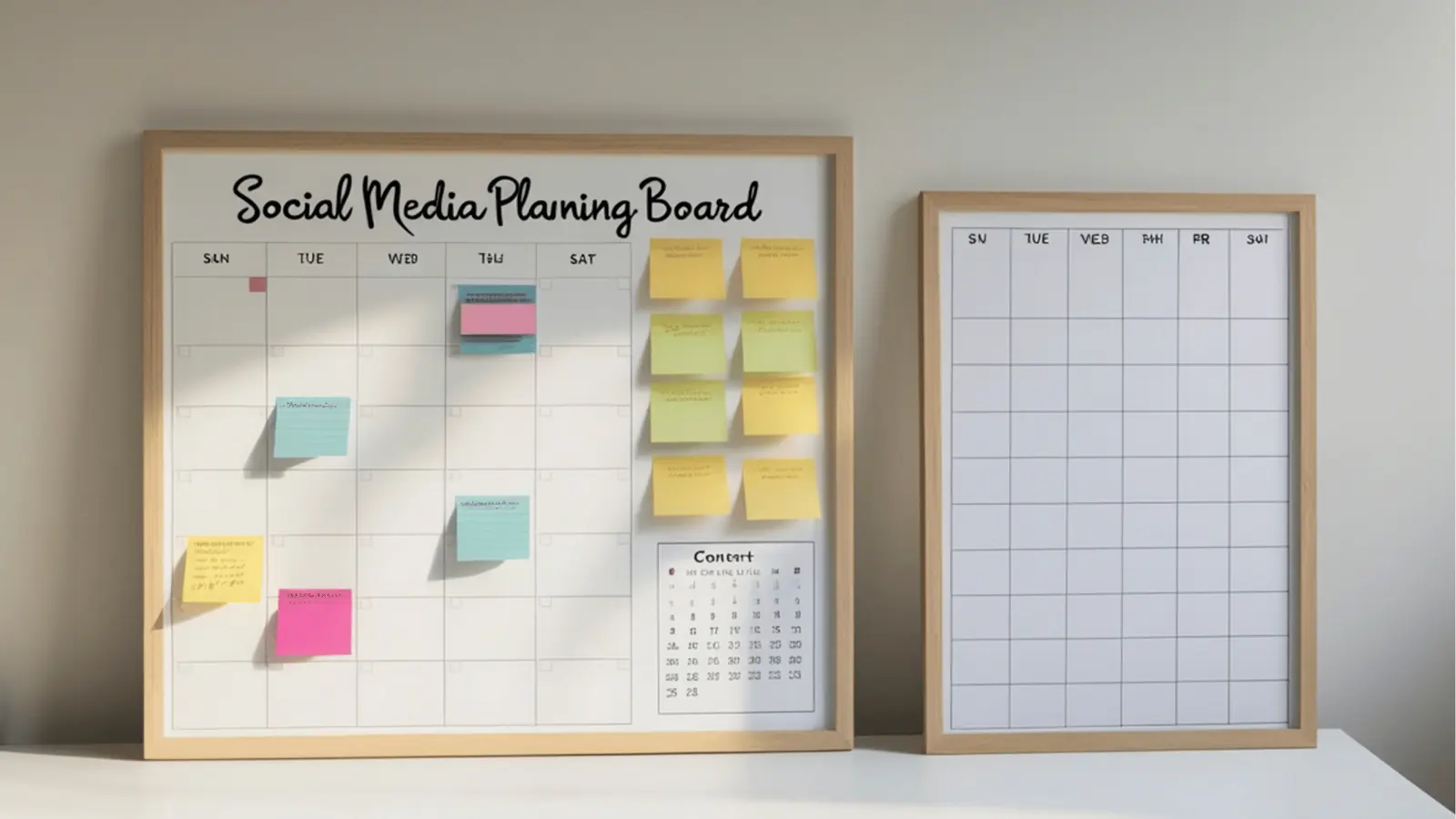
You do not need a complex project management suite to keep your social calendar afloat. You need a visibility layer that connects your planning to your publishing. Most teams fail because they keep their "what" (the post) and their "when" (the task) in separate rooms.
The most effective system we see across teams managing dozens of channels is a simple three-tier approach to calendar hygiene. If your system does not handle these three things, you are likely burning hours every week just asking each other what is coming next.
| Task Category | Visibility Requirement | Tooling Strategy |
|---|---|---|
| Asset Collection | Hard deadline with file link attached | Calendar reminder synced to Drive |
| Approval Loops | Visual preview status | In-calendar status tracking |
| Community Tasks | Daily time-boxed effort | Recurring calendar block |
This is about creating a single flow of gravity. When your team can open their calendar and see the asset, the status, and the reminder in one view, you remove the need for that constant, low-level Slack check-in. At Mydrop, we see teams move from scattered spreadsheets to integrated calendars not because they wanted "more software," but because they reached a threshold where the cost of manually syncing their calendar was higher than the effort to adopt a unified view.
Where teams overbuild the process
Here is where smart teams go off the rails: they treat every minor action as a calendar event. If you start adding reminders for "send internal email," "check brand guidelines," or "review analytics notes" as standalone tasks, you are not managing a calendar. You are managing a bureaucratic to-do list that nobody will actually follow.
The Golden Rule of Calendar Reminders: If a task does not directly contribute to the publication or the immediate quality of the output, keep it out of the calendar.
Common mistake: Treating the calendar as an exhaustive project tracker. Your calendar should represent the rhythm of output, not the minutiae of the administrative process.
We have seen teams collapse under the weight of "reminder fatigue" because they tried to map their entire creative process down to the five-minute increment. This backfires immediately. People start ignoring the notifications, they miss the actual publishing deadlines, and the calendar quickly becomes a ghost town of uncompleted checkboxes.
Instead, map your reminders only to high-stakes milestones. Use calendar notes to capture the operational context-like who needs to review a specific regional campaign-so the information is visible right where the work happens, without needing a separate notification for every single thought.
Keep the calendar for the work that has to ship. Keep the rest in your team’s existing communication threads. If you overbuild the system, the system becomes the work-and that is a trap your team cannot afford to fall into.
How to run the cadence
Establishing a single calendar view is only the first half of the battle. The other half is ensuring that view actually reflects reality instead of a wishful approximation. If your team stops checking the calendar because it is perpetually outdated, you have just traded "scattered chaos" for "static bureaucracy."
To keep the calendar breathing, you need to tie it to your existing pulses-the weekly standup, the creative sync, and the monthly review.
Here is a simple operating pattern to keep your coordination lean:
- Monday Morning Sync (The Commitment): Review the week’s upcoming reminders in Mydrop. If a filming session or an asset deadline for a major campaign isn't on the calendar, it doesn’t exist for the team.
- Wednesday Mid-week Check (The Adjustment): Adjust any dates or statuses that slipped. Move the "final copy review" reminder if the creative assets were delayed, so the team isn't working off an obsolete deadline.
- Friday Afternoon Audit (The Retrospective): Briefly look at the
Analytics > Postsview to see if last week’s published cadence matched the planned calendar. If you notice a persistent gap between plan and execution, that is your signal to adjust the workload, not just the dates.
Decision check: Never treat the calendar as a record of what you did. Treat it as the definitive map of what you are doing. If a task is not on the calendar, it is not part of the team's capacity for the week.
The proof that the habit is working
You will know the centralization is taking hold not because your team is suddenly posting more content, but because the "ambient noise" of social operations begins to quiet down.
The most common sign of a successful transition is the decline in coordination tax. Look for these three indicators after your first full month of consolidated calendar use:
| Indicator | Pre-Centralization Symptom | Post-Centralization Outcome |
|---|---|---|
| Status Inquiries | "Hey, is the post for Tuesday ready yet?" | Silent confidence; the status is visible on the calendar. |
| Review Velocity | Legal or Brand stakeholders pinging Slack channels. | Stakeholders know when to check the Mydrop preview state. |
| Creative Flow | Time lost hunting for latest file versions in email. | Assets are pulled directly from the connected drive into the post workflow. |
If you reach a point where your Slack channels are reserved for creative strategy rather than "Did you remember to..." alerts, you have officially moved from being a reactive team to a predictive one.
Conclusion
Centralization is a defensive play. You are not doing it to show off a pretty calendar; you are doing it to buy back the creative bandwidth that is currently being bled dry by context switching.
Start small. Do not try to move every single task into one view on day one. Move the most high-friction items-the filming milestones and the final review checkpoints-first. Let the team feel the relief of knowing exactly where their operational obligations live. Once that trust is built, the rest of your publishing cadence will follow naturally.
At Mydrop, we see teams of all sizes struggle with this. The ones that succeed don't obsess over the tool-they obsess over the visibility of the work. If you can clearly see the bottleneck, you can fix it. If it remains hidden in a disconnected document, it will inevitably become the reason your next campaign misses its mark. Stop managing the coordination, and get back to the work.