
Stop treating your social calendar as a digital diary and start using it as your primary execution engine. The distance between a calendar note and a live post is exactly where your team’s most productive hours go to die. When you maintain a static list of reminders in one tool and a content library in another, you aren't just creating extra work-you are actively inviting drift in your brand voice and missing publishing windows while scrambling to find the right assets.
TLDR: Sync your calendar notes directly to actionable templates. If you can't click from your calendar event straight into the draft, the event is just a wish, not a task.
The emotional tax of "ghost work" is real. It is the exhaustion of copying campaign names, hunting through shared drives for the final approved video, and manually chasing stakeholders for status updates. That friction adds up, turning what should be a creative social operation into a high-stress administrative chore. When you align your calendar with your execution pipeline, you stop "planning the work" and start "working the plan."
The hidden cost of siloed calendar notes isn't just wasted time; it’s the dilution of your brand. Every minute a social lead spends translating a note into a task is a minute they aren't refining the strategy or engaging with the community. You are paying for execution, but you are getting manual data entry instead.
The real problem hiding under the surface

The real issue is that most enterprise teams still view "planning" and "creation" as two separate departments, even when the same people are doing both. This structural disconnect is why campaigns launch with the wrong links or inconsistent tags.
When your calendar is static, it remains a passive observer of your work. You check it to see what you should be doing, then you pivot to a spreadsheet, a cloud drive, or a native platform to actually do it. This context-switching is the primary driver of coordination debt.
The real issue: Static calendars fail enterprise teams because they lack native execution logic. They are flat documents in a three-dimensional, high-velocity environment.
Consider these three signs that your team is stuck in a manual loop:
- The Hunt: Team members spend more than ten minutes locating the correct assets after opening a calendar reminder.
- The Drift: Posted content consistently misses the mark on brand requirements because the "plan" and the "post" were never strictly linked.
- The Lag: Publishing windows are missed because of the overhead required to manually prepare a profile, link-in-bio, and post draft simultaneously.
| Feature | Calendar as Diary (Passive) | Calendar as Command Center (Active) |
|---|---|---|
| Logic | Reminder to do work | Container for the work |
| Linkage | Manual search for files | Direct link to project/template |
| Status | "Done" is a mental note | "Done" triggers the next step |
| Risk | High (information silos) | Low (centralized workflow) |
Operator rule: If it isn't linked to a workflow, it is just a wish, not a task.
The goal isn't just to make things look tidier. It is to collapse the space between your initial idea and the moment of publication. When a calendar reminder contains the exact template needed for a recurring campaign, the relevant profiles, and the direct path to the analytics report, the cognitive load shifts from "What do I need to find to start?" to "How do I make this impact better?"
This is where the distinction between a hobbyist tool and an enterprise-grade platform matters. A serious social operation requires a closed-loop system where a calendar reminder isn't a post-it note on a screen; it is the trigger for a pre-configured workflow that brings your brand standards along for the ride. The gap between your calendar and your output is where your best ideas go to die.
Why the old way breaks once volume rises

Scaling social output doesn't just increase your workload; it fundamentally changes the nature of the errors you make. When you manage one brand on two channels, a manual copy-paste error from a calendar entry is a nuisance. When you manage ten brands across four global markets, that same error becomes a systemic compliance failure.
The core issue is Coordination Debt. Every time a team member manually copies event dates, scrapes asset links from Slack, or re-types post copy into a publishing tool, they are effectively paying an interest rate on their planning process. As your content volume increases, the debt compounds until your team spends more time managing the mechanics of posting than actually refining the content itself.
Most teams underestimate: The cognitive load of switching context between a static calendar, a separate asset repository, and a disparate publishing tool. It isn't just wasted minutes; it is the silent erosion of your team's creative focus.
The Planning vs. Execution Gap
| Feature | Calendar as Diary (Passive) | Calendar as Command Center (Active) |
|---|---|---|
| Logic | Records when content goes live | Houses the actual publishing instructions |
| Assets | Linked externally or scattered | Attached directly to the reminder |
| Status | Updated manually by a human | Updated automatically via system status |
| Templates | Re-created every time | Applied in one click |
When you treat your calendar as a mere notification system, you create a "blind handoff." The person planning the post is rarely the one pressing publish. Without execution logic embedded directly in the event, the "ghost work" of context-recovery begins. The publisher has to guess: Which profile was this for? Did legal sign off on this specific version? Where is the final cut of the video?
These aren't just minor inconveniences. They represent a structural failure to govern brand voice at scale. If it isn't linked to a workflow, it is just a wish, not a task.
The simpler operating model
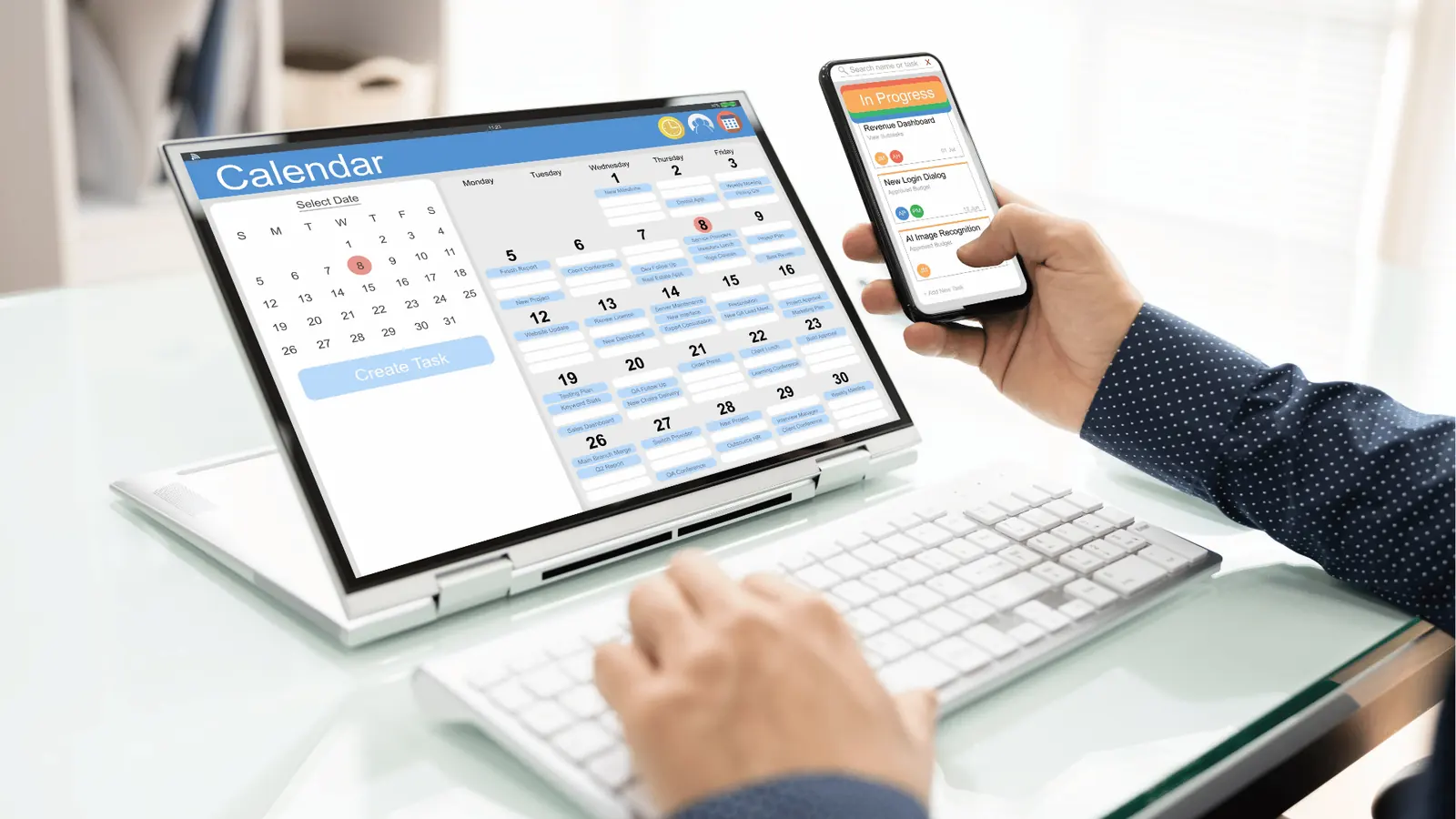
If you want to stop the cycle of frantic, last-minute execution, you must move to a model where the calendar serves as the engine for your daily operations. This means stop planning for the sake of visibility and start planning for the sake of deployment.
The shift is straightforward: treat every calendar entry as a container for your work. Instead of a calendar note that says "Post Q3 Promo," your entry should be a pre-configured, ready-to-fire task that contains everything needed for success.
- Assemble: Create standardized post templates in Mydrop for every recurring campaign type, from product launches to community spotlights.
- Connect: Ensure every calendar reminder is tied to the specific brand profile, preventing the common "wrong-account" publishing disasters that haunt agencies.
- Trigger: Attach necessary media directly to the reminder so you aren't hunting for files the moment you need to post.
- Audit: Use a pre-publish checklist to verify that your link-in-bio is updated and your tracking parameters are set before the calendar triggers the notification.
Operator rule: If you find yourself manually checking an asset folder or copy-pasting a caption more than three times a month, you have a broken workflow that a template can fix.
By forcing your execution logic into the calendar, you turn a passive schedule into an active pipeline. You aren't just "remembering" to post; you are activating a pre-built campaign structure that ensures consistency, governance, and speed. When the calendar becomes the place where you work rather than just the place where you look, the distance between an idea and a live post shrinks to almost zero. That is the only way to satisfy enterprise content demands without drowning in the process.
Where AI and automation actually help

Most teams look at AI and ask, "Can it write my captions?" but that is the wrong question for an enterprise operation. The real value isn't in generating the fluff-it is in handling the coordination debt that accumulates when you scale. When you connect your planning calendar to your execution engine, you aren't just saving time; you are eliminating the "invisible work" of context switching.
Think of it this way: automation should act as the connective tissue between your strategic calendar entry and the final published asset. If your team still manually logs into three different platforms to check if a post is approved, attached, and ready for launch, you have already lost the efficiency battle.
Operator rule: If your team has to open more than two browser tabs to confirm an asset is ready for publishing, you have a coordination leak, not a productivity problem.
The most effective way to use these tools is to trigger "state changes" rather than just creating static tasks. When you set a Calendar Reminder in Mydrop, don't just use it as a sticky note for your brain. Use it as a container. Attach your post templates, link the specific social profile for that region or brand, and set the status to "Pending Asset." Now, when the reminder fires, you don't start from a blank screen. You open the container and the work is already 80 percent staged for you.
Common mistake: Treating reminders as a notification service. A reminder that only tells you "it is time to do this" without giving you the workspace to actually do it is just a digital annoyance.
When you apply a template from your calendar, you are enforcing brand governance at the moment of creation. You aren't guessing if the link-in-bio is updated or if the legal disclaimer is attached-the template forces those boxes to be checked. This is where automation moves from being a "cool feature" to a risk-mitigation layer that protects your brand identity across multiple global markets.
The metrics that prove the system is working
You know your operational system has matured when your reporting shifts from "how many posts did we ship?" to "how much friction did we remove?" Enterprise leaders need to move beyond vanity metrics and look at the operational health of their social pipeline.
Your success is hidden in the silence of a smooth workflow. When your calendar truly functions as an engine, your team stops asking "is this ready?" and starts asking "what’s next?"
KPI box:
- Lead time to launch: The average time from a calendar entry being created to the asset being fully approved and staged.
- Template adoption rate: The percentage of posts created using an existing brand template rather than from scratch.
- Missed publishing windows: The total count of posts that failed to go live on schedule due to missing assets or approval delays.
- Context-switch frequency: The average number of tools a team member touches to move one post from "idea" to "published."
If your lead time to launch is shrinking, it means your Pre-Publish Audit is working. This is the moment to look at your process and confirm every piece is locked in.
- Profiles are authenticated and mapped to the correct brand container.
- Asset repository is synced, with all high-res files verified for platform specs.
- The link-in-bio landing page is updated for the upcoming campaign theme.
- Reminder triggers are set with appropriate lead time for stakeholder feedback.
- Post status is updated to "Ready to Publish" in the master dashboard.
The goal isn't to work harder or faster-it is to eliminate the dead space between your intent and your output. Your social strategy should be limited by your creativity, not by your inability to find the right file or track down a status update in a spreadsheet.
The gap between your calendar and your output is where your best ideas go to die. When you bridge that distance, you aren't just posting on social media; you are running an integrated, brand-safe operation that can finally scale without breaking.
The operating habit that makes the change stick

The biggest hurdle isn't learning a new interface; it is breaking the habit of viewing your calendar as a mere notification system. To make this shift permanent, your team must adopt a Calendar-as-Engine rule: if a calendar event doesn't have a template attached, it doesn't exist as a task.
This requires moving away from "reminder" culture-where you get a ping to go find your work-and toward "embedded" culture, where the work lives inside the event. When your team knows that clicking a reminder automatically loads the correct brand profile, asset requirements, and status tracking, the friction of starting a task evaporates.
Operator rule: If it isn't linked to a workflow, it is just a wish, not a task.
Here is how to get your team aligned this week:
- Inventory current templates: Audit your most frequent post formats. If you are still manually formatting captions or re-uploading the same brand assets for every post, these must become standard templates.
- Assign accountability: Map every recurring social operational chore-whether it is weekly reporting, filming sessions, or community engagement sweeps-to a specific owner within your calendar settings.
- Audit the handoff: Run a dry-run sync this week. Ensure that when a reminder fires, the team member who opens it can immediately see the attached media, the target profile, and the link-in-bio destination without jumping into a secondary spreadsheet.
Framework: The "ACT" Method for Enterprise Social
- Assemble: Use post templates to stop rewriting standard copy and format patterns.
- Connect: Map every asset and task directly to the specific social Profile.
- Trigger: Use automated calendar reminders to ensure the work is visible, tracked, and ready for publication.
The "ghost work" of copying event details, hunting for assets, and manually chasing status updates is the silent killer of social strategy. By moving these activities into a unified calendar, you stop spending your week managing the process of working and start actually executing on your strategy.
Stop the context-switching that happens when your calendar, your asset storage, and your publishing tools are disconnected.
When you treat your calendar as the command center for your entire operation, you stop reacting to the constant noise of daily social demands and start controlling the flow of your brand's output. The gap between your calendar and your final asset is where your best ideas go to die, but closing that gap-by making the calendar an active part of your workflow-is the most reliable way to ship better content, faster.
Ultimately, social media scale is rarely lost because you lack good ideas; it is lost because you lack the coordination to ship them reliably. Tools like Mydrop exist to bridge that final mile, keeping your profiles, analytics, and templates connected so you can focus on the strategy instead of the status updates.