
In today's digital environment, a strong social media presence is essential, but managing multiple channels can quickly become overwhelming. Scheduling tools help teams stay consistent, save time, and publish with more control.
This guide explains what social media scheduling tools do, why they matter, and how Mydrop AI can improve execution for small businesses, community managers, social media managers, and content creators.

Understanding Social Media Scheduling Tools
What Are Social Media Scheduling Tools?
Social media scheduling tools let you plan, create, and publish posts in advance from a single dashboard. Instead of logging into each network manually, you can manage your calendar in one workflow.
Why Use Scheduling Tools?
They support consistent posting, make campaign planning easier, and reduce day-to-day operational friction. Most also include analytics so you can refine timing and content strategy over time.
Key Features To Look For
Prioritize multi-platform support, unified calendars, content creation assistance, media management, and analytics reporting.
The Benefits of Using Scheduling Tools
Time Efficiency
Batch scheduling saves hours each week and creates space for strategy, creative direction, and community engagement.
Enhanced Engagement
Scheduling at high-performance times helps increase reach and interaction. Consistent publishing also improves audience expectations and retention.
Streamlined Workflow
Centralized workflows reduce missed posts, inconsistent messaging, and fragmented team execution.

Top Scheduling Tools for Social Media: Introducing Mydrop AI
What Is Mydrop AI?
Mydrop AI is a social media management platform built to centralize content creation, scheduling, and optimization across Instagram, Facebook, LinkedIn, TikTok, YouTube, and other networks.
Key Features of Mydrop AI
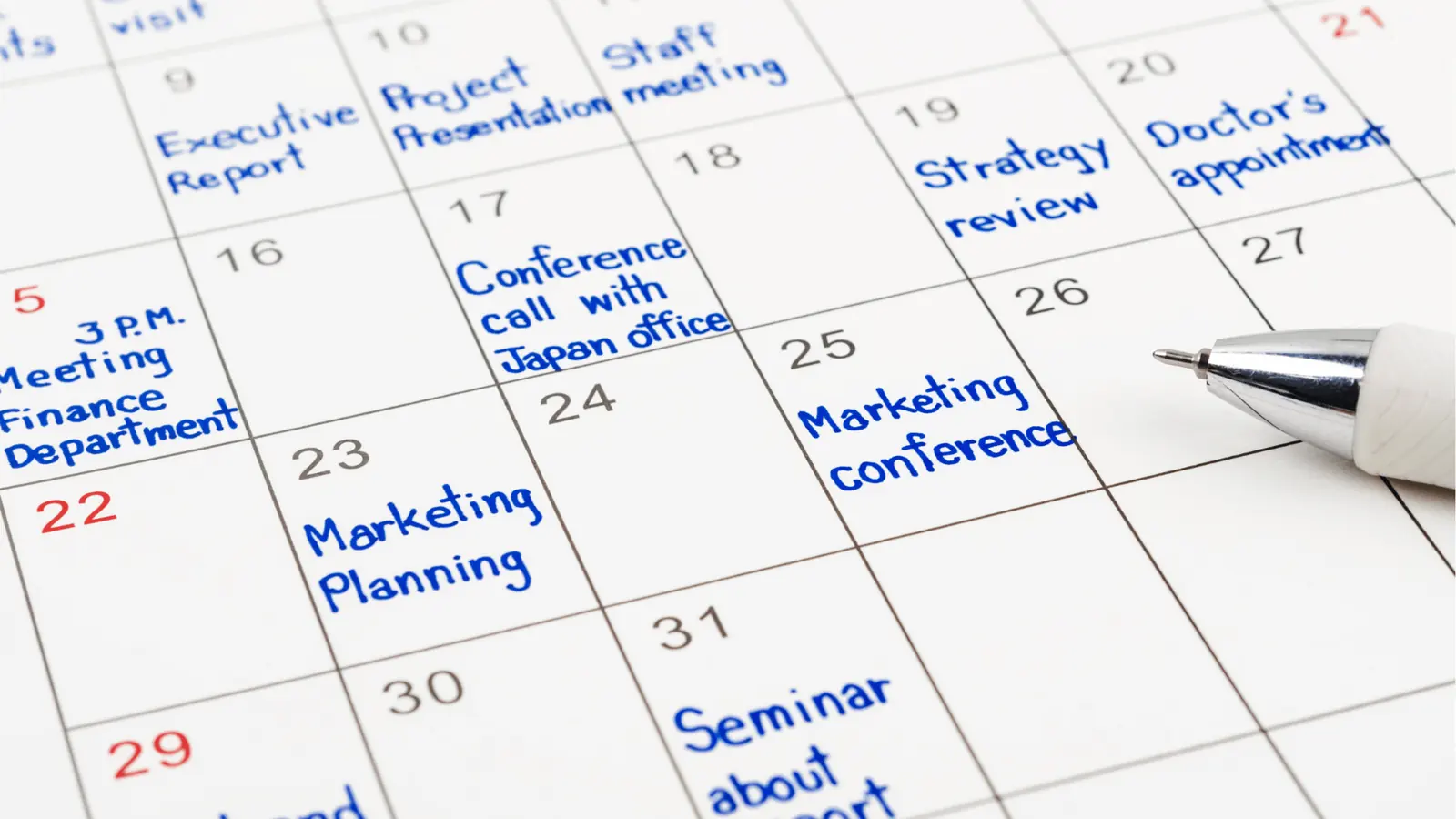
Unified Calendar
Schedule posts across up to 10 platforms in one place and keep your full strategy visible.
Multi-Profile Posting
Publish to multiple profiles simultaneously to keep campaigns aligned and save execution time.
AI-Powered Content Generation
Generate copy and visuals faster to keep content pipelines moving without sacrificing quality.

Supported Networks and Functionalities
Mydrop AI supports practical publishing workflows across key channels:
- Facebook: Images, text, reels, location tags, and first comments.
- Instagram: Photos, stories, carousels, reels, and first comments.
- LinkedIn: Text, images, videos, PDFs, and first comments.
- TikTok: Direct video scheduling and publishing.
- Google My Business: Standard posts, events, and offers.
- YouTube: Videos, shorts, and thumbnail workflows.
- X (Twitter): Scheduled posting for consistent activity.
- Pinterest: Scheduled pins and board management support.
- Reddit: Scheduled posting for communities and brand subreddits.

How Mydrop AI Enhances Your Social Media Strategy
Automation and Efficiency
Automate recurring publishing tasks so your team can focus on higher-value work.
Advanced Media Editing
Edit and optimize visual assets before publishing to improve quality and consistency.
Customizable Calendar Filters
Filter by profile groups, platform, or post type to manage large content calendars more easily.

Practical Tips for Using Mydrop AI
Organize Your Media
Use folders, favorites, and clear descriptions to find content quickly.
Utilize Reusable Templates
Save recurring post formats to speed up execution and maintain brand consistency.
Group Profiles for Efficient Posting
Group related accounts to simplify publishing for multi-brand or multi-client workflows.
Real-World Examples of Mydrop AI in Action
Small Business Owners
Plan weeks ahead, reduce manual posting, and stay visible without hiring a large team.
Community Managers
Keep engagement active with consistent publishing and faster response workflows.
Social Media Managers
Manage multiple accounts from one dashboard and keep campaign execution aligned.
Content Creators
Produce, schedule, and repurpose content quickly to maintain growth momentum.

Conclusion
Social media scheduling tools are essential for brands that want consistent presence, better engagement, and more predictable execution.
Mydrop AI combines unified scheduling, AI content support, and operational structure to help teams publish better with less effort.
Start using Mydrop AI today and take your social strategy to the next level. Get your first month free now.

How to Evaluate Scheduling Tools Beyond Feature Lists
A lot of social media tool comparisons stay too shallow because they compare headline features only. Most serious tools can schedule posts, manage accounts, and produce basic reports. The more important question is how the tool fits your real workflow. A useful evaluation looks at how quickly a team can move from idea to scheduled post, how approvals are handled, how easy it is to customize content by platform, and how well the reporting supports future decisions.
Start with the operational pain points you want the tool to solve. Is your issue inconsistent posting? Too much manual copy-paste? Poor visibility across accounts? Slow approvals? Weak asset organization? Once those problems are clear, tool comparison becomes much more practical because you can judge products by workflow fit rather than marketing claims.
It also helps to think in stages of maturity. A solo creator may prioritize simplicity and low cost. A growing brand may need stronger collaboration and analytics. An agency may need profile grouping, client approvals, and reusable workflows. The best scheduling tool is not the one with the longest feature page. It is the one that reduces the most friction for your actual operating model.
What Different Types of Teams Usually Need
Solo operators and small businesses often need a tool that keeps publishing consistent without adding complexity. Ease of use matters more than enterprise reporting. If the interface is heavy, they stop using it. Creators often care about speed, asset reuse, and visual planning. Agencies care more about multi-account control, client coordination, and workflow visibility.
In-house teams usually need a balance of structure and flexibility. They want campaign planning, approval paths, asset organization, and enough reporting to improve decisions without turning the tool into a full analytics warehouse. This is where platform design matters. A product can have powerful features and still slow the team down if the day-to-day workflow feels clumsy.
A practical comparison should therefore include role fit. Ask not only what the tool can do, but for whom it does it cleanly.
Common Mistakes When Choosing a Scheduling Tool
A common mistake is choosing entirely on price without calculating workflow cost. A cheaper tool that creates more manual work can be more expensive in practice. Another mistake is buying for hypothetical future complexity. Some teams adopt a heavy system far too early, then use only a tiny fraction of it while paying the usability penalty every day.
Teams also choose poorly when they ignore migration and adoption. If it is hard to onboard the team, import assets, or standardize usage, the tool may technically be good but operationally weak. Social software only creates value when people actually use it consistently.
One more mistake is treating scheduling as disconnected from planning and measurement. Publishing is only one part of content operations. The stronger your process, the more useful it is when planning, approvals, posting, and analytics connect.
What to Measure After Adopting a New Scheduling Tool
Do not judge the new tool by first impressions alone. Track operational improvements. Are posts being scheduled earlier? Are fewer mistakes making it to publish? Has approval time gone down? Can the team see the content pipeline more clearly? Has cross-platform adaptation become easier? These questions reveal tool value better than generic satisfaction comments.
Then look at content outcomes. Better operations should support more consistent posting, faster iteration, and more disciplined campaign execution. The tool will not magically improve creative strategy, but it should make good strategy easier to execute.
This is also where a product like Mydrop can fit naturally in the conversation. If your workflow needs AI-assisted drafting, centralized planning, and scheduling in the same place, the comparison should consider that broader operating model rather than treating scheduling as an isolated task.
Frequently Asked Questions About Social Scheduling Tools
What is the most important feature in a scheduling tool?
The most important feature is the one that removes your largest repeated bottleneck. For some teams that is platform coverage. For others it is approvals, asset organization, analytics, or AI-assisted drafting. There is no universal answer, which is why buying based on workflow fit is more reliable than buying based on a generic top-features list.
Are free scheduling tools enough for small teams?
Sometimes, especially early on. A free tool can be enough if your account count is low and your workflow is simple. But once content volume, collaboration, or campaign complexity increases, free tools often create operational limitations that slow the team down.
Should agencies use the same tool as in-house teams?
Not always. Agencies often need stronger client controls, clearer visibility across many profiles, and processes that support approvals and reporting at scale. In-house teams may care more about alignment with launches, internal collaboration, and brand consistency. The tool should match the workflow structure.
Do scheduling tools improve performance directly?
Not directly in the sense of making content better by themselves. What they do is make consistency, review, and iteration easier. That operational improvement often leads to better performance because the team can execute strategy more reliably.
When is it worth switching tools?
Switch when the current tool creates regular friction that affects output quality or team efficiency. If approvals are messy, analytics are too weak, account management is cumbersome, or content planning is fragmented, the cost of staying may be higher than the cost of migrating.
30-Day Action Plan for Better Social media scheduling tools
If you want stronger results from social media scheduling tools, build momentum in weekly stages instead of trying to change everything at once. In week one, document the current state. Capture the workflow, the weak points, the delays, the channels involved, and the metrics you already review. This gives you a baseline. Without that baseline, improvement feels subjective and the team falls back into opinion-driven decisions.
In week two, simplify the process around one clear priority. That might mean cleaning up your calendar, standardizing creator vetting, centralizing assets, sharpening your engagement process, or creating a platform-specific review checklist. The goal is not to build a perfect system immediately. The goal is to remove the most expensive repeated source of friction. Once that friction is reduced, the next improvements become easier to see.
In week three, create a lighter review loop. Review recent work, identify what created the strongest outcomes, and write down the patterns that seem to repeat. This review should include both performance and execution. Did the work perform? Did the team execute it without chaos? Those are separate questions, and both matter. Weak execution can hide good strategy. Weak strategy can waste good execution.
In week four, operationalize what you learned. Turn the best ideas into templates, checklists, content pillars, creator scorecards, approval rules, or reporting views that can be reused. This is the stage where social media scheduling tools stops being a collection of tasks and starts becoming a repeatable operating system. Teams that invest in this last step improve much faster because they preserve learning instead of rediscovering it every month.
Practical Checklist for Teams Working on Social media scheduling tools
Use this checklist as a quality-control pass before you call the process ready. First, confirm that the objective is visible. A team should be able to explain what the activity is trying to achieve without reading a long brief. If the objective is vague, measurement and prioritization both get worse. Second, confirm ownership. Someone should know who is drafting, who is reviewing, who is approving, and who is accountable for final execution. Hidden ownership is one of the fastest ways for quality to slip.
Third, check whether the inputs are strong enough. In most workflows, bad inputs create most of the downstream problems. If the topic, asset, brief, CTA, or audience definition is weak, the later steps become expensive cleanup work. Fourth, confirm that the process includes a review step that is short but real. Even experienced teams miss issues when nobody pauses to check links, message fit, compliance details, or platform adaptation.
Fifth, make sure results will be captured somewhere useful. If the team cannot later see what happened, compare versions, or retrieve campaign learning, improvement stays shallow. Sixth, review whether the workflow is easy to repeat. The best systems are not the most complex ones. They are the ones a team can actually run every week without rebuilding the process from scratch.
Finally, ask whether the system supports scale. This does not mean overbuilding for enterprise complexity. It means asking a simple question: if volume doubled next month, would this workflow still function? If the answer is no, identify the fragile points now. Most often, those fragile points are approvals, asset organization, and the gap between planning and reporting.
How to Keep Improving Without Adding Filler Work
When results slip, most teams add more tools, meetings, or dashboards. But that just creates more clutter. The better approach is to focus on what really matters. With social media scheduling tools, you get the best results by being clear about your needs, using good data, working in a logical order, and reviewing your setup regularly. It’s not always flashy, but it works.
One useful habit is to ask after every campaign or content cycle: what would make the next round 20 percent easier or 20 percent stronger? The answer is often smaller than teams expect. It may be a better template, a tighter scorecard, a stronger hook pattern, a more focused set of content pillars, or a simpler approval rule. Small operational improvements tend to matter more than occasional big overhauls.
It is also worth protecting the link between strategy and execution. When planning happens in one place, production in another, approvals in private chat, and performance review in a separate report, learning degrades quickly. This is why integrated workflow software becomes more valuable as volume grows. It preserves context. The exact tool matters less than whether the system gives the team one visible operating model instead of five fragmented ones.
The final discipline is editorial honesty. If something is not working, say so clearly. Do not keep publishing a weak format because it once performed well six months ago. Do not keep paying workflow complexity that no longer creates value. Teams that improve fastest are usually the ones willing to simplify aggressively once evidence is clear.
Frequently Asked Questions
How long does it usually take to see meaningful improvement?
Most teams can improve execution quality within a few weeks, but performance gains often take longer because the system needs enough cycles to produce clear evidence. The important thing is to create measurable progress early. If the workflow becomes more organized, deadlines become more reliable, and the team can explain decisions more clearly, you are moving in the right direction even before the biggest outcome metrics shift.
Should you prioritize process or creativity first?
They support each other. Creativity without process often leads to inconsistency and rushed execution. Process without creativity leads to efficient but forgettable output. In practice, start by making the process stable enough that creativity has room to improve. Once the workflow is less chaotic, stronger ideas and better packaging tend to emerge more consistently.
What should you document after each campaign or content cycle?
Document the objective, what actually shipped, what performed best, what underperformed, what operational issues appeared, and what should change next time. Keep it short but specific. A one-page debrief is usually enough. The value is not in writing a long report. It is in preserving the learning so future work starts from a better place.
How often should a team review its process?
Review the process lightly every week and more deeply every month or quarter. Weekly review is useful for small adjustments. Monthly or quarterly review is where you decide whether the structure itself still fits the workload. If the team waits too long, friction becomes normalized and harder to remove.
What makes a workflow actually scalable?
A scalable workflow is one that remains understandable when volume increases. The handoffs are clear, the source of truth is visible, the approval path is not fragile, and the reporting is useful enough to guide future decisions. Scalability is less about complexity and more about clarity. When the system is clear, growth creates pressure but not chaos.
Final operating notes
The most important thing to remember about tool selection is that consistency beats intensity. Teams often make a few strong changes, get a short-term lift, and then slowly drift back into reactive habits. The better path is to keep the system simple enough that it survives busy weeks. If the workflow only works when everyone has extra time, it is not a real workflow yet.
That is why documentation matters. Capture the useful parts of the process while they are still fresh: the questions that improved campaign quality, the approval rules that reduced delays, the post formats that drove the strongest saves, the indicators that a tool was or was not a fit, or the signals that told you an audience was responding well. Small notes compound into operational advantage because they make the next cycle easier.
It also helps to separate experiments from standards. Experiments are where you test a new angle, content format, CTA, audience segment, or workflow tweak. Standards are the steps that should happen every time because they protect quality. High-performing teams keep both. They do not confuse experimentation with chaos, and they do not confuse standards with rigidity.
Over time, the strongest improvement usually comes from turning repeated wins into defaults. If a review step catches important issues every week, keep it. If a planning template consistently makes execution faster, keep it. If a reporting view makes better decisions obvious, keep it. This is how tool selection becomes more efficient, more strategic, and easier to scale without adding unnecessary complexity.
The long-term opportunity is not only better content or cleaner operations. It is better compounding. A team that learns from each cycle gets more value from every next cycle, because the system keeps more of what worked and discards more of what did not. That is the real advantage of treating social execution like an operating discipline rather than a stream of isolated tasks.