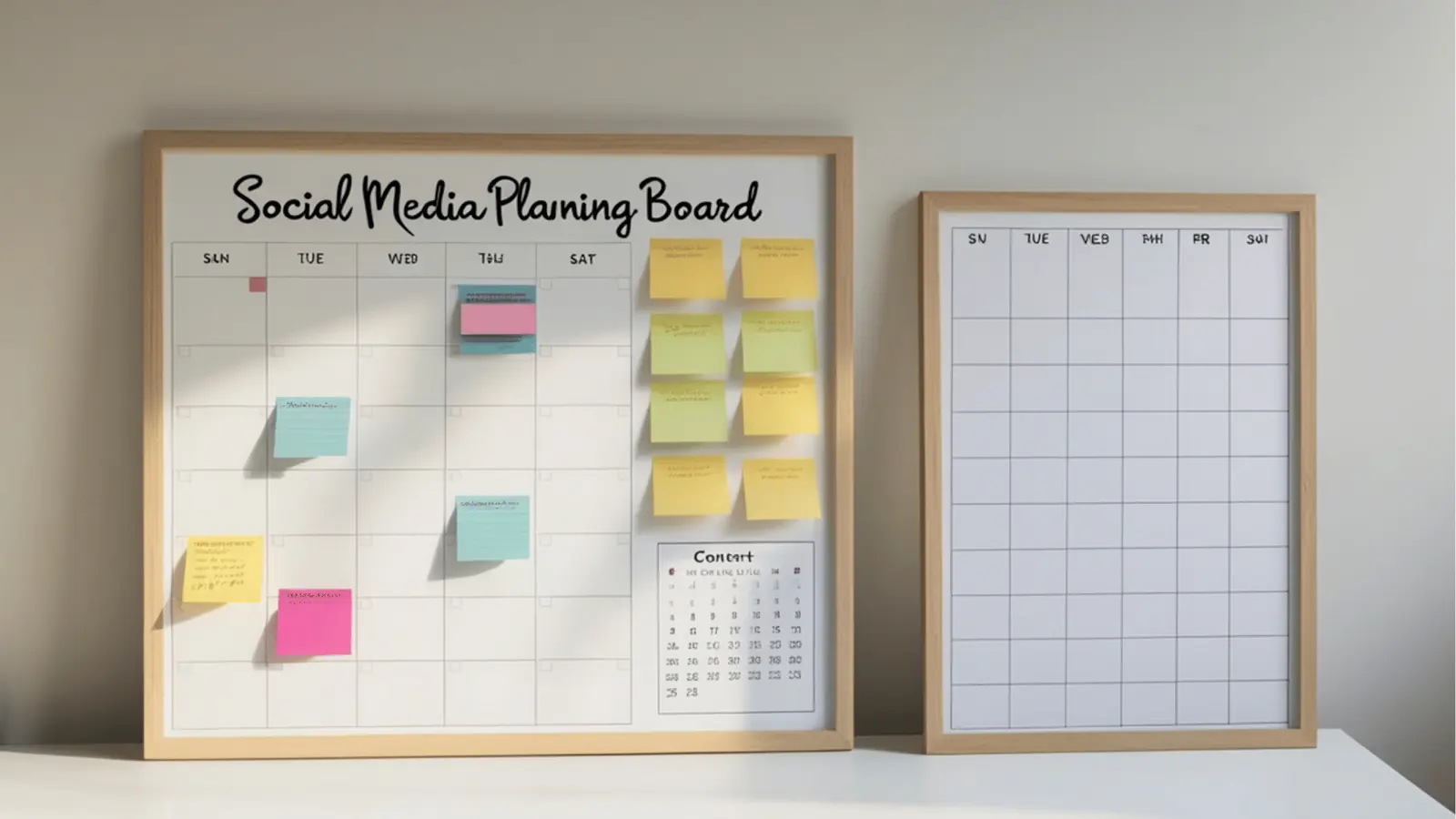
Stop wasting your creative team’s time by manually cropping the same hero asset for Instagram, LinkedIn, and TikTok. You can fix this design bottleneck by connecting your asset production directly to your publishing workflow, allowing for instant format adaptation the moment a file enters your gallery.
It is exhausting to watch talented designers spend hours shifting elements in a static file just to satisfy the arbitrary aspect ratio requirements of different social platforms. The relief comes when you stop viewing design as a final deliverable and start treating it as a dynamic ingredient in your social operations.
TLDR: Your design production should be an extension of your publishing system, not a separate, disconnected island of files. By setting up automated export options-like choosing video orientation and image quality at the point of import-you eliminate manual reformatting and keep your brand identity consistent across every channel.
The real problem hiding under the surface

The real issue is that most teams treat design as a one-time event. You create a master graphic, export it, and then your social managers spend the next three days manually resizing, re-cropping, and re-exporting that same graphic for different feeds. This is where coordination debt starts to pile up.
When you manage multiple brands or large-scale campaigns, this manual work isn't just an annoyance; it is a systemic failure point. Every time a social manager has to open an external design tool to crop a file, you introduce a new chance for a brand error, a compliance mistake, or a simple lapse in quality control.
Here is where teams usually get stuck:
- The "Final" File Fallacy: Believing a single exported file is the end of the line.
- Version Drift: Different regional teams or agencies using slightly different versions of the "latest" brand asset because the master file was never centralized.
- Format Friction: Spending more time fighting with aspect ratios than planning the content strategy for the next campaign.
The real issue: Manual resizing is a low-leverage activity that consumes high-leverage talent. If your social managers are spending 30 percent of their week moving pixels, they aren't engaging with your community or analyzing performance.
To stop this cycle, you need to tighten the feedback loop between design and distribution. When your creative assets arrive in your gallery already optimized for specific social channels-or better yet, when you can apply templates that automatically enforce brand-safe layouts-you move from "managing files" to "managing outcomes."
Think of your design workflow as an automated supply chain. The raw asset should enter, move through a set of predefined export or transformation rules based on your profile requirements, and emerge ready for the calendar. When you connect these processes in one workspace, you stop the frantic, last-minute hunt for the right dimensions.
You can streamline this right now by asking three questions before you even open a design program:
- Which specific platforms require a bespoke asset for this campaign, and which can share a standardized format?
- Does our current gallery import process allow us to set orientation and quality rules at the point of entry, or are we manually re-exporting later?
- Are we using reusable post templates to lock in our brand-safe margins and text placements, or are we rebuilding the "branded look" from scratch every single time?
When you stop treating every asset as a custom project and start treating them as components within a unified system, you gain back hours of productive time. The goal is to reach a state where publishing is just a matter of selecting the right profile and applying the correct template, rather than a frantic game of digital scissors.
This shift doesn't just save time; it enforces quality. By moving design assets directly into your publishing workflow, you ensure that the person hitting "publish" is using the version that has already been approved and optimized for the specific audience segment. You remove the manual middleman entirely.
Why the old way breaks once volume rises

Scaling social output without a unified asset pipeline feels like trying to paint a house while the scaffolding is constantly being rebuilt. When you manage ten brands across fifty channels, the bottleneck isn't creativity; it is coordination debt. Teams start with a single, high-quality asset-a hero video or a campaign graphic-and immediately enter a chaotic phase of manual adaptation.
Designers spend hours resizing the same source file into twenty different aspect ratios. Then, those files get lost in slack threads, shared drives, or local desktop folders. Stakeholders lose visibility on which version is actually "on brand," leading to compliance risks when an outdated, unapproved crop accidentally goes live in a regional market.
Most teams underestimate: The cost of "file drift." Every time an asset is saved, re-exported, and re-uploaded by a different team member, you lose metadata, color profile accuracy, and, most importantly, time.
The traditional "email-and-attach" workflow collapses because it lacks a source of truth. Without a connected system, your team is essentially running a manual factory where every single post is a bespoke, hand-crafted project. You are not just wasting design hours; you are creating an environment where your best people are trapped doing low-value administrative work just to get content into the queue.
| Symptom | The "Manual" Cost | The Scaling Failure |
|---|---|---|
| Asset Resizing | Hours of manual labor | Bottlenecked publishing speed |
| Version Control | "Final_v2_new.jpg" confusion | Brand compliance risk |
| Hand-offs | Email chains and slack clutter | Lost context and feedback |
| Distribution | Uploading per platform/region | Fragmented brand voice |
The simpler operating model

Shifting to a more sustainable model means moving away from viewing social assets as static files and instead treating them as dynamic components of a larger publishing lifecycle. An operating system for your social content doesn't need to be complex; it needs to be connected.
You should aim for a workflow where creative files are imported once, formatted on-the-fly, and mapped to specific brand profiles. When you use a platform like Mydrop to manage your gallery service, the creative team produces the master asset, and the social team defines the output requirements-like image quality or orientation-at the moment of import. This keeps your design production directly tethered to your campaign calendar.
1. Centralized Ingest: Pull high-fidelity assets into a shared gallery. 2. Template Mapping: Apply reusable post templates that dictate dimensions and layout for specific platforms. 3. Profile Assignment: Route the final, optimized version to the correct brand profile automatically.
Operator rule: If a task requires someone to open a design tool just to change a crop or file size, your system is failing. Automate the format, not the creativity.
By using standardized templates for recurring formats-like weekly reports, influencer shout-outs, or product updates-you remove the need to reinvent the setup for every cycle. You are not just resizing images; you are codifying your brand standards. When your team applies these saved templates during content creation, they are working within a guardrail, not a blank canvas. This ensures that every post feels intentional and consistent, whether it is being published by an agency partner in London or an internal team in New York.
When you treat your asset workflow as a product-something to be optimized and iterated upon-you stop playing catch-up with your own calendar. You stop asking "Is this the right version?" and start asking "How is this content performing?" The transition from "managing files" to "managing outcomes" is the defining mark of a mature, enterprise-grade social operation.
AI and automation are not about replacing your creative intuition, but about removing the mechanical friction that keeps you from actually using it. The biggest time-sink in enterprise social isn't the ideation; it's the repetitive, low-value work of adapting one hero asset into a dozen different formats while trying to maintain brand consistency. When you use your AI home assistant as an extension of your team, you stop forcing every campaign launch to start from a blank prompt or a manual spreadsheet tracker.
Operator rule: Automation should handle the configuration debt, not the creative decisions.
Instead of manual labor, start using an integrated workflow where your design exports feed directly into your gallery service. When you choose your output formats, quality settings, and orientations during the import process, you stop the "save-as-again" cycle. When that creative arrives in your publishing tool, it is already mapped to the right profiles and brands.
You can streamline this right now:
- Standardize your hero asset source file formats to accommodate high-resolution aspect ratio cropping.
- Map your recurring campaign types to saved post templates to automate the recurring setup.
- Use AI-assisted ideation to generate variant copy for different platforms while keeping the core asset consistent.
- Link your profile and brand settings so assets are automatically assigned to the correct regional or product-specific account.
- Pre-configure your gallery import options to trigger automatic resizing for common platform dimensions.
The most dangerous assumption in social leadership is that "more content" is the same as "better performance." If you cannot measure how your asset pipeline impacts your core business goals, you are just running faster on a treadmill. Enterprise teams need to look beyond vanity metrics like likes and focus on the signals that prove the system is actually working.
KPI box:
Metric What it measures Why it matters for scale Asset Re-use Rate How many variants are derived from a single hero file High re-use proves your adaptation system is efficient. Production-to-Publish Lag Time from design approval to live post Indicates bottlenecks in your approval/resizing process. Format Consistency Score Brand compliance across platform-specific crops Proves your templates are enforcing brand governance. Click-through Efficiency Traffic from Link-in-bio relative to total reach Measures if your design-led strategy actually drives action.
When you track these metrics, you identify whether the bottleneck is creative quality, technical formatting, or organizational friction. If your production-to-publish lag is climbing, it is usually because stakeholders are getting stuck in the weeds of manual resizing and manual checks.
Common mistake: Measuring the success of a campaign only by total reach, ignoring the labor cost of producing those assets. If a post gets 100k views but requires 4 hours of manual re-formatting across three teams, the real ROI is likely negative for the business.
A healthy operating model uses automation to buy back that time. When you automate the "how" of resizing and formatting, you free up your team to focus on the "why" of the campaign strategy. You stop wasting designs because you have built a pipeline that treats every creative asset as a modular component rather than a fragile file that needs to be babysat from production to feed. Success is not just getting the post live; it is getting it live without sacrificing your team's focus on the big-picture strategy.
The operating habit that makes the change stick

The secret to stopping the cycle of constant re-formatting is to treat your asset pipeline as an automated utility rather than a manual project. You must shift your team from a mindset of "let's create this file" to "let's configure this asset flow."
When you stop treating every social post as a unique event, you suddenly have the mental bandwidth to focus on the content that actually moves the needle. You need to standardize the technical specs so that the creative team can focus on the message.
Operator rule: If a designer has to open a file to resize it for a different platform, your workflow is fundamentally broken. Automate the export configuration, not the human effort.
This is where the habit of template-first production becomes non-negotiable. Instead of building from scratch, your team should be pulling from a library of pre-validated post setups. When your Calendar is linked to standardized templates, you remove the guesswork of dimensions, quality, and orientation.
Here is how to get your team moving in this direction this week:
- Audit your top three content formats. Identify the dimensions and export specs you use most often for high-performing posts across your primary brands.
- Standardize your export definitions. Stop relying on ad-hoc exports. Configure your gallery import settings so that every asset arrives in your library ready for distribution, regardless of where it was originally designed.
- Establish a profile-brand sync. Map your core social identities to specific brands in your management tool. This ensures that when you pull an asset, it is already tethered to the correct brand guidelines and publishing rules.
Framework: The Hierarchy of Content Automation
- Baseline: All assets stored in a single, searchable gallery.
- Efficiency: Standardized export templates for common social formats.
- Scale: AI-assisted curation for drafting and ideation.
- Velocity: Automated publishing flows triggered by template application.
The most successful teams do not try to automate everything at once. They pick one brand, one channel, and one recurring campaign format, and they build a hardened pipeline around that single unit of work. Once that process is friction-free, they rinse and repeat.
Conclusion
The pressure to produce more content across more channels is not going away. The teams that crumble under this weight are the ones fighting their own internal systems, spending hours on the mechanical labor of resizing files and chasing down the latest brand assets.
You win not by working harder or hiring more designers to handle the drudgery. You win by building a system that allows your best people to focus on strategy and creative resonance. When you remove the mechanical friction, the quality of your output naturally rises because your team is finally free to think about the audience instead of the platform requirements.
True scale is not about posting more; it is about posting with precision and purpose. By aligning your design production with your publishing platform, you turn social media from a series of exhausting manual tasks into a cohesive, high-performance operation. It is time to stop viewing your design files as static images and start seeing them as data that flows directly into your Mydrop Profiles and calendars, ready to engage on your terms.