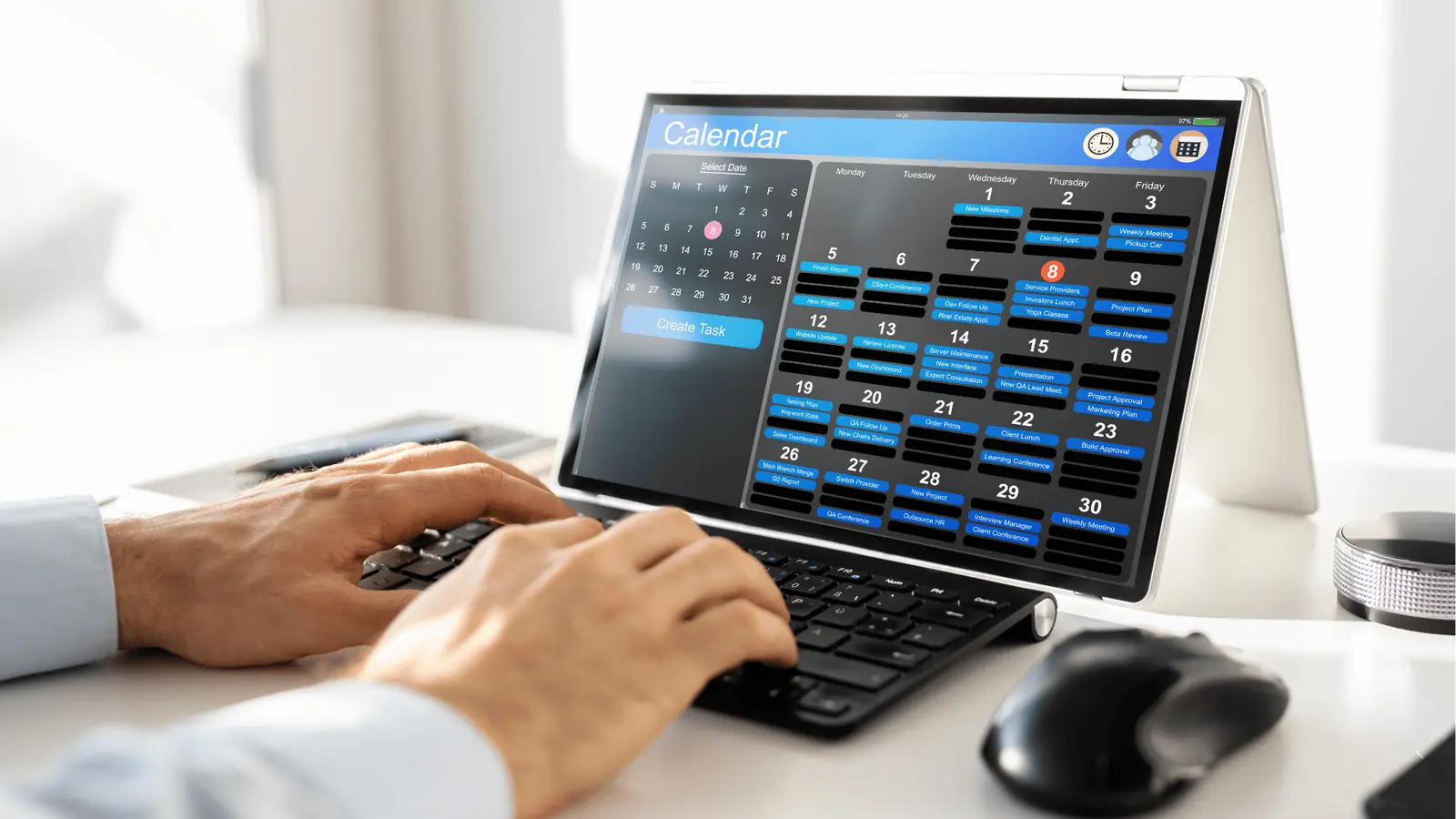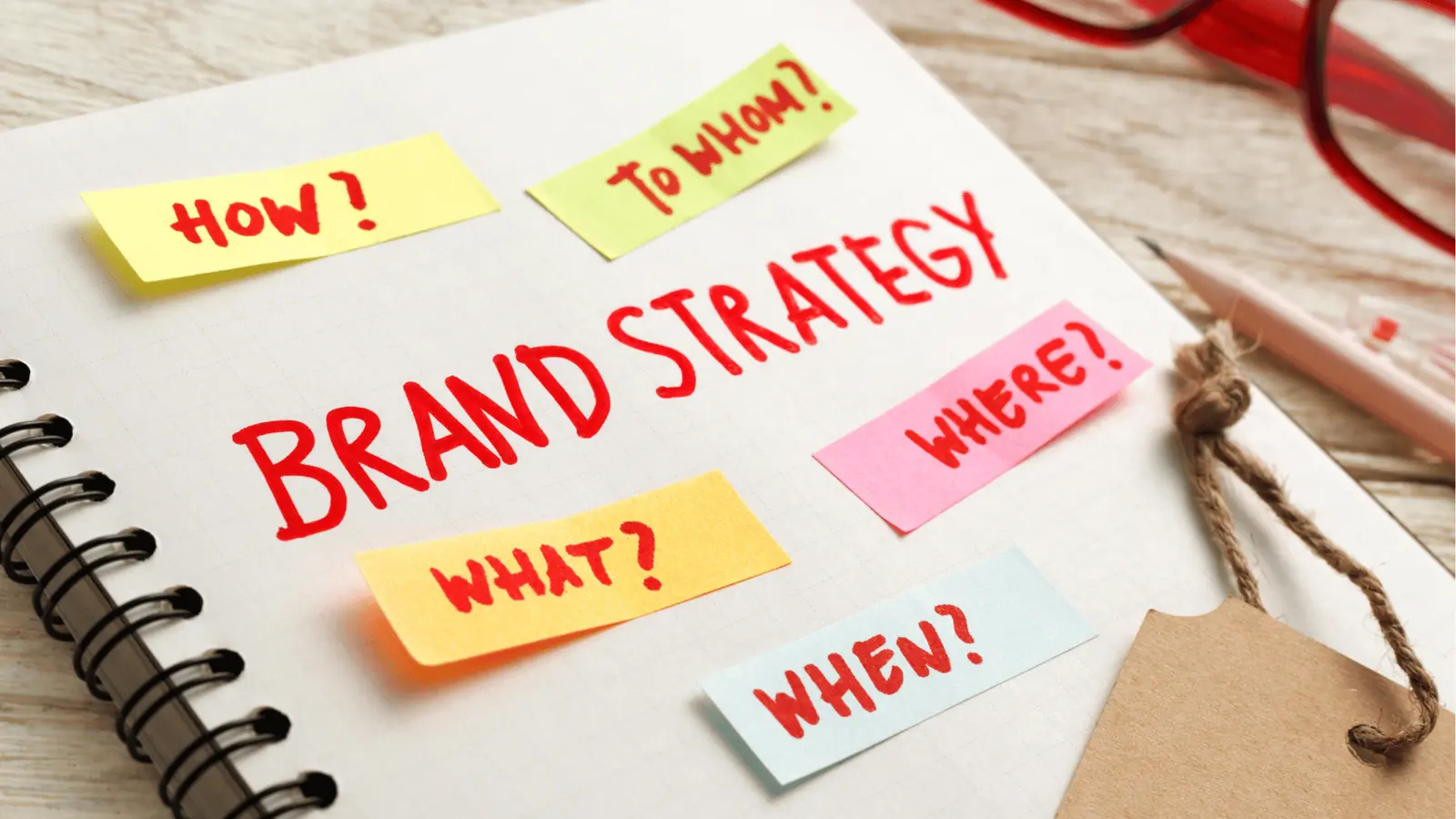
You stop playing whack-a-mole by forcing a hard migration: move all your social operations into one central, unified workspace and stop treating native platforms as your production hubs. The constant toggling between Instagram, LinkedIn, TikTok, and the rest is not a necessary evil of your job; it is a structural failure that creates a massive, silent leak in your team's productivity and data integrity.
TLDR: The fragmented "app-hopping" model costs enterprise teams thousands of hours annually in lost context and manual sync work. Switching to a Centralized Command model allows your team to move from reactive posting to proactive strategic output by housing all history, assets, and calendar context in one place.
The emotional drain of this fragmented workflow is real. You start your morning feeling organized, only to find yourself three hours deep in browser tabs, hunting for an asset version that someone left in a random folder or trying to remember if the community team already replied to that heated comment on Thread B. This is where your creative energy goes to die, sacrificed to the altar of administrative busywork.
The awkward truth is that most enterprise teams treat this constant context-switching as a badge of honor, a sign that they are "busy" managing complex digital ecosystems. In reality, it is a failure of systems design. If you are still checking six different native apps just to keep a pulse on your brand, your strategy is already broken-you are managing individual platforms instead of managing brand outcomes.
The real problem hiding under the surface

The real problem is not the volume of content you are producing; it is the loss of context that happens every time you jump between silos. When your campaign planning lives in a Google Doc, your assets are buried in a cloud drive, and your scheduling happens inside a native app, you lose the ability to see the "why" behind the "what."
The real issue: Every time you leave your central workspace to check a native app, you break the connection between your strategy and your execution. This gap is where compliance risks hide, where brand voice gets diluted, and where your team misses the subtle analytics shifts that signal a campaign is failing.
Instead of fighting the tools, you have to build a system where the center is the only truth. Here is how you can spot if your team is suffering from this "context debt":
- Audit your tab count: If a single team member needs more than three open windows to move one asset from ideation to live, your pipeline is too heavy.
- Track the "Asset Hunt": Record how many minutes it takes to find a specific approved video for a last-minute edit; if it is over two minutes, your storage is siloed.
- Review notification fatigue: If your team relies on native app alerts to trigger community management, you are losing visibility on response time and tone.
This is where the shift toward Systemic Scalability begins. By bringing everything into one source of truth-connecting your profiles, syncing historical data, and anchoring ideas as notes directly in your calendar-you eliminate the scramble.
Operator rule: Never start a campaign note in a separate document; keep it attached to the calendar. If it does not live next to your publishing schedule, it does not exist, and it will eventually be lost in the noise.
Stop managing platforms. Start managing outcomes. The goal of a unified workspace is not just to clear your browser tabs; it is to ensure that every post you ship is backed by the full weight of your team's historical data and strategic intent, without the daily, soul-crushing game of whack-a-mole.
Why the old way breaks once volume rises

The moment your team crosses the threshold from a handful of posts to a relentless cadence across ten, twenty, or fifty channels, the "tab-switching" workflow doesn't just get annoying-it collapses.
The structural weakness of the old way is simple: Native platforms were built for users, not production workflows. Instagram, LinkedIn, and TikTok prioritize engagement within their own walls. When you try to force them to act as your operational hub, you are fighting the platform's own design.
Most teams underestimate: The cost of "information friction." Every time a designer emails a final asset that gets lost in a Slack thread, or a manager copies a caption into a notes app, you are creating a secondary database that exists outside of your actual publishing record. This is where compliance risks start to balloon and where version control goes to die.
When volume rises, this friction compounds into a reliability nightmare. You lose visibility into who is doing what, when assets were approved, and whether your messaging is actually consistent across different time zones.
| Feature | Fragmented Workflow (Native Apps) | Centralized Workspace (Mydrop) |
|---|---|---|
| Asset Location | Scattered (Slack, Drive, Email) | Unified (Central Gallery) |
| Approval Flow | Manual & Asynchronous | Integrated & Transparent |
| Strategy Visibility | Siloed by Channel | Holistic (Calendar View) |
| Historical Data | Snapshot per platform | Aggregated & Searchable |
The simpler operating model
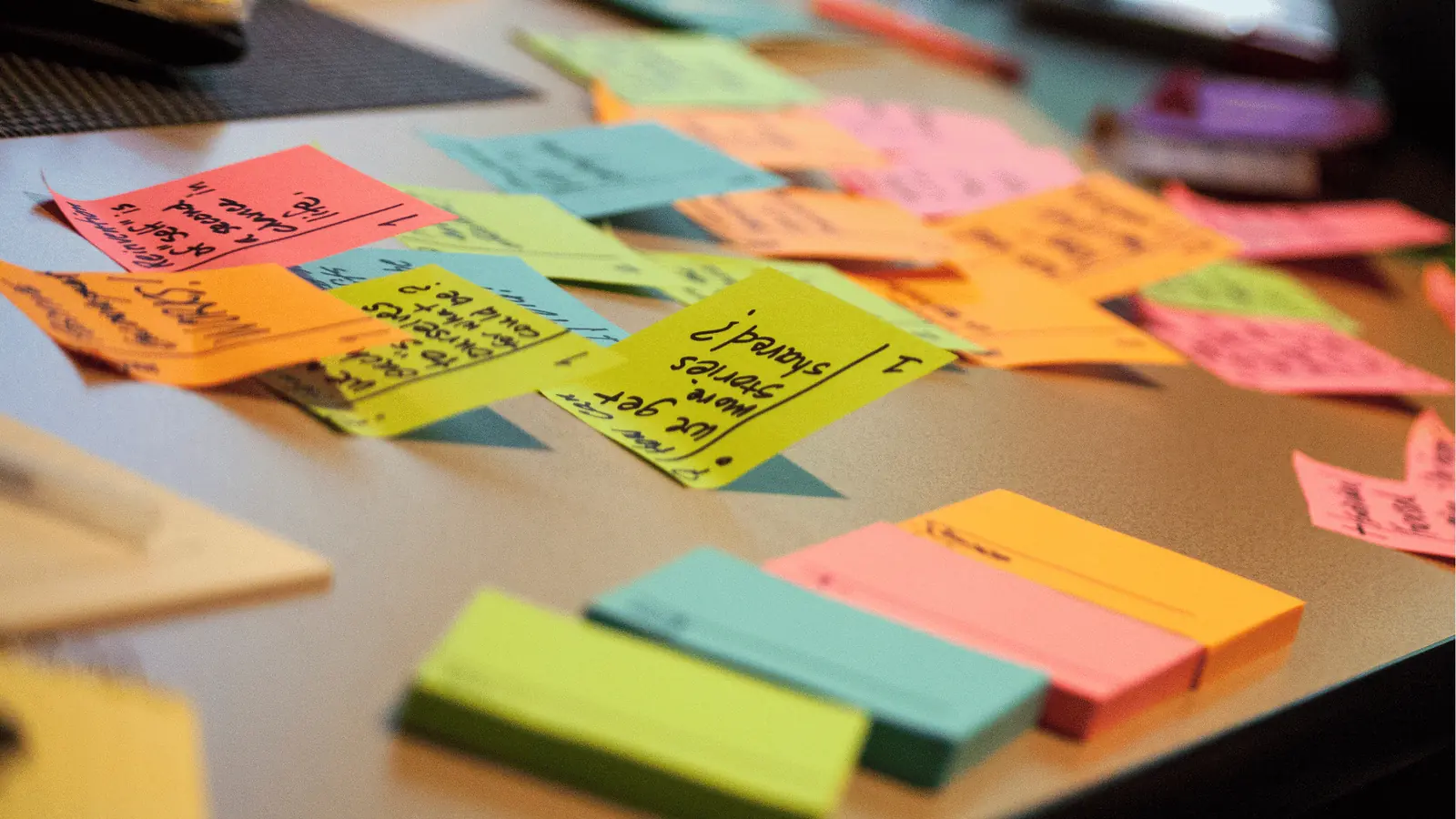
If you want to stop the madness, you have to embrace a new mantra: Center, Don't Scatter. This means treating every native platform as a broadcast endpoint, not as a workspace. Your team should only visit the native apps to engage with your community or to check how the algorithm is behaving-never to build, review, or store your actual work.
The transition to a unified workspace isn't just about moving your login credentials to a new screen. It is about a fundamental shift in your team's architecture. When you bring your connections, history, and asset production into one place, you gain the ability to scale your output without scaling your administrative overhead.
Systemic Scalability
To make this shift stick, break your transformation into a repeatable rhythm:
- Connect: Import every social profile and service account to establish a unified data pipeline.
- Capture: Move all campaign notes and operational reminders into your centralized calendar.
- Command: Build reusable automation flows for your repetitive publishing tasks.
Operator rule: If your workflow lives in six different tabs, your strategy is already fragmented. Every minute spent "syncing" manual data is a minute stolen from high-level creative work.
By forcing this consolidation, you stop reacting to notifications and start managing outcomes. You stop hunting for the latest version of a graphic and start looking at your content calendar as a cohesive, high-resolution map of your brand's narrative.
Ultimately, the goal is to reach a state of quiet confidence. When the entire team has a single source of truth, you aren't just moving faster-you are finally in control of the machine rather than being worked by it. Once that foundation is solid, you can stop "doing social media" and start directing a professional, multi-channel operation.
Where AI and automation actually help

Automation is not about removing the human from your social strategy; it is about stripping away the coordination debt that makes enterprise work feel like a treadmill. Most teams treat automation as a way to "set it and forget it," but for a brand managing dozens of channels, that approach is a quick way to lose compliance and voice. Instead, focus your automation on the mechanical handoffs that currently force your team to jump into native apps for simple status updates.
When you bring your workflow into a unified builder, you replace the need to check ten different inbox notifications or manual approval logs. You define the trigger, set the criteria for the asset, and let the system handle the distribution. The goal is to keep your status, permissions, and team alerts visible within the same workspace where you are planning the content. If the legal reviewer or the brand manager has to leave their dashboard to see the latest draft, you have already lost.
Operator rule: If a repeatable task requires manual copying, pasting, or cross-platform status checking, it belongs in an automation.
Automations help you move from reactive scrambling to proactive governance. By setting up standardized workflows-where content flows from design to approval to multi-channel scheduling in one chain-you ensure that every post hits the right channel with the right permissions attached. This is where you reclaim the hours lost to "tab switching" and start managing outcomes rather than channels.
The metrics that prove the system is working

Success in social operations is rarely measured by vanity engagement alone; it is measured by the reduction of friction in your production cycle. If your team is spending more time logging into native platforms to verify that posts went live than they are spendng on actual strategy, your system is failing to scale. You should be tracking the "time-to-publish" and the "context-switch frequency" to see if your new centralized model is holding.
KPI box:
- Tab-Switch Reduction: Average time saved per campaign launch.
- Audit Readiness: Percentage of posts with full metadata/compliance history.
- Approval Velocity: Minutes between content upload and channel readiness.
- Asset Recirculation: Number of times gallery assets are reused across different channels.
When you shift to a central source of truth, you stop guessing why a campaign hit a wall. You have the data to see where the bottleneck actually lives-whether it is the design team waiting on an asset format or the legal team holding up the final approval.
Common mistake: Relying on native app notifications for operational updates. These alerts are for consumer engagement, not for enterprise task management; they will clutter your focus and hide the actual work you need to finish.
A healthy social operation should feel quiet. When your calendar reminders, asset gallery, and publishing automations are synced, you aren't waiting for an email or a Slack ping to tell you the next step. You check your dashboard, clear your reminders, and keep the momentum moving.
- Verify that all social profiles are connected and syncing historical analytics data.
- Migrate your current campaign manual checklists into the central calendar reminders.
- Audit the gallery for high-res assets exported with platform-specific channel settings.
- Test a single-trigger automation for a cross-channel posting workflow.
- Archive all "native-app-only" bookmark folders to force the team to use the unified workspace.
Ultimately, the best social teams look less like a frantic newsroom and more like a precision engine. They have one view, one timeline, and one clear set of responsibilities. Stop managing platforms. Start managing outcomes.
The operating habit that makes the change stick

The biggest barrier to unified social operations is not the technology, but the deep-seated muscle memory of logging into native apps to "check things." You have to break the habit of using native platforms for production work. If your team treats the Instagram or LinkedIn app as the place where content is born, you will always be dealing with fragmented context.
Operator rule: Never start a campaign note in a separate document; keep it in the calendar.
When you move your planning into a central command, you stop being a reactive operator and start being a strategic one. This requires a specific ritual: Close the extra tabs. Every single one. Once you have your workspace aligned, you enforce a "Center, Don't Scatter" rule. If an asset is not in your gallery, it does not exist. If a conversation about a post happens in a random spreadsheet rather than a calendar note, that feedback effectively never happened.
Here are three steps to implement this week to stop the friction:
- Conduct a Profile Audit: Go through every channel you manage and ensure they are properly synced with your central dashboard. If you have to log in to post, you are not synced.
- Shift the Brainstorming: Mandate that all campaign ideas, creative briefs, and rough drafts move from external doc apps into your calendar notes immediately.
- Audit Your Notifications: If you are still relying on native app alerts for community engagement, you are inviting distraction. Shift these into your centralized reminder system so you can process responses in bulk, during designated windows.
Framework: The 3-C Workflow
- Connect: Centralize all profiles to gain a single source of truth.
- Capture: House every idea, reminder, and operational note next to the calendar.
- Command: Use automation to handle repetitive publishing, keeping your team focused on strategy.
This transition is often uncomfortable for the first week. Your team will instinctively reach for the native interface when they feel "the itch" to check a comment or quickly tweak a caption. The trick is to hold the line. When you centralize, you gain the ability to see how assets are performing across the entire portfolio without manually pulling reports from a dozen different interfaces.
Conclusion

The goal of unifying your social channels is not just to save time on logging in and out. It is to regain control over the narrative of your brand. When your publishing, historical data, and creative assets live in one place, you can finally see the gaps in your strategy that were previously hidden by the noise of constant context switching. You stop managing the minutiae of individual platforms and start managing the actual outcome of your campaigns.
Efficiency is not the byproduct of better apps; it is the natural outcome of a disciplined system where every asset and insight has a single, intentional home. Your social team deserves a workspace that works as hard as they do, rather than one that asks them to bridge the gap between disjointed tools. Once you stop treating your social strategy as a series of disconnected events across different channels, you will realize that your true ceiling for growth was never the technology itself, but the coordination debt holding your team back.