Stop treating your social media calendar as a static output terminal. You aren't actually planning a campaign when you draft ideas in a shared document; you are merely creating a map that you will have to redraw, piece by piece, the moment you open your scheduling tool. The real work does not happen in a siloed document-it happens in the friction-filled gaps between your creative brief and your final post.
TLDR: Stop syncing documents. Start writing in-situ. By moving your campaign notes directly into your scheduling calendar, you eliminate the constant tab-switching that causes version drift and kills team momentum.
The mental exhaustion of constant context switching-jumping from a creative brief to a spreadsheet, then to a scheduling platform-is an operational bottleneck masquerading as "process." When your strategy lives in one app and your execution in another, you are essentially asking your team to manage two separate versions of the truth. True relief comes when your notes live where the work happens, allowing you to focus on the narrative rather than the constant synchronization of your project management stack.
If your campaign context isn't attached to your post, it effectively ceases to exist for the person responsible for the final publication. This "context debt" is the silent killer of high-velocity social teams.
Here is how you can stop the bleeding today:
- Audit your source of truth: If a date change requires updating three different documents, your process is currently broken.
- Identify the trigger: Pick one campaign this week and draft the initial creative notes directly within your calendar interface instead of a separate doc.
- Consolidate stakeholders: Move the review comments currently trapped in email or chat into the same workspace where the media is actually attached.
The real problem hiding under the surface

The awkward truth is that most enterprise social teams treat their calendar as a "dumb" output tool. This forces them to maintain a parallel "source of truth" in documentation that is almost always out of date the moment a deadline shifts or a caption gets a final polish.
The real issue: When strategy is decoupled from execution, you lose nuance. A creative director writes a brilliant brief, but by the time that intent travels through a document, passes to a copywriter, and gets manual-typed into a scheduler, the original energy is gone.
This isn't just about laziness or "messy desks." It is about a fundamental breakdown in coordination. When you scale a team across multiple brands, markets, and stakeholders, the administrative overhead of keeping your documentation synced with your actual calendar is immense. It is the primary reason why teams feel like they are working twice as hard just to maintain visibility.
We often underestimate the cost of "copy-paste drift" during revisions. A senior stakeholder leaves a comment on a Google Doc. A social manager updates the doc. But the scheduling tool-which is the only thing that actually hits the live feed-remains untouched because the manager forgot to perform the manual sync. Suddenly, you have a campaign live with the wrong creative, the wrong link, or a tone that missed the mark.
Operator rule: Keep your notes as close to the publication trigger as possible. If the context is living in a separate app, you are guaranteeing that someone, somewhere, will miss a crucial detail.
In platforms like Mydrop, where calendar notes live alongside your post preview, you effectively collapse the distance between intent and action. You aren't just scheduling content; you are curating the intent of your brand in real-time. This isn't just a workflow tweak. It is a fundamental shift from being a "publisher" who checks boxes to an "operator" who manages a coherent, living strategy. When your notes, assets, and schedule are pinned together, the team moves faster because they are finally looking at the same map.
Why the old way breaks once volume rises
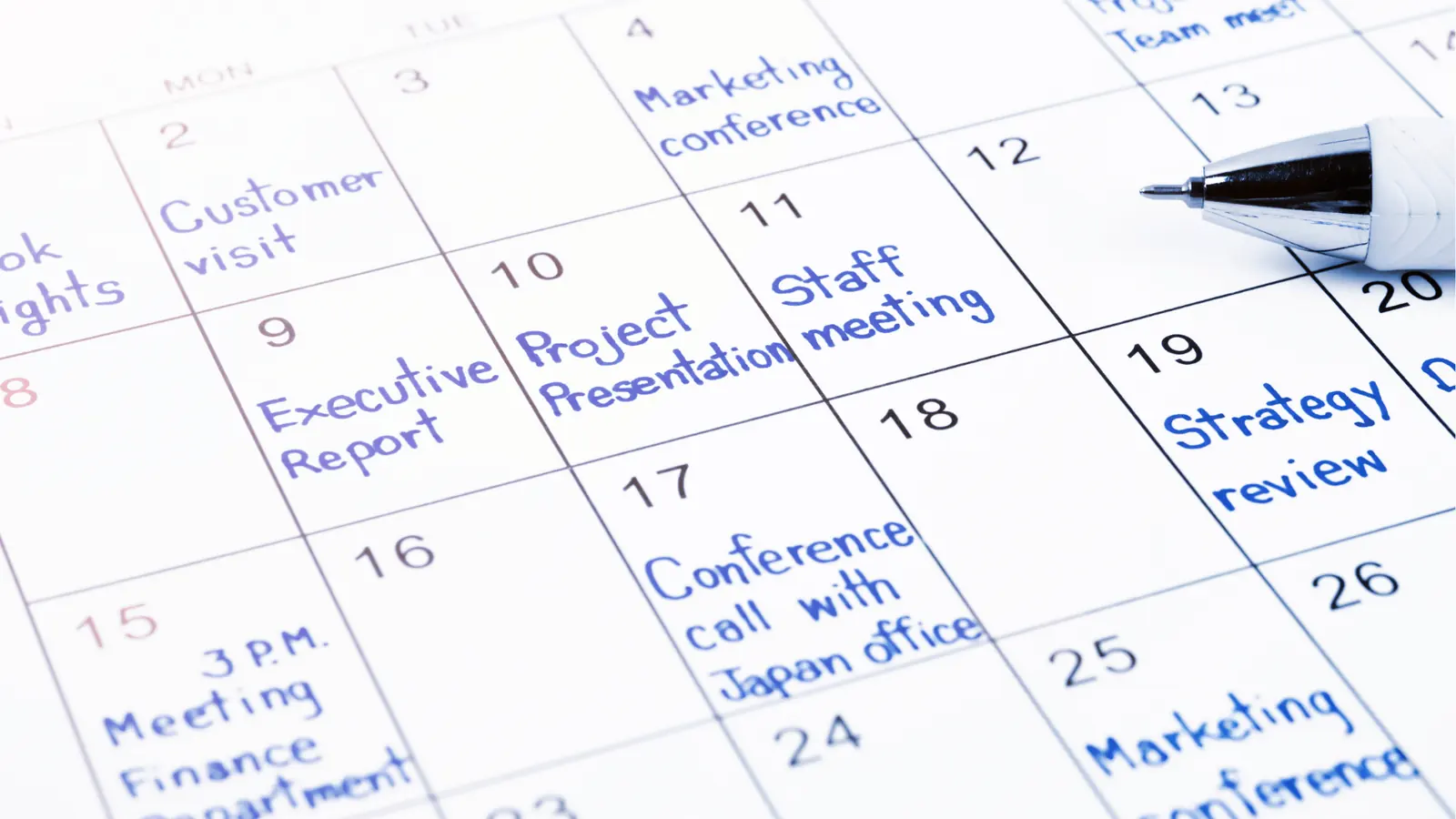
Scaling is the silent killer of document-based planning. When you move from managing one brand to five, or from two posts a week to fifty, the friction of keeping a "source of truth" document synced with a "scheduling terminal" becomes an active drain on your team. It is not just about the extra clicks; it is about the cumulative drift that happens when a deadline shifts or a stakeholder requests a minor caption change.
Most teams underestimate: The cost of "copy-paste drift" during revisions. Every time someone manually copies a final caption from a spreadsheet into the scheduler, there is a non-zero probability that the wrong version gets pasted or a line break is lost. At scale, this isn't an occasional error; it is a structural failure.
When your team relies on external docs, you are essentially asking every person in the workflow to become a human synchronization engine. You update the doc, then you update the calendar. Then the legal reviewer leaves a comment on the doc, but the community manager is looking at the calendar. Suddenly, nobody knows which version is final. The document becomes a graveyard of stale ideas, and the calendar becomes a rigid, unthinking machine that lacks the nuance of the original strategy.
| Feature | Doc-Based Planning | In-Calendar Context |
|---|---|---|
| Source of Truth | External & Fragile | In-Situ & Real-time |
| Approval Latency | High (Export/Import) | Low (Direct Feedback) |
| Revision Control | Manual/Prone to drift | Versioned/Atomic |
| Campaign Nuance | Lost in translation | Preserved with assets |
The tragedy is that the hardest work-the research, the creative brief, the stakeholder approvals-happens before you open the scheduler. By keeping that context locked in a document, you prevent the people responsible for the execution from seeing the "why" behind the "what."
The simpler operating model

True efficiency comes from what we call Context Residency. If an idea does not have a home where the work is executed, it effectively ceases to exist for the person responsible for posting. You move from the fragmented Idea -> Doc -> Calendar loop to a unified Idea -> Calendar flow.
Instead of writing a brief in a document and then "building" the post later, you start your planning directly in your calendar. You treat the calendar as a canvas, not just a row of empty slots.
- Context Intake: Capture campaign themes and strategy notes as calendar notes. These stay pinned to the dates, making them visible to anyone navigating the timeline.
- Composition: Build the posts in the composer, pulling creative directly from your connected cloud storage like Google Drive. This eliminates the "download-reupload" dance that slows down media approval.
- Validation & Handoff: Use the calendar's built-in validation to check platform requirements-like character limits or aspect ratios-while the draft is still open.
- Completion: Schedule directly from the workspace. No second-hand syncing required.
Operator rule: If your campaign context isn't attached to your post, it is just a digital ghost. Stop forcing your team to translate their intent into a third-party app.
When you collapse the distance between planning and execution, you stop "managing a process" and start managing a brand. You get a clear, visual overview of the month that actually reflects the strategy, not just the technical metadata of scheduled posts. The goal isn't to work faster by cutting corners; it is to work smarter by eliminating the translation layers that turn high-level strategy into low-quality social content.
Ultimately, your calendar should be as smart as your team. When your notes, assets, and scheduling logic all live under one roof, you stop spending your day as a data-entry clerk and start reclaiming the time needed to actually monitor performance and refine your narrative. It is time to stop maintaining a library of documents and start curating your social intent where it actually matters.
Where AI and automation actually help

The most effective automation isn't about replacing human creativity; it's about removing the "coordination tax" that prevents your team from ever reaching a flow state. When you unify your planning notes directly inside your scheduling calendar, you stop using expensive talent for low-value tasks like cross-referencing document versions or chasing down missing assets.
Automation should act as a safety net, not a replacement for your strategy.
Operator rule: Automate the handoff, never the intent. If an action requires a nuanced decision, it stays manual. If it requires moving a file from a cloud folder to a post or ensuring a date hasn't shifted, it should be background noise handled by the system.
Here is how to deploy automation to keep your team lean while maintaining quality:
- Intelligent Asset Syncing: Stop downloading files from Google Drive to re-upload them to your dashboard. Use direct gallery integrations to pull creative assets into the production environment instantly, keeping the original source of truth intact without the risk of version drift.
- Contextual Validation: Stop manually checking every platform-specific requirement. Let the software enforce these constraints in real-time, catching missing captions, format mismatches, or incorrect aspect ratios before they ever reach the approval queue.
- Centralized Note Rendering: By keeping your campaign themes, internal review notes, and stakeholder feedback in the same view as your calendar, you eliminate the "where is that comment?" feedback loop that slows down every major launch.
Common mistake: Automating your messaging. Never let an algorithm write your copy or decide your cadence. Use automation to manage the structure and the technical requirements of the post so that your writers can focus entirely on the voice and the strategy.
The metrics that prove the system is working

When you shift from document-based planning to in-situ calendar management, the results show up in your operational efficiency, not just your vanity social metrics. You stop measuring how fast you can post and start measuring how long it takes to go from a raw idea to a published asset-what we call "Concept-to-Click" velocity.
KPI box: Social Operations Health
- Coordination Latency: The time elapsed between a document update and the corresponding calendar change. Target: Zero.
- Context Debt: The number of secondary documents required to understand a single social campaign. Target: Less than 1.
- Rejection Rate: The frequency of posts sent back to creative because of misaligned specs or missing context.
- Asset Transfer Friction: The number of manual steps required to move creative from storage to the scheduling grid.
The goal is to optimize the rhythm of your team. When you use a centralized system, you can track the lifecycle of an idea with total clarity.
- Ideation: Notes created in the calendar/home feed to anchor the campaign context.
- Composition: Drafting the campaign using platform-specific composer tools to maintain platform nuance.
- Approval: Reviewing the content in the same view as the note, removing the need for external sign-off docs.
- Validation: Automated checks for platform requirements, dates, and account tags.
- Execution: One-click publishing that respects the predefined intent.
If you find your team is still spending more time updating status spreadsheets than actually refining the content, your workflow is still carrying too much weight.
Progress check: Is your team truly aligned?
- Can any stakeholder see the campaign intent just by clicking the calendar date?
- Are your assets being pulled directly into the editor without local storage?
- Do your writers know exactly where the review notes live without searching a team drive?
- Does the editor catch format errors before the human reviewer even sees the post?
- Is your link-in-bio page updated as part of the campaign workflow, not as an afterthought?
When the friction is gone, the work changes. Your team stops being a group of people chasing deadlines and starts being a group of people refining stories. The calendar becomes more than just a list of dates; it becomes the living brain of your social operation. If your planning isn't happening where your work is executed, you are only doing half the job.
The operating habit that makes the change stick

The biggest hurdle isn't the software; it is the reflexive instinct to open a blank document the moment a campaign spark hits. To kill the habit, you need to create a frictionless path of least resistance directly inside your scheduling environment. Start treating your calendar not as a passive timeline, but as a dynamic workspace where every post has a tethered home for its supporting context.
When your team starts a new campaign, force a shift in protocol: no campaign brief or creative brainstorm is considered "live" until it exists as an attached note or project thread inside your calendar. If you find yourself drafting a long-form caption or creative strategy in a separate doc, pause. Copy that content immediately into a calendar note assigned to the relevant dates. This creates an immutable link between intent and execution.
Operator rule: If your campaign context isn't attached to your post, it is just a digital ghost. If it isn't visible where the work happens, your team will eventually treat it like it doesn't exist.
This shift works because it replaces the "Search-and-Sync" cycle with "Read-and-Review." When your designer or copywriter opens the calendar, they no longer have to hunt for the latest version of the brief or ping you for clarification. The context is already sitting there, right above the scheduled post, providing the why behind the what.
Here are three steps to implement this today:
- Audit your current "Shadow Docs": Identify every external document currently serving as a source of truth for your upcoming content.
- Execute the Migration: For the next two weeks, commit to moving all new planning notes directly into your calendar. If a platform requires a unique caption, save that as a note attached to the specific day's entry.
- The "No-Link" Policy: Establish a team rule that any creative asset uploaded for scheduling must have a corresponding note or brief snippet attached to the calendar entry. If the note is missing, the post is not ready for final review.
Quick win: Next time your team brainstorms a holiday campaign or a product launch, open your calendar first. Create a pinned note for the campaign theme before you ever draft a single post. You will instantly feel the difference in how much easier it becomes to visualize the full narrative arc.
Conclusion

The goal is to stop managing the documentation of your work and start managing the work itself. When you strip away the administrative overhead of maintaining separate, disconnected files, you regain the mental clarity to focus on the storytelling that actually moves the needle. Your social strategy should be a living, breathing part of your calendar, evolving in real-time as your team collaborates, rather than a brittle, static artifact that needs constant manual updates.
When your planning tools and your execution tools are the same, you stop fighting against your own workflow. By centralizing your ideas, notes, and creative intent within Mydrop, you ensure that every campaign detail is right where it needs to be-at the exact moment of execution. Success at scale isn't about working harder to sync your systems; it is about choosing a system that keeps your intent and your output in lockstep, so your team can focus on connecting with the audience, not fixing the process.