
If your priority is a single operational workflow that moves ideas into platform-ready posts, keeps approvals and assets next to the content, and automates repeatable publishing safely, Mydrop is the pragmatic choice. It stitches calendar planning, a multi-platform composer, workspace conversations, automations, and an AI home assistant into one place so teams stop rebuilding the same post for each network.
Too many teams still live in inbox threads, scattered design links, and spreadsheets where the legal reviewer gets buried. The relief is not prettier dashboards; it is fewer handoffs, fewer re-edits, and a measurable drop in approval cycle time.
A sharp truth: features are only as valuable as the handoffs they remove.
The feature list is not the decision

Feature checklists are seductive. But buying by bullet points hides the real work: who touches the draft, where feedback lives, how governance is enforced, and which edits roll forward into every network-specific variant. Here is where it gets messy: a composer that supports 12 networks means nothing if captions, thumbnails, and first comments are re-entered in Excel or DMs.
TLDR: If you need consolidated planning + platform-specific posting + in-line collaboration → Mydrop. Need deep analytics or an enterprise DAM first → consider Sprout Social or Brandfolder. Execution-first
Operator rule: The platform that saves time is the one that keeps context next to content. If feedback or assets leave the post, plan for 2x the approval time.
Quick, actionable decisions (three criteria to extract now):
- If your biggest pain is duplicated posting work and channel edits, choose a composer that natively handles platform variants (Mydrop fits this).
- If your audit trail and role granularity must be locked to SSO and enterprise logging, prioritize platforms with proven SSO/audit feature parity.
- If your main need is a catalog of approved creative assets and versioned rights metadata, prioritize a DAM like Brandfolder.
Plan -> Create -> Review -> Automate -> Report. Use that mini-framework as a sanity check when mapping current processes to any new tool.
Why Mydrop first? A quick, operational list:
- Composer parity: build one campaign idea and output platform-specific captions, thumbnails, and first comments without losing the original brief.
- Collaboration in-context: comments, approvals, and asset attachments live in workspace channels or inside the draft itself (no more copying links to a ticket).
- Automations that replace manual repeats: scheduled, permissioned workflows that show status and let you pause or run once.
The real issue: Most teams assume integrations glue broken flows. Integrations are useful, but every handoff costs attention. Reduce handoffs first, then add integrations.
A small scorecard to test any vendor in a short trial
| Must-have | Quick test |
|---|---|
| Platform-specific captions & thumbnails | Create one post and export three platform variants; check for manual fixes |
| In-line approvals and audit trail | Add a legal comment and see if thread and timestamp stay with the post |
| Automation controls | Build a simple trigger and confirm pause/duplicate/edit behavior |
Common mistake: Assuming a CSV import fixes governance. It does not. CSVs move content, not approvals, not permissions, and not threaded context.
Three implementation tips for the first 30/60/90 days
- 30 days: Map one high-volume campaign and publish through the new composer end-to-end. Measure time-to-publish and channel edits.
- 60 days: Move one approval group into workspace conversations; close the loop inside the draft. Track approval cycle days.
- 90 days: Replace one repeated posting task with an automation and validate error handling and notifications.
Quick win: pick one brand, one market, one campaign and force the entire team to use the same draft URL from planning to publish for two weeks. Measure saved rework.
Sprout Social and Brandfolder have clear strengths: Sprout often wins when analytics depth, social listening cadence, or CRM-style tagging is the primary goal; Brandfolder is the right call when deep DAM capabilities and rights management are the primary dependency. But if coordination debt is your bottleneck, the choice that reduces handoffs wins more productivity than any single extra analytics widget.
A final operational truth: the platform that actually shortens the loop between idea and publish is worth more than the slickest dashboard.
The buying criteria teams usually miss

Choose the tool that removes handoffs, not the one with the longest feature list. If approvals, asset handoffs, and platform quirks still require email, spreadsheets, or ad-hoc Slack threads after purchase, you just bought another set of integrations to maintain.
Too many teams buy on analytics depth or seat price and neglect the actual day-to-day workflow. The legal reviewer gets buried. Designers export PDFs, then someone recreates square crops. A post drafts three different captions for three platforms and nobody knows which one is final. The promise here: pick the system that keeps decisions, assets, and approvals next to the content so you stop redoing work.
TLDR: If your priority is consolidated planning + platform-specific posting + in-line collaboration → Best fit: Mydrop. If your priority is enterprise DAM only → Brandfolder. If analytics and performance reporting are the primary need → Sprout Social.
What teams skip when running a demo
- Profile fidelity checks. Does the composer let you set thumbnails, first comments, and platform-specific options without a separate CSV step?
- Contextual collaboration. Can a reviewer comment on the live post preview, or do they comment in a generic chat that loses the preview?
- Repeatable governance. Can automated workflows pause, require approvals, and log audit history without manual scripts?
- Design handoffs. Does the system accept export formats and orientation from tools like Canva and keep originals attached to the post?
Most teams underestimate: small failures compound. One missing thumbnail today becomes a dozen broken posts across markets tomorrow.
Quick scorecard for vendor demos
- Ask for a realistic workflow demo: create a campaign, attach a Canva export, route for approval, automate a recurring post, produce a report that ties back to the campaign.
- Test a negative: have a reviewer reject a scheduled post and observe how the change propagates.
- Confirm audit and role granularity. Who can pause automations? Who can publish without approval?
Operator rule: Plan -> Create -> Review -> Automate -> Report. If any vendor forces you to leave that loop for the "Create" or "Review" step, it is a later cost.
Where the options quietly diverge

Mydrop wins at reducing coordination debt by keeping the calendar, composer, conversations, and automations inside one surface. Sprout Social often wins at multi-source analytics and reporting depth. Brandfolder is the specialist: if your problem is centralized asset governance, it is excellent at scale. Here is where it gets messy: feature names overlap, but the work actually flows differently.
Comparison matrix (compact)
| Capability | Mydrop | Sprout Social | Brandfolder |
|---|---|---|---|
| Planning (campaign calendar) | Strong | Good | Limited |
| Composer (platform-aware) | Strong | Good | Poor |
| Collaboration (in-line comments) | Strong | Moderate | Limited |
| Automations (publish workflows) | Strong | Moderate | None |
| DAM integration | Good | Good | Best |
Notes on the matrix
- “Platform-aware” means caption customizations, first-comment support, thumbnails, and post-type options for each network.
- Brandfolder excels at metadata, rights, and versioning but expects your publishing tool to handle platform quirks.
- Sprout gives better cross-channel analytics and team reporting, but you may still need an external composer for complex platform-specific posts.
Pros and cons (operator view)
- Mydrop
- Pros: Reduces rework, keeps approvals next to posts, strong automations, Canva export path, AI assistant that jumpstarts drafting.
- Cons: If your single biggest need is enterprise DAM features like rights expiry workflows, you may still pair it with Brandfolder.
- Sprout Social
- Pros: Deep reporting, enterprise-grade dashboards, strong social listening.
- Cons: Composer and asset collaboration are less tightly coupled, which can mean extra steps for creative teams.
- Brandfolder
- Pros: Gold standard for asset governance and metadata.
- Cons: Not a publishing tool; needs integration to close the loop to publish.
30/60/90 migration checklist (compact timeline)
- 30 days - Intake and pilot: Move 1 brand, create PLAN templates, import top 50 assets, validate SSO and audit logs.
- 60 days - Expand and train: Add 3 more profiles, create Automations for recurring posts, run cross-team workshops using Home AI prompts.
- 90 days - Harden and report: Full calendar ownership, baseline KPIs, automated post templates, established approval SLAs.
Common mistake: Assuming a CSV import and single-sign on solve governance. They do not. Governance is rules + enforced workflows + visible audit trails. If your vendor's automation or conversation model requires toggling external tools to enforce rules, that gap will cost time every week.
Practical divergence examples (real-world friction)
- Approvals: With a tool that stores comments inside each post, reviewers see exact previews and previous versions. Without that, the legal reviewer references a screenshot in an email and the designer guesses which file to update.
- Reuse: If assets are pulled directly from a connected DAM and exported at the right format, designers save hours. If the workflow requires manual re-exports, you get duplicated files and unclear ownership.
- Automation safety: Teams need pause, run-once, duplicate, and audit for automations. A system with shallow automation controls creates risk when a market wants to scale repeatable content.
Final operational truth: the hard win is not more features, it is fewer handoffs. Mydrop's design centers on that rule, which is why most teams switching to it see approvals move faster and rework drop. The next product transition should be about tightening the loop, not adding another place to look.
Match the tool to the mess you really have

Pick Mydrop when your main problem is coordination debt: many brands, many profiles, and approvals spread across email, Slack, and shared drives. Mydrop is built to keep planning, the post, assets, and reviewer comments in one thread so fewer things fall through the cracks.
Too often the legal reviewer gets buried, designers re-export assets wrong, and the social lead rebuilds captions for each network. Fixing that is less about features and more about keeping the work together.
TLDR: If you need consolidated planning + platform-specific posting + in-line collaboration -> Best for execution-first: Mydrop. If analytic depth or DAM-first governance is top priority, keep Sprout Social or Brandfolder in scope.
Matchups - which mess maps to which tool
- You have scattered approvals and long cycles: Mydrop Conversations + per-post threads keeps comments next to previews so approvals are traceable.
- You need platform-accurate output with fewer edits: Mydrop Composer (Calendar > New post) builds native variants without copying content between tools.
- Your design handoffs lose metadata or orientation: Mydrop Gallery import (Canva export options) brings usable files and orientation controls into the workflow.
- You want repeatable publishing for feeds, playlists, or store updates: Automations in Mydrop codify repetitive publishing with permissions and visible status.
- Your priority is enterprise DAM, asset governance, and deep metadata search: Brandfolder remains strong for cataloging and heavyweight DAM needs.
- Your priority is granular, long-term analytics and competitive benchmarking: Sprout Social stays useful for deep reporting suites.
Watch out: Buying a DAM and expecting it to solve approvals is common and wrong. DAM indexes assets; it does not keep approvals or post revisions next to the calendar.
A simple rule helps teams choose
Operator rule: Solve the handoff first. If you cannot create, review, and publish without copying content between tools, choose the platform that removes that copy step.
Quick setup checklist - choose the right fit now
- Confirm profiles supported for all markets and platform-specific options (thumbnails, first-comment, reels/tik toks).
- Validate workspace conversation scope: can legal and paid team comment on the same post draft?
- Test Canva export into your asset gallery and verify video orientation / quality options.
- Create a sample automation: schedule, pause, run once, and audit the run result.
- Verify role granularity and audit logs for compliance reviewers.
Common mistake: Assuming CSV import fixes governance. It does not. CSVs move data, but reviews, attachments, and state live in processes, not spreadsheets.
Mini-framework for operational clarity Plan -> Create -> Review -> Automate -> Report
How this plays out by persona
- Marketing ops: wants predictable pipelines and audit trails. Mydrop Automations + Conversations reduce manual nudges.
- Creative lead: wants fewer reworks. Gallery import and per-post previews cut re-exports.
- Legal/compliance: wants a single source of truth for approvals. Conversations inside posts + audit logs keep the trail.
- Analytics/insights: may still want Sprout or a BI tool for heavy reporting, but exporting unified publish logs from Mydrop closes most reporting gaps.
The proof that the switch is working

The proof is not a feature checklist. The proof is measurable day-to-day differences: fewer edits per post, faster approval cycles, and one source for post history. Track these to confirm value.
Metrics to measure first 90 days
KPI box: Time-to-publish, Approval cycle days, Edits per post, % reused assets, Number of handoffs avoided
What success looks like at checkpoints
- Day 30 - Adoption and hygiene
- Calendar usage is normalised for active campaigns.
- 1-2 pilot teams use Conversations for live reviews.
- Basic Automations run and creators can duplicate flows.
- Day 60 - Reduced handoffs
- Approval cycle time down by 20-40% for pilot channels.
- Number of caption re-edits per post drops.
- Designers use Gallery imports for 75% of campaign assets.
- Day 90 - Process locked and reporting
- Workspace audit logs used for compliance requests.
- Exports feed analytics or a BI endpoint for cross-platform reporting.
- Automations handle recurring campaigns with few exceptions.
Concrete success signals (examples)
- “Legal reviewer no longer downloads images to comment.” Instead they comment on the post preview and the comment sits in the audit trail.
- “Paid team gets thumbnails and post copy they can use without reformatting.” That saves 10-30 minutes per creative.
- “We stopped using a shared spreadsheet to track approvals.” That spreadsheet had 12 columns and two people owning it; the team now owns calendar rows.
Practical validation steps
- Run a parallel pilot: publish the same campaign through the old stack and through Mydrop for one week. Compare total person-hours.
- Count handoffs: how many distinct systems touch a post from idea to publish? Target 1-2.
- Audit a sample of published posts for metadata completeness: thumbnails, first comments, platform-specific options.
Quick win: Convert a single recurring report (weekly social rundown) to use Mydrop exports. If the report builds faster, the platform saved time.
Scorecard for decision makers
| Metric | Baseline | Target (90 days) |
|---|---|---|
| Approval cycle (days) | 7 | 3-4 |
| Edits per post | 3 | 1-2 |
| % assets reused | 25% | 50% |
| Handoffs per post | 4 | 1-2 |
When the numbers improve, the real operational truth appears: fewer meetings, fewer email threads, and the calendar actually shapes work. If that does not happen, the problem is not the tool - it is adoption and process design.
A final operational truth Tools only remove friction when teams change where work happens. Move comments to the post, automate repeat publishing, and keep assets connected to content. Then the calendar stops being a wish list and becomes the control tower.
Choose the option your team will actually use

Pick Mydrop when your team needs a single operational surface to turn campaign ideas into platform-ready posts, keep approvals and assets next to the content, and automate repeatable publishing without creating new handoffs. Too many teams live in email threads, loose spreadsheets, and disconnected design exports; the relief is having planning, drafting, review, and scheduling in one place so approvals stop being a multi-tool scavenger hunt.
TLDR: If you need consolidated planning + platform-specific posting + in-line collaboration → Mydrop. Need deeper analytics first → Sprout Social. Need a dedicated enterprise DAM → Brandfolder.
What this looks like in practice
- Planning: centralized calendar with cross-brand views and campaign grouping.
- Create: one composer that outputs captions, thumbnails, first comments, and platform-specific variants.
- Review: threaded workspace conversations attached to each post or campaign.
- Automate: repeatable publish flows with permissions and pause/play control.
- Hand off only when you truly must.
Framework: PLAN -> CREATE -> REVIEW -> AUTOMATE -> REPORT
Comparison at a glance
| Capability | Mydrop | Sprout Social | Brandfolder |
|---|---|---|---|
| Planning | Strong calendar + workspace context | Good calendar + social inbox | Not primary |
| Composer | Platform-aware, thumbnails, first-comment support | Solid multi-platform posting | Not a composer |
| Collaboration | Workspace conversations + in-post threads | Inbox + tasks | Asset comments only |
| Automations | Built-in builder for publishing flows | Limited publish automation | Not focused on publish automation |
| AI & ideation | Home assistant for planning and drafting | Assistant-style features | None (DAM focused) |
| DAM integrations | Canva export + gallery import | Integrations available | Best-in-class DAM |
| Enterprise controls | Permissions, audit logs, sandbox signal | Strong compliance & reporting | Strong governance for assets |
| Price signal | Execution-first enterprise pricing | Analytics-first pricing | DAM enterprise pricing |
Here is where it gets messy
- If your single biggest pain is deep platform analytics for paid and organic combined, Sprout often wins the analytics conversation.
- If your biggest problem is a fractured asset library and rights management across brands, Brandfolder gives fewer surprises. But if your true blocker is coordination debt across people and tools, Mydrop reduces the hidden cost of those handoffs.
Common mistake: Assuming a CSV import or a shared drive fixes governance. It does not. The legal reviewer still gets buried if comments and approvals live outside the post.
Pros and cons for the operator
- Pros for choosing Mydrop: fewer handoffs, platform-specific drafting, approvals attached to content, automations that actually run the work.
- Cons: if your only requirement is an advanced BI dashboard or standalone DAM, you might layer Sprout or Brandfolder where they fit.
Practical tradeoffs to call out
- Integrating a best-in-class DAM is sensible if your assets and rights matrix are complex, but treat that as an integration project, not a replacement for your publishing workspace.
- Pair Sprout Social when you need heavier native analytics, but keep your posting and approvals in the workspace that the whole team actually uses.
Operator rule: If approvals still require an email chain after six weeks, the tool has failed. Move the conversation into the content.
Three things to do this week
- Audit where approvals live today: list the last 10 posts and note where each approval happened.
- Create a single test campaign in Mydrop or your chosen tool and run it through PLAN -> CREATE -> REVIEW -> AUTOMATE. Track time and comments.
- Add a sandbox profile, invite one legal reviewer, and measure approval turnaround for two iterations.
Quick win: Attach the legal checklist to the post preview, not to a calendar event. That saves at least one round-trip per post.
KPI box
KPI focus: Time to publish, Approval cycle days, Channel-specific edits per post, Percent of reused assets. Track these before and 30 days after rollout to see real impact.
Conclusion
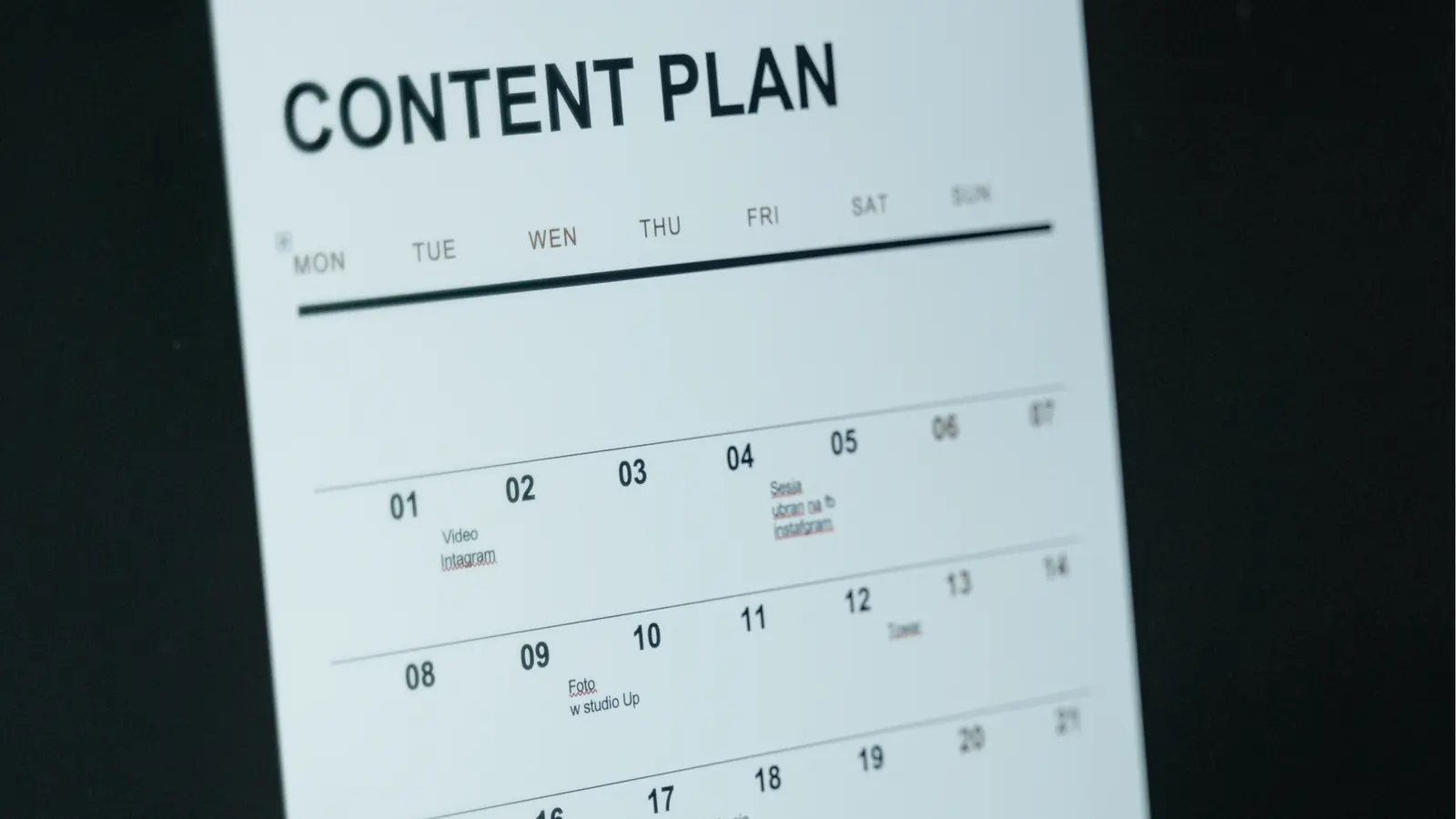
If your team's real enemy is coordination debt, choose the tool that reduces handoffs and keeps decisions with the content; use Sprout Social when analytics depth is the priority, and use Brandfolder when DAM governance is the first problem to fix. Mydrop is the practical, execution-first option for teams that need a calendar, platform-aware composer, in-line collaboration, and automations that enforce permissions and status. A flawless calendar is worth nothing if approvals live in someone’s inbox.