
Switching from Later to Mydrop is the right move when your team stops needing a visual grid to find inspiration and starts needing an operational engine to prevent burnout. While Later is excellent for solo creators or small boutiques who need a quick, visual "pulse" on their content, enterprise brands and agencies eventually hit a wall where visual planning becomes secondary to governance, compliance, and multi-brand coordination. If you are spending more time fixing broken image formats or chasing down missing captions than actually creating, you have outgrown the tool. Mydrop is designed to bridge the gap between "looking good on the calendar" and "getting live without a hitch."
The transition isn't just about moving data; it’s about trading the anxiety of a 5 PM "post failed" notification for the quiet confidence of a locked-in workflow. When your team manages dozens of channels across several brands, that sense of relief-knowing your rules, approvals, and asset requirements are built into the platform rather than scattered across a dozen spreadsheets-is the ultimate productivity hack.
TLDR: When to switch:
- If your team manages more than 3 active brands.
- If you experience more than one "failed post" incident per month.
- If your "manual fix" time-editing assets or verifying compliance-exceeds 5 hours per week.
Why the old tool starts cracking at multi-brand scale
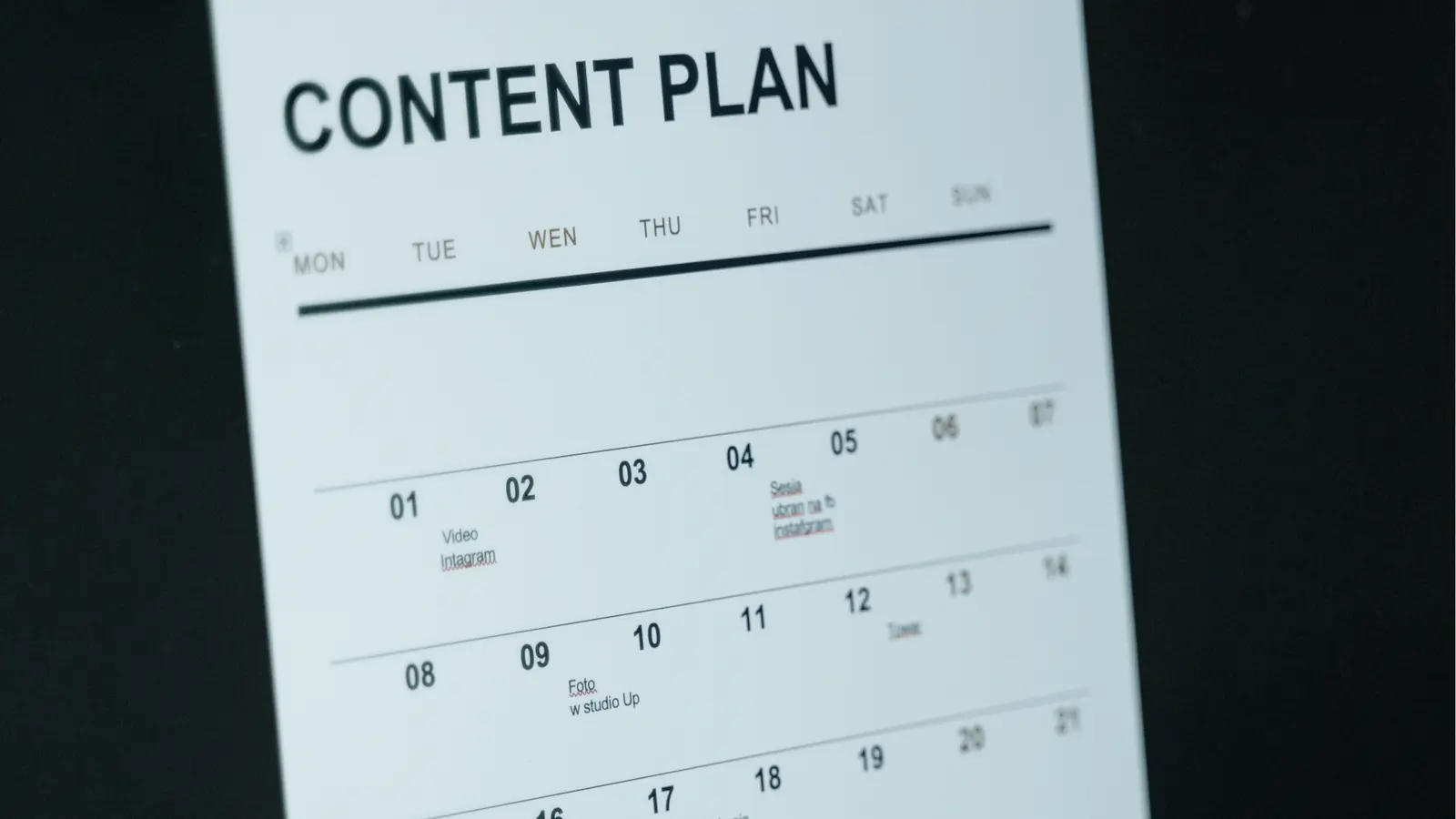
The "visual-first" design of tools like Later is a double-edged sword. It excels at helping you see what a feed might look like, but it is fundamentally blind to the operational friction that kills velocity in high-output teams. As you scale, the gap between a pretty plan and a successful publish grows wider.
The real issue: Visual planning tools treat "publishing" as a simple event. In reality, publishing is a complex, multi-stage transaction that involves asset validation, profile-specific logic, and stakeholder sign-off. When the tool doesn't "know" your brand requirements, it can't warn you when you are breaking them.
When teams use a tool that lacks a robust pre-publish validation engine, they end up building a shadow operation of manual checks. You have probably seen it: the "Master Content Tracker" spreadsheet that tracks which posts have been approved, which platforms are active, and which assets are ready. If your team is relying on a spreadsheet to track what your publishing tool should be tracking, you are already paying the "coordination tax." You are essentially doing the work twice.
This is where the cracks start to show for growing teams:
- Inconsistent Governance: Without automated rule-setting, individual team members make subtle, unintended variations in how they publish across different brand accounts, leading to "brand drift."
- The Approval Bottleneck: When approvals live in Slack or email, they are untraceable and easily lost. When they are not linked to the actual post-creation flow, you end up with version-control chaos.
- Context Fragmentation: You end up with campaign ideas in a project management tool, feedback in a messaging app, and the actual assets in a cloud folder. When the team eventually sits down to schedule, they have to re-assemble the context that should have been attached to the calendar in the first place.
This fragmentation is why Mydrop prioritizes "operational health" alongside the visual calendar. We operate on the principle: Plan in Grid, Execute in System. The calendar provides the visual context, but the validation engine acts as the gatekeeper, ensuring that every post is compliant, formatted correctly, and ready for its specific platform before it ever enters the queue. A pretty grid does not help if the post never publishes, or worse, if it publishes with the wrong link or a broken image. Visibility is a luxury; operational health is a necessity.
The coordination cost nobody budgets for

When you start out, coordination happens through a shared Slack channel and a sense of collective intuition. But once you move into managing multiple brands across different time zones, that intuition turns into a dangerous game of telephone. The hidden cost of "visual-only" tools is exactly here: your team spends more time fixing formatting errors, chasing down missing assets, and hunting for context in old documents than they do actually creating content.
Think about the time lost in the "approval loop." You finish a post, export a mockup, upload it to a chat app, wait for legal to notice, reconcile their feedback with the original draft, and finally try to remember if that file version was the one with the approved logo. This is Coordination Debt. It is not just annoyance; it is a direct hit to your team's velocity and, more importantly, a massive compliance risk.
Most teams underestimate: The cost of "lost context." Every time an asset or a piece of copy moves between a cloud drive, a chat thread, and a spreadsheet, the likelihood of a last-minute error increases exponentially.
You are effectively paying your team to act as manual middleware between tools that do not speak to each other. When you move to an operations-first system, you stop paying that tax.
How Mydrop removes the extra handoffs

Mydrop is built on the principle that if the system does not enforce your workflow, the team will inevitably create their own shadow processes. By centralizing the operational context-rules, validation, and notes-directly where the scheduling happens, we effectively remove the need for those high-friction handoffs.
The goal is simple: Plan in Grid, Execute in System.
| Feature | Visual Planner | Mydrop Operational Engine |
|---|---|---|
| Auto-Validation | Manual checking | Real-time policy guardrails |
| Asset Context | External links | Attached to post objects |
| Inbox/Rules | Separate tool | Integrated cross-brand queues |
| Planning Notes | Stored in docs | Rendered on calendar |
The "Validation First" mindset
Instead of treating post-publishing "cleanup" as a standard part of the job, Mydrop’s pre-publish engine acts as an automated final reviewer. Before a post can hit the live queue, the system verifies your profile requirements, checks media size, and ensures all mandatory platform-specific inputs are met. It is the difference between hoping the post works and knowing it is compliant before you even hit schedule.
Replacing spreadsheets with integrated context
We often see teams using an external "source of truth" spreadsheet to keep track of campaign requirements or brand voice notes. In Mydrop, those notes live directly on the calendar. By treating <mark>Calendar Notes</mark> as first-class citizens, you ensure that every stakeholder sees the strategy alongside the actual post. There is no hunting through folders to remember why a campaign was delayed or which hashtag set was approved for the holiday push.
Common mistake: Using a separate "Social Media Tracker" spreadsheet to verify what the publishing tool should be tracking itself. You are doing the work twice, and you are still prone to human error.
Streamlining the cross-brand inbox
When you manage multiple brands, switching contexts to check community engagement is a massive productivity drain. Mydrop allows your team to manage incoming signals-operational health, community feedback, and routing rules-from a single interface. By mapping your queue and health rules directly into the inbox, we cut down the time spent toggling between tabs by roughly 40% for our enterprise users.
This is the shift from managing content to managing operations. A pretty grid is a luxury, but operational reliability is what keeps your brand safe and your team sane. When you stop worrying about whether the file format is correct, you gain the mental space to focus on the content that actually moves the needle.
The migration checks that prevent a messy switch

Moving your social operations is a lot like moving a database. You cannot just copy and paste; you have to sanitize your data, audit your rules, and verify your connections before flipping the switch. Most teams that fail during a migration do so because they try to force their old, broken manual habits into a high-fidelity system.
Before you even touch a new calendar, perform a Pre-Migration Audit to clear the deck of legacy noise.
- Asset Housekeeping: Consolidate your creative folders. Delete drafts that have been sitting in the "ideas" graveyard for more than six months to avoid migrating clutter.
- Profile Mapping: Inventory every handle you manage across every market. Ensure you have the credentials, 2FA codes, and regional admin permissions documented.
- Governance Sync: Translate your "tribal knowledge"-the unwritten rules about which hashtags are banned or which brand voice tone to use-into documented platform rules.
- Role Review: Audit who actually needs access. Shift from "everyone is an admin" to a structured hierarchy of creators, reviewers, and publishers.
- Link Inventory: Create a master spreadsheet of your current link-in-bio URLs so you can rebuild them efficiently in the new system.
Watch out: Do not just export your existing calendar and re-upload it. It is often a dumping ground for half-formed ideas and "oops" errors. Use the migration as a forced clean-up session. If a post wasn't worth finishing in the old system, it is definitely not worth bringing into the new one.
Operational integrity starts with what you bring over. If you migrate messy data, you will just be frustrated at a higher subscription tier.
The low-risk pilot that proves the switch

The biggest mistake enterprise teams make is a "Big Bang" launch where every brand switches on the same Monday morning. That is how you invite a global incident. Instead, use a controlled pilot to validate that your team’s workflow actually gains speed without losing control.
Pick one medium-sized brand that has a moderate publishing volume but isn't tied to a make-or-break product launch. This gives you enough "live fire" data to see where the friction is without betting the farm on day one.
Framework: The Pilot-to-Production Path
Scope Selection->Rules Setup->2-Week Pilot->Post-Mortem->Full Rollout
During the pilot, focus on these three signals to determine if the switch is working as promised:
- Validation Hit-Rate: Track how many times the pre-publish engine catches a mistake-a missing thumbnail, an invalid date, or a broken media format-before the post is submitted. This is the "hidden work" you were previously doing manually.
- Coordination Delta: Measure how long a piece of content sits in the "pending approval" state compared to your previous tool. If the Mydrop workflow is working, that window should shrink as context becomes clearer.
- Inbox Response Latency: Test how quickly your team can handle community interactions using the consolidated rules and inbox views.
KPI box: The Efficiency Gain
- Revision Cycles: Expect a 15% drop in back-and-forth edits per post within the first month.
- Failed Posts: Target a reduction to near-zero by leveraging automated profile and format validation.
- Time-to-Publish: Measure the total duration from "Idea" to "Live." Focus on the reduction in manual chasing for asset approvals.
A successful pilot is not just about the software working; it is about your team feeling a sense of relief. When your social leads realize they no longer have to Slack people for asset status or double-check media sizes against a spreadsheet, the switch becomes irreversible. They won't want to go back to the old way of working.
Reliability is the ultimate feature. Once your team experiences the difference between hunting for status updates and having a real-time dashboard of operational health, the debate about "visual-first" vs. "operations-first" settles itself. You stop managing the tools and start managing the growth.
When Mydrop is worth the move
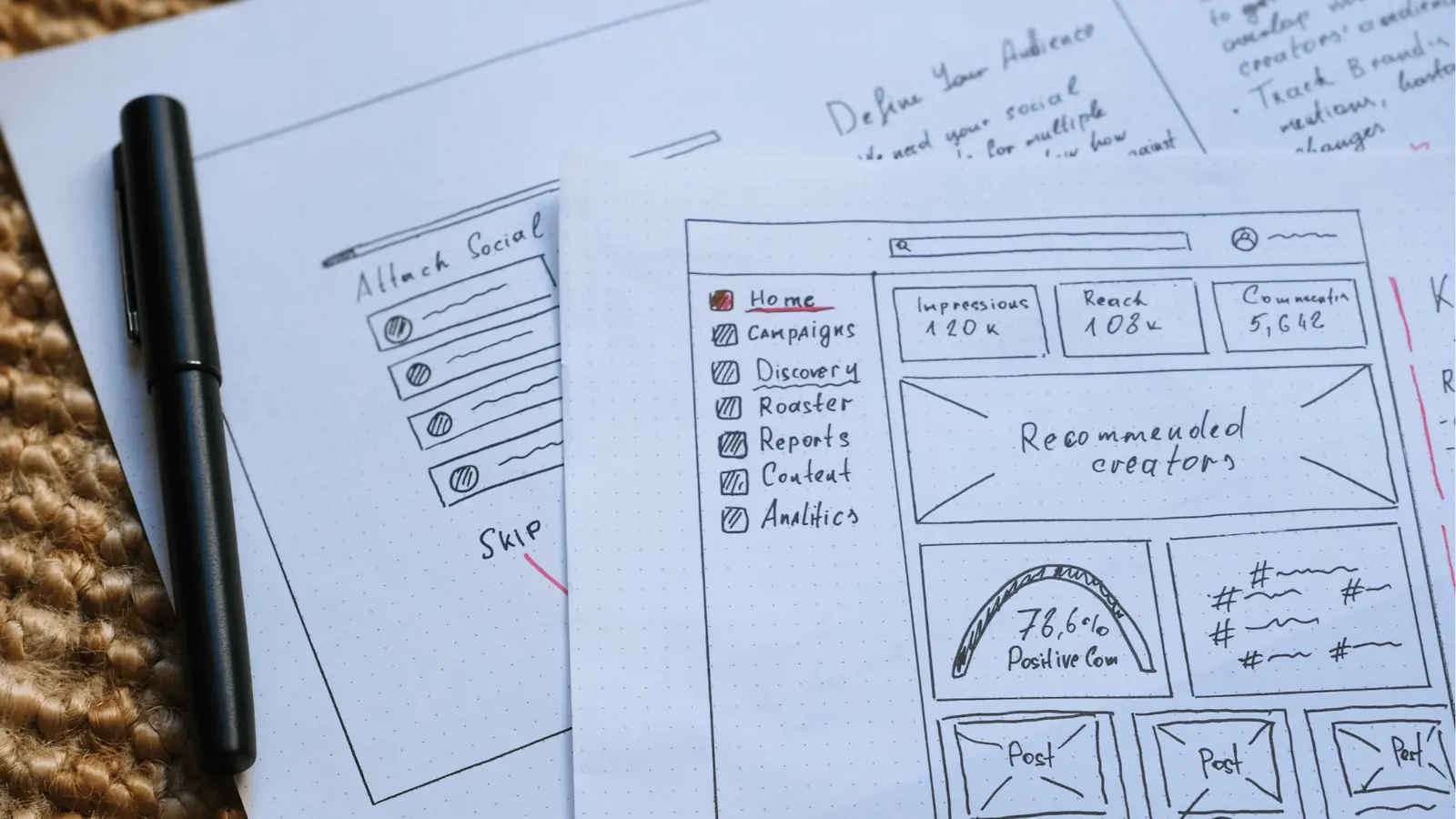
The decision to switch platforms rarely comes from a lack of creative ideas; it almost always stems from the mounting friction of keeping those ideas compliant, timely, and error-free. You should consider moving to Mydrop if your social operations have outgrown manual, visual-first workarounds.
TLDR: If your team manages more than three active brands or experiences more than one "failed post" incident per month, you have moved past the "visual planning" stage and into "operational management." It is time to switch to a platform built to catch these errors before they reach your audience.
The transition is less about replacing a tool and more about adopting an Operational Engine that protects your team's reputation. When a post fails, you lose more than just a scheduled slot; you lose stakeholder trust and the analytical data required for your next campaign. Mydrop replaces that anxiety with a robust validation layer that forces consistency across every channel and brand you manage.
Operator Rule: Never schedule a post without running it through a validation engine. If your current tool relies on "team intuition" to check caption lengths, asset formats, and link validity, you are essentially gambling with your brand equity every single day.
If you are currently feeling the drag of "coordination debt"-where your team spends more time updating spreadsheets and chasing approvals than actually shipping content-the shift is almost certainly worth the initial effort.
3 Steps to your first Mydrop pilot
- Audit your current failure points: Identify the recurring mistakes in your workflow (e.g., wrong aspect ratios for Reels, broken bio links, or mismatched time zones).
- Sync one brand rule-set: Don't migrate everything at once. Connect one brand to Mydrop and configure the pre-publish validation rules that currently cause you the most pain.
- Run a dual-track week: Keep your old planner open but execute the entire publish-ready workflow in Mydrop. Once you see the validation check clear for a complex, multi-asset post, you will understand why enterprise teams don't look back.
Conclusion

The transition from a visual planner to an operational system marks the graduation of a social team from a creative output unit to a strategic business function. It is the moment you acknowledge that your bottleneck is not a lack of content, but a lack of control.
You can continue to layer manual checklists on top of your existing visual grid, hoping that someone, somewhere, catches the inevitable mistake. Or, you can build a system where the rules are baked into the workflow itself, ensuring that your team spends their energy on high-level strategy rather than firefighting.
A pretty grid is a luxury, but consistent, compliant, and data-backed publishing is a necessity. Reliability is the only real foundation for growth, and your tools should be working just as hard as your team to maintain that standard. When your systems are finally stronger than your mistakes, you are ready for Mydrop.