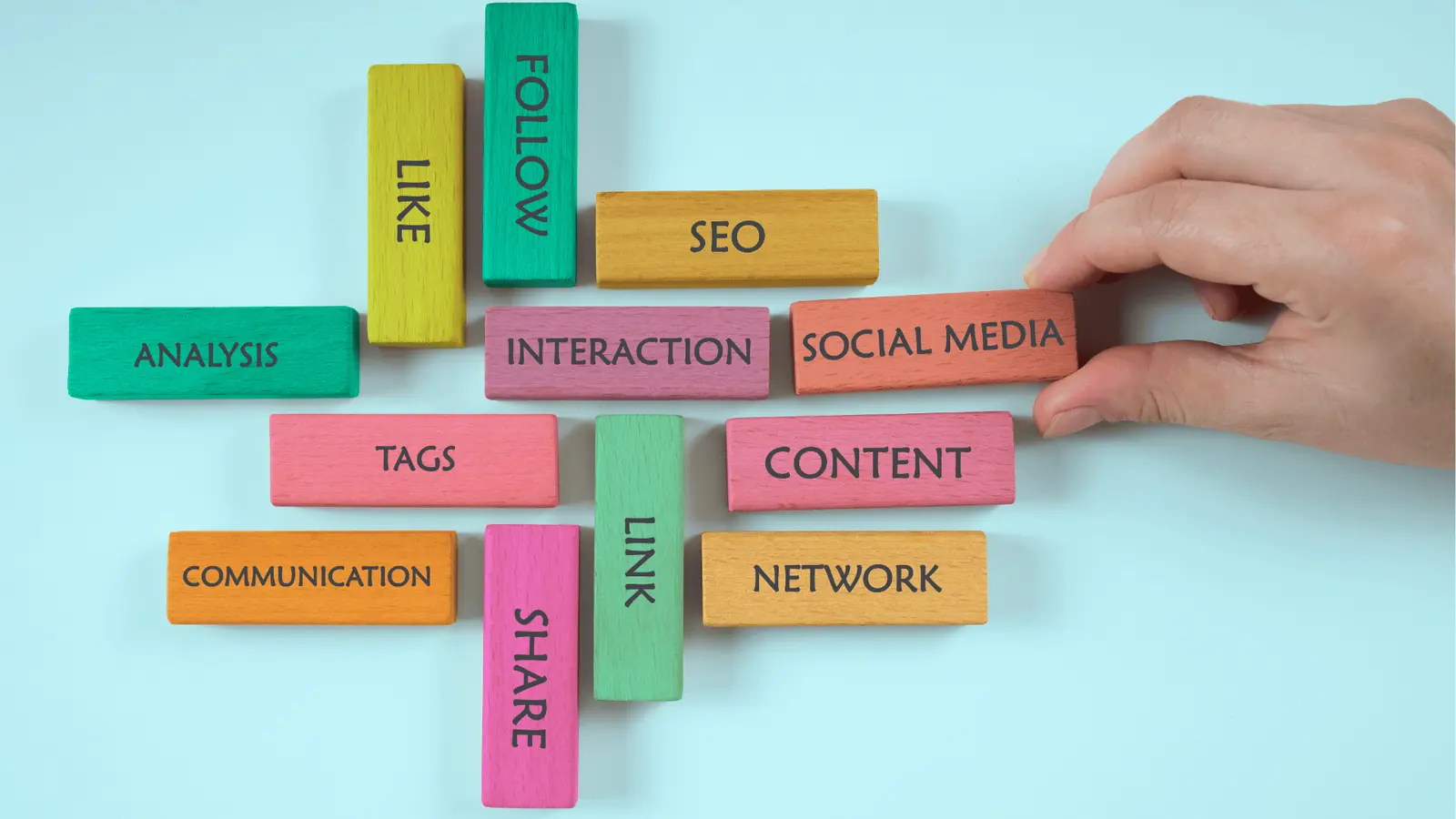
You stop the cycle of chaotic social content by shifting from a static calendar to a system where publishing is treated as a predictable, reminder-backed operational process. Your team isn't struggling because you lack ideas; you're drowning in coordination debt because your calendar is a graveyard of "to-dos" rather than a command center for your brand's digital health.
TLDR: Stop scheduling static posts and start scheduling operations.
- Automate the workflow: Reminders should handle asset collection, compliance checks, and community health.
- Unify the view: Use one calendar to bridge your editorial pipeline with your incoming message queues.
- Shift the mindset: Every calendar entry is a multi-step business process, not just a publishing deadline.
The constant state of reactive firefighting drains your team's creative capacity and breeds burnout. When you move to a structured system, you gain the quiet confidence of knowing exactly what is coming next. You stop manual entry and start managing high-level strategy, finally giving your team the room to do the work that actually moves the needle.
Most teams underestimate: The real cost isn't the time it takes to write a caption. It is the mental load of switching between four different browser tabs to check the status of a creative asset, a compliance sign-off, and an overflowing community inbox. That fragmentation is exactly where brand voice drifts and deadlines slip.
The real problem hiding under the surface

If you are currently managing your content in a spreadsheet or a standalone scheduling tool that doesn't talk to your community management system, you aren't really running an editorial strategy. You are just feeding an algorithm.
The operational bottleneck occurs because social content is treated as a static artifact. In reality, it is a living commitment to your audience. When your calendar ignores the "health" of your community inbox-or worse, when it silos your brand voice from your real-time customer conversations-you are creating two distinct teams that don't know what the other is doing.
The real issue: When the calendar and the inbox are divorced, your social team becomes a reactive entity. You are either planning content in a bubble or responding to crises in the dark.
A mature social operation requires that your team sees every scheduled post alongside the operational pulses of your brand.
- The Content Pulse: What are we shipping?
- The Community Pulse: What are people saying?
- The Governance Pulse: Who approved this, and is it compliant?
Without this triangulation, you are constantly playing catch-up. If your calendar doesn't notify you to review your inbox health, you’re not managing a brand; you’re just feeding an algorithm. Here is a snapshot of the difference between teams operating in the dark and those using a unified system.
| Manual Content Chaos | The Mydrop Operational System |
|---|---|
| Static list of publishing dates | Automated workflow reminders |
| Fragmented platform dashboards | Unified brand and profile management |
| Manual "health checks" in the inbox | Embedded health and rule signals |
| Ad-hoc, email-based approvals | Structured, platform-aware validation |
Operator rule: Don't schedule posts-schedule operations. Treat every calendar block as a workflow that includes asset review, compliance validation, and a post-publish engagement window.
When you force these steps into a recurring calendar commitment, the "firefighting" stops. You aren't guessing if the creative is ready; you're following a pre-set rhythm that ensures every piece of content meets your quality standards before it ever hits a live feed. This isn't just about efficiency-it is about governance at scale.
The most successful teams I see have stopped trying to "hustle" their way through the content calendar. Instead, they’ve built a system that treats social media as a professional, repeatable business process. Once you stop asking "what should we post today" and start asking "is our infrastructure prepared to support this post," you’ve crossed the bridge from amateur creator to enterprise operator.
Why the old way breaks once volume rises

Your process inevitably hits a wall the moment you add a second brand or a third channel. What works when you are managing one Instagram feed-a spreadsheet, a team group chat, and a sense of shared responsibility-quickly turns into a logistical nightmare when you add cross-market compliance, multi-tier approvals, and high-stakes campaign launches. The breakdown isn't a failure of talent; it is a failure of architecture.
Most teams underestimate: The hidden operational debt of context switching. When your calendar lives in a spreadsheet but your assets are in a folder and your compliance checks happen in email, your team spends 40% of their day just trying to figure out if a post is actually ready.
When volume scales, your calendar becomes a static graveyard of good intentions. You aren't just missing deadlines; you are losing the ability to see if your publishing velocity matches your community engagement. The old way breaks because it treats content as a finished artifact to be posted, rather than a living interaction that needs to be monitored, optimized, and protected across the entire customer lifecycle.
The Manual Content Chaos vs. The Mydrop Operational System
| Friction Point | Manual Content Chaos | The Mydrop Operational System |
|---|---|---|
| Visibility | Fragmented across docs and emails | Centralized in one shared calendar |
| Handoffs | Manual pings, lost in notifications | Automated reminders linked to assets |
| Compliance | "Trust me" editing process | Built-in validation before scheduling |
| Inbox Health | Reactive fire-fighting | Integrated into the publishing workflow |
The simpler operating model
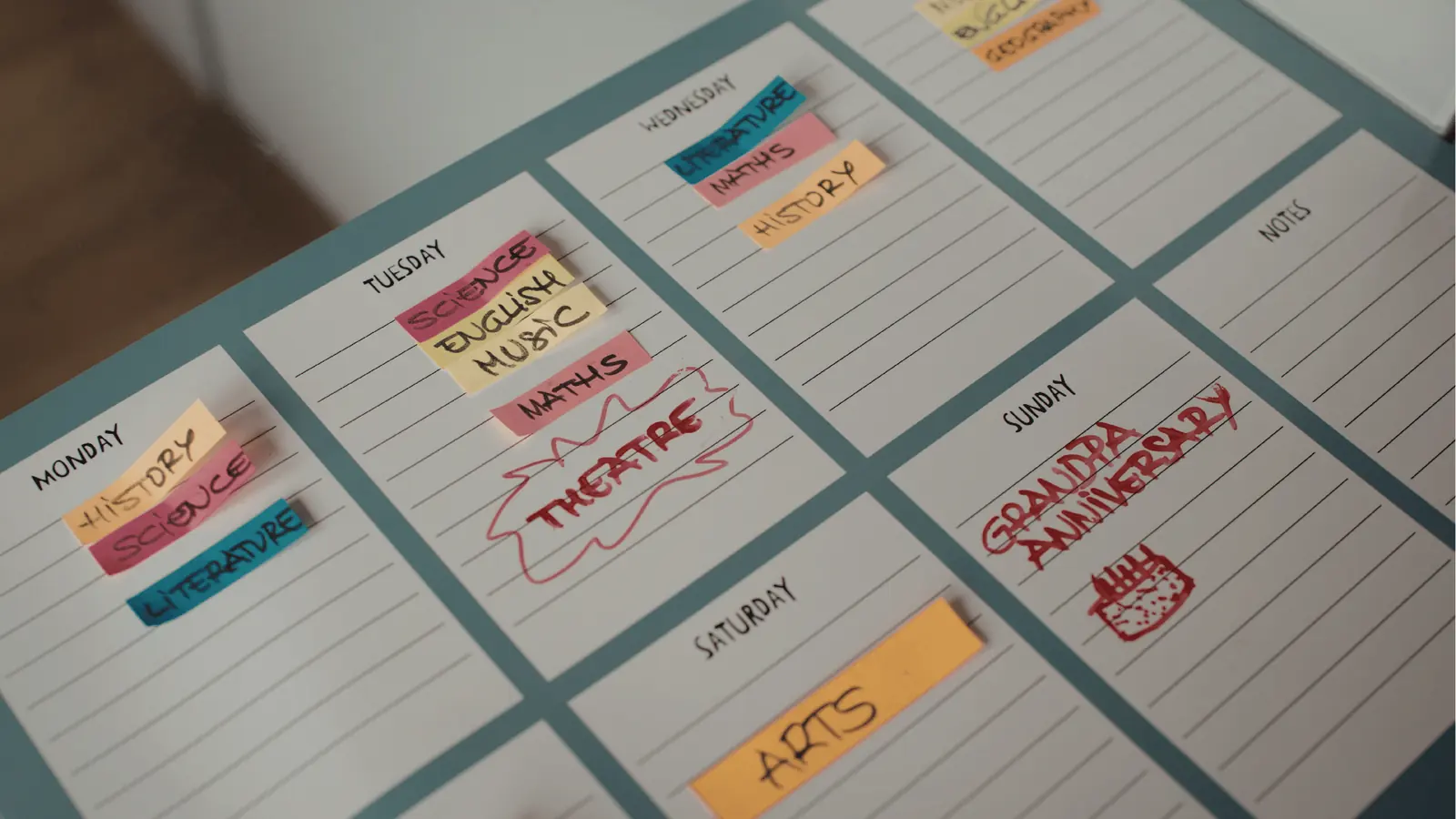
If you want to stop the cycle of chaotic production, you have to adopt an Operational Excellence mindset. We call this the C.A.R.E. Model. This framework shifts your focus from the what (the content piece) to the how (the workflow required to support it). It is designed to strip away the guesswork and provide your team with a clear path to execution.
- Collect Assets: Centralize all creative files, captions, and stakeholder feedback into a single, structured workspace before the calendar deadline hits.
- Automate Reminders: Set proactive triggers for every stage-drafting, legal review, asset finalization, and community health check-ins-so the work is pushed to the person responsible, not the other way around.
- Review Health: Use an integrated inbox view to see if your community volume is spiking or if there are unresolved rules, ensuring you aren't broadcasting to an audience you aren't actually listening to.
- Execute: Validate final post requirements-profiles, times, and platform-specific formatting-in one final sweep before the platform handles the publish.
Operator rule: If your calendar doesn't notify you to review your inbox health, you are not managing a brand; you are just feeding an algorithm.
The magic of this model is that it turns a daunting "to-do" list into a predictable, mechanical process. By using the AI home assistant to draft initial concepts or refine brand-specific copy, you aren't just saving time on the creation-you are ensuring every post starts from a point of consistency. You stop starting from a blank screen and start from a curated library of approved assets and brand guidelines.
This is where the distinction between a creator toy and an enterprise platform becomes clear. A tool that only schedules posts is essentially a manual typewriter. A platform that links your editorial calendar to your inbox rules and your profile management gives your team the infrastructure to handle scale without burning out. You move from being a constant reactive force to a team that can actually anticipate market needs.
When you integrate these operations into a single view, the stress of "did we miss that?" evaporates. You aren't hunting for files or pinging colleagues for status updates; you are simply checking the progress of a known system. Automation isn't about removing the human; it's about giving the human their time back to focus on the community, not the coordination.
True operational control starts when your calendar stops being a list of deadlines and starts being a map of your team's daily contribution to the brand's health.
Where AI and automation actually help

Most teams treat AI as a creative parlor trick-a way to generate a clever caption or a generic blog outline. That misses the point of enterprise scale. The real power of AI isn't in drafting; it is in removing the operational friction that makes content management a drag on your team.
When you use the AI Home assistant to handle your workspace context, you stop forcing every task to start from a blank prompt. You aren't just brainstorming; you are surfacing brand-specific constraints, past successful posts, and tone-of-voice guardrails automatically. By integrating this intelligence into your calendar, you bridge the gap between "we need a post" and "here is a compliant, on-brand asset ready for final review."
Operator rule: AI is your teammate, not just a writer. Use it to audit draft intent, verify asset requirements, and map content to specific brand pillars before it hits the calendar.
Automation should also extend to the health of your social ecosystem. A static calendar is a blind spot. If your publishing schedule is disconnected from your community pulse, you are posting into a void. Linking your Inbox rules and Health view directly to your calendar ensures that your team sees the full operational picture. When you can review incoming messages and operational health signals alongside your scheduled posts, you gain the clarity to pivot or pause before a crisis becomes a headline.
Common mistake: Treating publishing and community management as two different jobs. A calendar that schedules posts but ignores the inbox health of the profiles being published to is an accident waiting to happen.
To keep your operations lean, focus on these five points of validation before any asset moves from "pending" to "live":
- Profile Check: Confirm the asset is mapped to the correct brand and profile group.
- Compliance Guardrails: Ensure links, hashtags, and disclosures are present for the target market.
- Asset Integrity: Verify media dimensions and file formats meet platform-specific requirements.
- Inbox Sync: Check that the team is staffed to handle the incoming engagement for this specific campaign.
- Calendar Logic: Confirm the date and time reflect your actual publishing cadence, not just a "filler" slot.
The metrics that prove the system is working

You cannot manage what you do not measure, but stop obsessing over vanity metrics like "total posts created." If your team is producing fifty posts a week but spending fifteen hours on manual approvals, you are losing money on every upload. True success in social operations shows up in the efficiency of the back office.
KPI box:
- Time-to-Publish: The reduction in hours from initial idea to live post. (Target: >30% reduction).
- Compliance Friction: The decrease in "post-edit" or "post-deletion" requests.
- Dead-Zone Coverage: Tracking periods where an active campaign had no corresponding community inbox monitoring.
When you shift to an operational system, you should see a clear shift in how your team spends their day. Instead of moving blocks on a spreadsheet or tracking down email approval threads, they should be spending that time on high-level strategy and community engagement.
If your team is still asking "Where is the file?" or "Did legal approve this yet?" three times a day, your system hasn't finished the job. The best metric of all is the quiet confidence that comes when the calendar is full, the assets are approved, and the team knows exactly who is responsible for the next touchpoint.
Pull quote: "If your calendar doesn't notify you to review your inbox health, you are not managing a brand; you are just feeding an algorithm."
The ultimate goal of building a robust content calendar isn't to create a perfect record of the past. It is to create a predictable, stress-free engine for the future. When your tools do the heavy lifting of compliance, organization, and timing, your team finally gets to stop being "content creators" and start being "community builders." That is the only way to scale without breaking.
The operating habit that makes the change stick

The biggest reason content calendars fail isn't a lack of features; it is the absence of a review cadence. Most teams treat the calendar as a "set it and forget it" map, but a truly efficient system functions more like a heartbeat. If you aren't checking your operational vitals-your inbox health, your pending approvals, and your upcoming publication density-you are essentially driving blindfolded.
To make the system stick, you have to move from being a "poster" to an "operator."
Framework: The Weekly Sync Protocol
- Inbox Health Audit (Monday Morning): Before touching the publishing queue, check the
Inboxfor sentiment spikes or unresolved rule triggers. If the community is talking about a crisis, your scheduled posts are a liability.- Calendar Conflict Check (Tuesday): Run a
Calendarsweep to ensure upcoming posts don't overlap across brand segments or regional channels.- The "Reminder" Reset (Friday): Use
Calendar > Remindersto log your own non-publishing tasks: asset collection, analytics reporting, and platform trend analysis. If it is not in the calendar, it is not happening.
The goal is to stop the endless "context switching" that kills your team's focus. Every time a team member jumps from a spreadsheet to a native social app to check a comment, you lose ten minutes of deep work. By centralizing these tasks within your workflow, you aren't just saving time; you are protecting your team's cognitive bandwidth.
Common mistake: Many teams treat "Reminders" as a dumping ground for generic to-dos. If your calendar reminder doesn't have a direct link to the Rules or Profile view you need to act on, it's just another notification you will eventually ignore. Treat every reminder as a direct path to an action.
Conclusion

Scaling social operations is less about finding the perfect content idea and more about mastering the rhythm of the delivery. When you stop chasing the next viral hit as a standalone event and start managing your presence as a continuous, reminder-backed business process, the panic begins to dissipate. You regain the ability to look ahead, adjust based on real data, and ensure your team is building brand authority rather than just filling a queue.
The tools you use should act as a force multiplier for this discipline, not an additional layer of administrative overhead. Whether you are coordinating a global agency rollout or managing a single multi-brand portfolio, the principle remains identical: If your operational system is fragmented, your brand voice will be too.
True consistency comes from transparency, where every stakeholder knows exactly what is scheduled, who is responsible for the community response, and where the content sits in the approval flow. When you align your calendar with your actual team capacity, publishing stops being a source of stress and starts being the reliable output of a healthy, functioning machine.
Social media management is fundamentally an exercise in coordination, and the team that wins is rarely the one with the most posts-it is the one that has mastered the operational truth that a predictable process is the only reliable foundation for creative excellence. Mydrop exists to turn that messy reality into a structured, visible, and manageable workflow that actually gives time back to your team.