Mydrop is the practical, publishing-ready alternative to Canva's Content Planner when teams need a complete, auditable design-to-post workflow instead of a light planning surface. If your team spends more time downloading, reformatting, chasing approval threads, or rebuilding captions for each network than actually iterating creative, that gap matters. Mydrop keeps the design handoff intact with Canva export options and Drive integration, then moves assets through a single staging area where posts are adapted, validated, and sent through approval gates before they ever hit a social API. That reduces last-minute scrambles and gives you a visible record of who changed what and why.
Think of it like a factory line with sensors. Designers export from Canva or pull from Drive into Mydrop's gallery, editors shape platform-specific posts in the multi-platform composer, automated checks catch missing thumbnails or wrong video durations, and built-in approvals lock content until legal or client sign-off completes. The Home assistant speeds drafts and planning, templates and automations handle repeatable campaigns, and Analytics shows what actually worked so the conveyor belt gets smarter over time. This part is not flashy; it just prevents dumb mistakes that eat up entire afternoons.
Why teams start looking for a switch

Teams often begin searching for an alternative when the volume and complexity of social work outgrow a single designer-and-scheduler pattern. Canva Planner is great at giving designers a familiar, visual place to arrange assets and a simple calendar view to drop posts. That ease is precisely why many small teams stick with it: designers feel at home, mockups look right, and early planning is quick. The problem shows up when campaigns scale. Suddenly a single Canva file spawns ten platform variants, multiple languages, regional dates, and legal reviewers. Manual downloads, re-uploads, and copy-paste caption edits multiply the work and the chance of error. A simple rule helps: if you need the same creative to publish across multiple profiles with different formats and approvals, a designer-first planner becomes a brittle handoff, not a single source of truth.
Here is where teams usually get stuck: approvals fragment into email and chat, media is scattered across Drive folders, and publishing falls back to spreadsheets or an extra scheduling tool. That creates real operational friction. Example: a global promo where the APAC team updated a thumbnail but the EU copy used the old image because the Drive link duplicated. Or legal approved a document in a comment thread but the scheduler never attached the approved file to the post. Those are not edge cases; they are daily failures that cost time and risk brand mistakes. The decision to keep working inside Canva Planner feels low-friction at first, until someone has to own the audit trail, and then it becomes expensive and slow to retrofit accountability.
Several clear triggers push teams toward purpose-built publishing platforms like Mydrop. First, a need for reliable pre-publish checks: different networks require different formats, aspect ratios, caption lengths, and thumbnails. Miss one and a post can fail or publish incorrectly. Second, governance and auditability: regulated brands and multi-client agencies must show who approved copy and when, and that proof needs to travel with the post, not live in siloed email. Third, repeatability at scale: recurring promos, templated campaigns, and bulk scheduling demand reusable templates, automations, and the ability to apply a single campaign across brands and timezones. Finally, migration friction matters: teams want a migration plan that doesn't pause live campaigns. Those practical needs are what push operations leaders to evaluate Mydrop, because it maps directly to those pain points rather than promising a prettier calendar.
Before you move anything, decide three practical things that will shape the pilot:
- Which profiles and brands to include in the pilot - pick a set that represents your complexity (one regulated brand, one creative-heavy brand, one multi-timezone brand).
- Which approval paths to enforce - choose the minimum approvers you need to validate claims and assets, so the test mirrors real governance.
- Where the assets live today - map the Canva folders and Drive locations that will be connected to the Mydrop gallery.
These decisions reduce the guesswork that stalls pilots. For example, if you pick a regulated brand and enable approval gates from day one, you'll validate real friction points instead of polishing a happy-path workflow. If your pilot profiles include a language team, you can test how templates and the multi-platform composer handle caption variants without risking a full launch.
There are tradeoffs and stakeholder tensions to expect. Designers will push back if the new flow feels like extra friction or if they lose the ability to tweak designs quickly. Social ops will resist any change that adds manual steps to scheduling. Legal will demand attachments and timestamps. The practical answer is to scope the pilot narrowly: preserve the designer experience by keeping Canva export options intact, and use Mydrop to capture the rest of the operation - composition, validation, and approval - so designers still do what they do best while operations gets the control it needs. This way the designers do not become the bottleneck; they just hand off a certified input into a safer conveyor.
Finally, think in concrete outcomes, not features. A successful switch should let a campaign move from exported Canva file to scheduled post with no intermediate downloads, catch platform mismatches before posting, and show an immutable approval history attached to each scheduled item. That is where time savings show up: fewer late-night edits, fewer failed publishes, and clearer accountability when a post needs to be revised. For teams managing dozens of brands, those wins compound fast. Mydrop is not trying to replace the designer's craft; it is trying to preserve it and wrap the publishing process around it so the whole operation runs cleaner and faster.
Where the old workflow starts to break

Here is where teams usually get stuck: Canva's Content Planner is great when a handful of designers and a single social profile are involved. The UX is familiar, quick, and forgiving for one-off posts. The friction appears as soon as volume, brand count, or regulatory review ramps up. Designers export files, social ops download from Drive, captions get pasted into a separate scheduler, and approvals float around email threads or chat. That chain looks lightweight until a thumbnail is missing, a video length exceeds a platform limit, or a legal reviewer vanishes into a CC list. By then the campaign clock is ticking and people are salvaging posts instead of improving creative.
Practical failures tend to be boring and expensive. Missed platform fields and format mismatches are common: a square export posted as landscape, a video without the required thumbnail, missing first-comment hashtags, or a caption cut off by an X length limit. These cause failed uploads or low-performing posts, and the fix is manual and clerical. Stakeholder tension grows: designers feel micromanaged when asked to re-export, social ops resent doing repetitive re-uploads, and legal complains their sign-off trail vanished. The failure mode is predictable: the handoff is fragile because the planner is only one part of the workflow, not the system holding the whole workflow together.
A simple rule helps explain the gap: if your process requires more than one tool to complete a single scheduled post, you will pay in time, mistakes, or both. The Black Friday example is the one people remember: 200 assets across regions, a handful of incorrect thumbnails, and a cascade of emergency fixes while paid placements ran. That is the part teams underestimate. The problem is not Canva itself; the problem is the handoff and the lack of visible gates and audit trails around publishing. When approvals, asset versions, and platform rules live in different places, accountability and speed both suffer.
How Mydrop solves the daily bottlenecks
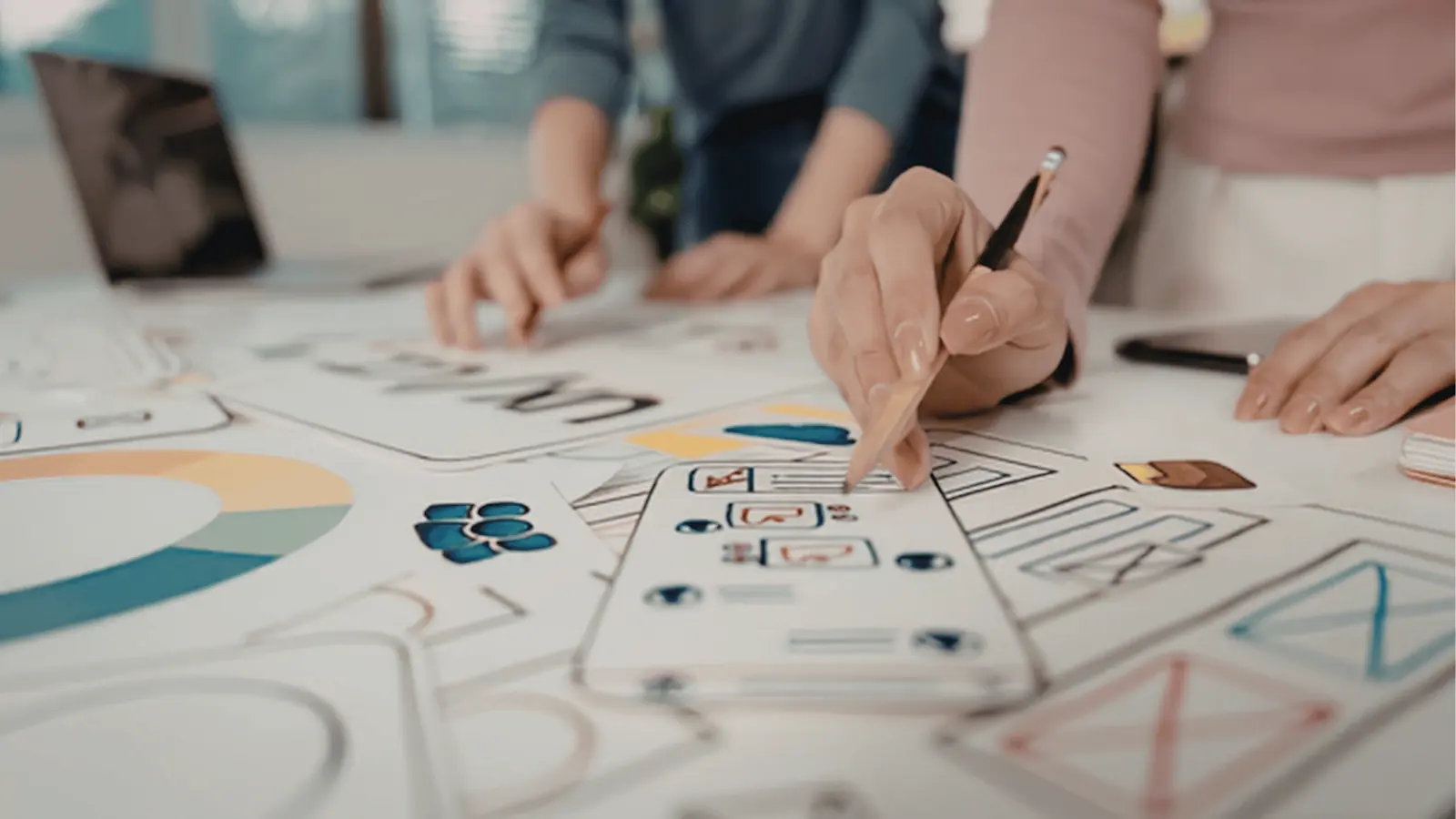
Think of the work as a conveyor belt with quality gates. Mydrop brings the gates to the belt. Designs arrive via Canva export or Google Drive import and land in a single gallery, so assets keep their metadata, orientation, and chosen export options instead of being flattened into an ad hoc folder. From the gallery, the multi-platform composer turns one campaign idea into platform-ready posts without losing network-specific details. Before anything leaves staging, pre-publish validation runs a checklist against profiles and platforms, catching missing captions, wrong video durations, bad thumbnails, or profile selections. When a legal or brand reviewer is needed, the post goes through an approval workflow that keeps comments, attached assets, and version history right next to the scheduled item. That chain maps directly to the conveyor-gate metaphor: import → adapt → validate → approve → schedule.
A compact checklist helps teams map responsibility and decide what to automate or keep manual:
- Who is the single owner for each scheduled item? (designer, social ops, or campaign lead)
- Which profiles must be treated as separate brands and require different captions or thumbnails?
- Which content needs mandatory approvers (legal, brand, client), and where should their comments live?
- Which recurring tasks are repeatable enough to become Automations or Templates?
- Which metrics will prove the pilot succeeded (failed posts, time from ready to scheduled, approval turnaround)?
These practical choices shape implementation. For example, a multi-brand agency prepping 200 assets uses Templates plus the bulk composer and Automations to turn one campaign folder into dozens of platform-ready posts, saving the repeated rework of captions and thumbnails. A regulated brand uses the post approval flow so legal signs the exact post in context, with the asset and caption attached, instead of approving a screenshot in a chat thread. A distributed social ops team uses the Calendar timezone controls and reminders to keep recurring promos aligned across markets without manual timezone math. In each case Mydrop replaces brittle manual steps with repeatable gates and visible logs: fewer failed posts, clearer ownership, and a single source of truth for asset and approval history.
There are realistic tradeoffs to call out. Moving from several lightweight tools into a single platform requires upfront mapping: profiles must be organized, Templates must be created, and Automations need careful trigger definition to avoid accidental runs. There is a short training curve as people learn to send approvals inside the post rather than in email. But these are one-time costs that pay back quickly. Reduced emergency fixes, lower manual upload time, and auditable approvals save measurable hours for large teams. The Home AI assistant speeds the creative side by giving teams draft captions, variations for each network, and a running workspace context so creators do not start from a blank page. Analytics and post-level performance then close the loop, feeding evidence back into planning rather than into opinion-based decisions.
Implementation details that make the transition low-risk are straightforward. Start a pilot workspace with a subset of profiles, connect Google Drive and enable Canva export options so designers can push assets directly, and try parallel scheduling for two weeks while keeping the old planner active for contingency. Measure number of failed publishes, approval turnaround, and time spent on manual reformatting before switching more profiles. Automations can be paused, edited, or duplicated while you refine rules, and Templates let you bake brand-safe settings into repeatable jobs. The audit trails and attached conversations mean the legal reviewer sees the exact asset version they signed off on, so compliance does not depend on someone's memory or an email thread. For teams that need speed without losing control, that is usually the moment when the switch becomes obvious.
What to compare before you migrate

When a team is seriously considering a move, the right checklist is practical, not ideological. Start with the things that actually break day to day: can your candidate accept Canva exports without manual rework? Can it import final assets from Google Drive without forcing downloads and re-uploads? Does it let you adapt a single creative into platform-ready posts while preserving the original asset, captions, and metadata for audits? These are basic gates. If any of them fail, you will keep paying the same hidden cost in email threads, missed thumbnails, and last-minute video re-encodes.
Next, look for the operational primitives that matter to enterprise teams. Ask if the tool validates platform-specific requirements before scheduling (file size, duration, orientation, thumbnail, boards, categories), whether it keeps approval history attached to the post, and whether automations can run repeatable work while showing who changed what and when. Tradeoffs are normal: a lightweight planner will be faster for a single designer with one profile, but it also leaves approval and audit trail responsibilities on other systems. If you need compliance, legal sign-off, or cross-market scheduling, favor the tool that adds sensors at those handoff points rather than one that assumes a short, informal path to publish.
Finally, score the things that make migrating worthwhile: multi-profile composer depth, approval workflow configurability, analytics parity, workspace/timezone controls, and the presence of AI or shared prompts that reduce repetitive drafting. Here is a short, practical checklist to run in a 30-minute session with stakeholders:
- Import/Export: test a Canva export and a Drive import end to end, then schedule one post per platform to check for manual fixes.
- Approvals and audit: create a post, add approvers, and review the approval log and attachments.
- Bulk and templates: save a template, apply it to a three-post burst, and measure time to schedule vs. old process.
- Validation and failure handling: force an obvious validation error (wrong video length, missing thumbnail) and see how it surfaces and who gets notified. Those little experiments expose where friction lives and let stakeholders compare outcomes, not featuresheets.
How to move without disrupting the team

This is the part people underestimate: migration is not a one-time technical cutover, it is a change in who owns each step of the conveyor belt. Start with a pilot workspace that mirrors an actual production lane: pick a campaign the team already runs, select a small set of profiles across one or two brands, and keep the incumbent planner running in parallel. The pilot should prove two things in production: Mydrop can receive creative from Canva and Drive with no extra steps, and the scheduling path keeps approvals and validation visible. Run the pilot for two full campaign cycles so you see recurring issues like timezone mistakes, template drift, or missing captions.
Assign clear handoff rules for the pilot. Designers should export from Canva with agreed file options into a shared Drive folder, then use Mydrop's gallery import (or direct Canva export if available) to place assets into the staging area. Social ops uses templates and the multi-platform composer to create platform-specific variants, then sends the post through the built-in approval workflow. Legal reviews inside the post thread and records their decision in Mydrop, not in a separate email chain. Keep this rule set short and distributed as a checklist the team keeps next to the calendar:
- Designers: export to specified Drive path / confirm orientation and quality settings.
- Social ops: apply template, run pre-publish validation, assign approvers.
- Reviewers: use the post approval UI (not chat or email) and attach any redlines to the post. A simple rule helps: if it is for publish, it must live and be approved inside the publishing tool.
Expect and plan for the common failure modes. The legal reviewer gets buried if you keep using email alongside the approval workflow; the fix is governance, not a feature. Templates drift when nobody owns them; assign a template manager who reviews and archives outdated templates each quarter. Timezone confusion shows up when scheduling across markets; use Mydrop workspace timezone and calendar reminders, and run a double-check process for launches that span multiple markets. For each failure mode, define a rollback or mitigation so the team can continue production while you iterate on the new workflow. For example, keep the old scheduler as a fallback during the first major campaign, but treat it as read-only for scheduled posts - that prevents duplicate publishes.
Practical migration steps that actually scale: (1) sync a subset of profiles and connect Google Drive + Canva export, (2) import last 30 days of assets into Mydrop gallery so historical context exists, (3) create templates for the most common post types, (4) set up one automation for a repeatable campaign, (5) run parallel scheduling for two weeks and track a small set of metrics (time to schedule, number of validation errors, approval turnaround time). Keep these metrics visible on a shared dashboard and review weekly with stakeholders. That way you move from anecdotes to measurable improvements, and teams get confidence that the new conveyor belt is faster and safer.
People and change management matter more than any one feature. Invite the heavy users - senior designer, lead social ops, compliance lead, media buyer - into the pilot planning and make them decision owners for their lanes. Use Mydrop's Home AI to capture common briefing templates and saved prompts so junior staff can draft posts faster and with consistent brand voice. Celebrate small wins publicly: fewer failed posts, faster approvals, or one campaign that actually shipped on time across three timezones. Those wins build trust and quiet the usual resistance.
At the end of the pilot, run a short postmortem that focuses on three outcomes: did the new workflow reduce manual steps, did approvals become auditable and less error prone, and did scheduling errors drop? Use those answers to widen the rollout in controlled waves: add more brands, bring in automations for recurring work, and train a rotating group of template stewards. For regulated or high-risk brands, keep a parallel legal sign-off gate for the first month after rollout. Migrating is not instant, but with a pilot, clear handoff rules, and visible metrics you can move without disrupting live campaigns and, crucially, keep every step auditable as you scale.
When Mydrop is the better fit
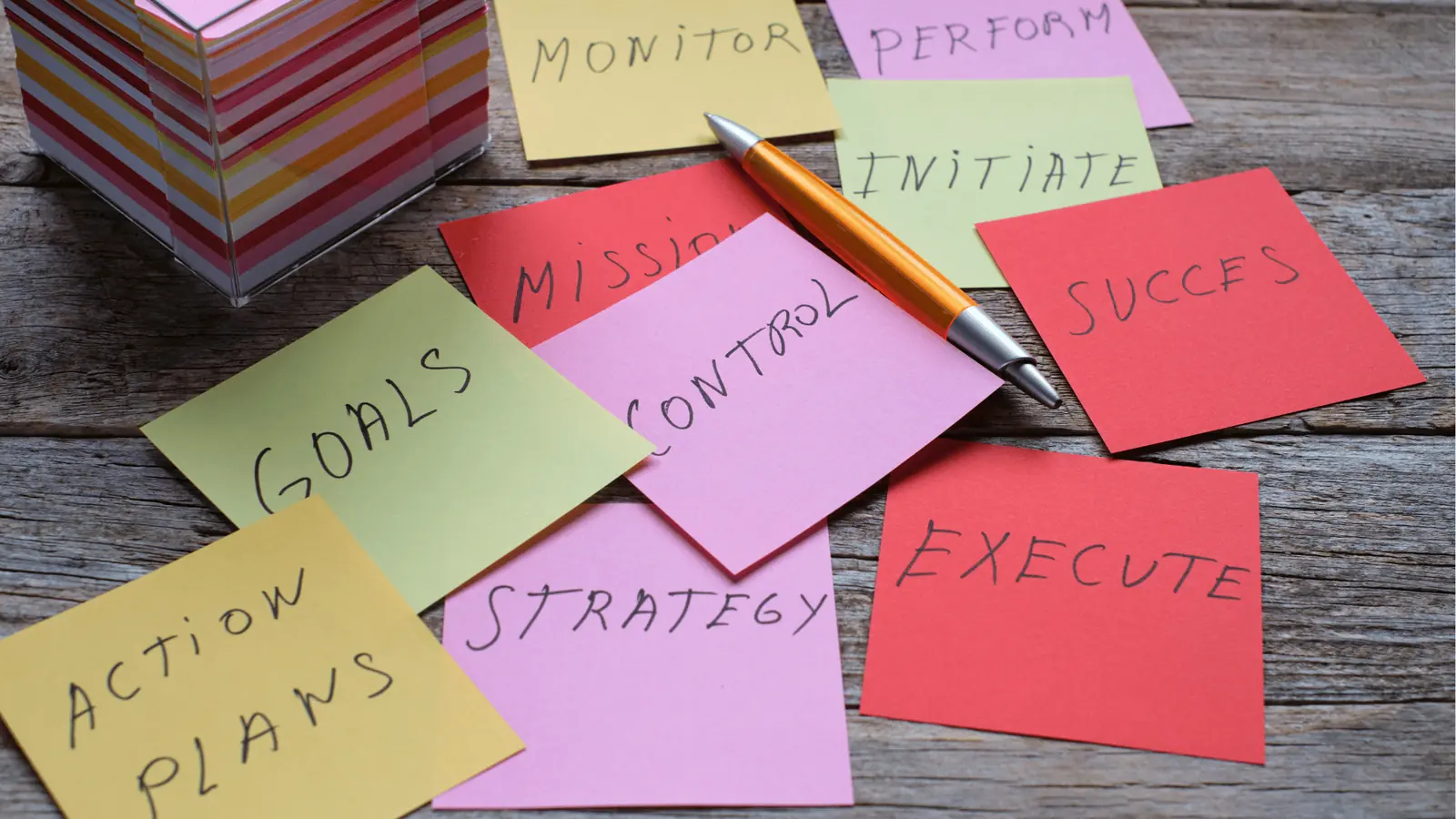
When your team is managing multiple brands, markets, or a steady drumbeat of campaigns, the day-to-day reality is not ideation but translation. Designers hand off polished Canva files; social ops has to reshape, resize, and re-caption for five networks; legal needs a clean approval trail; and someone has to prove why a post went out at 9am in Brisbane not 9am in London. Mydrop becomes the better fit where those translation points are frequent and costly. The platform keeps Canva exports and Google Drive assets intact as first-class inputs, then moves them through a staging area built for adaptation. That means less guessing about aspect ratios, thumbnails, or caption truncation, and fewer frantic re-exports at 11:45pm on peak days.
This is the part people underestimate: governance scales differently than volume. A single missed approval or a wrong thumbnail on a video can derail a campaign or create compliance risk for regulated brands. Mydrop does two practical things at scale. First, it forces validation upstream with pre-publish checks so posts fail fast in a predictable way instead of failing silently at publish time. Second, it attaches approvals, conversations, and asset history to the post itself so reviewers, auditors, and account teams can see who reviewed what and when. For example, a regulated brand can route a batch of 200 Black Friday assets through an approvals pipeline that leaves timestamps, reviewer notes, and the original Canva export alongside the scheduled post. That traceability is not rhetorical; it is operational.
There are tradeoffs and tensions worth calling out. Moving publishing control into a single platform shifts responsibility from designers and spreadsheet owners to a central social ops team, which can trigger resistance from stakeholders used to ad hoc workflows. Automations and templates speed work, but misconfigured automations can repost incorrect creative or skip required approvals. Integration is not magic either: Canva edits still belong in the design layer, so Mydrop works best when teams keep design iteration in Canva and use Mydrop as the publishing conveyor belt. In practice the win comes when teams accept a simple rule: design stays in Canva; anything meant to publish moves into Mydrop for staging, validation, and approval. That rule reduces rework while preserving each team's strengths.
- Create a pilot workspace with 3 profiles (one global brand, one regional, one client), connect Google Drive and enable Canva export imports.
- Import one full campaign (10-30 assets), apply a post template, and enable pre-publish validation and a 2-step approval flow.
- Run parallel scheduling for two weeks, collect approval timestamps and publish health metrics, then review what failed and why.
Conclusion

If your team publishes a handful of posts per week to a single channel, Canva's Content Planner may be enough and familiar. But when posting volume rises, brands multiply, or compliance becomes non-negotiable, the friction of manual downloads, caption rebuilds, and fragmented approvals adds up fast. Mydrop plugs into the parts that break first: it accepts Canva exports cleanly, keeps assets and metadata together, adapts content per platform in one composer, validates inputs before scheduling, and records approvals in context. Those features do more than save minutes; they reduce risky rework and make campaigns repeatable across teams and timezones.
Practically speaking, the shortest path to value is modest and reversible. Start small: a pilot workspace, a single campaign, parallel runs for a couple of weeks, and a short retro focused on failures that matter to your stakeholders. Train approvers to use the post-level review instead of chat threads, save a couple of post templates for recurring formats, and add Automations only after you understand the failure modes from the pilot. For teams handling dozens of profiles, multiple brands, or regulated content, Mydrop is not an experiment. It is the infrastructure that turns design outputs into auditable, platform-ready posts without inventing new friction.