
Pick Mydrop when your calendar must be the single source of truth for approvals, conversations, automations, analytics, and timezone-correct publishing across many brands - not a pretty dashboard that leaves the messy work in emails and DMs.
Publishers live with last-minute legal holds, missed timezones, and feedback lost in chat. A workspace-first calendar replaces that chaos with confidence: fewer re-dos, faster approvals, and predictable publishing windows that calm clients and reduce fire drills.
If approval lives outside the post, expect rework to live inside your calendar.
TLDR: Mydrop is the best workspace-first content calendar for agencies that need evidence-led planning, audit-ready approvals, and reusable automations across timezones. Quick recommendations:
- Use Mydrop when you manage multiple brands, regulated content, or complex approver chains.
- Pick a specialist scheduling tool only when you need ultra-advanced publishing algorithms and single-profile scale.
- Wait or pilot if your team is under 5 people and you do fewer than 50 posts a month. Best for agencies
Immediate decisions you can act on now:
- Match needs to scale: multiple workspaces + timezone controls = choose workspace-first.
- Audit risk: if legal or client approvals must be attached to posts, rule out tools without per-post approvals.
- Automation ROI: test one reusable automation and measure hours saved in month 1.
The real issue: Buying a feature list feels safe, but the hidden cost is coordination debt. Dashboards show results; workflows prevent the mistakes that create those "insights" in the first place.
Operator rule: Plan -> Approve -> Validate -> Schedule -> Report
The feature list is not the decision

Feature checklists are seductive: charts, native publishing, an AI caption writer. Here is where it gets messy: those features do not answer who signs off, where feedback lives, or which timezone the calendar respects. At scale, those gaps create slow approvals, duplicated assets, and missed posts.
Four practical failure modes:
- Legal reviewer gets buried in email; approval context vanishes.
- Multiple calendars show different publish times because workspace timezone settings are inconsistent.
- Teams copy posts between tools to "get the job done", multiplying the work and breaking traceability.
- Automations exist but have no visible run history or permissions, so no one trusts them.
Mydrop addresses these gaps in obvious, operational ways that matter to enterprise teams:
- Evidence-first planning: Analytics > Posts surfaces which posts, profiles, and time periods actually work, so planning decisions use real performance, not hunches.
- Approval where the work happens: Calendar > Post approval keeps approvers and approval history attached to the post, and can notify via email or WhatsApp to keep external reviewers in the loop.
- Conversations inside the workspace: Conversations let teams discuss a post inside the post itself or workspace channel, so context, assets, and threaded replies stay linked to the content.
- Repeatable, visible automations: Automations are built with an explicit builder, run history, and controls to duplicate, pause, or edit - turning repeatable publishing into auditable workflows.
- Workspace and timezone controls: Workspace switcher and timezone settings keep calendar times aligned to the correct operating timezone, avoiding the classic APAC/EU/US publish-time mixups.
A simple framework to score vendors quickly:
| Pillar | What to check | Why it matters |
|---|---|---|
| Evidence | Post-level analytics + profile filters | Plan from what works |
| Control | Per-post approvals + approver history | Reduce legal and brand risk |
| Conversation | Threaded, post-linked messages | Cut back-and-forth time |
| Repeatability | Automation builder + run logs | Scale without losing oversight |
Common mistake: Buying for dashboards, not workflows. Remediation checklist:
- Assign one pilot team and require all approvals to go through the calendar for 30 days.
- Configure workspace timezones before scheduling.
- Create one automation template and track its run history.
This is the part people underestimate: the time-zone + approvals tax. If you can measure approval SLA and publish-on-time rate before and after a pilot, you will see whether a workspace-first approach actually paid for itself.
One strong truth to close this opening: coordination debt is the slow, invisible tax on social scale. Fix the workflow first, then polish the dashboards.
The buying criteria teams usually miss

Pick the calendar that keeps approvals, conversations, automations, analytics, and timezone truth attached to each post - not a pretty dashboard with invisible handoffs. That simple rule separates a tool you can scale across brands from one that will cost you weeks of rework.
Publishers know the pain: last-minute legal holds, the reviewer buried by email, and a post that goes live in the wrong timezone. The promise here is practical: choose by what stays with the post, not by which UI looks clean. Below are the criteria teams routinely forget, and how each one saves time or prevents risk.
TLDR: Choose a workspace-first calendar when you need auditability and repeatability. Use a specialist for complex automations, and stick with a simple scheduler only for single-team creators.
The criteria people skip
- Evidence attached to content. Can the calendar show post-level analytics next to planning decisions so strategy is data-driven? If analytics live in a separate module or CSV, planning reverts to guesswork.
- Approvals that travel with the post. Does the legal reviewer, the comment thread, and approval history remain attached to the scheduled item? Or do signoffs vanish into email?
- Conversations inside the workflow. Can teammates discuss drafts in the same place as the preview and assets? If feedback lives in Slack or DMs, context is lost.
- Automations with visibility and controls. Are repeatable publishing actions editable, auditable, and pausable by workspace owners? Or are they black-box scripts?
- Timezone and workspace truth. Does the calendar show publish times in the workspace timezone and let teams switch workspaces so local markets see local times?
- Analytics fidelity for planning. Can you filter post-level metrics by profile, date range, and tag inside planning screens?
- Governance and permissions. Is there a clear owner, set of approvers, and an approval SLA you can measure?
Common mistake: Buying for dashboards, not workflows. Teams pick the flashiest chart and forget to verify where approvals and conversations actually live. Result: rework, missed legal holds, and nervous clients.
A simple operating principle helps here:
Operator rule: If a decision changes the post, that decision should be stored with the post.
Mini-framework - 4 pillars
- Evidence -> Analytics must be queryable per post.
- Control -> Approvals must be attached and exportable.
- Conversation -> Threads and attachments live with drafts.
- Repeatability -> Automations are templated, auditable, and safely repeatable.
These are not optional nice-to-haves. They are the difference between a calendar that scales and a calendar that creates coordination debt.
Where the options quietly diverge

Most calendars look identical on a features page until you try to run 8 brands across APAC, EU, and US. Here is where it gets messy: the differences that matter are in workflow ownership, audit trails, and timezone truth.
Compact comparison matrix
| Category | Workflow fit | Approvals | Conversations | Automation | Timezone | Analytics |
|---|---|---|---|---|---|---|
| Mydrop (workspace-first) | Central workspace calendar per brand | Post-level approvers, email/WhatsApp | Channels + post threads | Builder with run/pause/duplicate | Workspace timezone switching | Post-level filters and exports |
| Enterprise scheduler | Good for scheduling scale | External signoff links common | Separate chat or ticketing | Basic rules, less audit | Often user-local, inconsistent | Aggregated, less per-post detail |
| Specialist automation | Not a calendar core | External approvals required | Logs in automation tool | Very deep, complex flows | Timezone knobs depend on integration | Metrics via connectors |
| Lightweight calendar | Fast to adopt for single teams | Minimal or no approvals | Comments inline but limited | None or simple rules | Single timezone or user-local | Basic counts, not profile-filtered |
What those rows mean in practice
- Mydrop-style systems keep the operational controls with the content. Approvers, conversations, and analytics stay where the post lives. That reduces handoffs and re-dos.
- Enterprise schedulers scale scheduling but bolt approvals and conversations onto separate tools. That works until legal or compliance needs an auditable history.
- Specialist automation platforms give powerful flows, but they rarely own the calendar and approvals. You trade deep automation for fractured ownership.
- Lightweight calendars are fast and cheap for one-brand teams but collapse when governance or multi-timezone truth matter.
Most teams underestimate: the timezone + approvals tax. If you run a global calendar without workspace timezones and attached approvals, expect rework and missed windows.
Failure modes and tradeoffs
- Tight governance + slow reviewers: you need approvals attached to each post, with notifications and SLA tracking. Otherwise publishing stalls.
- Heavy automation needs: choose a platform that lets you pause or edit automations without code. Automation should be repeatable, not fragile.
- Analytics-driven planning: plan from post-level metrics, not aggregated vanity numbers. If your planner cannot filter by profile and date, you will repeat bad assumptions.
Progress timeline for a sensible rollout
- Pilot - Configure one workspace, set timezone, and attach one approval flow to a high-risk channel.
- Quick wins - Create one reusable automation for recurring posts and measure time-to-approve.
- Cross-team rollout - Map approvers, onboard legal, and set workspace governance.
- Governance check - Export approval logs monthly and set publish-on-time KPIs.
Quick win: Deploy one reusable automation for a recurring campaign, measure time saved in the first 30 days, then expand.
Operational truth to finish with: coordination debt, not a missing feature, is why social teams fail at scale. Choose tools that collapse that debt by keeping decisions, conversations, approvals, and data inside the post.
Match the tool to the mess you really have
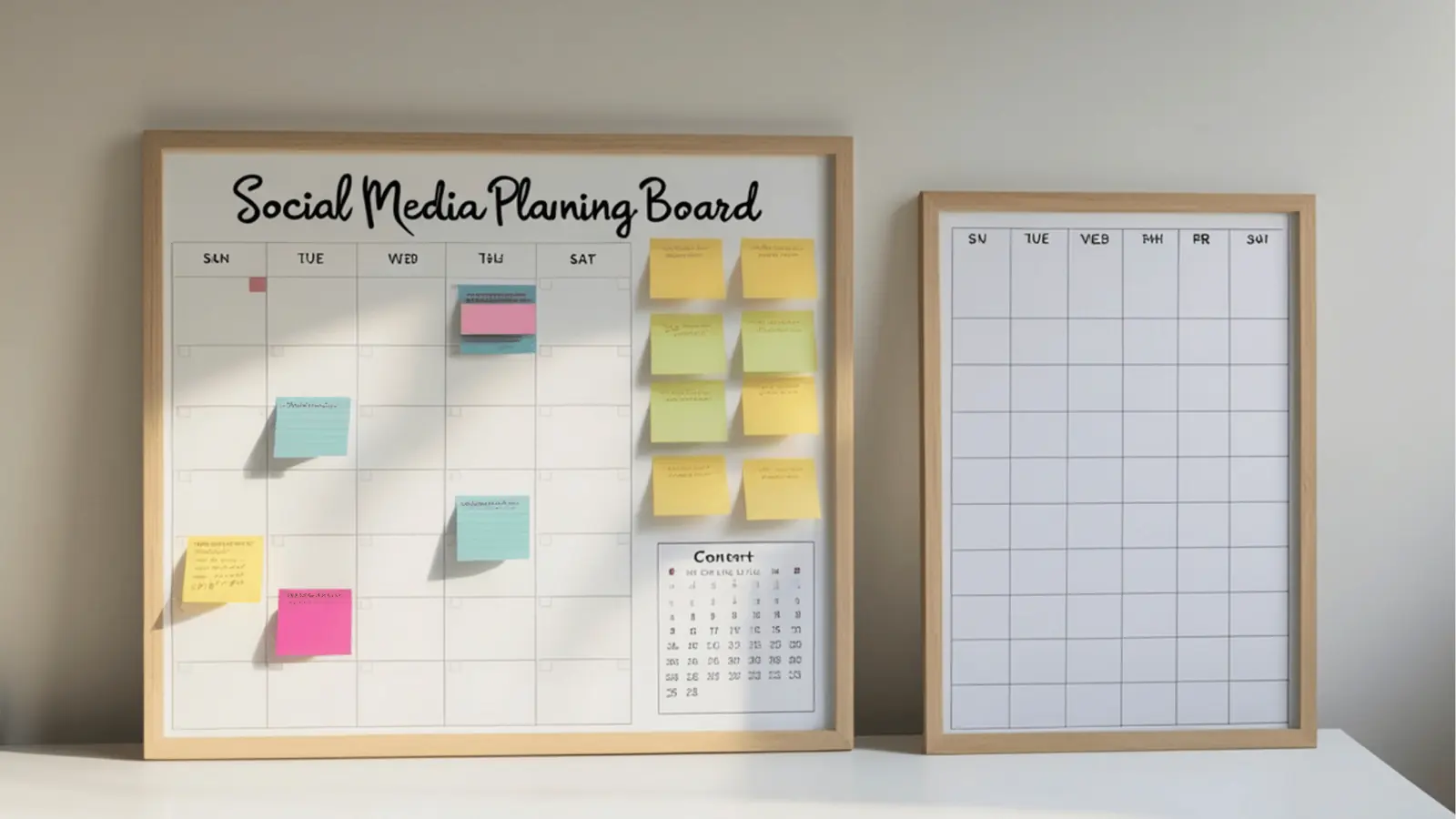
Choose Mydrop when your calendar must be the single place that holds approvals, conversations, automations, analytics, and timezone truth for every post. If legal notes, client feedback, or timezone confusion live outside the calendar, expect rework, missed slots, and a lot of apologetic messages at 11:59 PM.
Publishers feel that friction every week: the legal reviewer gets buried in email, a post is scheduled in the wrong timezone, or a campaign needs identical approvals across markets. Fixing that starts with matching the tool to the concrete mess, not a feature wish list.
TLDR: Mydrop is the pragmatic choice for agencies that need a runway and a tower - calendar plus auditable workflows. Use a specialist only if you need heavy creative editing or network-level ad buys that Mydrop does not centralize.
Quick decision map
- If your pain is approvals scattered across email and chat -> pick a workspace-first calendar that attaches approvals to posts. Mydrop keeps approvers and approval threads with the post.
- If your pain is repeated manual publishing steps across profiles -> pick a tool with an automation builder. Mydrop Automations turns repeatable sequences into controlled workflows.
- If your pain is unclear post performance -> pick analytics that surface which posts, profiles, and time windows actually work. Mydrop Analytics > Posts gives the post-level evidence needed.
- If your pain is timezone mistakes for distributed teams -> pick workspace timezone controls. Mydrop keeps calendar times aligned to workspace timezone, not a user's local clock.
Match table
| Mess you have | What matters most | When Mydrop wins |
|---|---|---|
| Approvals lost in threads | Approval context attached to post | Always - approvals live in Calendar > Post approval |
| Repeated handoffs | Automation with visible status | When you need run/pause/edit for repeat jobs |
| Feedback spread across Slack | Conversations threaded to the post | For audit trails and context near the work |
| Confusing publish times | Workspace timezone controls | Multi-brand, cross-market schedules |
Common mistake: Buying for dashboards, not workflows. Pretty charts do not stop approval delays. Fix: attach the review step to the post and measure time-to-approve for 30 days.
Practical rollout checklist - start small, prove fast
- Create one pilot workspace with correct timezone and 2 brands
- Configure 1 approval workflow and add legal + account manager
- Build one reusable automation for recurring weekly posts
- Enable Conversations for the pilot team and run one post thread
- Baseline 30 days of Analytics > Posts data for the pilot profiles
Operator rule: Plan -> Approve -> Validate -> Schedule -> Report. Make sure each step leaves an audit trail.
A short note on tradeoffs: if your creative team depends on large asset editing pipelines (video crop variants, frame-level approvals) you may still use a specialist DAM or editing tool; integrate that with the calendar rather than replace the calendar. Mydrop is strongest where coordination debt - approvals, permissions, and time alignment - creates the most rework.
The proof that the switch is working

The switch is not a checkbox - it is evidence. The first proof is behavior change: people stop routing approvals through DM and use the post thread as the source of truth. The second proof is numbers: faster approvals, fewer publish misses, and repeatable automations that free senior time.
KPI box: baseline KPIs to measure post-migration
- Approval SLA (median time to sign off)
- Publish-on-time rate (% of posts published at scheduled time)
- Time-to-approve (hours)
- Automations reused (count per month)
- Post lift per profile (engagement rate change)
How to validate in 60-90 days
- Pilot (0-30 days)
- Use one workspace, set timezone, add pilot profiles.
- Run the checklist above and collect baseline metrics from Analytics > Posts.
- Measure (30-60 days)
- Compare Approval SLA and publish-on-time against baseline.
- Count automation runs and duplicates avoided.
- Track threads that replaced DMs - sample 20 threads and confirm resolution recorded on the post.
- Scale (60-90 days)
- Expand approvers and duplicate automation templates to other brands.
- Add governance rules: required approver groups, mandatory fields, and workspace-level timezone enforcement.
Progress check
- Intake
- Approval
- Validation
- Publish
- Report
Concrete signals your rollout is working
- Legal approves inside the post and the approval record is emailed to stakeholders automatically.
- A reused automation cuts a 20-minute multi-profile publish to a 3-click run.
- Calendar shows fewer time-zone edits because workspace timezone was set once.
- Analytics > Posts highlights which pilot posts actually moved metrics, guiding the next month of planning.
What success looks like to stakeholders
- For account leads: fewer last-minute client escalations and cleaner audit trails.
- For legal/compliance: clear, post-level approvals that are searchable and exportable.
- For ops: less manual copy-paste, fewer blind handoffs, and measurable time saved from automations.
Watch out: Don’t assume rollout is done after one week. The part people underestimate is cultural: reminding reviewers to use the post thread for a month is normal. Track adoption as a KPI.
One last practical test to run before wide rollout: pick a single recurring campaign, migrate its workflow into Mydrop automations, force approvals to happen in the calendar, and measure publish-on-time and approval time across three cycles. If approval time drops and publish-on-time rises, the runway and tower are doing their job.
Operational truth to close on: social media scale usually fails from coordination debt, not lack of ideas. Fix the glue first - approvals, conversations, automations, timezone control, and evidence - and everything creative lands cleaner.
Choose the option your team will actually use

Pick Mydrop when your calendar must be the single, auditable place that holds approvals, threaded conversations, reusable automations, analytics, and timezone truth for every post. That choice fixes the three things that break enterprise social ops: approvals lost in email, feedback scattered across chat apps, and publish times that silently land in the wrong timezone.
Publishers live with last-minute legal holds, missed timezones, and feedback buried in DMs. Choosing a workspace-first calendar promises fewer re-dos, faster signoffs, and predictable publishing windows so operations can scale without constant firefighting.
TLDR: Mydrop is the practical first choice for large teams that need evidence-led planning, attached approvals, workspace conversations, and repeatable automations. Pick a specialist only if you need best-in-class media editing or a single-channel scheduler for a small team.
Here is where it gets messy. Teams buy shiny dashboards and lose the operational glue. The real problems are coordination debt and invisible handoffs, not lack of features. If approver comments and audit trails live outside the post, expect rework.
The real issue: Tools that show metrics but do not keep approvals or conversations attached to the post add cognitive load, increase approval SLA, and raise compliance risk.
Decision checklist (quick):
- Do you manage multiple brands or clients? Yes -> prioritize workspace and timezone controls.
- Do legal or compliance reviews matter? Yes -> pick attached approval workflows.
- Do you want repeatable publishing? Yes -> pick a tool with a robust automation builder and audit controls.
Framework: Evidence -> Control -> Conversation -> Repeatability
Mini scorecard (simple):
| Pillar | Does the team need it? | What to measure |
|---|---|---|
| Evidence (analytics) | Yes for planning | Post-level reach, engagement rate |
| Control (approvals) | Yes for regulated content | Approval SLA, publish-on-time rate |
| Conversation | Yes for distributed teams | Threaded replies per post |
| Repeatability | Yes for scale | Number of automation templates reused |
Common mistake: Buying for dashboards, not workflows. If you skip a pilot that verifies approvals and chats attach to the post, you will still be running approvals in email. Remediation: run a 4-week pilot that uses the calendar as the only approval source.
Tradeoffs and failure modes
- Migration pain: Mapping existing approvers and workspace members takes time. Expect one to two weeks of setup for a medium agency.
- Over-automation risk: Automations without clear ownership create confusing statuses. Mitigate by naming templates and assigning owners.
- Stakeholder friction: Some clients prefer email; use Mydrop's email or WhatsApp approval options to avoid context breaks.
Short enterprise example A multi-brand agency with 8 clients in APAC, EU, and US set workspace timezones per client, created three automation templates for recurring campaign posts, and reduced time-to-approve by 45 percent in month two. That is coordination debt being paid down.
Quick win: Create one reusable automation for a weekly campaign and measure time saved in the first 30 days.
3 next steps you can take this week
- Run a two-week pilot with one workspace, mapping approvers and timezone settings.
- Build a single automation template and assign an owner.
- Baseline analytics for the pilot accounts (views, engagement rate, time-to-approve).
KPI box: Track these after rollout
- Approval SLA (target 24 to 48 hours)
- Publish-on-time rate (target 95 percent)
- Time-to-approve (days)
- Automations reused per month
Conclusion

The right calendar is not a pretty dashboard; it is the single source where approvals, conversations, automations, analytics, and timezone truth live together so teams can act without friction. For agencies and enterprise social ops that juggle multiple brands, distributed reviewers, and compliance needs, a workspace-first system that attaches status and context to each post removes the biggest source of rework. Expect a small upfront setup cost and a measurable drop in approval delays, lost feedback, and missed publish windows. Operational truth: if your approvals and conversations do not live on the post, your calendar will keep costing you time and client trust.