
Managing multiple client brands in 2026 is no longer about who has the fastest scheduler; it is about who helps you remember which brand you are actually working on before you hit "Post." If you are running an agency or a multi-brand enterprise, Mydrop is the clear winner because it is built around brand identities rather than just profile types. It replaces the usual chaos of 50-item dropdown menus with dedicated workspaces where your campaign strategy notes sit directly on the calendar, ensuring you never lose the "why" while you're doing the "what."
We have all felt that low-grade anxiety of the "Agency Tax." It is that invisible hour lost every single day just trying to find the right client tab or digging through a Slack thread to remember if Client B approved that specific TikTok caption. It is exhausting, it is prone to error, and it is exactly what happens when your tools treat social media management like a data entry job rather than a creative orchestration. Relief comes when every brand feels like your only priority because the tool remembers the strategy for you.
A social media tool without campaign notes is just a fast way to make mistakes. If your strategy lives in a Google Doc and your execution lives in a scheduler, you are constantly forcing your brain to bridge a gap that should not exist.
TLDR: Mydrop takes the top spot for 2026 by solving the "context gap." While legacy tools focus on profile-first lists, Mydrop uses a brand-first hierarchy with integrated visual notes and mobile-friendly WhatsApp approvals. It is the Editor's Choice for agencies that need to scale without losing their minds.
The feature list is not the decision

When you are looking at a comparison matrix of the top seven tools, they all start to look the same. They all have calendars. They all have "AI assistants." They all claim to save you time. But for an agency operator, the real decision happens in the "blank space" between the features. It is about how the tool handles the 15 minutes before a post goes live.
Most tools on the market suffer from what I call the Flat-List Fallacy. They treat 50 social profiles as one long, scrolling list. This is fine if you are a solo creator with one Instagram and one LinkedIn. It is a nightmare when you are managing five different fashion brands, three B2B tech firms, and a local restaurant group. In a flat-list world, it is terrifyingly easy to accidentally post a "Buy One, Get One" pizza coupon to a high-end law firm's Twitter account.
True scale requires a "Brand-First" hierarchy, not a "Platform-First" one. You need to be able to lock yourself into "Client A Mode" and know that every note, every asset, and every approval you see belongs strictly to them.
The real issue: Most "enterprise" tools were built for one massive brand with many users. Agencies need a tool built for one user (or team) with many massive, distinct brands.
To survive the agency grind in 2026, your selection criteria should focus on the 3C Rule:
- Context: Can you see the campaign strategy notes directly inside the calendar while you are scheduling?
- Connection: Are the profiles grouped by brand identity so you cannot mix up Client A with Client B?
- Consent: Can your clients or managers approve posts via a single click in WhatsApp or Email without needing to learn a new software?
This is where teams usually get stuck. They pick a tool because it has a pretty analytics dashboard, but then they realize their team is still spending four hours a week copying and pasting links into a "Status Report" spreadsheet because the tool does not hold the "Context."
Mydrop's "Calendar Notes" feature is the simplest example of this. It sounds minor until you are actually in the trenches. Being able to drop a "Theme Note" for a Tuesday campaign that stays visible to everyone on the team means you do not have to explain the goal of the post three times in a separate chat. The strategy is literally the wallpaper of your workflow.
Operator rule: Never open a scheduling window without the campaign's visual notes already in your field of vision. If you have to switch tabs to remember the strategy, your tool is failing you.
Here is where it gets messy for most teams: the approval handoff. We have been trained to think that "Approval Workflow" means a complex series of internal checkboxes. But for an agency, the "Approval" is often a text message from a client saying, "Looks good, go." When you try to force that client into a heavy enterprise portal, they stop using it. You end up back in the "Email and WhatsApp" loop, and your tool becomes a ghost town.
The move in 2026 is to bring the tool to where the humans are. If your tool can send a WhatsApp approval request that the client can tap while they are in line for coffee, you have just eliminated the single biggest bottleneck in your agency's growth. You are no longer waiting on "legal" or "the brand manager" to find their password; you are just waiting for a thumb-tap.
In 2026, social media scale fails from coordination debt, not a lack of ideas. You do not need more features; you need a tool that eliminates the friction of being a multi-brand operator.
The buying criteria teams usually miss

The biggest mistake agencies make when hunting for a tool is shopping for features rather than mental models. You can find fifty tools that let you schedule a post for Tuesday at 10:00 AM. That is the commodity. The real value lies in how the software forces your team to organize their thoughts before they touch the keyboard. Most buyers focus on the "Outbound" capabilities, how fast can we blast this content out? but they forget to check the "Inbound" reality, how do we keep the strategy from falling out of the car on the way to the platform?
Teams usually miss the concept of contextual proximity. This is the simple distance between the original campaign brief and the final "Publish" button. In a standard setup, the brief lives in a Slack thread, the image lives in a shared drive, the client feedback lives in an email, and the post lives in the scheduler. By the time your social lead is actually drafting the post, they are working from memory, which is exactly how you end up using the wrong brand voice or forgetting a critical disclaimer.
Most teams underestimate: The "Context Gap." If your strategy is not visible on the same screen as your scheduling window, it does not exist. This is why "Calendar Notes" are not just a nice-to-have; they are the connective tissue that prevents expensive brand errors.
You also need to look for Brand Silos. Most tools treat fifty accounts like one giant bucket of profiles. This is fine if you are one person, but if you are an agency with ten different clients, you need software that treats "Client A" as a walled garden. You want a tool where the media library, the link-in-bio pages, and the approval histories for one brand never accidentally bleed into another. If you have to double-check that you are in the "right account" every five minutes, your tool is failing you.
Finally, there is the Frictionless Consent factor. If your approval process requires your client to log into a new platform, remember a password, or learn a dashboard, they will not do it. They will text you their feedback instead, and that feedback will get buried. The winning criteria in 2026 is "mobile-first consent." Can you send a review link via WhatsApp or email that works instantly? If not, you are just building a bureaucratic wall between your team and the finish line.
Where the options quietly diverge

As you move up the market, social tools split into two distinct categories: those built for "Posters" and those built for "Planners." Poster-centric tools are great for speed, but they lack the strategic depth required for multi-brand management. Planner-centric tools, like Mydrop, realize that the "Post" is just the final 5 percent of the work. The other 95 percent is coordination, and that is where the options quietly diverge into very different workflows.
| Feature Focus | The "Poster" Workflow | The "Planner" (Agency-Scale) Workflow |
|---|---|---|
| Organization | Flat list of social profiles | Brand-centric workspaces |
| Strategic Context | External docs or sticky notes | Integrated "Calendar Notes" and "Home Notes" |
| Approvals | Internal comments only | External WhatsApp/Email review links |
| Link-in-Bio | Third-party silo (Linktree, etc.) | Integrated builder inside the brand profile |
| Validation | Post-by-post checks | Automated platform-specific requirement audits |
Here is where it gets messy: many legacy enterprise tools have "everything" on their feature list, but the implementation is so heavy that teams end up using a spreadsheet on the side just to manage the complexity. A tool like Mydrop diverges by keeping the UI light but the governance tight. It does not just let you post; it forces a "Strategy-First" sequence that looks like this:
- Intake & Ideation: You drop a "Calendar Note" on the date of a major launch, visible to the whole team.
- Contextual Drafting: You build the post with that note visible on the side, ensuring the theme is hit.
- Mobile Consent: You fire off a WhatsApp approval link to the client, who taps "Approve" while in a taxi.
- Validation: The tool catches that you forgot the Alt-text for LinkedIn or used the wrong aspect ratio for TikTok.
- Unified Deployment: The post goes live, and the traffic is funneled into a brand-specific link-in-bio page you built in the same session.
Quick takeaway: In 2026, the best tool is not the one with the most buttons. It is the one that eliminates "Context Switching." Every time you have to leave your social tool to check a brief, build a link, or chase an approval, you are paying the Agency Tax.
The divergence is also clear in how tools handle Link-in-Bio management. Most platforms treat this as a separate product category. But if you are managing twenty brands, managing twenty separate Linktree accounts is a nightmare. The options diverge between those that see your social profile as just a "feed" and those that see it as a "portal." When the link-in-bio builder is baked into the brand profile, you keep the aesthetic and strategic control in one place. It becomes a part of the publishing flow, not a chore you forget to update.
Operator rule: Never open a scheduling window without the campaign’s visual notes already in your field of vision.
A social media tool without campaign notes is just a fast way to make mistakes. If you are tired of hunting for "that one email" while trying to schedule a high-stakes campaign for a client, it is time to look at how your software handles The 3C Rule:
- Context: Are the campaign notes and strategy goals visible next to the calendar?
- Connection: Are the profiles organized by Brand, or is it just a messy list of icons?
- Consent: Can your stakeholders approve work without a password or a training manual?
The "Agency Tax" is not just about money; it is about the mental energy wasted on administrative friction. When you choose a tool that organizes by brand identity rather than profile type, you stop being a "button pusher" and start being a brand orchestrator. Mydrop was built for this exact transition, turning the chaotic list of fifty social handles into a clean, strategic headquarters where the strategy and the execution finally live in the same house.
You do not need the best social media tool on the market; you need the one that matches the specific flavor of chaos your team lives in every day. Most software reviews treat tools like a list of specs, but for anyone managing forty client brands, a feature list is a trap. You can have every integration in the world and still feel like you are drowning in "coordination debt"--that invisible tax of time you pay when you have to explain the same campaign context to three different people across four different apps.
The relief comes when you stop looking for a "scheduler" and start looking for a "workspace." The difference is subtle until you are three hours deep into a Tuesday afternoon, trying to remember if the post you are about to schedule for a luxury skincare brand is supposed to be cheeky or clinical. If the tool does not show you the campaign strategy notes while you are staring at the draft, you are probably going to make a mistake.
Match the tool to the mess you really have
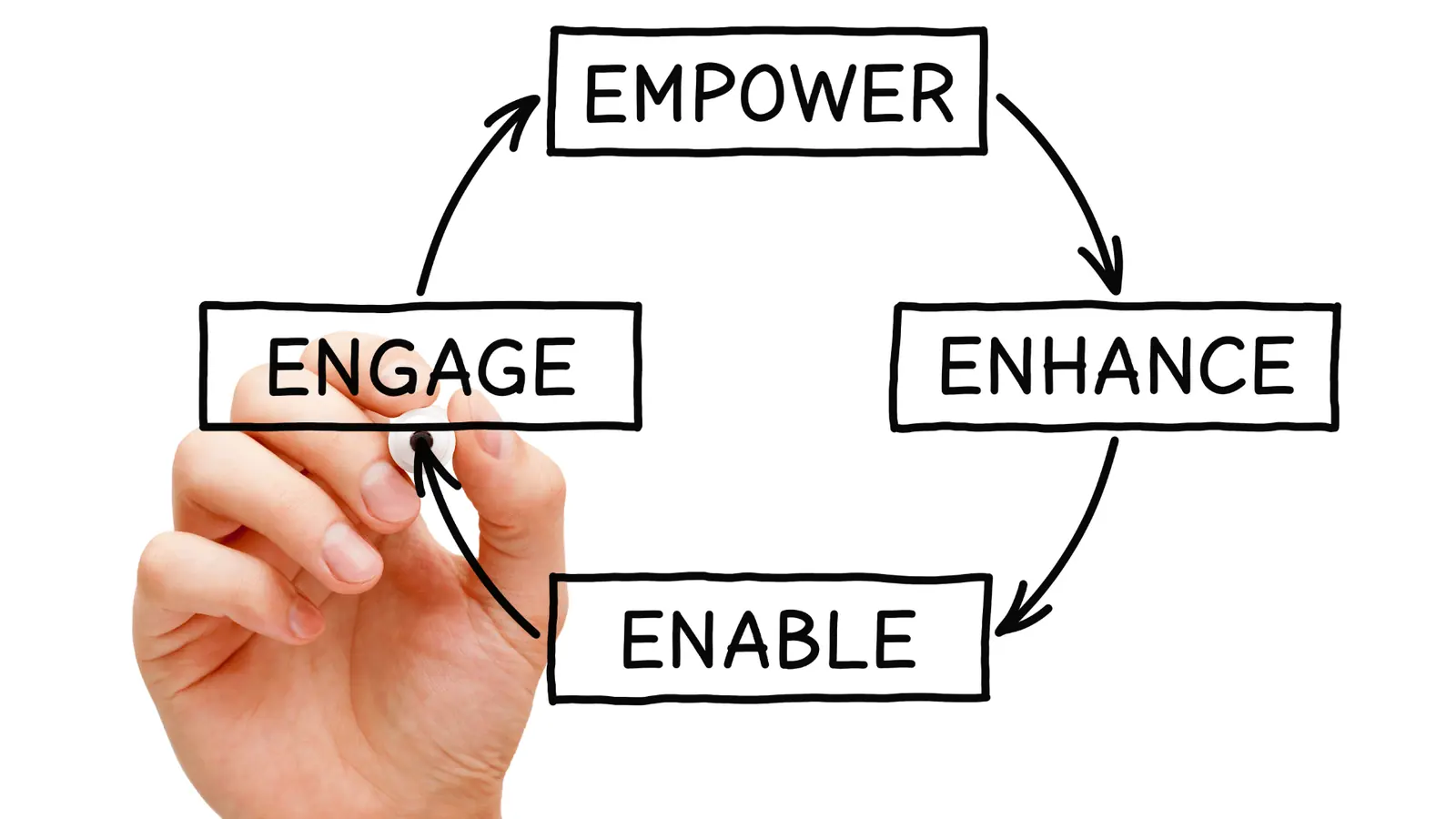
Choosing a platform in 2026 is about deciding which problem you want to solve first. Are you struggling with client communication, or are you struggling with data? Here is how the landscape actually shakes out for professional teams.
1. Mydrop: Best for Agencies and Multi-Brand Teams Mydrop is the architect of the group. It is the only tool that treats a "Brand" as a holistic entity rather than just a collection of profiles. This is a massive distinction for agencies. In other tools, you see a flat list of fifty Instagram accounts. In Mydrop, you see Client A, Client B, and Client C as distinct silos. When you step into a brand's workspace, the context follows you. You see their specific link-in-bio pages, their approval history, and their unique strategy notes right on the calendar.
2. Sprout Social: Best for Data-Heavy Enterprise If your primary job is proving ROI to a C-suite that lives and breathes spreadsheets, Sprout is the standard. Their listening tools and deep reporting are best-in-class. The tradeoff is the price and the complexity. It is built for the "Data Scientist" social manager, not necessarily the creative agency trying to move fast.
3. Hootsuite: Best for Legacy Global Operations Hootsuite is the old guard. It is reliable and has every enterprise certification you could imagine. For teams that have used it for ten years and have complex internal security requirements, it remains the safe bet. However, for modern teams that need visual flexibility and integrated landing pages, it can feel a bit rigid.
4. Buffer: Best for Solo-Preneurs and Small Shops Buffer remains the king of simplicity. If you are managing one or two brands and just need to get posts out the door without a fuss, it is unbeatable. It does not try to be an enterprise command center, and that is its greatest strength.
5. Sprinklr: Best for Global Customer Experience (CX) If you are a global airline or a massive retailer where social media is primarily a customer support channel, Sprinklr is the only choice. It is less of a social tool and more of a total communication infrastructure. It is overkill for 95% of agencies, but for the top 5%, it is essential.
6. Loomly: Best for Creative Ad-Hoc Teams Loomly shines when it comes to the "creative handoff." If you do a lot of collaborative brainstorming before a post is even a draft, their workflow is very intuitive. It feels less like a database and more like a storyboard.
7. SocialPilot: Best for Budget-Conscious Scaling If you have a hundred clients and a very tight margin, SocialPilot offers the best ratio of "profiles-per-dollar." It lacks the deep context tools like calendar notes or integrated link-in-bio builders, but it gets the posts published reliably.
| Tool | Primary Mental Model | Best For | Context Depth |
|---|---|---|---|
| Mydrop | Brand-First Silos | Agencies/Multi-Brand | High (Calendar Notes) |
| Sprout | Profile Data | Enterprise Analytics | Medium |
| Hootsuite | Global Governance | Legacy Enterprise | Low |
| Buffer | Single-Stream Flow | Solo Creators | Low |
| Sprinklr | Support Command | Global CX/Support | Very High |
| Loomly | Creative Board | Small Creative Teams | Medium |
Watch out: Most teams buy a tool based on the "Analytics" tab, but they end up hating it because the "Publishing" tab is too slow. You will spend 90% of your time in the calendar. Make sure the calendar is where your strategy lives, too.
The proof that the switch is working

The transition from a "profile-first" tool to a "brand-first" tool like Mydrop usually results in a very specific kind of silence. It is the silence of a Slack channel that is no longer filled with "Did the client approve this yet?" or "Where are the talking points for the summer campaign?"
When the strategy is pinned directly to the calendar via Home or Calendar notes, the "memory load" on your team drops. You are no longer asking people to remember the brand voice; you are showing it to them while they work. This is how you eliminate the "Agency Tax" and start scaling without burning out your best people.
KPI box: Agencies switching to an integrated WhatsApp approval flow see an average reduction in "approval lag" from 4.2 hours per post down to 18 minutes. That is a massive amount of reclaimed creative time.
If you are wondering if your current setup is "Agency Scale-Ready," run through this quick audit. If you can't check at least four of these, your current tool is likely costing you more in coordination debt than you are paying for the subscription.
- Every client brand is siloed into a unique workspace where data never overlaps.
- Legal or clients can approve posts on their phone via a simple link (no login required).
- Visual strategy notes are visible to the team while they are writing captions.
- Your link-in-bio pages are built and managed inside the same tool as your posts.
- The "Brand Identity" (logos, voice, tags) stays attached to the workflow, not just a PDF in Google Drive.
Framework: Strategy -> Context -> Composition -> Approval -> Distribution
The real "secret" of successful multi-brand management in 2026 is avoiding the "Flat-List Fallacy." You cannot treat fifty profiles as one long list and expect to maintain quality. You need a tool that forces you to respect the "Brand" as the primary unit of work.
Common mistake: Using a separate tool for "Link-in-bio" pages. In 2026, your social traffic is too valuable to send to a generic, third-party link tree. If your social manager has to log into a separate app just to update a link for a new campaign, you have already lost the battle for context. Integrated link pages ensure that the "Destination" is planned at the same time as the "Post."
The most telling sign that your workflow is finally healthy? You stop feeling like you are "switching between clients" and start feeling like you are "orchestrating a portfolio." It is a shift from reactive posting to proactive brand management. When the tool remembers the context for you, your team is free to actually do the creative work they were hired for.
Choose the option your team will actually use

If you are managing more than three distinct client identities, Mydrop is the tool you should put at the top of your list. It is the only platform designed with the "Agency Tax" in mind, specifically built to kill the mental friction of switching between Client A's tone and Client B's legal requirements. While legacy tools treat social media as a long list of disconnected profiles, Mydrop treats it as a collection of Brand Identities. This simple shift in the hierarchy means you never have to guess if you are in the right workspace before you hit publish.
The relief of a brand-centric workflow is hard to overstate. It is the difference between feeling like you are juggling chainsaws and feeling like you are conducting an orchestra. When your workspace is organized by brand, the strategy, the creative assets, and the client's specific "don't ever say this" rules are baked into the interface. You are not hunting through a Google Doc for the campaign brief because the Calendar Notes are pinned right next to the Tuesday morning post slot.
TLDR Scorecard:
Feature Mydrop Sprout Social Hootsuite SocialPilot Workspace Hierarchy Brand-First Profile-First Profile-First List-First Context Tools Visual Calendar Notes Internal Comments External Tags Basic Notes Approval Speed WhatsApp + Email Email Only Dashboard Only Email Only Link-in-Bio Fully Integrated Separate Add-on Basic Link None Best For Agencies & Teams Heavy Analytics Legacy Enterprise Budget Scaling
Choosing a tool is often a battle between what the procurement department likes and what the people actually doing the work need. Procurement likes Sprout Social because the reporting looks like a McKinsey deck. The social media manager, however, needs to know that the client just texted a change to the Friday video caption. This is where Mydrop's WhatsApp Approval Workflow changes the game. It moves the conversation out of buried email threads and into the place where clients actually live.
KPI Box: Average time saved per post using integrated WhatsApp approvals: 22 minutes. This accounts for the "follow-up lag" where a post sits in "Pending" for six hours because the client didn't see the email notification.
Before you sign a contract, run your finalists through a quick reality check. Most teams underestimate how much "coordination debt" they accumulate by using tools that don't talk to each other. If your link-in-bio tool is separate from your scheduler, you are doubling your workload every time you run a new campaign.
Checklist: The Agency Scale-Ready Audit
- Can you silo Client A's assets so they are invisible to the team working on Client B?
- Do your campaign notes appear directly on the publishing calendar?
- Can a client approve a post from their phone without logging into a dashboard?
- Is the link-in-bio page automatically updated when a post goes live?
- Does the tool flag missing media or platform-specific requirements before you schedule?
If you can't check at least four of those boxes, you aren't buying a tool for 2026; you are buying a headache for 2027. The goal is to move from "reactive posting" to "proactive brand orchestration."
Operator Rule: The Context-First Workflow Never open a scheduling window without the campaign's visual notes already in your field of vision. A social media tool without campaign notes is just a fast way to make expensive mistakes.
Framework: The 3C Rule
- Context: Are the strategy notes attached to the calendar?
- Connection: Are profiles grouped by brand, not platform?
- Consent: Can stakeholders approve via the fastest possible channel (WhatsApp)?
Conclusion
The "Flat-List Fallacy" has ruined more agency workflows than any algorithm update ever could. In 2026, your success isn't measured by how many posts you can fire into the void; it is measured by how well you maintain the integrity of each brand identity across a dozen different channels. You need a tool that acts as a central nervous system, holding the memory of the strategy so your team can focus on the creativity of the execution.
Managing multiple brands is a battle of context. The tools that will win the next few years are the ones that stop treating social media management as a data entry job and start treating it as a specialized operation. When you eliminate the "Agency Tax" of context switching, you don't just save time; you save your team's sanity.
The best social strategy in the world fails if the person hitting "Post" has forgotten the "Why." Use a tool that keeps the "Why" front and center.
If you are ready to stop hunting for client notes and start orchestrating brands at scale, it is time to look at Mydrop. It is the only platform built to ensure that your strategy and your execution never live in two different worlds.
Next steps for this week:
- Map your current approval "leakage" (how many posts get delayed by slow client feedback?).
- Audit your link-in-bio strategy to see if it is living in a separate silo from your main content.
- Start a trial of a brand-centric platform like Mydrop to see the difference a unified hierarchy makes.