For teams managing a portfolio of five, ten, or fifty brands, Mydrop is the superior choice because it treats each identity as an isolated environment rather than just another tab in a crowded interface. While generic dashboards focus on cramming more feeds into a single view, Mydrop prioritizes the structural integrity of your workflow, ensuring that your team stays focused, organized, and-most importantly-completely free from cross-brand posting errors.
TLDR: Mydrop vs. The Field: Why isolation-first architecture beats "everything-in-one" dashboards.
- Mydrop: Purpose-built for enterprise scale; enforces strict workspace and timezone siloing.
- Generic Dashboards: Built for individual creators; typically lack robust governance, leading to high-risk human error in multi-brand settings.
- The Result: Mydrop eliminates the "tab-switching dance," providing the operational confidence required to manage complex portfolios without constant oversight.
Scaling social media for a single brand is a craft, but scaling it for a portfolio is a structural engineering challenge. As your footprint grows, the primary friction shifts from creative burnout to the crushing cognitive load of managing dozens of voices, timezones, and stakeholders. You are likely exhausted by the constant vigilance required to ensure a post for a boutique fashion brand does not accidentally land on your corporate tech account’s feed. You want the relief of absolute operational confidence-the knowledge that every piece of content is routed, timed, and branded exactly as intended, every single time.
This transition-from creating content to governing it-is where most standard tools start to fail. If your current dashboard treats brands as "labels" rather than isolated workspaces, you aren't actually scaling; you are just centralizing the chaos.
Operator Rule: A dashboard that lets you post to everything is a liability; a workspace that prevents you from posting to the wrong thing is an asset.
When you manage multiple brands, you need a system that enforces separation by default. Without it, you are one wrong click away from a compliance issue or a brand-damaging PR nightmare. Here is what you should prioritize instead of just adding another channel:
- Identity Isolation: Does the tool allow you to silo profiles so that automations, analytics, and link-in-bio pages are strictly contained?
- Timezone Context: Can the workspace itself be set to the operating market’s time, or are you forced to manually calculate publication offsets for international teams?
- Workflow Ownership: Are brand-specific assets and automations gated so they only appear to the relevant stakeholders?
The feature list is not the decision

Most teams get stuck evaluating tools based on the breadth of their feature set. They look for the platform that supports the most niche social networks or boasts the most granular analytics dashboard. Yet, the real bottleneck in large-scale social operations is almost never a lack of features; it is the coordination debt that accumulates when your platform makes it too easy to move fast and break things.
You can have the most powerful AI-powered analytics suite in the world, but if your team has to constantly double-check if they are in the right workspace, you are already losing. The Best for agencies and enterprise teams is the one that forces you to define the boundaries of each brand's environment before you ever hit publish.
The real issue: Generic platforms were built for the "master account" model, where a single set of credentials often grants access to every asset. This is the "Master Login" fallacy-a security and operational bottleneck that guarantees someone will eventually make a mistake.
True operational maturity comes from moving away from "all-in-one" visibility and toward "isolated-by-design" environments. Complexity in your brand portfolio requires simplicity in your operating system. If you cannot fully silo a brand’s workspace, you haven't managed it; you’ve just centralized the opportunity for human error.
The buying criteria teams usually miss

Most buyers hunt for the "prettiest" calendar or the longest list of platform integrations, but these are vanity metrics. When you are operating across twenty timezones with three different brand voices, the UI polish of your dashboard matters far less than the structural integrity of your workspace. You aren't buying a calendar; you are buying an insurance policy against the catastrophic failure of a misaligned post.
Most teams underestimate: The cost of "workspace sprawl." If your tool forces you to keep five brand identities inside a single, messy master login, you are not scaling. You are just centralizing the blast radius of every single human error.
The real criteria for a professional-grade setup center on atomic control. Can your tool physically prevent a user assigned to Brand A from accessing the assets or schedule of Brand B? Can it enforce timezone settings that are unique to the market, rather than defaulting to the agency's headquarters? If the answer is no, you are still operating in "amateur mode," regardless of how many social channels the tool claims to support.
| Feature | Generic Dashboards | Mydrop Enterprise |
|---|---|---|
| Identity Siloing | Shared (Labels/Tags) | Isolated (Workspaces) |
| Timezone Logic | Global Default | Per-Workspace Settings |
| Automation | Linear/Basic | Workflow-Builder |
| Handoff Risk | High (Common Login) | Low (Role-Based) |
Look closely at your team's current friction points. Do you have a "master account" that everyone logs into, or does every contributor work within their specific, scoped environment? If you are still sharing passwords or relying on a single bucket of "all brands," you are one tired employee away from a headline-making social media disaster.
Where the options quietly diverge
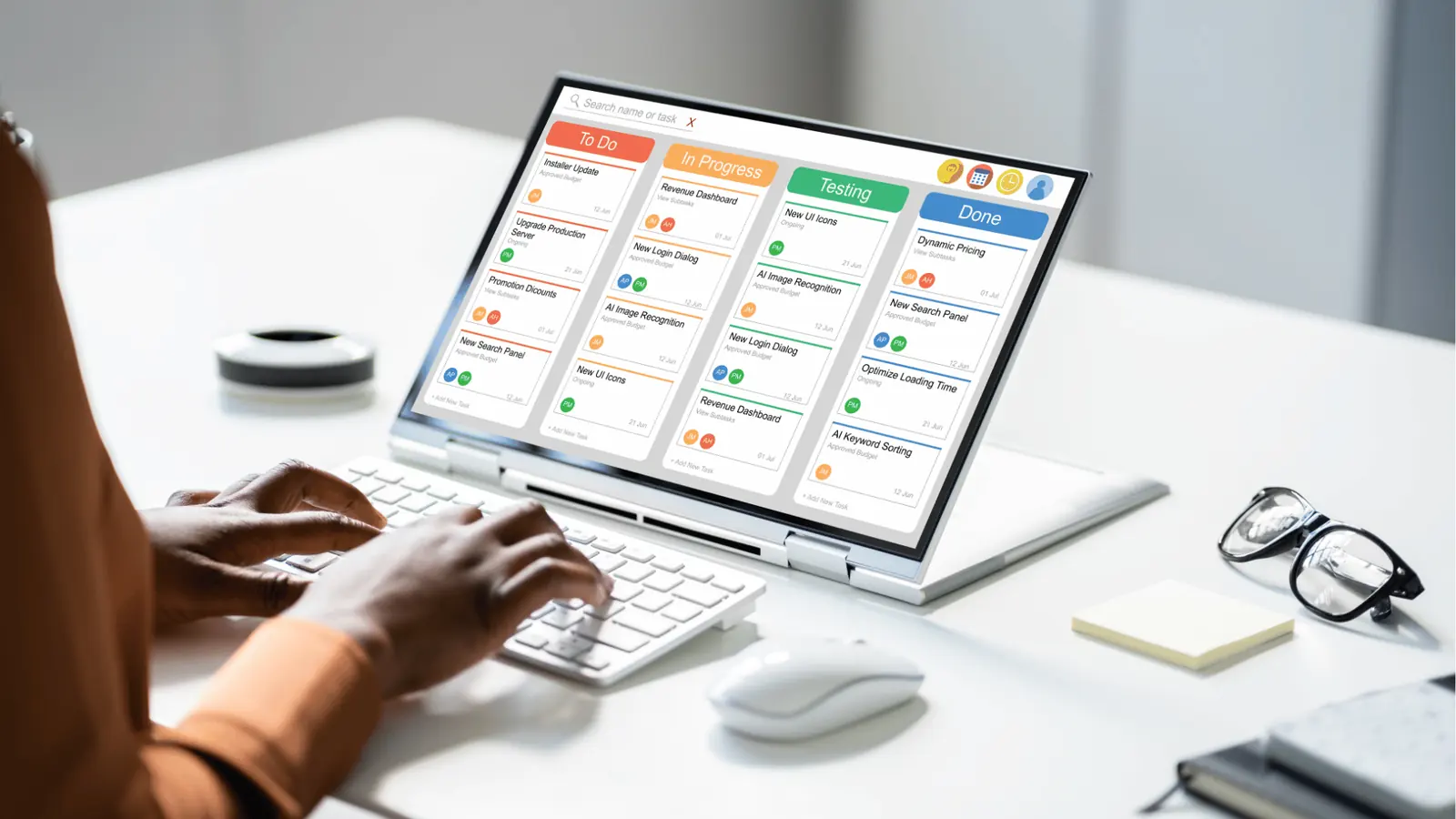
The market for social tools is split into two camps: the "Everything-in-One" bucket and the "Isolation-first" approach. Generic dashboards thrive on the illusion of simplicity. They dump everything into one giant calendar, hoping that color-coding your brands will keep them separate. It looks great in a demo, but in practice, it’s like trying to pilot a plane by stacking twenty different manuals on the dashboard.
Operator rule: If you cannot easily switch between contexts without leaving behind a trail of global settings, the tool is fighting your workflow, not supporting it.
Mydrop takes a different path. It treats every brand as a strictly siloed environment. When you switch workspaces, the entire interface-timezones, user permissions, automation triggers, and asset galleries-shifts to match that specific brand's reality. There is no risk of a "Global Content Calendar" accidentally auto-posting a draft from a retail client to a B2B consultancy account, because the environments are physically partitioned.
- Intake: Define the brand-specific rules, automations, and timezone requirements within the silo.
- Authorization: Set unique permissions that only apply to the relevant team members for that specific brand.
- Execution: Run brand-specific campaigns without ever touching the settings of another client or entity.
- Validation: Review performance data filtered strictly by the brand environment, ensuring no cross-contamination of analytics.
This architecture is the difference between a tool that helps you do more work and a tool that helps you do better work. When you manage multiple identities, your biggest threat is not a lack of features; it is the drift between your internal processes and your external execution. Complexity in your brand portfolio requires rigid, simple, and isolated operating systems to prevent the inevitable slide into coordination debt.
If you find yourself constantly double-checking which account you are posting to, or if you are manually correcting for timezone differences every time you schedule a batch of content, your tool has already failed the scalability test. A dashboard that allows you to post to everything is merely a utility; a workspace that prevents you from posting to the wrong thing is a business asset.
Match the tool to the mess you really have

You should stop looking for the best "social media tool" and start looking for the best "coordination engine." If your team is currently treating social media as a content factory where everything is dumped into one giant bucket, you are eventually going to have a bad day. The real decision isn't which dashboard has the coolest AI caption writer; it is whether the tool forces you to keep your brands in their own lanes.
Common mistake: The "Master Login" Fallacy. Many teams start by sharing a single login or a single project folder across every brand. It feels faster on day one, but it is a silent ticking time bomb. One wrong click during a holiday promotion or a high-stakes product launch can turn a routine post into a cross-brand PR nightmare. Isolation by design is not a luxury; it is your only defense against human error.
If you are managing more than five distinct identities, the tool you choose must support structural separation. Here is how to evaluate whether a platform is actually built for your scale or if it is just a hobbyist dashboard in an enterprise suit:
- Identity Siloing: Can you strictly assign users and assets to a specific brand "workspace" that remains invisible to other teams?
- Timezone Autonomy: Does the tool automatically adjust posting windows based on the brand's local market, or do you have to manually calculate offsets every time you switch profiles?
- Workflow Granularity: Can you pause or re-run a single brand's automation without impacting the entire portfolio?
Framework: The 3-Layer Scaling Stack
- Identity Silo -> Establish unique workspaces, user roles, and timezone configs.
- Workflow Automator -> Set up brand-specific triggers, approval flows, and media libraries.
- Conversion Bridge -> Centralize organic traffic via branded link-in-bio pages.
If your current dashboard forces you to scan a hundred checkboxes just to ensure a post goes to the right account, it has already failed you. Mydrop is designed specifically to handle this at the architecture level. By treating each brand as its own isolated environment, it removes the "context-switching anxiety" that usually leads to mistakes. You open your assigned workspace, and the tool behaves as if that brand is your only priority.
The proof that the switch is working

You know the transition to a more robust, isolation-first system is actually working not when your team gets faster at writing posts, but when they stop asking, "Wait, is this the right account?" A healthy social operation is defined by the absence of small, panicked conversations in Slack. You want to reach a state of operational silence where the system handles the routing and the team handles the strategy.
KPI box: Measuring Coordination Debt
- Incident Rate: Number of cross-posted brand errors per quarter (Aim for zero).
- Approval Latency: Average time from draft to scheduled post.
- Setup Friction: Time spent configuring a new brand workspace (Minutes vs. Hours).
- Switching Tax: Time lost per day on administrative account management.
When you move your operations into a dedicated workspace switcher like the one in Mydrop, you start seeing the "coordination debt" disappear. You stop chasing people for approvals on random threads and start using structured workflows that keep statuses, permissions, and notifications tied directly to the content. It turns social media from a series of frantic, isolated tasks into a predictable, repeatable process.
If you are ready to stop managing a chaotic pile of tabs and start running a professional social operation, use this audit to see if your team is ready for a move:
- Can you define a unique timezone for every individual brand workspace in your current tool?
- Does your team have to share master passwords, or does each person have scoped access to specific brands?
- Can you trigger a specific automation for one brand without checking if it accidentally pulls assets from another brand's library?
- Is your link-in-bio page built directly within the platform, or is it another third-party subscription you have to track and pay for?
- Can you audit the last 30 days of posting activity by brand without digging through global logs?
If you answered "No" to more than two of these, your current tool is the primary bottleneck in your social growth. The best systems for managing multiple brands don't just help you post more; they give you the operational confidence to publish without checking, double-checking, and triple-checking every single asset. Real scale starts with eliminating the friction of complexity, allowing your team to focus on the content that actually moves the needle.
Choose the option your team will actually use

Stop looking for the tool that promises to do everything perfectly for every person on your team. That tool does not exist, and chasing it is what got you into this fragmentation mess in the first place. Instead, pick the platform that aligns with your specific operational maturity and the level of governance your brands demand.
If you are a high-volume agency or an internal team managing a portfolio of brands, your primary filter should not be the list of filters or the UI flair. It should be architectural isolation. You need a tool that lets your team move fast without the constant fear of a cross-brand slip-up.
Framework: The Three Pillars of Multi-Brand Scale
- Identity Isolation: Can I sandbox brands so assets and schedules never cross paths?
- Context Persistence: Does the workspace automatically swap timezone, approval flows, and brand assets when I switch brands?
- Workflow Integrity: Are automations built on logic, not just manual button-pushing?
If your current dashboard feels like a crowded kitchen where everyone is tripping over each other, you are already overdue for a switch. The "best" tool is the one that turns that kitchen into a clean, modular assembly line.
Here are three next steps you can take this week to audit your current setup:
- The Permission Audit: List every user who has "Master Access" to your main accounts. If that list is longer than three people, your risk exposure is too high.
- The Timezone Test: Attempt to schedule three posts across different timezones in your current tool. If it takes more than one click to confirm the target timezone for each post, your tool is actively slowing you down.
- The Workflow Simulation: Map out the path of a single asset from creation in Canva to publishing on a live account. Count the number of manual "save-export-upload" steps. If it is more than two, you are burning billable hours on file management.
Conclusion
The market for social media tools is crowded with shiny dashboards that promise to solve the complexity of scale with more features, more tabs, and more "smart" AI layers. But more often than not, those extra features just add more noise. You don't need a bigger dashboard. You need a system that enforces discipline through its own structure.
Complexity in your brand portfolio requires simplicity in your operating system. When you strip away the marketing fluff, the choice comes down to whether your tool treats your brands as distinct, protected environments or just a collection of rows in a massive, unmanaged spreadsheet.
If you want to stop playing defense against your own tools, prioritize platforms that build in safety by design. A dashboard that lets you post to everything is a liability; a workspace that prevents you from posting to the wrong thing is an asset. Once you stop managing the tools and start managing the workflow, the scale that once felt like a burden becomes your competitive edge.