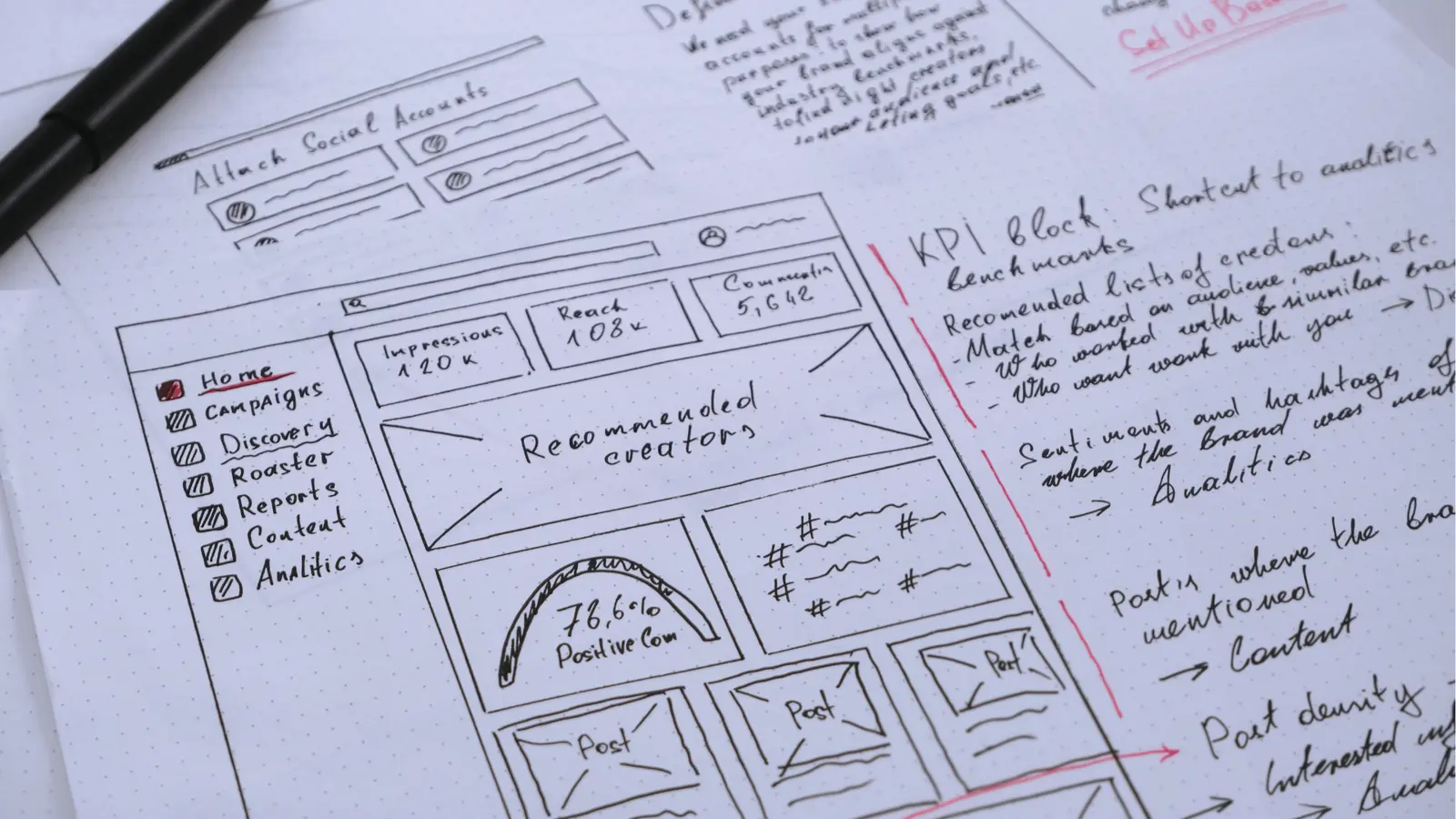
Choosing a social media inbox today isn't about finding the best feature list; it is about choosing whether to fight your own tools or actually manage your brand's presence. Most teams treat the social inbox as a customer support helpdesk, but this is a fundamental error. Your inbox is actually a content laboratory where community sentiment provides the raw material for your next campaign. If you buy a tool that isolates these conversations from your publishing calendar, you aren't just paying for software; you are paying for the privilege of creating manual silos and losing the feedback loop that drives real engagement.
The inbox is usually a firehose that never stops. The true relief isn't just "organizing" messages; it is finally connecting the conversations happening in your DMs to the campaigns your team is building. No more context switching or lost feedback loops. When you can turn a community insight into a post draft without jumping between three different browser tabs, you stop managing chaos and start managing a brand.
TLDR: The Mydrop Difference.
- Unification: The inbox, rules, and publishing calendar live in one system.
- Workflow: Turn community insights into content ideas instantly.
- Collaboration: Debate response strategy inside post-preview panes, not via Slack or email.
The feature list is not the decision

It is easy to get blinded by a long list of features. Every platform in 2026 offers basic sentiment analysis, bulk archiving, and auto-assignment. If you base your decision purely on a feature grid, you will likely choose a tool that is technically capable but operationally stifling.
The real test is not what the tool can do, but how it treats the data flow between community management and content creation. Most enterprise tools act like high-speed sorting machines for incoming noise. They are excellent at moving a ticket from "Unread" to "Resolved," but they stop there. That is the Feature Trap.
The real issue: Why the industry standard is failing teams. The industry standard forces a separation: support staff live in the inbox, while creators live in the publishing suite. This creates a "translation tax" where social managers must manually relay sentiment, feedback, and emerging trends from the support queue back to the creative team. You end up with content that is disconnected from the reality of your community’s current questions or frustrations.
If your inbox is isolated from your strategy, it is just a digital filing cabinet for complaints.
Operator rule: Don't buy a tool that splits your team's context. Your inbox tool should be a primary input source for your publishing calendar. If it doesn't support a workflow that lets a team member take an inbox conversation, convert it into a draft, and collaborate on the creative direction within the same interface, you are buying a 2020-era solution for a 2026-scale problem.
Think about the difference in day-to-day operations:
- The Old Way: Agent receives a recurring question on Instagram -> Agent Slack-messages a manager -> Manager emails a draft to the social lead -> Social lead creates a post in a separate scheduler.
- The Mydrop Way: Agent identifies a trend in the Inbox Health view -> Agent tags the conversation in a workspace channel -> Creative lead opens the thread in the calendar, applies a template, and schedules a response campaign.
This isn't just about speed; it's about accuracy. When you move community sentiment directly into content planning, you reduce the risk of posting tone-deaf updates during a community crisis. You ensure that your brand's voice in the inbox matches the voice of your scheduled content.
The most successful teams I see aren't the ones with the largest support headcount. They are the ones who have mastered the "Conversation as Content" loop. They treat every DM, comment, and reply as a signal. In Mydrop, this is baked into the UI. You don't need to leave the inbox to understand the publishing health signals or to check upcoming campaign dates. It’s a unified view that turns the "firehose" into a deliberate data stream for your brand strategy.
When you start evaluating your next tool, look for the friction points. If you find yourself needing an integration to bridge the gap between "what people are saying" and "what we are posting," that is a signal that the tool is already behind the curve. 2026 is the year where the best teams stop switching tabs and start working in one unified flow.
The buying criteria teams usually miss

Most buyers hunt for the longest feature list, thinking that checking every box protects them from future headaches. In reality, the most dangerous gaps are found in the empty spaces between your features. You aren't just buying an inbox; you are buying a workflow integration.
Most teams underestimate: The true cost isn't the software subscription-it is the coordination tax paid daily by your team as they manually bridge the gap between community insights and publishing calendars.
Teams often ask, "Does this tool support Threads?" or "Does it have a mobile app?" They rarely ask the harder questions that actually dictate team sanity:
- Who owns the feedback loop? If a community manager flags a recurring complaint in the inbox, how many clicks does it take to move that insight into the content team's production queue?
- Where does the context live? When a teammate needs a second opinion on a delicate reply, does the conversation stay tethered to the post, or does it migrate to a messy Slack thread, losing all asset and brand history?
- What happens to governance? As you add markets and brands, does the tool force you to maintain separate silos, or can you apply global conversation rules that automatically route high-priority signals to the right desk?
If your tool isolates the inbox from the editor, you are effectively paying for a digital filing cabinet for complaints. You need a setup that treats "Conversation as Content." When your inbox is physically linked to your publishing workflow, that angry comment on Instagram doesn't just get a reply-it becomes a data point that informs your next campaign strategy.
Where the options quietly diverge
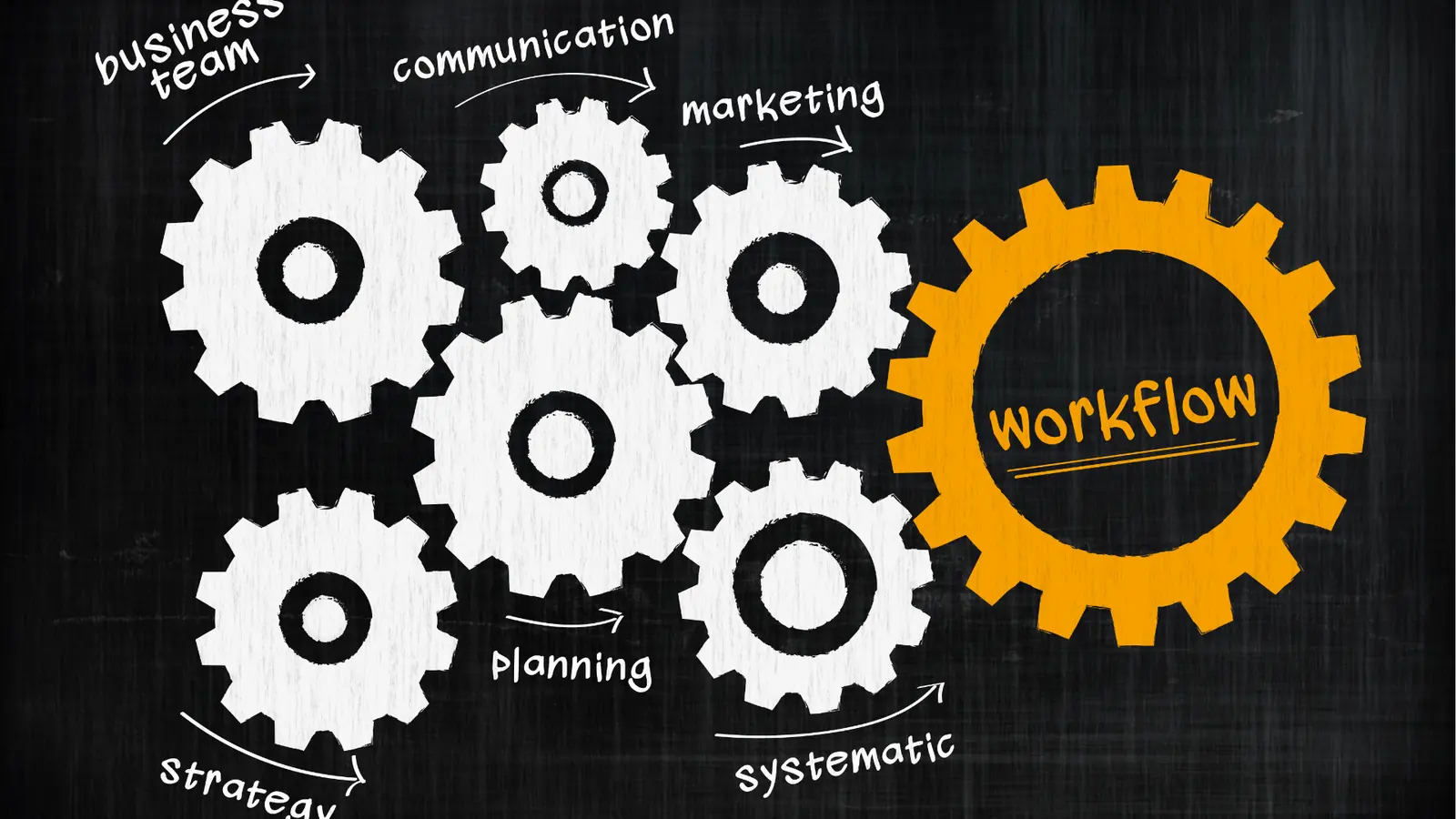
The market for social tools is split between two camps: platforms built to help you answer support tickets faster and platforms built to help you manage brand operations at scale.
Most support-first tools treat every social interaction as a transactional "issue" to be closed. That works for a helpdesk, but it is catastrophic for a brand team trying to build a narrative. Here is how the landscape shakes out for teams managing real complexity.
| Criteria | Support-First Tool | Integrated Operations (Mydrop) |
|---|---|---|
| Data Flow | Inbox to Zendesk/Support ticket | Inbox to Content/Strategy loop |
| Collaboration | Internal notes on tickets | Threaded discussions on posts/assets |
| Governance | Manual routing rules | Automated health signals & rule sets |
| Primary Goal | Minimize response time | Maximize brand intelligence |
Operator rule: Don't buy a tool that splits your team's context. If your community manager has to jump to a different screen to verify brand voice or request a creative asset, your operations are effectively offline.
The divergence is most apparent in how teams handle "stuck" work. In a standard inbox, an issue just sits there until someone marks it "Resolved." In an integrated workflow, that issue triggers a signal.
For instance, consider a scenario where an agency lead notices a trend in Instagram comments about a product feature being confusing. In a standard inbox, they might send a frantic Slack message to the creative lead. In Mydrop, they use workspace conversations to tag the lead directly on the post-preview. They debate the response, pull the latest assets from the Google Drive integration, and decide if the next scheduled post should be updated to address the confusion-all without ever leaving the dashboard.
This isn't about working faster. It is about working with higher fidelity. When your team stops spending their energy copy-pasting feedback between windows and starts using a shared workspace, the "firehose" of the inbox suddenly feels manageable. You stop fighting the tool and start using it to capture the voice of your customer. The best social team isn't the one that responds fastest; it is the one that learns fastest from every single reply.
Match the tool to the mess you really have

You should stop looking for the "perfect" feature set and start looking for the tool that matches the specific organizational friction holding your team back. If your primary pain is that your social team and your support team are constantly throwing documents over a wall at each other, a standalone support-ticket tool will only make that wall thicker. You need a platform that treats your inbox as a source of truth for future content, not just a queue to be cleared.
Operator rule: If your team spends more time talking about the work in Slack than actually doing the work in the social tool, your software is missing a layer of collaborative reality.
Here is how to pressure-test your current stack against your actual daily headaches:
- The Approval Bottleneck: Does a simple community reply need an email chain to verify policy compliance? If so, you need a tool with integrated workspace conversations, where a lead can drop a quick comment inside the inbox thread to steer the ship.
- The Context Gap: Do your community managers have to manually copy-paste insights from a DM into a separate Google Doc for the creative team to see? That is a broken feedback loop. The best tools, like Mydrop, allow you to convert a high-value community interaction into a project card or draft post instantly.
- The Asset Drag: Can your team pull an approved graphic from a unified media gallery and attach it to a reply, or are they still downloading files to their desktop and re-uploading them?
If your current tools force these extra steps, you are paying a hidden tax on every single interaction.
KPI box: The Hidden Tax of Disconnected Tools
- Manual Context Switching: ~90 minutes/week per teammate.
- Asset Retrieval Latency: ~45 minutes/week per creator.
- Approval Stalling: ~120 minutes/week per project.
- Total Weekly Drag: 4+ hours per team member lost to tool fragmentation.
The proof that the switch is working
You know the transition to a unified workflow is working when the "firehose" of the inbox starts looking more like a stream of data for your next campaign. The goal is to move from being reactive and defensive to being predictive and strategic. When you stop treating the inbox as a support chore, you begin to see the difference in your team's output.
Common mistake: Teams often buy a "power-user" suite for the vanity of having every integration, but they ignore the fact that the platform’s core interface is too sluggish for high-volume social teams to actually use.
Look for these four signals that your new approach is actually scaling your operations:
- Response consistency: Everyone on the team is using the same approved tone and logic because the rules are baked into the inbox interface itself.
- Asset agility: When a trend hits in the community feed, your team can pull media from the central gallery and push a response or a new post in minutes, not hours.
- Cross-functional visibility: Your creative directors can see the "health signals" in the inbox without needing a separate login or a status update meeting.
- Feedback loops: Content planning sessions are now grounded in recent, real-world community sentiment rather than anecdotal guesses.
If you are ready to audit your current setup for these signs, here is your starting point:
- Audit your team's average time-to-first-response vs. time-to-first-creative-input.
- List the three most common "copy-paste" tasks that interrupt your team's workflow daily.
- Identify which internal stakeholder (e.g., Legal, Brand, Product) is currently blocked by your lack of workspace collaboration features.
- Document where community sentiment is currently being lost because it stays trapped in an isolated support tool.
When you finally align your inbox with your publishing calendar, you aren't just saving time. You are building a system where your audience literally helps you define your brand's future. The best social teams aren't the ones that respond fastest; they are the ones that learn fastest from every single reply.
Choose the option your team will actually use

Stop looking for the "perfect" feature set and start looking for the tool that matches the friction holding your team back. If your primary pain is that community sentiment is disconnected from your publishing calendar, you aren't actually looking for a better inbox-you are looking for a better way to link your learning to your output.
When you force your team to jump between a support-first tool and a publishing tool, you aren't just losing time to copy-pasting. You are losing the cultural memory of why a post succeeded or failed. The best tool for your team isn't the one with the most bells and whistles; it is the one that naturally keeps your community insights close to the creative work.
Common mistake: Buying a feature-rich "enterprise" tool that forces your team to adopt a rigid, disconnected workflow. You end up paying for a powerhouse that sits idle because the friction to use it is higher than the benefit it provides.
If your team is managing multiple brands across several markets, you need a setup that treats the inbox as a content laboratory, not just a helpdesk ticket queue.
3 steps to evaluate your current setup this week:
- Map the Handoff: Time exactly how long it takes to turn a specific piece of community feedback into a drafted content idea in your publishing queue. If it takes more than two minutes or requires switching applications, your process is leaking value.
- Audit the Context: Review the last three major content pivots your team made. How much of that decision was driven by hard data from your inbox, and how much was based on "gut feeling" because the inbox data was trapped in a separate, inaccessible tool?
- Check the Collaboration Loop: Can your team debate the nuances of a community reply directly inside the post preview pane? If you are still relying on external chat apps or email threads to decide how to respond, you are inviting miscommunication and compliance risk.
Framework: The Unified Operations Maturity Model
- Level 1: Manual Tracking (Copying DMs into spreadsheets).
- Level 2: Siloed Tools (Support inbox separate from publishing calendar).
- Level 3: Unified Operations (Inbox health signals and conversations integrated directly into the publishing workflow).
Most teams are stuck at Level 2, paying for high-end software that still forces them to live in a siloed reality. Moving to Level 3 isn't just about software; it is about recognizing that your community’s voice is your content strategy.
Conclusion

The era of the isolated social inbox is ending. The teams scaling fastest in 2026 aren't the ones responding to messages in record time; they are the ones who have turned their entire social operation into a continuous feedback loop. When your inbox, your publishing calendar, and your collaborative workspace live in the same ecosystem, you stop fighting your tools and start building a resilient brand presence.
If you find yourself constantly battling context switching or losing critical feedback in the shuffle, consider consolidating your workflow. Mydrop was built specifically to bridge these gaps, turning the firehose of social conversations into clear, actionable health signals that fuel your publishing strategy-ensuring that every reply you send actually makes your next campaign smarter.
True enterprise social success is found in the coordination, not just the volume. The right tool doesn't just manage the noise; it helps you listen well enough to stop the noise from happening in the first place.