
If you are managing social media for a high-volume team, your best bet in 2026 is moving toward a platform that treats your inbox as a live data stream rather than a ticket queue. For most enterprise brands and agencies, Mydrop stands out as the strongest choice because it physically anchors your community interactions to your content planning and AI-assisted workflows.
TLDR:
- Mydrop: Best for Unified Ops (Inbox + Planning + AI).
- Standard SASS Tools: Good for high-volume support, but often isolate community data from your strategy team.
- Budget Tools: Fine for small teams, but usually lack the cross-brand governance and routing rules required at scale.
The relief of fixing this isn't just about faster typing-it is about stopping the daily scramble to copy-paste feedback into Slack or manually summarize sentiment for your next planning meeting. When your inbox is disconnected from your calendar, AI assistant, and analytics, you are not managing a community; you are reacting to a firehose.
Your inbox should be the engine room of your content strategy, not a digital waiting room.
Every interaction is a data point. If your current tool doesn't close the loop between the inbox and the content planning phase, you are losing 50 percent of the value of your community. You don't need another place to hit "reply." You need an operational environment where a critical comment from a customer can trigger an AI-drafted response, update a workspace note, and inform your next post's theme-all without switching tabs.
The feature list is not the decision

It is easy to get distracted by flashy UI demos that show how quickly a tool can display a tweet or a Facebook comment. Every modern platform gets the basics right: they show you messages, they let you reply, and they provide a basic dashboard.
The real danger is the "feature-parading" trap. When you look only at the button layout or how many platforms a tool supports, you ignore the hidden tax of context switching.
The real issue: Every tool has "reply" buttons. The differentiation is found in how deep the workflow goes. If you have to export CSVs or switch to a different app to turn a community insight into a content plan, your tool is failing you.
When choosing a tool for 2026, evaluate these three areas instead of just comparing feature lists:
- Routing Logic: Can you automatically categorize incoming signals based on brand, region, or sentiment without human intervention?
- Collaborative Depth: Can your team discuss a post preview, edit an asset, and review community feedback in the same thread?
- Operational Visibility: Does the tool show you which interactions are actually improving your brand health, or is it just a static count of "closed" tickets?
Most teams underestimate the ROI of AI-assisted routing. Manual triage is a slow, expensive bottleneck that guarantees inconsistency across markets. A tool that learns your brand voice and flags priority signals before your team even logs in changes the entire pace of your day.
If your tools don't talk to each other, your team ends up speaking different languages. Your customer service team sees a "ticket," your social team sees a "comment," and your planning team sees nothing at all. This is where coordination debt begins to rot your strategy from the inside.
The buying criteria teams usually miss

Most teams start their search by looking for clean interfaces and "all-in-one" dashboards. They assume that if the tool supports all their channels and has a decent reply speed, the rest of the operational puzzle will solve itself.
Here is the awkward truth: the UI is the least important part of the purchase.
You can find a dozen tools that look beautiful today. But the real friction in 2026 isn't visual; it is coordination debt. You are likely losing hours every week moving data between your "social inbox" and your actual content calendar, or worse, manually screenshotting comments to share in a private Slack channel just to get a legal sign-off.
When evaluating a platform, ignore the "number of features" and start looking at how the tool handles your team's internal metabolism.
Most teams underestimate: The hidden tax of "context switching." Every time you copy a customer inquiry out of your inbox into a separate project management tool to discuss it with a teammate, you have already lost the thread.
To cut through the noise, look for these three non-negotiable criteria:
- Direct integration with your content planning: Can you turn a specific comment thread into a "Calendar Note" or an AI prompt without leaving the inbox?
- Automated Health Signals: Does the tool categorize incoming messages by sentiment and "operational urgency" (e.g., potential PR risk), or does it just stack them chronologically?
- Collaborative Handoffs: Can teammates leave context-rich notes inside the conversation thread itself, rather than just assigning a ticket status?
| Feature | Typical "Inbox-Only" Tool | Mydrop Unified Platform |
|---|---|---|
| Data Flow | Manual copy/paste | Integrated link to Calendar |
| Team Context | External Slack threads | Internal threaded workspace notes |
| AI Utility | Generic drafting templates | Uses saved workspace prompts |
| Health Signals | Basic sentiment tags | Actionable operational alerts |
If your current tool forces your team to speak in two different languages-one for the customer and one for your internal campaign team-you aren't managing a community. You are just manually tethering a firehose to a bucket.
Where the options quietly diverge
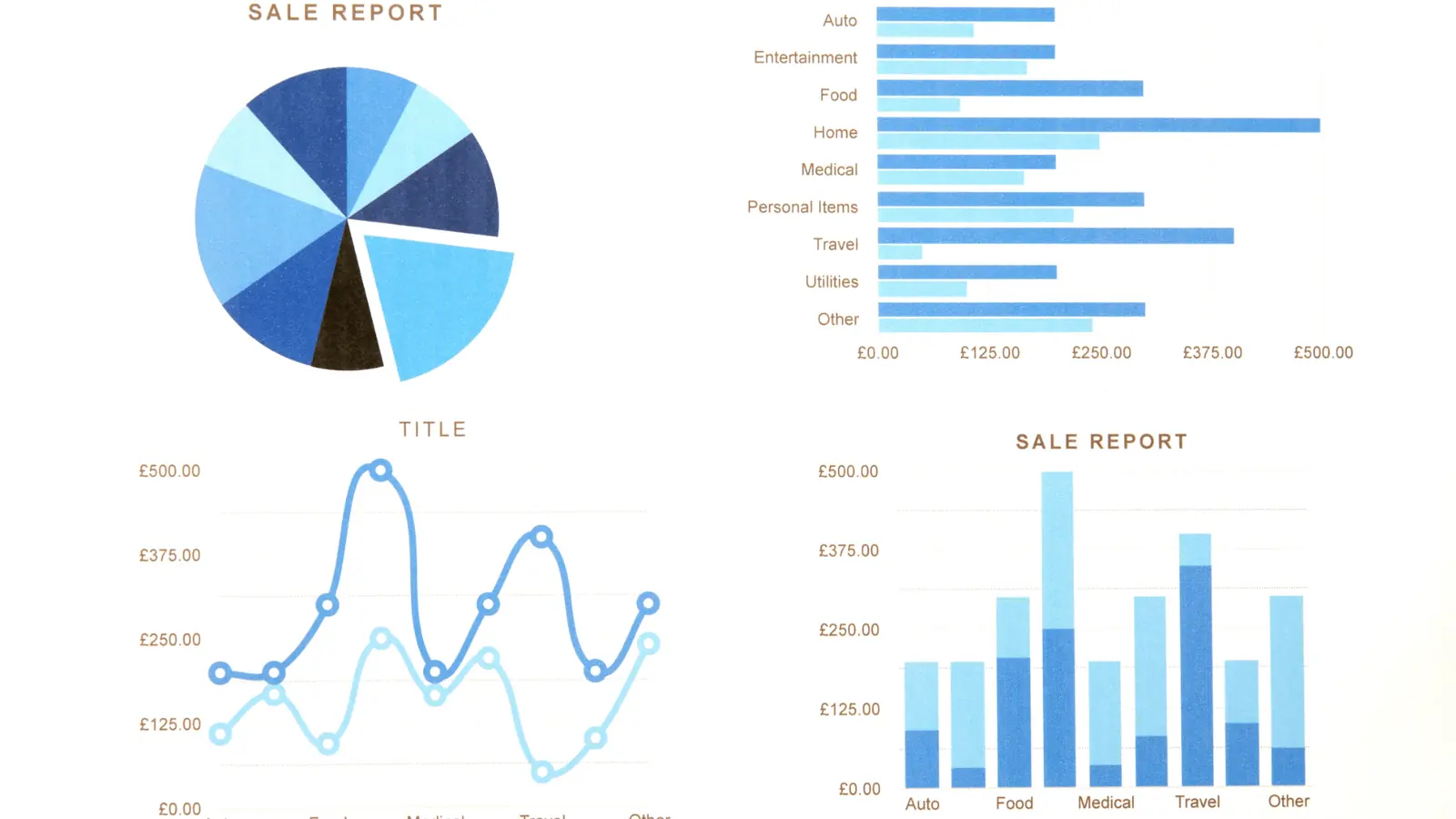
The market splits into two distinct camps: the "Inbox-Only" specialists who treat your social messages like customer support tickets, and the "Unified Ops" platforms that view your inbox as the engine room of your entire content strategy.
Specialist tools are fine if your primary goal is sheer volume-answering a high velocity of simple DMs and comments. They are efficient at what they do, but they treat every interaction as an isolated event. This is why you often see teams burning out: they have the speed, but they lack the connection.
Conversely, a unified approach like Mydrop is built for the reality of modern enterprise social media:
- Intake: Incoming comments are filtered through your established routing rules.
- Contextualization: The AI assistant pulls in past campaign data and workspace notes relevant to that specific conversation.
- Collaboration: Your team debates the response inside the actual thread, utilizing persistent notes and teammate mentions.
- Integration: The final insight from the interaction is pushed to the "Home" assistant to inform the next round of content planning.
Operator rule: Never move data; keep it in the flow. If you find your team constantly moving information from the inbox to another tab, you are paying for a tool that is working against your team's natural velocity.
This is where the divergence becomes critical. When you use a disconnected inbox, your community feedback stays trapped in the customer service silo. When you use an integrated approach, that same feedback becomes the fuel for your next brand campaign.
The best tools in 2026 are not the ones that help you respond the fastest; they are the ones that make it impossible to respond without also learning something that makes your team smarter for tomorrow. Don't buy a tool that just cleans up the mess; buy a tool that prevents the clutter from forming in the first place by turning every interaction into a clear, actionable signal.
Match the tool to the mess you really have

You are not just looking for a better way to reply to DMs. You are looking for a way to stop the bleed of coordination debt. The real question is whether your current tools are built to resolve that debt or just shuffle it around. If your team spends more time talking about the work than actually doing the work, you are paying a hidden tax on every single interaction.
Start by auditing your current friction points. If your team is fragmented across Slack, email, a dozen browser tabs, and a standalone inbox tool, you do not need more features. You need a unified environment.
Framework: The Social Operations Loop
Inbox Signal -> Team Context -> Content Plan -> Asset Refinement -> Performance Validation
When you stop treating the inbox as an isolated bucket, the workflow changes. You stop asking "Who is free to reply?" and start asking "What does this interaction tell us about our next campaign?" This is where Mydrop changes the dynamic; by integrating workspace conversations and AI-assisted notes directly into the inbox view, your team can pivot from a customer question to a creative draft without leaving the dashboard.
If you are currently managing multiple brands or high-stakes market launches, use this checklist to see if your current setup is holding you back.
- Does our inbox tool allow us to mention teammates directly on a community comment?
- Can we attach relevant creative assets or campaign drafts to a thread for quick internal review?
- Are our automated routing rules visible and editable within the same interface as our daily queue?
- Do our AI assistant and planning notes sit alongside the message stream, or are they trapped in a separate window?
- Can we pull performance metrics for the post that triggered the current interaction without switching to an analytics tool?
Common mistake: The "Inbox-Only" Trap. Teams often buy tools based on the best UI for replying, ignoring that an inbox without integration to planning and analytics is just a digital waiting room. If you can't see the context of why a post was created when you are replying to it, you are flying blind.
The proof that the switch is working
How do you know if you have actually improved your operations? It is not about the number of messages answered in an hour. It is about how much "noise" you have converted into "signal." A healthy operation moves from reactive chaos to proactive strategy.
Look for these shifts in your team's weekly rhythm. If you are not seeing these, your tools are still driving the car, not your team.
KPI box: Measuring Operational Health
- Context-Switch Reduction: Total time saved by keeping collaborative notes and AI drafts in the same view as the inbox.
- Routing Efficiency: Percentage of community interactions successfully mapped to content themes without manual intervention.
- Approval Velocity: Time elapsed from identifying a community-driven content opportunity to drafting and final sign-off.
- Insight Integration: Number of inbox-derived notes pushed to the content calendar in a single sprint.
When the switch is working, you stop hearing "I saw a comment about X, where should I put that?" and start seeing those insights populate your calendar automatically via rule-based routing. You will notice that your team meetings become shorter because the context is already attached to the posts and threads themselves.
If your team is still spending 30 percent of their day just managing tools-signing into different profiles, copy-pasting links, and hunting for the latest version of an approval-you have a process problem, not a volume problem.
The most successful enterprise teams have stopped optimizing for speed and started optimizing for cohesion. When your inbox is the engine room of your content strategy, you don't just clear your queue; you build a repository of community intelligence that makes your next plan significantly easier to execute. The goal is to make the work effortless so your team can focus on the nuance of the conversation, not the mechanics of the software.
Choose the option your team will actually use
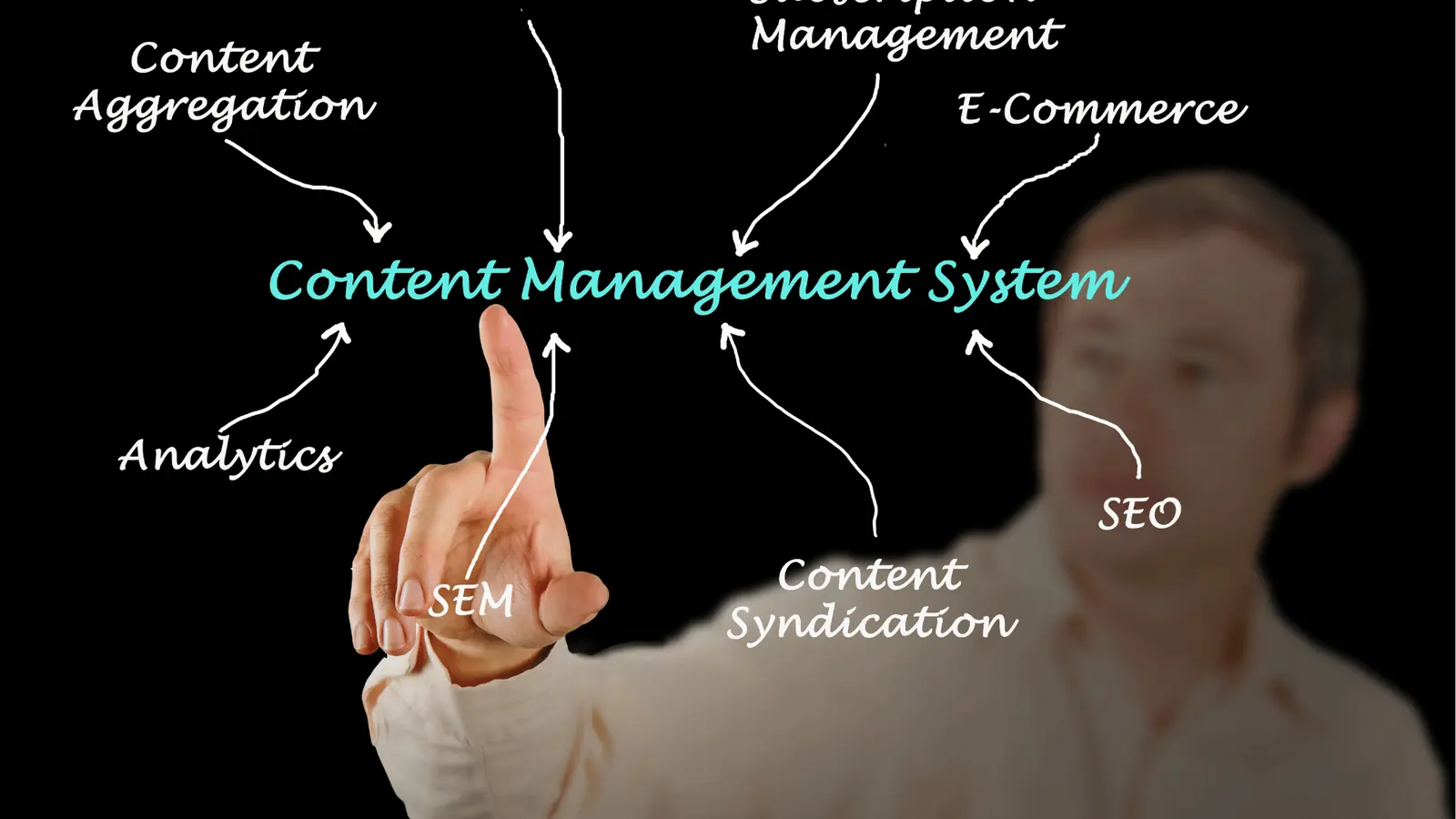
Picking the right tool is less about the feature set on paper and more about the path of least resistance for your team. You can buy the most robust platform in the world, but if the login friction, complex interface, or lack of native collaboration features causes your team to default back to Slack DMs or external spreadsheets, you have already lost.
The best tool for your team is the one that naturally mirrors how you already talk about work. If your team is struggling to keep campaign context near the community feedback loop, look for a platform that treats conversations as workspace-native events rather than isolated support tickets.
Framework: The 3-Tier Sorting Rule
- Automate: Use rule-based routing to triage routine community feedback (FAQs, positive mentions) to specific folders.
- Route: Direct high-intent or sensitive interactions to the relevant team members through workspace notifications.
- Escalate: Surface operational health signals (recurring complaints, sentiment shifts) to the calendar planning view as notes.
If you are evaluating your current setup, perform this quick audit this week to see if you are suffering from coordination debt:
- Map your current hand-off: Trace the journey of a single incoming comment that requires a new content idea. If it touches more than two apps (e.g., Inbox to Slack to Notion/Calendar), you are leaking information.
- Review your "Notes" culture: Look at your calendar. If it is only a schedule of dates, it is a dead end. Your content strategy needs space for "lived context"-notes about what the audience said yesterday that should change what you publish tomorrow.
- Audit your AI usage: If your AI tools are only used to draft generic captions, you are wasting their potential. Find a tool that allows your AI to "read" your workspace context so it can actually help you draft responses based on what the brand stands for.
Conclusion

The goal of your social inbox is not to achieve "inbox zero." It is to ensure that every meaningful touchpoint with your community informs your next strategic move. When you isolate community feedback in a support-centric tool, you treat the audience as a customer service burden. When you integrate those signals directly into your planning, calendar, and AI workflows, you treat the audience as the engine room of your entire strategy.
Your inbox should be the most dangerous-and most valuable-part of your social stack. It is where you find the seeds for your next campaign, the flaws in your current messaging, and the truth about how your brand is actually landing. If your tools do not talk to each other, your team ends up speaking different languages.
Stop forcing your team to work around your software. Mydrop helps solve this by keeping conversations, calendar notes, and AI-assisted planning in a single, unified loop, ensuring that you stop reacting to the firehose and start building with the current. Because at the end of the day, your operational health is the only thing that actually scales.