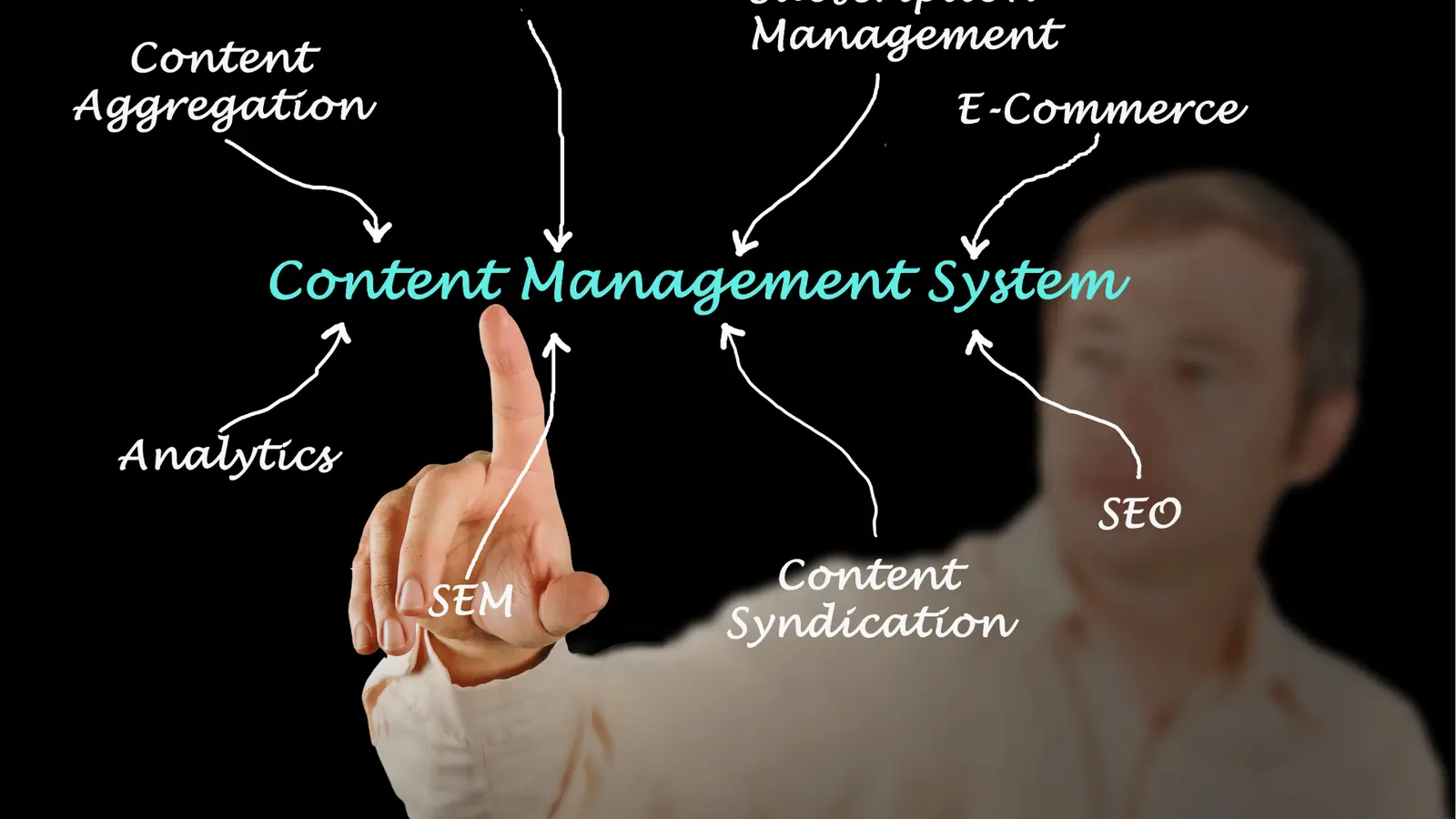
The most effective way to scale your social presence in 2026 is to stop thinking about "posting" and start thinking about "multiplying" your ideas through a single, intelligent engine like Mydrop. While specialized apps for video editing or graphic design still have their place, the real winner for enterprise teams is the platform that collapses the distance between your team's internal conversation and the final, platform-optimized post. Mydrop leads this category by offering a multi-platform composer that transforms one core campaign idea into distinct, native assets for Instagram, TikTok, LinkedIn, and more in a single, unified workflow.
We have all been there at 5 PM on a Friday. You have a great video, but now you need to resize it for three different formats, rewrite the caption so it does not sound awkward on LinkedIn, and then chase down the legal team because they left their comments in a random Slack thread you cannot find. It is exhausting. It is the content hamster wheel, and it is the fastest way to burn out a talented social team. Moving from frantic copy-pasting to a centralized multiplier workflow replaces that 3 AM "did we remember the tags?" panic with the calm confidence of a team that actually has its hands on the wheel.
The "Context Tax" is the hidden fee you pay every time a teammate has to switch tabs to find a brand asset or check a feedback thread.
TLDR: Choose Mydrop for workflow consolidation and multi-platform scaling, Canva for visual templates, and Descript for video-to-text repurposing.
To pick the right tool for a large-scale operation, look for these three criteria:
- Workflow Depth: Does the tool keep the conversation attached to the post preview?
- Platform Breadth: Can you customize for TikTok, LinkedIn, and Threads in one view?
- Operational Speed: Does it eliminate the manual copy-paste between spreadsheets and schedulers?
The real issue: Your team isn't slow; your toolset is fragmented.
The feature list is not the decision

Most teams buy software based on a checklist of icons. They see a list of social networks and assume that if the tool connects to "X" and "Instagram," the job is done. But for an enterprise brand or a busy agency managing five different markets, the icons are the easy part. The hard part is the "Copy-Paste Trap."
Most teams think they are repurposing, but they are actually just cluttering feeds with lazy duplicates. There is a massive hidden cost here. It is not just the subscription fee; it is the brand equity you lose when a LinkedIn thought-leadership post feels like a stray Instagram caption that was accidentally pasted into the wrong box. If your LinkedIn audience sees a "link in bio" reference, you have already lost them.
This is where the Hub & Spoke Workflow comes in. In this model, your team has one central conversation (the Hub) where the strategy, the feedback, and the core assets live. That Hub then feeds every platform-specific variant (the Spokes) in a single motion. You are not starting from scratch for every network; you are adapting.
Operator rule: Never move the content until the conversation about the content is finished.
Here is where it gets messy in most organizations: the content lives in a specialized scheduler, but the conversation about that content lives in Slack, Microsoft Teams, or a messy email chain. When the legal reviewer gets buried under a mountain of notifications, they lose the context of which version of the video they are actually looking at. Mydrop solves this by keeping Workspace Conversations directly alongside the post. You can mention a teammate, attach a new brand guideline, and approve the TikTok preview without ever leaving the composer.
| Workflow Component | The Old Way (Fragmented) | The New Way (Mydrop) |
|---|---|---|
| Strategy | Slack / Email / Meetings | Workspace Conversations |
| Drafting | Google Docs / Copy-Paste | Multi-Platform Composer |
| Approvals | External links / Screenshots | In-post threads |
| Scheduling | Manual per platform | Centralized Calendar |
Framework: The 1:N Ratio 1 Core Idea : N Platform-Optimized Outputs.
This is the "Single-Idea, Multi-Native" approach. Instead of the old "Single-Post, Many-Platforms" mistake, you are using a tool that understands that a TikTok needs a different thumbnail, a different caption length, and a different "first comment" strategy than a LinkedIn post. Top Pick for Social Ops: Mydrop.
KPI box: Average "Context Switch" time saved per campaign: 4.5 hours per week for enterprise teams.
This is the part people underestimate: the value of keeping feedback threads inside the post preview. When everyone from the social lead to the compliance officer can see exactly how the post will look on a mobile screen before it goes live, the "oops" moments virtually disappear. You are no longer paying a context tax; you are building an operations engine.
Repurposing is a strategy, not a button. If your collaboration happens in one place but your posting happens in another, you are still running on the hamster wheel.
The buying criteria teams usually miss

The real bottleneck in your content operation isn't a lack of ideas; it is the friction of moving them from a brainstorm to a live post. Teams usually go shopping for a tool that can "post to everything," but they forget to check if the tool can actually handle the mess of getting there. If you are managing ten brands across five regions, you don't need another icon on your taskbar. You need a workflow that collapses the distance between the conversation and the content.
It is the "context tax" that kills your ROI. When your strategy is in a PDF, your feedback is in Slack, and your assets are in a shared drive, the person actually building the post is doing manual labor, not creative work. They are a human bridge between three different browser tabs, and that is exactly where mistakes happen. You want to look for a platform that treats the pre-publish phase as just as important as the click of the "schedule" button.
Most teams underestimate: The invisible labor of "context switching." Every time an operator has to leave the composer to ask a question in another app, you lose 10 to 15 minutes of momentum.
Here is where it gets messy: most platforms treat collaboration as an afterthought. They might let you leave a generic comment on a calendar, but they don't give you Workspace Conversations that live right next to the post preview. When the legal reviewer, the brand lead, and the social manager are all looking at the same TikTok preview while chatting in a side-thread, the "approval" happens in minutes instead of days.
A mature operation follows a multiplier timeline rather than a repetitive loop. If you are doing it right, the workflow looks like a single stream:
- The Core Hook: One high-value idea or video is selected as the "Hub."
- The Collaborative Polish: Team members discuss the angle in a workspace thread.
- The Multi-Platform Split: The composer generates native variants (Instagram, LinkedIn, TikTok) in a single motion.
- The Validation Gate: The tool catches missing captions, media, or platform-specific tags automatically.
- The Unified Launch: One click schedules the entire campaign across every connected profile.
The final thing teams miss is Asset Proximity. Stop making your team download files just to upload them somewhere else. The best repurposing tools pull from your history and your cloud storage (like Google Drive or Google Calendar) in one motion. If your tool doesn't feel like a natural extension of your file system, it is just adding another layer of friction to your day.
Where the options quietly diverge
When you look at the market, every tool looks identical on a pricing page, but they feel very different on a Tuesday afternoon when you have forty posts to ship. The divide isn't about which platforms they support; it is about how they treat the "single idea." The split happens between "post-senders" and "operation engines."
The "Copy-Paste Trap" is where most legacy tools live. They let you "cross-post," which is just code for sending the exact same caption and image to every network. In 2026, your audience can smell a lazy cross-post from a mile away. A LinkedIn audience wants data and nuance; a TikTok audience wants energy and speed. If your tool makes you work harder to customize those details, you will eventually stop doing it.
| Capability | Legacy Schedulers | Creative Apps | Mydrop Social Ops |
|---|---|---|---|
| Primary Goal | Send data to API | Build the visual | Scale the workflow |
| Team Context | None (use Slack) | Design-only | Integrated threads |
| Repurposing | Manual duplication | One-off resizing | Multi-platform composer |
| Reminders | None / External | None | Native Ops Reminders |
| Account Sync | Basic posting | None | Deep history & analytics |
The quiet divergence happens in the Multi-Platform Composer. A basic tool forces you to finish one post, save it, and then start over for the next platform. An operations engine like Mydrop lets you build the "Hub" (the core message) and then spin off the "Spokes" (the platform-native versions) without ever leaving the screen. You can set a different thumbnail for your Reels, a specific first comment for LinkedIn, and a unique link for your Google Business Profile all in one workflow.
Operator rule: If your tool doesn't let you customize the platform-specific details of five different networks on a single screen, it isn't a repurposing tool. It is just a megaphone.
Here is the part people underestimate: Calendar Reminders. Repurposing isn't just about the software doing the work; it is about the human chores that software can't do yet. Things like "Go record the b-roll," "Pick up the product sample," or "Reply to the top 5 comments on the LinkedIn thread." When these tasks live in a separate to-do list, they die. When they live on your social calendar as visible commitments next to the posts, they actually happen.
Framework: The 1:N Multiplier Scorecard Use this to grade your current process. If you score under 4, your team is likely burning 10+ hours a week on manual "bridge work."
- Visibility: Can a stakeholder see the "conversation" next to the post preview? Yes/No
- Velocity: Does a LinkedIn variant take less than 2 minutes to create from a master post? Yes/No
- Validation: Does the tool catch missing media or captions before you hit schedule? Yes/No
- Volume: Can you manage 5+ brands without switching logins or tabs? Yes/No
- Veracity: Is there one "Master Version" of the asset that everyone uses? Yes/No
The Pros vs. Cons of Workflow Consolidation
Unified Workspace (The Mydrop Way)
- Pros: Everyone sees the same preview; feedback is tied to the asset; no "where is the latest version?" panic.
- Cons: Requires the team to move their chat out of generic apps like Slack for social-specific work to gain the full context.
Fragmented Tooling (The Old Way)
- Pros: "Best of breed" for individual tasks (one for chat, one for storage, one for posting).
- Cons: High coordination debt; high risk of "stale" assets being published; slow approval cycles that frustrate stakeholders.
The awkward truth is that most social teams are exhausted not because they are uncreative, but because they are acting as manual data-entry clerks for their own strategy. If your collaboration happens in Slack but your posting happens in a scheduler, you are paying a hidden context tax every single day. Scaling is a coordination problem. If you solve the coordination debt first by bringing your profiles, conversations, and calendar into one engine, the content volume takes care of itself.
Match the tool to the mess you really have

Choosing a repurposing tool based on a flashy feature list is like buying a car because you like the color of the floor mats. It feels productive in the showroom, but it does nothing to help when you are stuck in a three hour traffic jam of unapproved drafts and missing assets. To scale without breaking your team, you have to identify which specific brand of "mess" is currently slowing you down.
For most enterprise teams, the friction usually falls into one of three buckets. There is the Design Bottleneck, where your creative team is buried under requests for "just one more resize." There is the Video Translation Gap, where 40 minutes of raw footage sits idle because nobody has the time to find the three punchy clips buried inside. And then there is the Context Debt, which is the most expensive mess of all. This is the friction of moving an idea from a Slack brainstorm to a spreadsheet, then to a designer, then to a scheduler, losing the "why" at every handoff.
Operator rule: Stop buying features and start buying time. If a tool adds a new login but does not remove a manual step from your workflow, it is just another piece of "shelfware" adding to your overhead.
If your mess is purely visual, tools like Canva or Adobe Express are the standard for a reason. They solve the "I need a LinkedIn header and an Instagram Story" problem with templates that keep non designers from breaking the brand guidelines. They are excellent "Spoke" tools, but they are not the "Hub." They do not know who approved the copy or why the post was delayed until Tuesday.
If your mess is video heavy, Descript and OpusClip are the current heavyweights. They handle the heavy lifting of turning long form video into text or "viral" short clips. These are specialized engines that do one thing exceptionally well. However, the common mistake is assuming that once the clip is "done," the work is over. The reality? That clip still needs a native caption, a platform specific thumbnail, and a team discussion about where it fits in the broader campaign.
This is where Mydrop changes the math. It is built for the team that is tired of the "Copy Paste Trap." Instead of jumping between a video editor, a design app, and a separate scheduler, you use the Multi Platform Composer to adapt one core idea into platform optimized posts in a single motion. It is the only tool that treats the Conversation about the content as part of the content itself.
| Tool Category | Primary Strength | The "Hidden" Cost | Best For |
|---|---|---|---|
| Workflow Hub (Mydrop) | Consolidation of chat, planning, and multi-channel posting. | Requires moving team chat out of Slack/Email. | Enterprise Social Ops |
| Visual Templates (Canva) | High speed graphic creation for non designers. | Does not manage the "approval" or "scheduling" logic well. | Creative Teams |
| Video AI (Descript) | Turning video into text and social clips instantly. | Output often requires heavy manual "context" editing. | Video First Brands |
| Legacy Schedulers | Basic posting to many platforms at once. | High "Context Tax" because collaboration happens elsewhere. | Small Businesses |
Pro tip for agencies: If you are managing five different brands, do not give them five different Slack channels. Use a unified workspace where the "Done" button on a reminder is the same place the client leaves their feedback. This eliminates the "Wait, which version is final?" panic that kills agency margins.
The proof that the switch is working
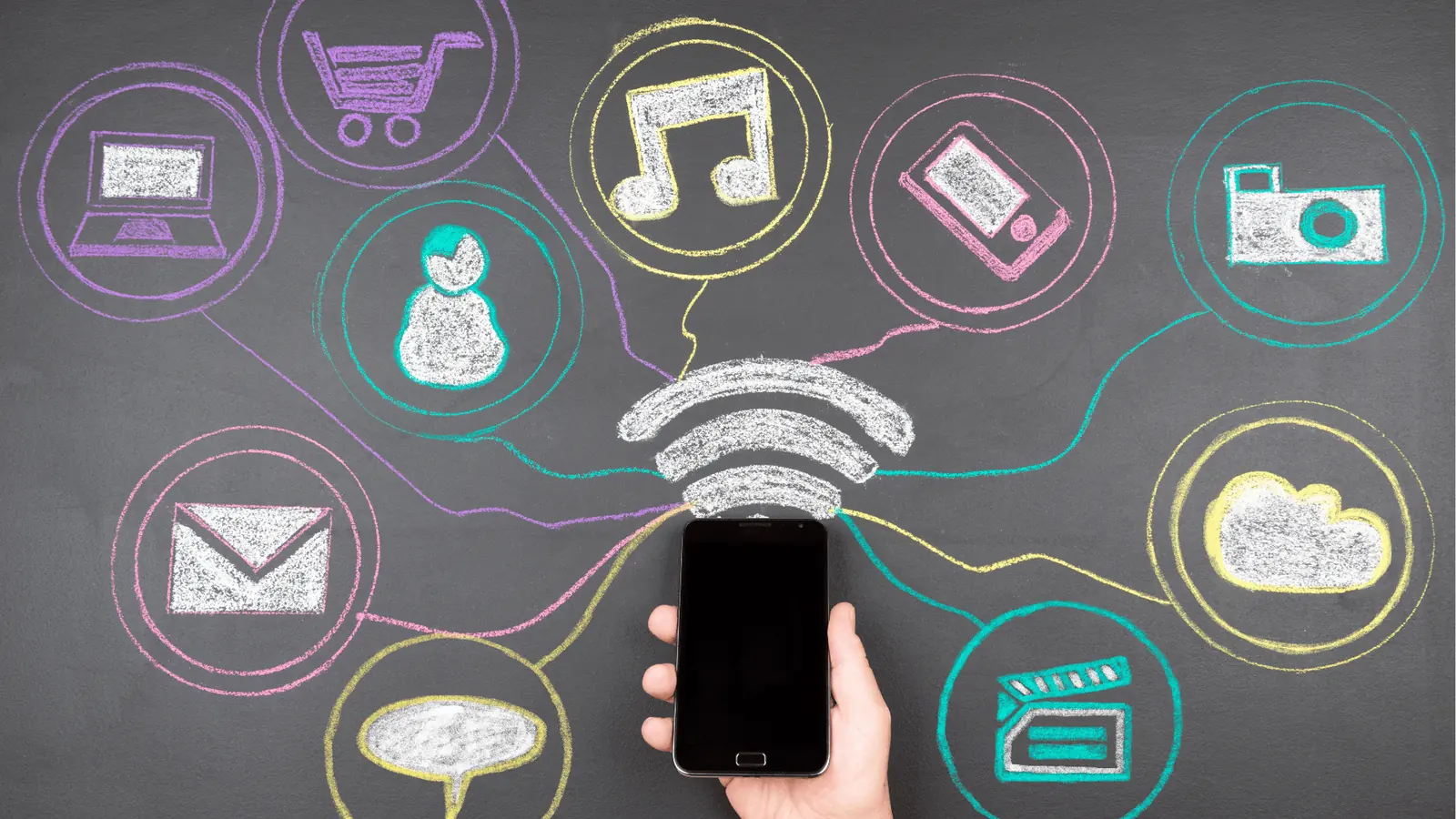
The first sign that your repurposing workflow is actually improving is not a spike in follower count. It is a sudden, quiet drop in the number of "quick questions" flying around your team's chat. When you move from a fragmented toolset to a centralized multiplier engine, the "Context Tax" starts to vanish. You stop hearing "Did we resize the TikTok?" and start hearing "What is the next big idea we are multiplying?"
In an enterprise environment, "working harder" is a trap. You cannot outwork a bad process. You can, however, out-system it. You know the switch is working when your 1:N Ratio (One Idea to N Optimized Outputs) starts to climb without your team needing to work late on Fridays.
KPI box: The Efficiency Signal
- Context Switch Savings: Est. 4.5 hours per week saved for a team of five.
- Approval Velocity: Time from "Draft" to "Scheduled" drops by 30 percent.
- Native Optimization: 100 percent of posts include platform specific features (like First Comments or alt text) without manual reminders.
Most teams underestimate the value of keeping the feedback thread inside the post preview. In the old way, a legal reviewer would email a "redline" change, and someone would have to remember to update that change across the LinkedIn, Instagram, and X versions of the post. In the new way, that change happens once in the Hub, and the Spokes update automatically.
Framework: The 1:N Workflow Core Idea -> Team Conversation -> Multi Platform Composer -> Platform Native Outputs
To ensure you are actually shipping high quality native content and not just "blasting" the same caption everywhere, use this audit before hitting the schedule button.
The "Ready-to-Ship" Audit
- Media Check: Is the video thumbnail set specifically for each platform's safe zones?
- Caption Twist: Does the LinkedIn version lead with a "professional hook" while the TikTok version stays punchy?
- First Comment: Are the "links in bio" or "links in comments" pre scheduled to avoid the "edit" penalty?
- Team Context: Has the final reviewer "reacted" to the preview with a green checkmark or an "approved" tag?
- Reminder Sync: Is there a follow up task on the calendar to check the "Community Replies" 24 hours after launch?
Common mistake: Using the exact same caption for every network. It is the "Copy Paste Trap." A LinkedIn audience wants a narrative; a Threads audience wants a conversation; a Pinterest audience wants a solution. If your tool does not allow you to customize these in one view, you are paying a brand equity tax every time you post.
The ultimate proof of a successful switch is the "Calm Confidence" of your social media manager. When the planning, the assets, the conversation, and the validation all live in one calendar, the "social media hamster wheel" stops feeling like a treadmill and starts feeling like an engine. You aren't just posting more; you are reaching more people with the same amount of effort. That is not just "repurposing" : that is social operations excellence.
The right choice for your team isn't the one with the most flashy icons; it is the one that removes the most friction from your Monday morning. If you are managing a single creator brand, a lightweight scheduler is plenty. But if you are balancing three regions, four legal reviewers, and a dozen social profiles, you need an engine that collapses the distance between "we have an idea" and "the post is live."
The relief of finally hitting "Schedule" shouldn't be followed by a wave of anxiety about whether you used the right LinkedIn handle or if the TikTok captions were actually approved. Most teams live in a state of low-grade panic because their "repurposing" is actually just a high-speed game of telephone played across Slack, email, and a spreadsheet. When you switch to a unified workflow, that noise stops. You move from being a copy-paste operator to being a content architect.
Choose the option your team will actually use

If your team's feedback lives in Slack but your content lives in a scheduler, you are paying a hidden context tax every single day. This is where most enterprise social operations break down. You spend more time hunting for the final version of a video than you do actually thinking about the strategy.
For teams that need to scale without adding more headcount, Mydrop is the strongest recommendation. It is built for the specific mess of enterprise life--where approvals are slow, stakeholders are many, and the platform requirements change every Tuesday. By keeping Workspace Conversations directly inside the post preview, you eliminate the "which version is this?" thread that kills productivity.
TLDR: Choose Mydrop if you need to consolidate communication and multi-platform publishing into one workflow. Use Canva if your primary bottleneck is visual asset production, and keep Descript in your toolkit for high-speed video-to-text conversion.
To help you decide, look at where your team actually spends their time. Are they stuck in the "Creative" phase or the "Operational" phase?
The Social Ops Scorecard
| Challenge | Recommended Tool | Why it fits |
|---|---|---|
| Scattered Feedback | Mydrop | Conversations happen inside the post, not in Slack. |
| Visual Bottlenecks | Canva | Best-in-class templates for non-designers. |
| Video Extraction | Descript | Turns one long video into ten short text snippets. |
| Basic Scheduling | Buffer | Simple, low-cost for small, 1-person teams. |
| Complex Compliance | Mydrop | Validation catches missing tags and media errors early. |
The "Copy-Paste Trap" is the most expensive mistake you can make in 2026. Most tools "cross-post," which means they send the exact same text to every platform. This is a branding disaster. A LinkedIn audience wants a professional insight; a TikTok audience wants a hook.
Operator Rule: Never move the content until the conversation about the content is finished. If you are editing captions after they have been "scheduled," your workflow is broken.
Mydrop’s Multi-Platform Composer solves this by letting you start with one core idea and then branch it into platform-native variants in a single motion. You aren't just duplicating; you are translating. You can customize the Instagram first comment, the LinkedIn document attachment, and the TikTok thumbnail all in one screen.
KPI Box: Enterprise teams using a "Hub & Spoke" workflow (like Mydrop) save an average of 4.5 hours per week per campaign by eliminating context switching and manual re-formatting.
Framework: The Friction Filter
- Capture: Does the tool take one idea and branch it naturally?
- Context: Is the feedback attached to the asset or a separate app?
- Validation: Does the tool stop you from posting a broken link or a wrong-sized video?
- Sync: Does it bring in history and analytics automatically?
Conclusion

The hard truth is that the "best" tool cannot fix a broken culture. If your team doesn't have a clear process for who approves what and when, even the most expensive software will just help you make mistakes faster. Content repurposing is a structural strategy, not a "one-click" magic trick.
Before you sign a new contract, do a quick audit of your current "mess." If you find that your team is drowning in tabs and chasing approvals across three different apps, you don't need more features; you need a unified workspace.
Repurposing is a strategy, not a button. You win in 2026 by being the team that works with the least amount of friction, not the team that posts the most often.
3 Next Steps for This Week:
- The Friction Audit: Ask your team to track every time they have to leave the "posting" tool to find a file or a feedback note.
- Define the Hub: Pick one core "Hub" platform (like LinkedIn or YouTube) and map out exactly how it feeds three "Spoke" platforms.
- Consolidate: Look at Mydrop to see how combining your calendar, your conversations, and your multi-platform composer into one engine can finally get your team off the hamster wheel.