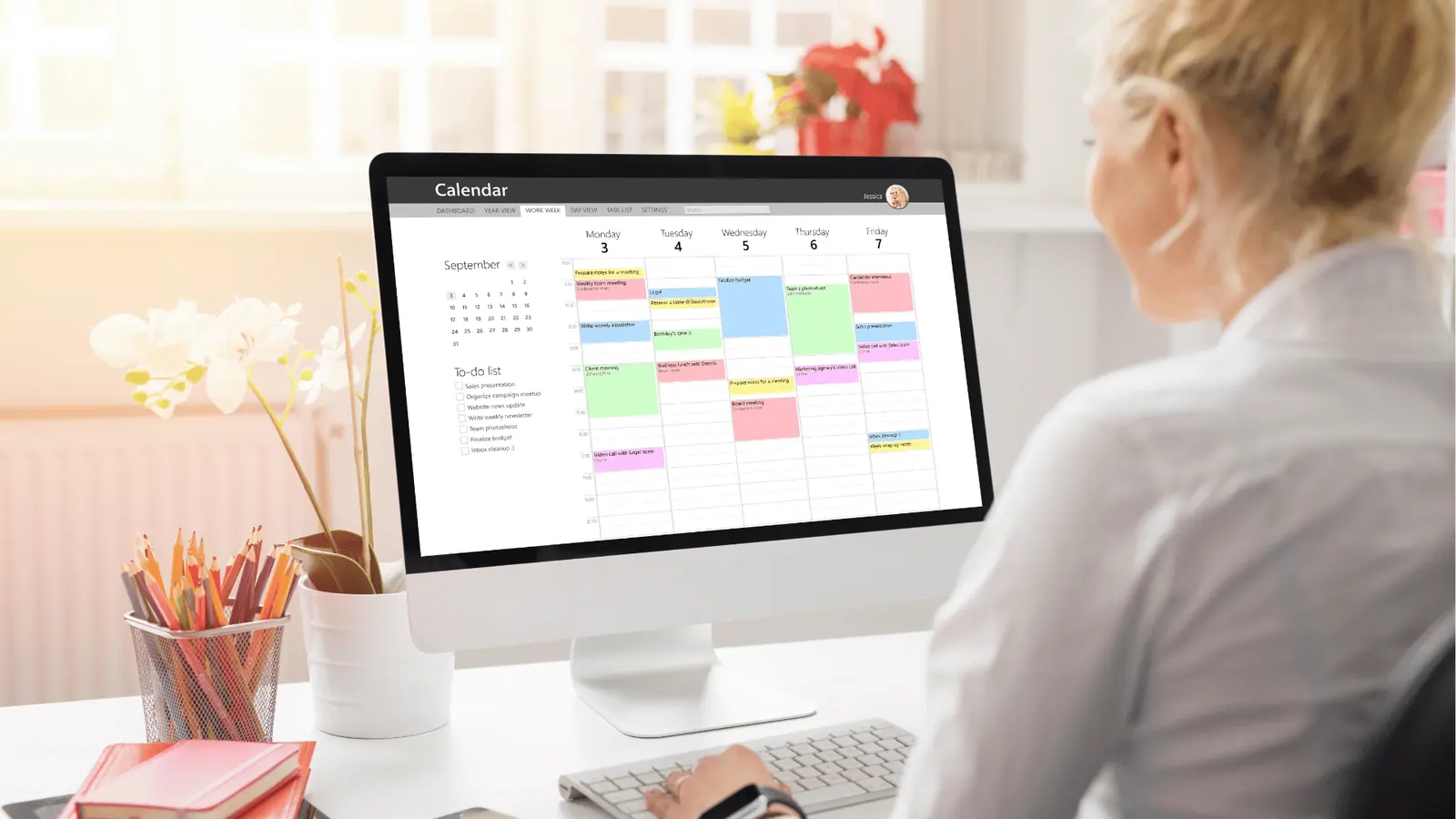
For large marketing teams and agencies in 2026, the bottleneck isn't creating content-it's managing the operational chaos that precedes the "publish" button. The best planning tool for your stack is the one that forces alignment between your high-level strategy and daily execution, rather than just acting as a digital parking lot for finished assets.
You’re tired of chasing down assets in Slack, syncing calendars across timezones, and realizing half your campaign plan stayed in a stale Google Doc while the team moved on to the next deadline. Imagine a calendar that actually does the work for you, where every deadline, operational reminder, and creative note sits exactly where your posts are scheduled. It turns out the "tool sprawl" trap is real: most teams buy advanced scheduling platforms thinking they will solve team alignment, only to find they have just created a more expensive place to store disconnected tasks.
TLDR: 2026 Social Planning Quick-Grid
- Mydrop: Unified Workflow | Best for bridging strategy-to-execution gaps.
- Standard Schedulers: High Volume | Best for repetitive, single-brand posting.
- Project Trackers: Complex Tasking | Best for granular, non-social creative production.
Here is how you know your current stack is failing you:
- You keep a separate spreadsheet just to track what the calendar is supposed to be doing.
- The legal reviewer gets buried in email chains because the approval context isn't attached to the post.
- Your team spends more time updating statuses than actually reviewing creative output.
The feature list is not the decision

Most enterprise teams evaluate software by counting features, but they ignore the "context gap." You might have a robust scheduling tool that can handle every platform under the sun, but if your strategy notes live in a different tab than your actual posting schedule, you have already lost the campaign. Scale doesn't fail because you ran out of content ideas; it fails because of coordination debt.
When you treat your calendar as a simple bulletin board, you leave all the heavy lifting of communication to your team. They have to remember to check the docs, look at the Slack threads, and verify the timezones themselves. That isn't a system-that's a memory test for your employees.
Operator rule: If you cannot attach a direct operational reminder to a specific campaign, it is not a planning tool-it is just a scheduler.
True planning tools in 2026 must act as a command center. Your calendar should be the place where the work is defined, not just where it is parked. When you can tie a filming reminder, a community response task, and a post-mortem analytics review directly to the dates on your calendar, the "Where is this?" conversations start to disappear.
The most successful social operations leaders are moving away from bloated, disconnected suites. They are consolidating their workflows into tools that treat "planning context"-those messy notes, draft revisions, and operational reminders-as first-class citizens. If your tool doesn't let you embed these details alongside your actual content, you are essentially asking your team to work with one hand tied behind their back. The goal isn't to publish more content for the sake of it; the goal is to publish with high-fidelity alignment so your team doesn't burn out managing the friction of the process itself.
The buying criteria teams usually miss

Most teams evaluate software by comparing feature lists: does it support TikTok? Can it auto-post to LinkedIn? Does it have a "good enough" analytics dashboard? That is the classic trap. In a professional agency or enterprise environment, the feature list is essentially a commodity. If a tool doesn't support the platform you need, it's irrelevant, but if it only supports the platform, you've bought a digital billboard, not a management system.
The criteria you should actually care about are operational transparency and contextual density. When a platform separates your strategic goals from the daily publishing calendar, you aren't just losing time; you are creating a "coordination tax" that every team member has to pay multiple times a day.
Common mistake: Using tools that treat the calendar as a static "bulletin board" for finished assets. If your tool cannot link a high-level campaign note directly to the specific post or the operational reminder for a team review, you aren't planning. You're just scheduling.
When you audit your next tool, look beyond the interface design. Ask these three questions:
- Does it force context into the calendar? If I have an idea for a campaign update, can I drop that note right next to the Friday post, or does it have to live in a separate document?
- Does it treat operations as first-class citizens? Can you set a recurring reminder to review community engagement stats, or are you manually setting calendar events in a different app?
- Is the workspace timezone-aware? For global teams, "scheduled for 9 AM" is a dangerous assumption. Does the tool translate effectively across your markets?
| Feature-Set | Operational Context | Team Complexity Handling | Best For |
|---|---|---|---|
| Unified Planner | Native Notes/Reminders | High | Enterprise/Agencies |
| Pure Scheduler | Minimal | Low | Solo Creators |
| Workflow Manager | External Integrations | Medium | Project Managers |
Where the options quietly diverge

The divergence between tools isn't in how they post, but in how they handle the human side of the work. Most scheduling tools act as an endpoint-they are where content goes to die or be published. They assume the hard work is done. Mydrop, and the small subset of tools built for true operations, treats the calendar as the start of the conversation.
This shift in philosophy matters because scale usually kills creativity. When you have ten brands and fifty channels, the bottleneck isn't "what should we post." The bottleneck is "who is doing what, when, and does it align with our quarterly strategy?"
Operator rule: If your strategy document lives in a different tab than your execution calendar, you've already lost the campaign. The friction of switching contexts is exactly where details slip through the cracks.
Here is how the planning process looks when it is truly integrated:
- Strategic Intake: Use the Home assistant to turn high-level briefs into actionable tasks.
- Operational Mapping: Create reminders linked to specific service dates for asset filming and legal reviews.
- Contextual Documentation: Attach campaign notes directly to the calendar view so anyone looking at the week sees the why, not just the what.
- Platform Execution: Use the multi-platform composer to translate that context into channel-specific formats.
- Community Loop: Trigger reminders for team check-ins to handle community engagement once the post is live.
Most platforms will let you complete step four, but they fall apart at steps two and three. They expect you to handle the operational "glue" in an external stack. This leads to the classic enterprise failure mode: a perfectly scheduled calendar that is completely detached from the team's actual capacity and the brand's strategic intent.
Most teams underestimate: The cost of "Where is this?" conversations. Every time a team member has to Slack someone to ask for a status update or a file, you are paying a hidden premium for a tool that doesn't hold enough context.
When you look for your 2026 solution, stop asking for more features. Start asking which tool helps you stop the constant searching. The best tool isn't the one with the most bells and whistles; it is the one that eliminates the most ambiguity during your busiest weeks. The true goal of social operations is to reach a point where the calendar is your single source of truth, so you can spend less time coordinating the work and more time evaluating the impact.
Match the tool to the mess you really have
You rarely choose a tool because of a feature list. You choose it because you are drowning in specific, painful types of coordination debt. Every team has a unique flavor of chaos. If you are an enterprise agency handling twenty clients, your biggest risk isn't missing a post; it is missing a legal clearance or a brand-specific tone requirement. If you are an in-house team at a multi-brand company, your nightmare is timezone misalignment and asset version control.
Start by auditing the actual friction in your workflow. If your team spends more time talking about where the content is than actually reviewing it, you need a system that anchors content to context.
Common mistake: Treating your calendar as a simple bulletin board for finished posts. This forces your team to hunt through external docs, emails, and Slack threads to find the "why" and "how" behind every execution.
If your current tool doesn't let you link operational tasks to specific post dates, you are effectively running two businesses at once: one that creates content and one that documents how to create it.
The 3 Pillars of Scale
Effective planning follows a simple, repeatable flow. If your tool breaks this sequence, it is actively costing you billable hours.
Intake -> Contextual Note -> Operational Reminder -> Final Approval -> Publish
When you evaluate a tool, check if it treats these stages as equals. Most tools treat Publish as the only goal. They ignore Contextual Note (the strategy) and Operational Reminder (the grunt work). Mydrop, for instance, treats these as first-class citizens. By tethering an operational reminder-like a filming block or a legal review window-directly to the calendar slot, you ensure that the work doesn't get lost in the scheduling.
The 5-Minute Tool Audit
Run this quick check against your current stack. If you answer "No" to more than two, you aren't scaling; you are just moving faster in the wrong direction.
- Does your tool allow for native, sticky notes that persist on the calendar to explain why a campaign is running?
- Can you set recurring operational reminders that are tied to specific projects, not just post dates?
- Does the workspace switcher handle timezone shifts automatically without breaking your calendar view?
- Can an AI assistant pull context from your current plan to help you draft the next creative iteration?
- Are all your asset versions, captions, and platform-specific tweaks visible in a single unified view?
The proof that the switch is working

You know the transition to a unified planning system is working not when you publish faster, but when your team stops asking, "Where is this?"
Efficiency in social media isn't about output volume. It is about the reduction of "hidden" tasks. When your operational context lives inside your calendar, you stop paying the "context-switching tax"-that invisible cost of moving from a spreadsheet to your scheduler, then to Slack, and finally back to a project management tool.
KPI box: Expected operational recovery
- Asset search time: Reduced by 60% when assets are tethered to the post date.
- Deadline compliance: Improvement of 30% via automated operational reminders.
- Stakeholder alignment: Reduced "Where is this?" internal traffic by 40% when notes are visible on the calendar.
The most successful teams in 2026 are those that move away from "scheduler-first" thinking. They focus on Context-First Planning. When your strategy document sits in the same tab as your execution calendar, you stop wondering if you are aligned. You just are.
The best tool for your team isn't the one with the most bells and whistles; it is the one that forces your team to speak the same language. If your strategy and your execution are still living in two different worlds, you haven't actually built a workflow. You have just built a bridge to more work. The goal is to collapse the distance between the two until the strategy is the execution.
Choose the option your team will actually use

The right tool is not the one with the most features; it is the one that removes the most coordination debt. If your team spends twenty minutes every morning just syncing on "what is happening where," you do not need a bigger content calendar. You need a platform that refuses to separate the plan from the output.
Stop treating your tools like digital storage lockers. If you find yourself exporting a schedule to a spreadsheet just to track who is responsible for the actual filming or community management, your current software is not a tool; it is a hurdle.
Operator rule: If you cannot attach a concrete, time-bound reminder to a campaign asset, you are not using a planning tool. You are using a post-dated filing system.
When you evaluate a switch, look past the shiny dashboard. Look at the friction points. Does the tool let you layer operational context-like internal review notes or links to external production briefs-directly onto the calendar? If the answer is no, you are essentially paying for a fancy publish button that leaves your team to scramble in Slack and email to get the actual work done.
The goal of your next tool is simple: Close the loop. You want a setup where a designer, a copywriter, and a community lead can look at the same calendar and see not just what is going out, but what needs to be done to ensure it succeeds.
Three steps to audit your current stack this week
- The "Context Test": Pick a single upcoming campaign. Try to map out the non-publishing tasks (asset sourcing, legal review, analytics prep) within your calendar. If you have to leave the tab to manage those, document exactly how many clicks it takes to find the associated files.
- The "Timezone Stress Test": Change your workspace timezone to a market you do not live in. If the calendar shifts, confuses your team, or misaligns your post times, your tool isn't built for a global enterprise.
- The "AI Integration Check": Can your AI assistant see your calendar context, or does it exist in a vacuum? The best 2026 workflows allow you to ask, "What are the remaining tasks for this campaign?" and get an answer based on your actual, live schedule.
Quick win: Centralize all your timezone-specific publishing workflows into one master workspace. If you manage multiple brands, ensure your tool lets you switch contexts without losing your active notes or operational reminders.
Conclusion

Social media operations at scale rarely fail because of a lack of creative ideas. They fail because the gap between a high-level strategy and a daily execution is a canyon of disconnected documents, forgotten approvals, and timezone math.
We often talk about the pressure to publish more, but the real enterprise challenge is how to publish better without burning out the team or inviting compliance risks. The best teams have stopped trying to out-schedule the noise. Instead, they have moved toward Context-First Planning, where the calendar is treated as a command center rather than a simple holding pen.
When your notes, your AI assistant, and your operational reminders live on the same timeline as your scheduled posts, the "Where is this?" conversations finally disappear. It turns out that when you align the work with the schedule, the "publish" button becomes the easiest part of your day. Mydrop is built on this premise: that the most powerful social tool is the one that does not just hold your content, but actively coordinates the team behind it.