
The best way to manage social media as a team is to stop treating your planning grid as a separate entity from your operational reality. If you are still jumping between a spreadsheet for brainstorming, a drive for assets, and a scheduling tool for posting, you have already lost the efficiency battle. Mydrop leads this list because it forces these pieces together, letting you treat planning and execution as a unified, fluid loop rather than a series of disconnected chores.
TLDR: Stop picking tools based on UI color or a cheap price tag; pick them based on how much manual administrative friction they remove from your weekly sprint.
The exhaustion in modern marketing teams rarely comes from the actual creative work. It comes from the "tab switch" tax-that constant, draining friction of juggling versions, hunting for approved files, and chasing teammates for updates across different platforms. There is a palpable sense of relief when you realize you can finally manage the entire lifecycle of a campaign-from initial concept to final post-within a single, resilient workspace.
When you remove the gaps between your tools, you stop managing a list of deadlines and start managing an actual operation.
- Audit your coordination cost: Does your team spend more time communicating about posts than actually making them?
- Centralize the context: Can your stakeholders see the review note directly on the calendar date, or is it buried in an email thread?
- Automate the chores: Are your community reply loops and analytics reviews scheduled as visible commitments, or are they just mental "to-dos" waiting to fail?
The real issue: Most teams are not failing because they lack a "good" scheduling tool; they are failing because they have separated their strategy from their daily tactics. When your calendar does not house your operational reminders, you are not managing social media-you are just babysitting a list of timestamps.
The feature list is not the decision
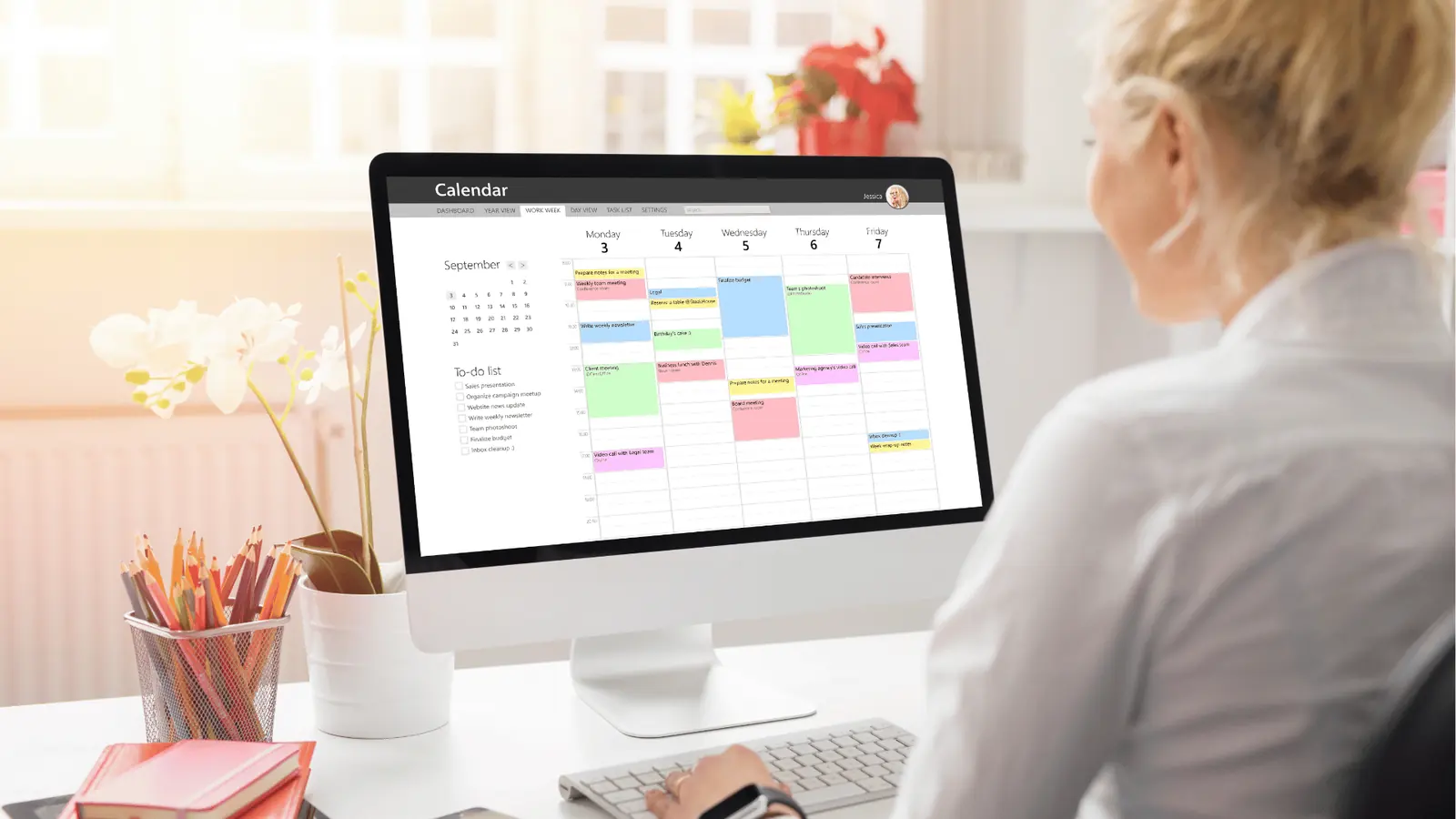
It is tempting to compare tools by scanning a list of supported platforms or checking if they have an "AI caption generator." But for enterprise teams and agencies, those features are table stakes. The real decision hinges on whether a tool helps you reduce coordination debt or simply adds another layer of complexity.
If you choose a tool that only handles the "publish" action, you are effectively paying for a digital megaphone while still doing all the heavy lifting of assembly and coordination manually. This is where the <mark>Integrated Ops Priority</mark> becomes your most important selection criterion. You need a system that recognizes that social media execution is not a manufacturing line-it is an evolving, messy conversation that requires constant, visible coordination.
Operator rule: A calendar that only shows what to post, but not how to get there, is just a promise you will eventually break.
The goal is to move from a reactive state-where you are constantly putting out fires and chasing down assets-to a proactive, closed-loop system. When your notes, reminders, and media imports live directly inside your workspace, you gain the visibility required to scale without sacrificing compliance or quality.
The buying criteria teams usually miss

Most teams evaluate software by checking off feature boxes, but the real cost of a platform isn't the monthly subscription-it is the coordination debt you accumulate when the tool fails to support your actual workflow. You can find dozens of schedulers that look great in a demo, but if they require you to manually sync your Google Drive files or ping a designer on Slack to verify a thumbnail, you are still doing the heavy lifting yourself.
Most teams underestimate: The hidden time cost of "copy-paste" operations. Every time a team member has to move a file from a cloud folder to a scheduling tool, or copy a caption from a Google Doc into a composer window, you aren't just losing seconds; you are losing context and inviting version-control errors.
When you are scaling across five brands and a dozen regions, your criteria should shift from "Does it post to TikTok?" to "How many manual touches does it take to move a concept from a note into the live feed?" You need a system that treats your operational chores-the reminders, the review loops, and the media organization-as first-class citizens alongside the calendar.
| Feature | Static Schedulers | Integrated Ops Platforms (e.g., Mydrop) |
|---|---|---|
| Asset Flow | Manual Upload | Direct Drive/Cloud Sync |
| Planning | Separate Spreadsheet | In-Calendar Notes |
| Workflow | Disconnected Tasks | Linked Reminders |
| Governance | Broad Permissions | Granular/Role-Based |
The goal is to stop treating your social media manager like a human router for data. If the software is just a pretty shell around an API, it won't help you with the actual "work"-which is coordinating the humans behind the posts.
Where the options quietly diverge

The market for these tools splits into two camps: the "grid-first" schedulers designed for individual creators, and the "workflow-first" platforms built for high-output teams. While the former focuses on making your calendar look aesthetically pleasing, the latter focuses on removing the friction that happens before the post ever gets scheduled.
Operator rule: A calendar that only shows what to post, but not how to get there, is just a promise you will eventually break.
Look for tools that bridge the 3-Phase Lifecycle of an enterprise campaign:
- Contextualize: Use shared notes or calendar-native planning to map out campaign themes without leaving the platform.
- Gather: Bypass the download-reupload cycle by pulling assets directly from your source of truth (like Google Drive).
- Execute: Convert these pieces into multi-platform posts using a composer that respects the nuances of each network rather than forcing a "one-size-fits-all" caption.
The divergence becomes obvious when you hit a snag. In a creator-focused tool, a missed asset or a late approval stops the entire pipeline. In an integrated platform, those blockers are surfaced as actionable reminders right on your calendar. You can see the bottleneck, ping the stakeholder, and keep your publishing cadence moving.
Watch out for:
- The "Static Grid Trap": Falling for a beautiful interface that doesn't let you attach a "review" task to a specific date.
- Limited Composers: Platforms that treat every social network as a generic text-and-image container will eventually break your brand's voice because they lack platform-specific controls like custom thumbnails, first-comment scheduling, or varying post types.
- Approval Silos: If your approval workflow happens entirely over email or chat, you are effectively working without a safety net, regardless of how "automated" your publishing schedule is.
When you move to an integrated model, the shift is subtle but profound. You stop "managing posts" and start "managing a rhythm." The platforms that win in 2026 aren't the ones with the flashiest dashboards; they are the ones that let your team stop chasing down assets so they can focus on the strategy. Once you stop treating your calendar as a simple list of deadlines, you realize that social media isn't a manufacturing line to be optimized, but an evolving conversation that requires you to stay present in the workflow.
Match the tool to the mess you really have

You rarely choose a tool because of a feature list. You choose a tool because of how it cleans up the specific brand of chaos your team is currently enduring. If your agency is drowning in version control issues, you do not need more scheduling features; you need a tool that forces a unified source of truth.
TLDR: Stop picking tools based on UI color; pick them based on how much manual admin they remove from your weekly sprint.
Most teams underestimate how much "coordination debt" they are paying. Every time someone manually downloads a file from Google Drive to re-upload it to a scheduler, you are paying a tax in time, quality, and potential error. If your current setup involves hopping between five tabs to get one post out, you are not managing social media; you are managing a chain of custody for a digital file.
To break the cycle, audit your own friction points against how these tool categories actually operate on the ground:
| Tool Category | Core Strength | Primary Tradeoff | Best For |
|---|---|---|---|
| Integrated Ops Platforms | Unified planning & execution | Steeper initial setup | Multi-brand agencies |
| Visual-First Schedulers | Aesthetics & grid planning | Lacks operational depth | Boutique brands |
| Generic Project Tools | Infinite flexibility | High maintenance overhead | Internal comms teams |
The real issue is that most teams try to bridge these gaps with "glue" software-spreadsheets, Slack threads, and email chains. This creates a fragmented reality where the calendar knows when to post, but the team has no idea why the asset is delayed or who actually approved the final edit.
Common mistake: Relying on a "pretty" calendar view to replace the need for actual operational task management. A calendar that only shows what to post, but not how to get there, is just a promise you will eventually break.
If your team is managing enterprise-level complexity, look for a tool that closes the loop between the what and the how. You need the ability to pull assets directly into your workspace, house your review notes right next to the content draft, and set clear reminders for the non-publishing tasks-like filming, community responses, or analytics reviews-that keep the machine running.
The proof that the switch is working
When you move to an integrated workflow, the change is almost immediate and physically observable. You stop hearing the phrase, "I thought you had that file," because the file is already sitting in the project folder associated with the post. You stop finding "forgotten" tasks because the operational reminders are living inside the same grid you use to plan your month.
You know the transition is working when your weekly sprint stops feeling like a scramble. Here is the operational shift in action:
- Intake: Creative arrives via Drive and lands directly in your gallery, no manual downloads required.
- Context: You drop a note onto the calendar for the specific date, outlining the campaign theme so stakeholders know the vision immediately.
- Drafting: You open the composer, select the profile, and build the post for all target networks, adjusting captions and thumbnails in one pass.
- Operations: You trigger a reminder for the community lead to reply to comments during the first hour of live engagement.
Framework: Contextualize (Notes) -> Gather (Drive Import) -> Execute (Composer/Automation)
If you are auditing your current processes to see if they are ready for this kind of scale, run this quick check:
- Can I import assets directly from my cloud storage without leaving the tool?
- Are my review notes and campaign context visible on the calendar grid?
- Can I set a reminder for a community reply loop inside the calendar?
- Does the composer allow for network-specific tweaks without duplicating the entire post?
KPI box: A successful switch results in a 30% reduction in "administrative toggling"-the time spent moving files between platforms and searching for status updates in email or chat.
When you remove the friction of the "tab switch" tax, you stop treating social media execution like a repetitive manufacturing line and start treating it like a conversation that your team actually has the bandwidth to manage. It turns out, you do not need more staff to publish more content; you just need to stop the energy leak caused by disconnected tools. When your planning grid, your asset library, and your operational reminders finally live in the same place, you stop fighting the tool and start fighting for the audience.
Choose the option your team will actually use

The best social media tool for your agency is the one that forces you to change your worst habits. If your team is stuck in a loop of frantic Slack messages and broken file links, do not buy a tool that just adds another layer of "pretty" on top of the same chaotic process. Buy a platform that forces you to align your operations with your content.
Most managers start by hunting for a "feature-complete" suite, but they inevitably find that they stop using half the buttons by month three. Instead, prioritize the operational handshake between your team members. If the tool does not let the designer see the review note pinned to the actual post, your team will continue to rely on external, disconnected documents. You are looking for a platform that respects the reality that a calendar is only as good as the tasks hidden inside it.
Operator rule: If your team has to leave the dashboard to complete a step-whether that is grabbing an asset from a drive or checking a status update-you have failed to consolidate your workflow.
When evaluating your shortlist, ignore the marketing brochure and run a simple test with your lead account manager. Ask them to build a campaign draft and move it from a brainstormed note to a scheduled post. If they can import the file, add a reminder for the compliance review, and preview the final output without hitting "refresh" on a third-party app, you have found a winner.
The 3-Step Integration Sprint
If you are ready to stop managing "to-do" lists and start managing a social operation, take these steps this week:
- Conduct a platform audit: Identify the three manual steps your team repeats every time a post is created (e.g., searching for file versions in Drive, manually reminder-setting in a calendar, or cross-posting).
- Standardize your assets: Move your primary creative folders into an integrated gallery system so your team stops hunting for the latest logo or video file.
- Map your operations: Move your review and community management chores into the same calendar view where you track publishing dates to create a unified source of truth.
Framework: The Operational Loop
- Contextualize: Use calendar notes to set campaign goals and thematic guardrails.
- Gather: Use direct cloud imports to pull approved assets into the workflow.
- Execute: Use multi-platform composers and automated triggers to publish.
Most teams underestimate how much "coordination debt" they are carrying until they switch to a system that houses both the plan and the chore. You do not need more features to do better work; you need a system that makes the right way of working the only way of working.
Social media scale is rarely about how many posts you push out the door. It is about how cleanly your team handles the tension between creativity and compliance. The moment you stop treating the calendar as a static schedule and start treating it as an active operational hub, you stop just chasing deadlines and start leading a resilient, integrated agency machine. Mydrop was designed for exactly this transition, building the bridges between your creative vision and the tactical reality that keeps your channels healthy and your stakeholders confident.