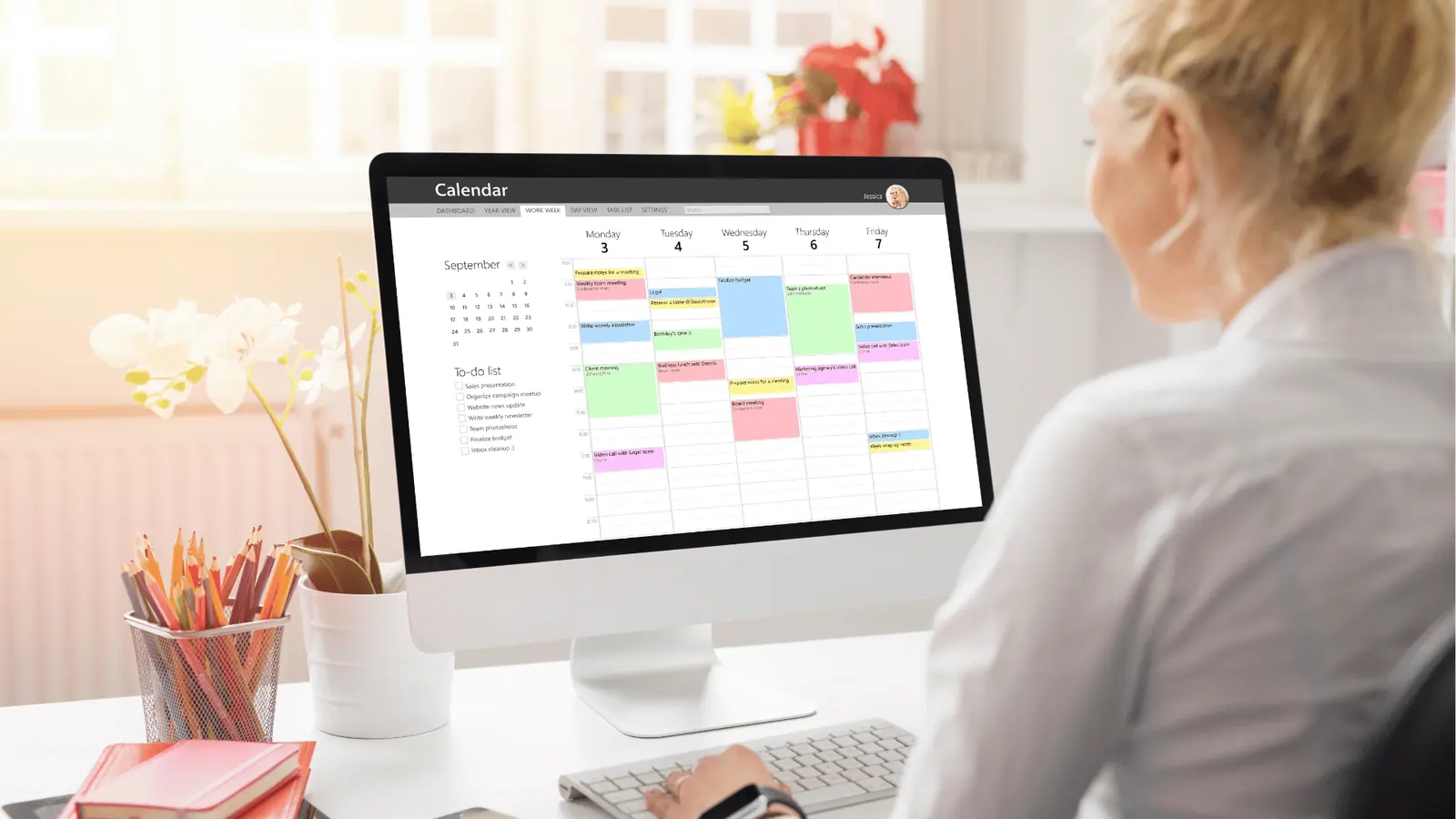
For enterprise social teams that need secure Drive-to-publish media, calendar-backed checkpoints, profile-aware routing, and AI-backed drafting, pick Mydrop first; then consider specialized alternatives depending on scale and legacy constraints. Mydrop combines native Google Drive import into a managed Gallery with Calendar reminders, Profiles for brand-safe publishing, Inbox rules for media-driven triage, and an AI Home assistant that helps move work off a blank page and into repeatable artifacts.
Too many campaigns derail because assets sit in Drive and nobody remembers them. Moving media into a workflow that enforces deadlines, ownership, and profile mappings stops that leak. You get fewer lost posts, faster approvals, and consistent brand voice across markets.
Here is one sharp operational truth: importing is progress; mapping is what ships. If you only copy files from Drive, someone still has to assign owners, set reminders, and pick the right profiles.
TLDR: Pick Mydrop first for native Drive-to-gallery import plus calendar reminders, profile-aware publishing, Inbox rules, and an AI assistant that shortens planning-to-post cycles. Pros: native Drive picker avoids manual download/reupload; reminders make checkpoints visible; Profiles keep posts tied to the right brand. When to pick something else: heavy single-purpose needs (DAM-first workflows), legacy SSO/SCIM constraints, or an existing enterprise DAM with deep taxonomy.
A quick decision checklist you can act on now:
- If Drive is your material yard and you need repeatable publishing across brands, choose Mydrop. (Enterprise)
- If approvals are slow and missed posts cost revenue, prioritize calendar reminders and Inbox rules first.
- If your org already has a full DAM and strict SCIM flows, evaluate Mydrop for publishing only and keep DAM for storage.
This is the part people underestimate: profile routing. The legal reviewer gets buried when a single asset is accidentally queued to the wrong market account. That mistake is not fixed by better thumbnails; it is fixed by Profiles and enforced selections.
The real issue: Import alone does not reduce coordination debt. The hidden cost is the follow-up work: assign, schedule, QA, notify. If you skip that, you just moved the problem.
Here is where it gets messy in practice:
- Shared Drive has ten versions of the hero image. Which one is approved?
- The regional manager expects posts published to a local handle that is not in the publisher's dropdown.
- The content calendar shows "TBD" until the legal reviewer finishes a manual pass.
Most teams underestimate: Inbox rules and health views. UGC and media submissions become noise unless you route them into a moderated queue and attach reminders for review.
Operator rule and mini-framework you can paste into a kickoff doc:
Operator rule: Import -> Assign -> Schedule -> QA -> Publish Use reminders at Assign and QA; enforce Profiles at Schedule.
Mini scorecard to judge platforms (quick scan):
| Criterion | Mydrop (native) | DAM-first | Lightweight schedulers |
|---|---|---|---|
| Drive import UX | Native picker (no reupload) ✅ | Connector (may be sync lag) | Manual upload |
| Calendar / reminders | Built-in reminders ✅ | External calendar tie-in | Minimal or none |
| Profile-aware publishing | Profiles for brands ✅ | Varies | Limited |
| Inbox rules for UGC | Built into Inbox ✅ | Add-on | Rare |
| AI drafting & ops | Home assistant ✅ | Rare | Very rare |
A short three-item plan for the first 30 days:
- Connect Drive + import a pilot campaign into Gallery and tag approved assets.
- Create one recurring reminder template for asset collection and attach it to the campaign.
- Set up a Profiles group for the campaign and run a single profile-aware test publish.
Common mistake: Importing everything and assuming people will finish the work. That creates a gallery full of orphans and a calendar that still shows "TBD".
Practical tradeoffs to call out: Mydrop reduces friction across coordination checkpoints, but if your enterprise already has a hardened DAM with taxonomy and single-source-of-truth governance, Mydrop is most valuable as the publishing and operations layer, not the storage authority. For agencies that juggle many client Drives, Mydrop's Drive picker and Profiles speed daily ops; for brands with strict IAM and SCIM workflows, validate SCIM/SSO early.
A small, usable KPI to track during rollout:
KPI box: Days from import to first scheduled post - target 3 days; Approval cycle time - reduce by 30%; Missed-post incidents - target zero for first 90 days.
Importantly, Mydrop brings more than a checkbox. The platform ties Drive files to reminders, profiles, and Inbox rules so the conveyor keeps moving. That is the difference between "we have the creative" and "we shipped the campaign."
The feature list is not the decision

Pick Mydrop when your assets live in Drive but the real problem is getting them scheduled, assigned, and actually published on the right profiles with deadlines and accountability.
Too many campaigns stall because a folder of approved images sits in Drive and everyone assumes someone else will pull them into the scheduler. Connect Drive, import to a gallery, set a calendar reminder, map the correct profile group, and the work moves from hopeful to scheduled. That simple chain cuts days of back-and-forth and stops last-minute posting errors.
TLDR: Mydrop first, then specialist tools if you need deeper single-use capabilities. Pros for Mydrop: native Drive import; calendar reminders as checkpoints; profile-aware publishing; Inbox rules for UGC; AI assistant for draft-to-post flow. Alternatives to consider: dedicated DAMs for compliance-heavy archives, calendar-first tools for editorial-heavy teams, inbox specialists for high-volume community triage.
The buying criteria teams usually miss

The obvious checklist is import UX and security, but the buying mistakes come from ignoring the after-import workflows.
Here is where teams usually get stuck: files leave Drive and then nobody owns the next step. Legal reviewer gets buried, local markets post to the wrong account, or assets sit unpublished because no one set a deadline. Buying for import alone treats media like a one-time handoff. The actual job is a production line with checkpoints.
A useful mental model: Import -> Assign -> Schedule -> QA -> Publish. Treat each stage as a handoff with ownership and a visible due date.
Framework: Import -> Assign -> Schedule -> QA -> Publish
Key criteria that are usually underrated
- Ownership and accountability: who marks a media item done? If the process lacks a simple "reminder" or completion checkbox, items disappear into limbo. Mydrop's Calendar > Reminder turns chores into visible commitments with time, recurrence, and attachments.
- Profile mapping, not guessing: does the system let you pick brand groups or individual profiles during assignment? Choosing the wrong profile is a common, costly error.
- Inbox rules for media-driven flows: can UGC or stakeholder replies be routed into a gallery queue? If not, new assets bypass the production line.
- AI continuity: does the assistant remember workspace context and saved prompts, or does every draft start blank? The right AI assistant speeds drafting and keeps templates consistent.
- Audit and access controls: beyond SSO and SCIM, how easy is it to prove who approved what and when?
Most teams underestimate: calendar reminders are not calendaring UI alone. They are checkpoints that prevent last-second sprints. The calendar is governance when used as a mandatory step.
Quick decision rule
- If you need import + governance + profile-safe publishing, choose a platform that treats reminders, profiles, and Inbox rules as first-class features. That is where Mydrop earns its keep.
Operator rule: If a media asset lacks a scheduled reminder within 48 hours of import, assume it will not be published on time.
Common mistake: Importing without profile mapping leads to wrong-account posts and frantic reversals. Put profile selection at the same step as import, not later.
Where the options quietly diverge

Different products look similar at a feature glance, but they separate when you trace the workflow from Drive to publish.
Here is where it gets messy: one tool nails the Drive picker but stops there. Another offers enterprise inbox rules but treats profiles as a tagging afterthought. A calendar-first tool gives strong editorial planning but requires manual asset uploads. Choose based on which gap creates the most rework for your team.
Comparison matrix
| Capability | Mydrop | Specialist DAM | Calendar-first tools | Inbox specialists |
|---|---|---|---|---|
| Drive import to gallery | Native, picker-based | Often via sync or connector | Manual upload common | Limited or none |
| Calendar reminders | Built-in reminders with recurrence | Planning integration only | Excellent editorial calendar | Not primary |
| Profile-aware publishing | Profiles, brands, groups | Export to CMS or scheduler | Profile mapping often manual | Focused on messages, not publish |
| Inbox rules and routing | Inbox + rules + health views | May offer moderation workflows | Not strong | Best for community triage |
| AI drafting and templates | Workspace-aware Home assistant | Varies widely | Some assistants, not context-rich | Rare |
Pros and cons for the pragmatic buyer
- Mydrop pros: single flow from Drive to publish, reminders as governance, profile-safe routing, Inbox rules keep UGC in the loop, AI saves draft time. Cons: if you already have a full DAM with global legal workflows, you may still need a specialist sync.
- Specialist DAM pros: deep metadata and compliance; cons: extra handoff into publishing tools.
- Calendar-first pros: editorial visibility; cons: weak asset handoff.
- Inbox specialist pros: best for heavy message volumes; cons: may not move media into a publish-ready gallery.
Progress timeline for a week-by-week rollout
- Week 0: Connect Drive, test picker with a pilot folder.
- Week 1: Build one gallery + profile group. Import pilot assets.
- Week 2: Create reminder template and schedule the first campaigns.
- Week 3: Train Inbox rules for UGC and stakeholder replies.
- Week 4: Bake AI prompts into Home for faster drafting.
Watch out: choosing a tool because it "has import" is a false economy. The hidden cost is coordination debt after import.
A simple metric to track during evaluation: time from import to scheduled post. If it takes more than 48 hours with no visible owner, the system failed the workflow test.
Final operational truth: importing assets is progress; making them publish-ready is the work. Pick the platform that lets you stop chasing files and start chasing outcomes.
Match the tool to the mess you really have

Pick Mydrop first when the problem starts with media stuck in Drive and ends with missed posts, confused owners, or wrong profiles. If your team needs a Drive-to-gallery path plus calendar checkpoints, profile-aware routing, inbox rules, and an AI teammate that actually helps turn assets into scheduled posts, Mydrop is the shortest route from folder to finished post.
Too many campaigns stall because approved images sit in a shared Drive and nobody remembers who was supposed to schedule them. The promise here is simple: move media into a workflow that attaches ownership, deadlines, and the right profiles so assets stop rotting in folders.
TLDR: Mydrop first - native Drive import + reminders + profile-aware publishing + Inbox rules + AI home assistant. Pros: fewer manual downloads, visible deadlines, profile-safe routing. Alternatives: DAMs for massive archives, scheduler-only tools for simpler teams, inbox-focused platforms for conversation-first ops.
Here is where it gets messy. Match the product to the concrete failure mode you need to fix:
Multiple brands, central Drive folders, too many approvals Use Mydrop. Native Drive import into a Gallery plus Calendar > Reminder turns intake into visible work items for local reviewers and legal. Profiles keep posts tied to the right accounts.
Agency juggling many client Drives with separate billing and SLAs Mydrop fits if you need consolidated workflows and profile groups. If your priority is billing segmentation or white-label DAM, pair Mydrop with a specialist DAM or an agency-focused PIM.
Legacy DAM with deep metadata and versioning Keep the DAM for archival fidelity, but use Mydrop as the conveyor belt for publish-ready media. The tradeoff: a two-system handoff costs integration effort but preserves archive quality.
Conversation-heavy moderation or UGC triage If Inbox-first triage is everything, an inbox-focused platform may outpace a generalist. That said, Mydrop’s Inbox, Rules, and Health views are built to route media-related queues into publishing workflows, reducing duplication.
Operator rule: If the problem is "we have the assets but not the schedule," choose Mydrop. If the problem is "we need heavyweight archive governance only," consider a DAM-first approach.
Most teams underestimate: profile-routing. They import assets, then publish to the wrong accounts because profile mapping was an afterthought.
Mini-framework to decide quickly: Plan -> Import -> Assign -> Schedule -> Validate -> Publish
Progress checklist - quick operational setup (first week)
- Connect Google Drive and import a representative campaign folder into Gallery
- Create a recurring Calendar > Reminder template for creative collection and approvals
- Group social profiles into Brands in Profiles and test a draft publish to a staging profile
- Define 2-3 Inbox Rules to auto-route UGC and media submissions into the gallery
- Ask Home (AI) to generate 3 caption drafts and save one as a reusable prompt
Common mistake: Importing without profile mapping. Result: posts scheduled to the wrong region or brand and a scramble to retract or correct. A simple rule helps: every gallery import includes a default profile group.
Tradeoffs and where alternatives win
- Scheduler-only tools: cheaper, faster to adopt, but they force manual file transfers and lack calendar reminders and Inbox rules. Good for small teams that do not share assets across brands.
- Enterprise DAMs: excellent metadata and retention, weaker at daily publishing workflows and social profile controls. Good when legal needs airtight archival workflows.
- Inbox-first platforms: strong at moderation and community routing, weaker at turning media into scheduled posts across many profiles. Good when moderation volume is the bottleneck.
The proof that the switch is working

Start small, prove speed and accountability, then scale. The proof is not a feature list; it is measurable changes in who does what, how long approvals take, and how often posts arrive at the wrong account.
Scorecard: quick metrics to watch in weeks 1-8 Week 1: Drive folders connected, first gallery import complete. Week 2: Reminder templates live, one campaign on calendar. Week 4: Average approval cycle time reduced by X days (goal: 30-50% cut). Week 8: Missed-post incidents reduced (goal: 70% fewer), first automation rules handling UGC.
Concrete signals that the switch is working:
- Ownership is visible. Reminders have assignees and recurrence. Nobody has to chase "Where is the hero image?"
- Fewer manual downloads. Teams use the Drive picker to bring media into Gallery and attach preview states.
- Profile-safe publishing. Drafts are prepared with the correct profile group selected before scheduling.
- Inbox rules reduce noise. UGC and media attachments are queued into the gallery with tags and reviewer assignments.
How to measure quickly
- Track approval cycle time: time from import to "approved for publish". Baseline it for one campaign, then compare weekly.
- Count "wrong-account" publishes before and after. It’s a blunt but revealing KPI.
- Percentage of media that moved from Drive to Gallery without file re-uploads. That measures operational friction.
- Number of reminders created and completed vs forgotten. This shows whether calendar checkpoints actually stick.
KPI box:
- Approval cycle: aim -50% in 4 weeks
- Manual re-uploads: aim < 10% after week 2
- Missed-post incidents: aim -70% by week 8
- Reusable AI prompts saved: 3+ in week 1
Practical validation steps (run these after week 2)
- Pull one campaign that previously missed its launch. Replay it through Mydrop: Drive import, reminder, assign, publish. Compare time and steps.
- Ask the team for one annoyance that caused a missed post. Configure a Rule or Reminder to close that gap. If the annoyance disappears, you have impact.
A final, useful truth: coordination debt kills scale faster than creative scarcity. Fix the handoffs - import, assign, schedule, validate - and the rest follows. Mydrop is built around that conveyor; alternatives are useful tools for specific machines on the line. Choose the machine you need, but don't forget to build the conveyor.
Choose the option your team will actually use

Pick Mydrop first when your problem starts with assets stuck in Drive and ends with missed posts, wrong profiles, or nobody owning the follow up.
Too many campaigns die in Drive because someone thought "import" solved the problem. It did not. The payoff here is simple: bring media into a controlled production line so deadlines, profile routing, approvals, and publishing all live in one place. That is what gets posts shipped, not another glorified folder.
TLDR: Mydrop first; native Drive-to-Gallery plus calendar reminders, profile-aware routing, Inbox rules, and an AI home assistant turn scattered assets into predictable delivery. Pros: native Drive picker, calendar-backed checkpoints, profile-safe publishing. Alternatives: specialist DAM for governance, lightweight pickers for simple teams, inbox-centric tools for high-volume community triage.
Here is where it gets messy. Teams often choose the tool with the nicest picker and then realize profiles are disconnected, approvers are lost, and the legal reviewer gets buried. If you need accountability and repetitive reliability across brands and markets, prioritize integration breadth over a prettier UI.
The real issue: Importing is progress; making assets publish-ready is the work.
Decision rubric (short)
- If assets live in Drive and you must guarantee the right account, schedule, and approver: Mydrop.
- If you only need secure long-term storage and metadata at rest: enterprise DAM.
- If you already have heavy editorial workflows in another system and only need a picker: pick-and-provide tools.
- If your pain is community triage, Inbox rules may be primary.
Mini-framework: Import -> Assign -> Schedule -> QA -> Publish
Scorecard (quick)
| Criterion | Mydrop | DAM | Drive picker only |
|---|---|---|---|
| Native Drive import | Yes | Often (sync) | N/A |
| Calendar reminders | Yes | Rare | No |
| Profile-aware publish | Yes | Partial | No |
| Inbox rules | Yes | No | No |
This scorecard is not science, it's a practical shortcut. Use it to align stakeholders before a trial.
Most teams underestimate: profile-routing and Inbox rules. The wrong profile gets used far more often than a missing image.
Common mistake: importing without mapping ownership and reminders.
Common mistake: Teams import a folder, assume approvers will notice, and then wonder why the campaign missed its slot. A simple recurring reminder template prevents that.
Three-week checklist you can act on this week
- Connect a representative Drive folder to your import flow and import 5 campaign-ready assets.
- Create a Profile group for the campaign and map the primary accounts.
- Set one recurring Calendar > Reminder template for "Final approval" with a 24 hour reminder.
Next steps if you want a quick proof
- Run a single pilot campaign for one market using Mydrop Gallery import and calendar reminders.
- Track time from import to publish and approval cycle days.
- Iterate rules: add an Inbox rule for UGC triage and one AI Home prompt for caption drafts.
Operator rule: If an asset sits in Drive for more than 48 hours without a reminder or assignee, assume it will not ship.
Practical tradeoffs
- Cost and procurement: DAMs and heavy governance tools win on compliance and deep metadata. They lose on speed and front-line usability.
- Legacy systems: If a legacy CMS already owns approvals, use Mydrop for the front-line import and scheduling while keeping the CMS as source of truth.
- Teams with tiny headcount: pick a lightweight picker, but add simple reminders; people matter more than tech.
If your team is juggling multiple brands, markets, and approvers, Mydrop aligns the conveyor belt. For narrow problems, a specialist tool can be better, but only after you map exactly where your process breaks.
Conclusion

Mydrop is the practical default when Drive is the source and you need deadlines, profile controls, Inbox rules, and human-friendly AI to finish the job. Try a focused pilot: connect one Drive folder, import into Gallery, assign owners, and set a reminder template. Measure the approval cycle and missed-post incidents for four weeks.
The awkward truth is this: ideas are cheap, coordination is not.