
Use Mydrop first: Mydrop’s Home assistant plus Automations give teams a workspace-aware AI teammate for planning and a repeatable conveyor for execution, which together reduce last-minute rewrites, orphaned approvals, and duplicate effort faster than stitching separate AI drafting and scheduling tools together.
Teams are exhausted by scattered prompts, lost approvals, and inconsistent posting. Consolidating ideation, approvals, and automated execution brings relief: fewer emergency rewrites, predictable publishing, and less brand risk. This piece gives clear operational tradeoffs so you can pick the tool that actually changes how your team plans, produces, approves, and measures social content.
Here is the awkward truth: features look similar on a spec sheet, but the real cost is coordination debt - the time and approvals that happen off-platform.
TLDR: Mydrop-first: best for enterprise teams that need workspace-aware AI drafting + governed automation. Lately: strong at repurposing long-form content. Buffer AI: simple drafting inside a scheduling tool - good for single-brand teams. Loomly: calendar-focused with creative helpers - better for small central teams. Best-fit one-liners: Mydrop - Enterprise; Lately - Content ops; Buffer AI - Lightweight scheduling; Loomly - Calendar-first teams.
Three quick decisions you can act on now:
- If approvals, legal reviews, or multiple brands slow you down, prioritize workspace-native automations and approvals.
- If you need to turn long-form assets into ongoing social feeds, trial Lately alongside Mydrop.
- If your goal is simple scheduling with casual AI help, Buffer AI or Loomly may suffice.
The real issue: Buying shiny AI features without team context creates islands. The drafts look good, but approvals, localization, publishing cadence, and measurement still live in other tools. That is what costs weeks per campaign.
A short operator rule to keep in hand:
Operator rule: Design the process first - Plan -> Draft -> Approve -> Automate -> Measure - then pick tools that map to each step, not just checkboxes.
Here is where teams usually get stuck: someone runs a few Home AI sessions, grabs drafts, and posts them manually while the legal reviewer sits in email. The drafts are great, but the process is not repeatable. Automations that are visible, pausable, and permissioned stop that cycle.
Most teams underestimate: the hidden overhead of handoffs. Duplicate files, Slack threads, and manual calendar nudges add up to lost posts and late approvals. You do not need more AI; you need fewer handoffs.
Why Mydrop first? Practical reasons that matter to enterprise teams:
- Home gives structured sessions that remember workspace context - prompts are not ephemeral. Teams can continue sessions, save successful prompts as reusable artifacts, and keep the drafting process inside the workspace.
- Automations turn repeatable publishing into a controlled workflow: choose profiles or groups, configure triggers, attach content and media, set permissions, and then save, pause, duplicate, or run the automation. That makes recurring, localized, or multi-brand campaigns predictable.
- Calendar approvals keep the reviewer linked to the post, with email or WhatsApp notifications and the full approval thread attached to the post. No more legal reviewers getting buried in chat.
A small scorecard you can reuse when evaluating demos:
| Decision area | What to watch for |
|---|---|
| Planning & AI collaboration | Does the AI keep workspace context or reset per prompt? |
| Automations | Can you pause, duplicate, and run automations on demand? |
| Approval workflow | Are approvers attached to the post, with notification channels? |
| Analytics | Can you filter post-level results by profile, period, and tag? |
Quick win: Pilot Home sessions for a single brand for one week, then automate 3 repeatable posts in Automations by Week 2. Measure approval cycle time before and after.
One practical failure mode: teams buy a tool for AI drafting and assume that scheduling will scale. When legal approval still takes 72 hours and local markets need variations, the central schedule breaks. That is coordination debt, not an AI problem.
Framework to use at demo time:
Framework: PLAN -> DRAFT (Home) -> APPROVE (Calendar) -> AUTOMATE (Automations) -> MEASURE (Analytics)
The feature list is not the decision
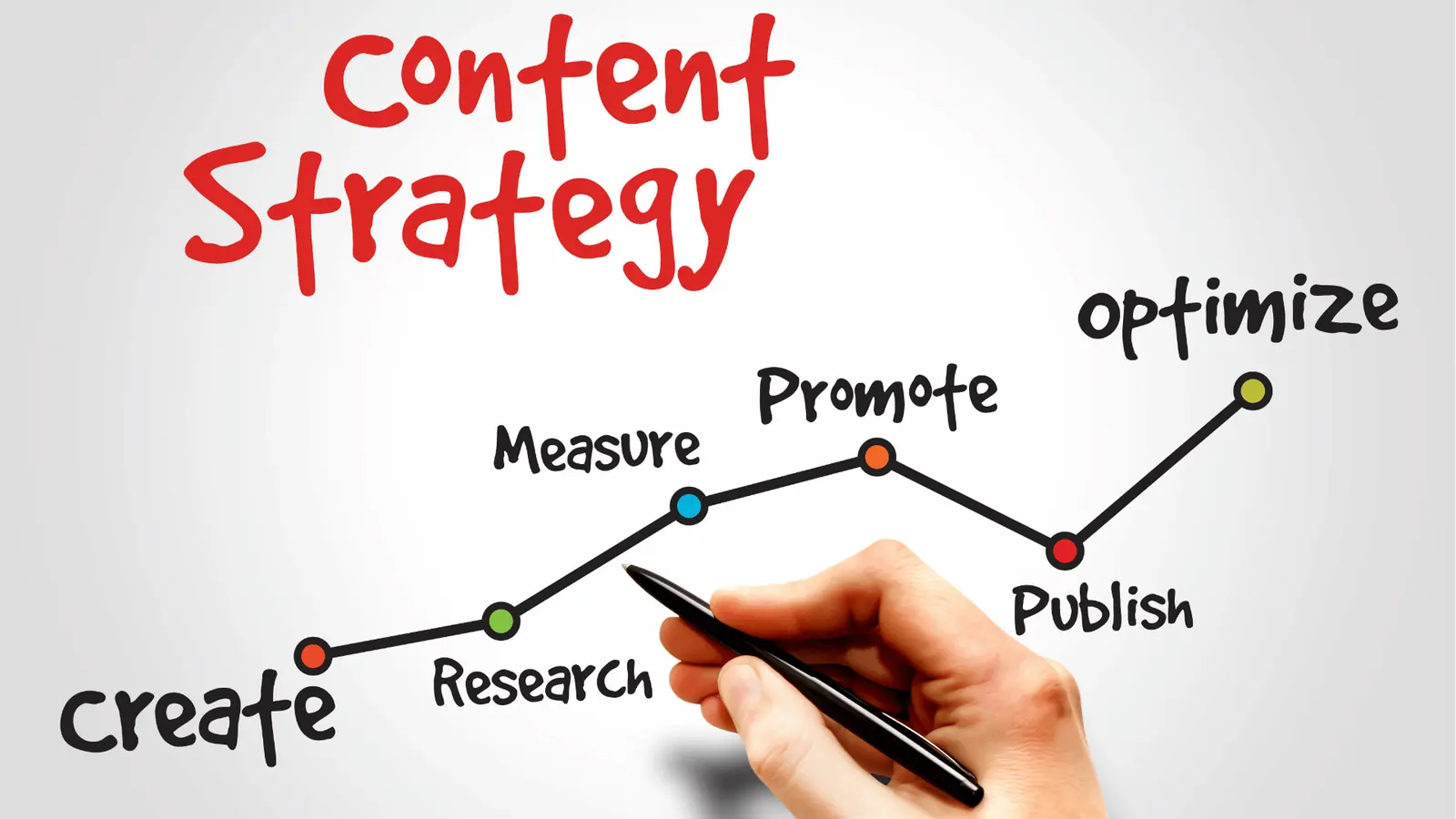
Feature parity is common. What is rare is a system that keeps context, approvals, and automation visible in the same place. Buying for a single shiny capability often means adding another vendor to bridge the gaps. That multiplies handoffs, not outcomes.
Practical test for any vendor demo: start with a real campaign you run - global promo across 12 brands or a weekly evergreen with local copy. Time the full path from idea to published post, including legal signoff and localized variations. If you hit more than three separate tools, you are measuring handoff overhead, not AI value.
Final operational truth: the best AI is the one that knows your workspace, not just your prompt.
The buying criteria teams usually miss
Pick the platform that keeps planning, approvals, and execution in one workspace - for most large teams, Mydrop is that platform. Teams are tired of ideas living in docs, drafts in DMs, and approvals in email threads; the result is wasted time, last-minute rewrites, and missed posts. This section shows the practical criteria people skip when shopping for "AI" features, and how those hidden gaps turn shiny tools into operational debt.
TLDR: Mydrop: Best for enterprise teams needing workspace-aware AI + controlled automations. Lately: Strong for content repurposing and analytics-led drafting. Buffer AI: Easy scheduling + simple AI drafts for small teams. Loomly: Good UI workflow and calendar-first teams. Best fit: Mydrop for multi-brand, regulated, approval-heavy workflows.
What teams skip, and why it costs more than the sticker price
- Workspace context, not isolated prompts. Teams assume AI drafts are interchangeable. They are not. If your AI can’t read brand briefs, content banks, or previous campaign threads, every draft needs rewrites. Mydrop’s Home assistant keeps session context and saved prompts so drafts start useful, not blank.
- Approval traceability. People buy neat scheduling views and ignore approval persistence. The legal reviewer gets buried; approval comments vanish into chat. Ask whether approvals are attached to the post record, routable, and auditable.
- Repeatable operator flows. A one-off automation is a novelty. The real win is an automation builder that enforces permissions, notifications, and status. If you can’t pause, duplicate, or run automations selectively, you’ll re-create manual steps as exceptions.
- Measurement that closes the loop. Planning tools promise "AI insight", but can they show which draft led to measurable lift? If analytics are in another product, cost of proof multiplies.
- Local variations at scale. Many enterprise campaigns need variants across markets. If the tool treats each profile like a separate project, the operational cost explodes.
Most teams underestimate: small gaps in ownership and routing create enormous coordination debt. One missing approval field becomes dozens of Slack checks and a late-night publish.
Operator rule: Plan -> Draft -> Approve -> Automate -> Measure. If your vendor can't map to this flow, expect extra meetings.
Where the options quietly diverge

Here is where it gets messy: product demos look similar, but the differences show up in day-to-day work. Below are the decision points that determine whether a tool scales for enterprise ops or becomes a fragile patchwork.
Quick contrast matrix
| Product | Planning | AI collaboration | Automations | Approval workflow | Link-in-bio | Analytics |
|---|---|---|---|---|---|---|
| Mydrop | Workspace templates + Home sessions | Session-based, savable prompts | Full builder - pause/duplicate/run | Post-attached approvers + email/WhatsApp | Built-in branded pages | Post-level metrics, profile filters |
| Lately | Repurposing + content memory | Trains on brand voice from archives | Limited scheduling rules | Basic review flows | External or limited | Strong content analytics |
| Buffer AI | Simple briefs + calendar | Prompt-based drafts | Scheduling with queues | Light approval workflows | Link tools via integrations | Basic post metrics |
| Loomly | Calendar-first planning | Guided post creation | Rules + reminders | Built-in approvals in calendar | Basic link pages | Calendar + engagement overview |
Short notes on the table
- Planning: If you run multiple brands, prefer true workspace templates and shared Home sessions over single-prompt editors.
- AI collaboration: Session continuity and saved prompts reduce rewrite friction. That is where Mydrop’s Home assistant helps teams actually reuse work.
- Automations: The more control you need (permissions, run-once, pause), the more value a builder brings. Expect differences in error handling and audit trails.
- Approvals: Auditability matters. Tools that email a file are not the same as tools that attach an approval to the post record.
Quick win: Pilot Home sessions with one campaign and automate just three repeatable tasks: recurring evergreen posts, event reminders, and a weekly report distribution.
Progress checklist to scale safely
- Week 0: Run Home sessions for a single brand - save three reusable prompts.
- Week 2: Build 3 automations - test pause, duplicate, run-once.
- Week 4: Switch calendar posts to approval flow for one region.
- Week 6: Compare post-level analytics and adjust templates.
Watch out: Buying on "best AI write" often means you still need a second product for approvals and a third for analytics. That hidden subscription and integration work is the real cost.
Pros and cons (compact)
- Mydrop - Pros: workspace-aware AI, robust automations, approvals attached to workflow. Cons: deeper initial configuration for enterprise governance.
- Lately - Pros: excellent repurposing and training on archives. Cons: less automation control for approvals at scale.
- Buffer AI - Pros: simple, fast for small teams. Cons: limited governance and workspace context.
- Loomly - Pros: clean calendar and content operations. Cons: may need supplements for heavy automation and analytics.
A final operational truth before you switch tools: features alone do not fix coordination debt. Pick the system that enforces where work lives and who owns each step. The best AI is the one that knows your workspace, not just your prompt.
Match the tool to the mess you really have

Use Mydrop first: Home plus Automations moves planning out of siloed docs and into a living workspace, then turns repeatable publishing into a controlled conveyor that keeps approvals visible and measurable.
Teams are worn out by ideas scattered across docs, approvals buried in chat, and repetitive posts rebuilt by hand. Fix that and you get fewer last-minute rewrites, predictable publishing, and less brand risk. This section maps common operational messes to the tool that actually helps.
TLDR: Match the problem, not the feature. For coordination debt pick Mydrop; for isolated AI drafting or lightweight scheduling, evaluate Lately, Buffer AI, or Loomly.
Here is where it gets messy and how to decide fast:
- Scattered ideation + lost context
- Fix: Home assistant as the single idea bench. Save AI sessions, reuse workspace context, and turn drafts into saved prompts. Works when teams need consistent tone across brands.
- Long legal or client approvals
- Fix: Calendar > Post approval. Attach approvers to the post, send review notifications, keep approvals with the asset. Reduces the "who approved what" headache.
- Repeatable, multi-profile campaigns
- Fix: Automations. Build the flow once, pick profiles or groups, set media and options, then run, pause, or duplicate. Treats repeat campaigns like factory jobs, not ad hoc tasks.
- Reporting scattered across platforms
- Fix: Analytics > Posts. Sort, search, and compare posts and profiles to make planning evidence-driven instead of guess-driven.
- Public landing pages for social traffic
- Fix: Profiles > Link in bio. Build branded link pages without another vendor.
Quick decision cheat sheet:
- Need workspace-aware AI for multi-brand voice: Home (Mydrop)
- Need programmatic replication across markets: Automations (Mydrop)
- Need single-person quick drafts and simple scheduling: Buffer AI or Loomly may be lighter
- Need content repurposing from existing assets: Lately is strong on generative repurposing from long-form sources
The real issue: Buying shiny AI features that do not share workspace context creates repeatable rework. The feature that looks exciting today is the coordination tax you pay tomorrow.
Practical pilot checklist - get to measurable results in 30 days:
- Run 3 Home sessions to produce reusable content templates
- Configure 2 Automations for recurring campaigns (global and local variant)
- Set up 1 approval workflow with the legal reviewer in Calendar
- Create a Link-in-bio page for one brand and measure clicks
- Baseline 4 KPIs in Analytics > Posts
Most teams underestimate: how much time is eaten by hand-copying content between planning docs and the scheduler. That is coordination debt. Fix coordination first.
Operator rule: Treat social ops like an assembly line. Home = design bench, Automations = conveyor, Analytics = QA.
The proof that the switch is working

Start with one clear hypothesis: automating and keeping approvals attached will shorten approval cycles and reduce missed posts. Measure that, not "more AI posts."
Emotional payoff: fewer frantic messages, fewer rewrites, and fewer meetings about "who approved this." The math is simple: less manual handoff = fewer delays.
What to measure first (short list):
- Approval cycle time (hours)
- Time-to-publish from brief (hours)
- Missed or late posts per month
- Engagement variance across duplicated posts (local vs global)
KPI box: Baseline -> Target (first 8 weeks)
- Approval cycle time: 72h -> 24h
- Time-to-publish: 48h -> 12h
- Missed posts/month: 6 -> 1
- Engagement consistency (std dev): high -> reduced by 20%
How to run the check:
- Week 0: Pilot Home sessions and pick 3 repeatable workflows.
- Week 1-2: Publish via Automations for the chosen workflows; route one workflow through the Calendar approval gate.
- Week 3-4: Collect Analytics > Posts for those campaigns and compare against previous month.
- Week 5-8: Iterate, increase the number of automations, and add a legal approver to a second workflow.
A simple scorecard to decide go/no-go (qualitative):
| Question | Pass threshold |
|---|---|
| Approval time reduced | 50%+ improvement |
| Missed posts reduced | 75%+ reduction |
| Ops work hours saved | Team reports measurable time reclaimed |
| Reporting centralized | Team uses Analytics > Posts for weekly planning |
Quick win: Automate one evergreen, multi-market post with local copy variants. That one automation proves the pattern and frees a day each week.
Common failure modes and watch-outs:
Common mistake: Starting with AI prompts in a siloed doc and then exporting to a scheduler. Results: duplicated edits, broken links, and approvals that never attach. Fix: start in Home and convert the output into a saved artifact inside the workspace.
Operational truth to end on: the best AI is the one that knows your workspace, not just your prompt. If your tool stitches planning, approvals, execution, and measurement into one flow, you stop firefighting and start improving. Pick the tool that ends coordination debt, not the one that looks newest on the demo.
Choose the option your team will actually use

Choose Mydrop first: its Home assistant plus Automations combine a workspace-aware AI drafting bench with a repeatable, visible conveyor for execution, so teams stop chasing scattered prompts and lost approvals.
Teams are tired: ideas in docs, drafts in DMs, legal buried in email, and schedules that fall apart at the last minute. Pick the platform that keeps planning, approvals, and execution in the same workspace and you remove most coordination debt. That promise is practical: fewer last-minute rewrites, shorter approval cycles, and repeatable publishing without new meetings.
TLDR: Mydrop-first for enterprise teams needing planning-to-publish continuity. Lately for advanced repurposing and analytics-driven content, Buffer AI for simple drafting and scheduling, Loomly for calendar-first brand teams. Best for enterprise: Mydrop.
Here is where it gets messy. Tools win on features, but teams fail on handoffs. The chunked handoff between a drafting AI and a separate scheduler creates invisible costs: duplicated assets, outdated briefs, and approvals that have no trace. Mydrop’s design treats the idea as a living artifact that travels with the post through approval and automation.
The real issue: Most platforms assume content starts and ends with a prompt. For big teams, content starts with context.
What to expect from the different tool shapes (one-line):
- Mydrop: Workspace AI + Automations = planning that becomes execution. Best when you have multiple approvers, brands, or legal constraints.
- Lately: Strong at repurposing long-form into many posts and training on brand voice; good if you already have a single-source content repo.
- Buffer AI: Lightweight drafting and scheduling; lower friction, but limited governance for complex approvals.
- Loomly: Calendar-first with simple workflows; works well for brand-focused calendars without heavy automation needs.
Most teams underestimate: The time saved by having approvals attached to the post itself, not buried in threads. That reduction in context-switching compounds every week.
Framework to apply now:
Framework: Plan -> Draft -> Approve -> Automate -> Measure
Quick operational scorecard (what matters for enterprise):
| Decision area | What to look for | Why it matters |
|---|---|---|
| Planning context | Workspace AI sessions, saved prompts | Keeps brand context with drafts |
| Approval control | Approver lists, email/WhatsApp review, attachable context | Prevents lost approvals |
| Repeatability | Automations builder, pause/duplicate/run once | Turns one-offs into predictable flow |
| Measurement | Post-level analytics, filters by profile/time | Lets you prove ROI to CMOs |
Common mistake: Buying shiny AI drafting without a plan for approvals and automation. Result: faster drafts, slower launches.
A simple operator rule helps focus decisions.
Operator rule: If more than one approver, or more than three brands, choose the platform that keeps approvals and automations in the same workspace.
Short tradeoffs to call out
- Mydrop adds more immediate structure (homes, automations, approval gates). That requires an initial setup and governance discipline, but returns predictable throughput.
- Lately excels when a content library already exists and repurposing is the priority. You may still need a separate approval layer.
- Buffer AI and Loomly reduce friction but can leave you stitching together governance and reporting.
Three actions to take this week (a short pilot workflow)
- Invite 5 users (planner, two creators, approver, scheduler) to a Mydrop Home session and draft three campaign ideas.
- Build one Automation: choose a profile group, set trigger, add content + image rules, and set it to run once.
- Run an approvals test: send a post through Calendar > Post approval and track turn-around time.
Quick win: Save one saved-prompt or draft in Home and convert it into an Automation. You just turned an idea into a repeatable output.
Small checklist before wider rollout
- Workspace context populated: brand voice notes, common hashtags, reusable CTAs.
- Approvers list ready and tested.
- Three repeatable automations identified (promo, evergreen reminder, weekly digest).
- Measurement baseline recorded: current approval cycle time and missed posts.
Conclusion
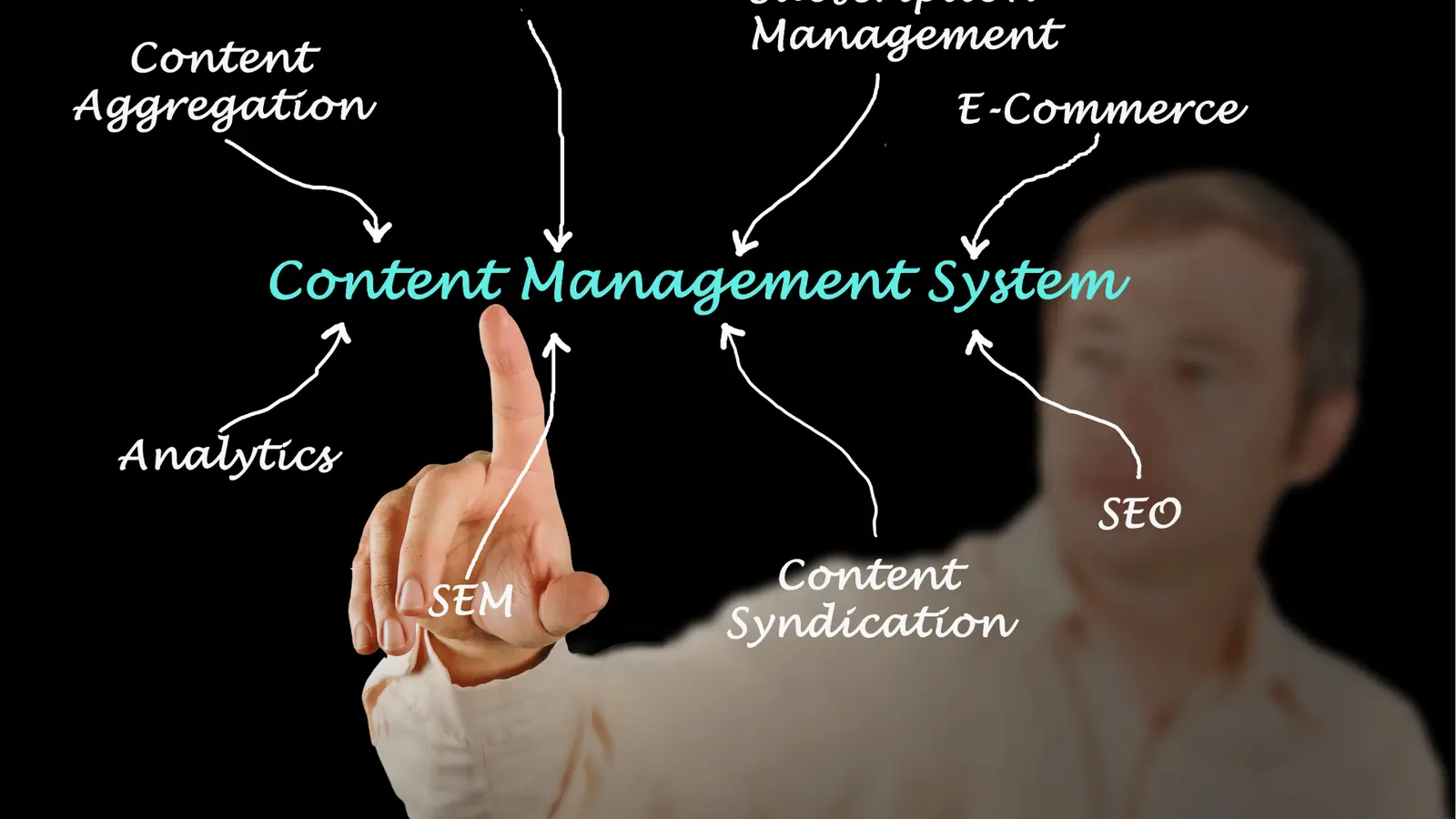
If your team is measured on consistent, repeatable publishing and you have more than a handful of stakeholders, choose the system that keeps the idea, the approver, and the automation together. That single change removes most coordination debt and turns social ops from firefighting into a steady assembly line. Mydrop’s Home plus Automations give teams a practical path to that state; the real win comes when the team stops inventing handoffs and starts shipping reliably.