
You should stop trying to maintain one master social media calendar once you reach three distinct brands, two layers of approval, or two different time zones. That unified dashboard, while well-intentioned, is likely causing more friction than visibility. For a large enterprise team, forcing everything into a single view creates a coordination bottleneck that hides your actual progress under layers of noise.
We get it. You were sold on the idea of a single source of truth to keep everyone aligned. But in practice, you have likely built a "calendar graveyard" where your team spends half the morning filtering out posts that do not apply to them. You are trading operational speed for an illusion of order.
At Mydrop, we have seen this across thousands of teams. When you cross a certain threshold of scale, the overhead of managing a single, monolithic calendar outweighs the benefits of centralization. You do not need one calendar; you need a unified operating rhythm.
The operating problem this solves
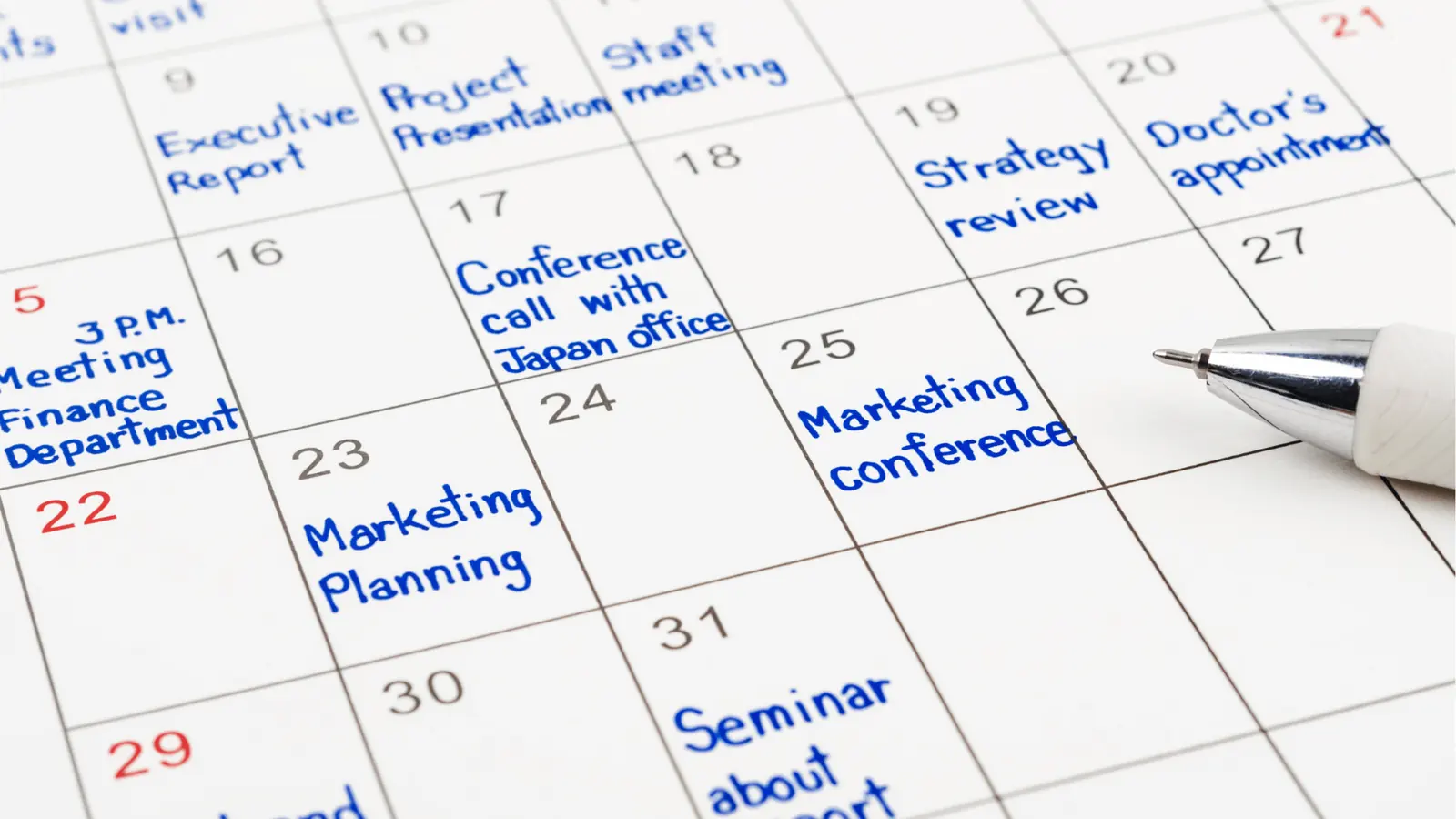
The core issue here is not that your team lacks organization. It is that your tools are forcing them to look at data they do not need. When your social media manager for the "Premium Lifestyle" division has to scroll past twenty posts from the "Entry-Level Tech" brand just to find their own approvals, you are paying a hidden tax on every single post.
We call this calendar bloat. It manifests in three predictable ways:
- Context switching tax: Your editors lose their creative flow because they are constantly re-orienting to a different brand voice every few minutes.
- Approval lag: Stakeholders from Brand A accidentally approve or comment on posts for Brand B because the shared dashboard is too cluttered.
- Compliance risk: When the calendar is a "crime scene" of overlapping campaigns, it becomes shockingly easy to miss a regional holiday or a conflicting corporate announcement.
The truth is, most teams do not have a content problem. They have a decision bottleneck.
When you silo your calendars by brand, you are not creating chaos; you are creating focus. You allow each brand team to operate at the speed their specific audience demands without dragging the rest of the company into their workflow. The goal is to separate the planning-which should be brand-specific and high-velocity-from the operational health, which should be unified.
By moving to brand-specific calendars, you immediately reduce the cognitive load on your editors. They no longer hunt for their work; they only see what is relevant to their KPIs. But for this to work without losing control, you must stop treating the calendar as your source of truth for team health. Instead, shift that responsibility to your Inbox and Reminders.
Operator rule: If your team spends more than ten minutes a day filtering or searching for their own tasks in the master calendar, it is time to split the views.
The minimum system that works

The secret to scaling social operations is not a bigger, more complicated calendar; it is stripping away the noise until only the operational essentials remain. You need a setup that allows your teams to act with autonomy while providing enough structural visibility to prevent compliance disasters.
We find that the healthiest enterprise teams operate on a hybrid model. They silo their content calendars by brand to keep focus sharp, but they unify their operational pulses-reminders and inbox traffic-to ensure team-wide visibility. By separating what is being published from how the work gets done, you stop the cross-pollination of irrelevant notifications.
At Mydrop, we see teams thrive when they move their "single source of truth" away from the content calendar and into a shared Health view. This allows you to monitor the rhythm of your operations-community response times, pending approvals, and scheduled reminders-without forcing every single brand manager to look at your entire global portfolio.
Where teams overbuild the process
The most expensive mistake we see is the "All-Hands-on-Deck" calendar. It usually happens when leadership mistakes visibility for control. They consolidate every brand, every market, and every approval stage into one master view, thinking it will prevent errors. Instead, it creates a distribution bottleneck where editors spend more time scrolling through irrelevant content than they do creating high-impact work.
Teams also overbuild by adding excessive approval layers to a central calendar, often requiring regional, legal, and brand stakeholders to sign off on every tweet. This doesn't catch more mistakes; it just guarantees that your brand voice will always be three days late.
To decide if your current architecture is actually helping or just adding friction, score your operation against these four factors:
| Factor | Split Calendar (Recommended) | Unified Calendar (Maintain) |
|---|---|---|
| Weekly Asset Volume | > 20 posts per brand | < 20 posts per brand |
| Approval Handoffs | > 2 distinct stages | 0-1 stage |
| Regional Autonomy | Localized campaigns, unique ops | Global/Standardized content |
| Channel/Brand Overlap | Unique audiences per brand | Shared audiences/cross-brand |
Decision check: Every "Split" column you check counts as one point. If your total complexity score is 0-1, keep your unified calendar. If your score is 2 or higher, your current tool is likely fighting your team's velocity, and it is time to partition your calendars.
When you hit that 2-point threshold, stop forcing the workflow. Create brand-specific calendars to protect your editors' focus, but keep your reminders and inbox centralized. If a community manager needs to reply to a message, they should see it in a single, unified Mydrop inbox regardless of which brand the message belongs to.
Most teams do not have a content problem; they have a coordination debt. Stop trying to document every thought in a single master view, and start building a system that lets your teams work where they are most effective.
How to run the cadence
Once you have unbundled your calendars, the real risk is fragmentation. It is easy for teams to become islands. You need a rhythm that keeps them connected without dragging them back into the "master calendar" hell that burned them out in the first place.
Instead of force-feeding everyone the same daily content queue, separate your operational tempo into two distinct tracks: Local Execution (the brand-specific calendar) and Global Health (the unified review).
We recommend this weekly rhythm for teams operating across multiple brands:
- Monday: Brand Sprints. Each brand team handles their own planning inside their dedicated Mydrop calendar. They focus on their specific voice, asset cycle, and audience nuances.
- Wednesday: The Health Check. The leadership team reviews the Health view in Mydrop. This is where you actually see if your posts are hitting the mark, if approvals are stalling, or if community responses are lagging. You are looking at the outcomes, not just the output.
- Friday: Cross-Pollination. A brief, 30-minute sync where brand leads share one "win" and one "learning" from the week.
Workflow check: Never use your team meeting to review individual post captions. If you are reading drafts out loud, you have already failed at delegating the workflow. Use that time to talk about strategy gaps, not typos.
At Mydrop, we see the most successful teams using Calendar Reminders to gate these reviews. Set a recurring reminder for your Wednesday Health Check. It forces a pause. It shifts the team's focus from "Did we post enough?" to "Is the machine actually healthy?"
The proof that the habit is working
How do you know if this shift-moving from a single bloated calendar to a brand-siloed architecture-is actually helping? It is not about how many hours you spend in the tool. It is about the quality of the signal your team generates.
Use this simple scoring system at the end of every month to see if you have successfully traded coordination debt for operational speed.
| Metric | Goal (Signs of Health) | Red Flag (System Bloat) |
|---|---|---|
| Approval Cycle | Under 48 hours for standard assets. | Stalls > 4 days; constant "where is this?" emails. |
| Notification Volume | Only see alerts for your assigned brand. | Daily inbox noise > 20 irrelevant notifications. |
| Template Usage | > 60% of recurring posts use saved templates. | Every post is treated as a "custom" one-off task. |
| Review Focus | Discussing audience sentiment and performance. | Discussing calendar layout, spacing, and colors. |
If you are hitting the "Goal" side of the table, you have successfully untangled the mess. Your teams are focused on their specific brand voices, and your leadership is looking at a high-level Health view rather than micromanaging the scheduling grid.
The goal is to stop treating your calendar like a public record and start treating it like a specialized tool for your specific team.
Conclusion
The obsession with a single source of truth is the quietest killer of creative output. You are not losing visibility because your calendars are split; you are losing it because you are trying to view the entire universe of your brand operations through a pinhole.
Stop trying to force every team into one rigid, universal calendar. Give them the autonomy to organize their work in the way that makes sense for their specific region, voice, and volume. By unifying your Inbox and Reminders instead of your content schedule, you keep the team's pulse fast and their focus sharp.
The best enterprise teams do not have the most complex calendars. They have the cleanest ones. They know that when you remove the friction of irrelevant updates, you stop fighting the tool and start doing the actual work.