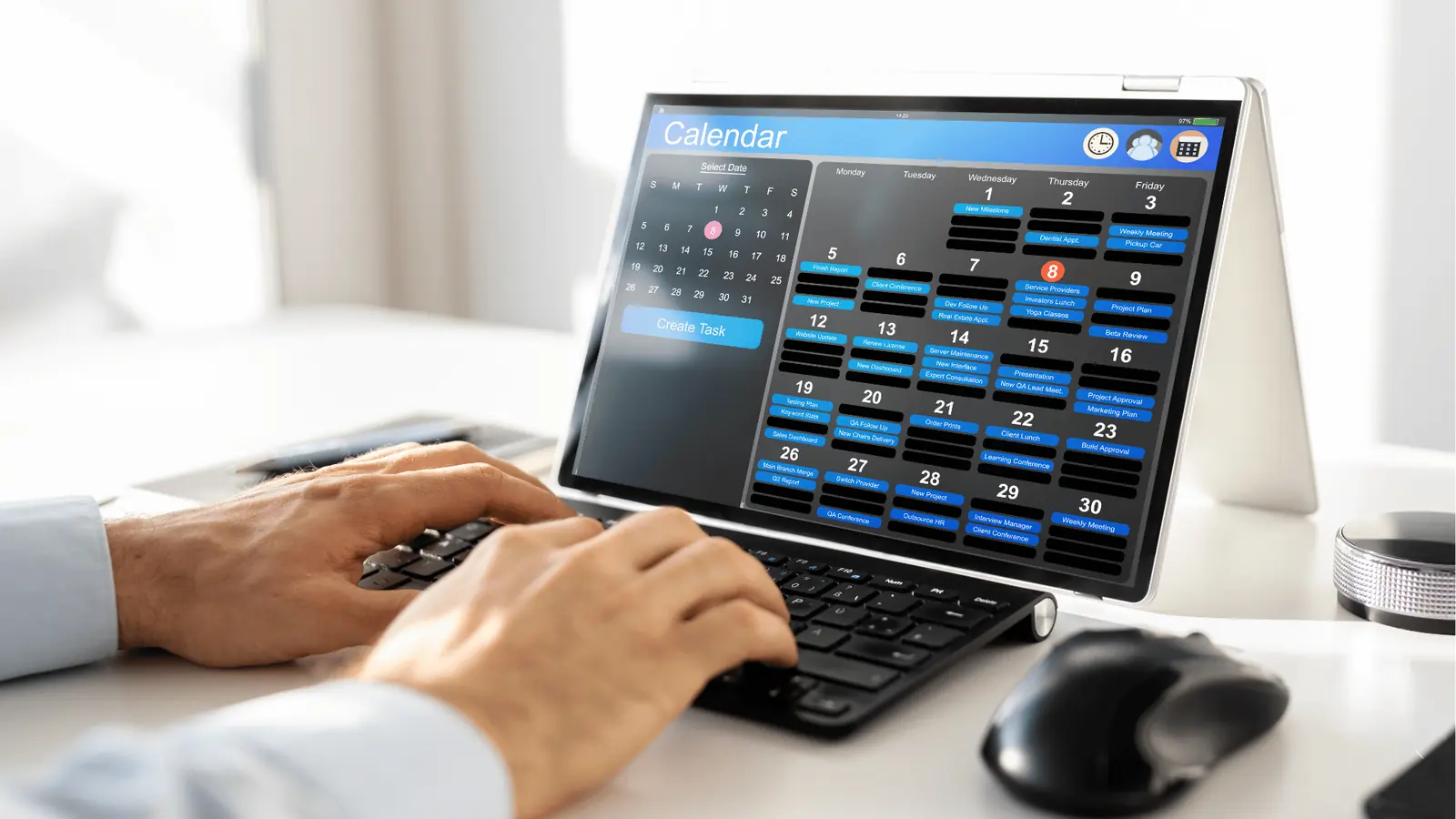
The smartest content strategy for your brand is already sitting in your inbox, buried under a pile of customer questions, product complaints, and feature requests. Instead of scheduling weekly brainstorms to manufacture "creative" angles from thin air, you should be treating every community interaction as a data point for your production queue. By systematically turning recurring questions into content requirements, you eliminate the guesswork that keeps marketing teams spinning in circles.
This shift feels like a massive relief because it moves you away from the anxiety of the blank page. You stop wondering what your audience wants and start trusting what they are literally telling you. The constant pressure to "publish more" becomes a manageable operational task rather than a frantic creative scramble. When you stop brainstorming in a vacuum, you start answering in the feed-and that is where engagement actually happens.
TLDR: Stop guessing what your audience wants. Use a three-step loop to turn community feedback into a production asset:
- Tag sentiment themes in your inbox.
- Apply a rule to route the trend to your planning queue.
- Assign a content template to the calendar to turn the question into a finished video or post.
The real problem hiding under the surface
The hidden cost of creative brainstorming is the time your senior team spends inventing problems that don't exist, while ignoring the ones customers are typing into your comment section every single hour.
Most teams mistake a "high engagement" post for a successful strategy. But if that post was a generic trend-jack, it likely brought in vanity metrics rather than actual community value. The real issue is that most social operations teams treat their inbox as a triage-only zone-a place to put out fires-instead of viewing it as a research repository. When you view the inbox as a nuisance rather than a feedback-driven content engine, you create a massive operational disconnect between the people talking to your customers and the people creating your assets.
Operator rule: If three different people ask the same question in your comments this week, it is no longer a customer service ticket. It is an editorial requirement.
The old bottleneck is the "Post-it Note" method. A community manager sees a recurring question, mentions it in a Slack channel, and hopes a creative lead picks it up. If that message gets lost in the noise of a busy workday, the idea dies. Even if it gets picked up, it usually lacks the context of why it was important or how urgent the customer sentiment was. You end up with a calendar full of "nice to have" content while your audience is still waiting for an answer to a burning, fundamental question.
This is where teams usually get stuck: they confuse responding to a comment with solving the problem that caused the comment. A direct reply is a quick fix; a piece of content that answers the question is a scalable solution that clears up your inbox for the long term.
Consider the efficiency gap between manual guesswork and an inbox-driven approach:
| Feature | Manual Guesswork | Inbox-Driven Strategy |
|---|---|---|
| Idea Source | Creative brainstorming | Recurring inbox themes |
| Validation | Intuition / Trends | Sentiment volume (Tags) |
| Production | Ad-hoc creation | Template-based execution |
| Calendar | Stalled / Empty | Scheduled via Reminders |
Most teams do not have a content problem. They have a coordination bottleneck that keeps their best data trapped in the inbox. When you can connect a raw customer sentiment to a production calendar, you stop guessing and start operating with a clear, defensible roadmap.
Why the old way breaks once volume rises

Staring at a blank content calendar while your inbox overflows with customer questions is not just inefficient; it is a fundamental failure of operational design. You feel the crushing weight of the next deadline, but the relief is right there in your notifications. The bottleneck occurs because most teams treat community feedback as a one-off "reply" task rather than a rich data set. When you operate at enterprise scale, this manual triage becomes a liability. Your social managers end up drowning in redundant DMs, answering the same "how to" question for the fiftieth time, while your content team sits in a conference room trying to invent angles that nobody actually asked for. This disconnect creates a massive, hidden cost: you spend half your budget producing content that misses the mark because it was built on guesswork instead of real-time market signals.
Most teams underestimate: The cost of "creative debt." Every hour spent brainstorming topics that don't solve actual customer friction is an hour stolen from high-impact production.
At this level, you aren't just missing engagement; you are losing governance. When every brand manager on your team relies on their own intuition or a sticky note on their monitor, your content strategy becomes fragmented. Some accounts go silent, others double-post on the same topic, and your community sees a brand that doesn't seem to be listening. The old, manual way of "listening" simply cannot hold up when the volume of signals increases.
| Feature | Manual Guesswork | Inbox-Driven Strategy |
|---|---|---|
| Topic Sourcing | Weekly creative brainstorm | Real-time community sentiment |
| Prioritization | Highest "cool" factor | Highest frequency/friction |
| Response Time | Reactive (one-off replies) | Proactive (scheduled content) |
| Asset Production | Bespoke and uncoordinated | Template-based and library-ready |
The simpler operating model

If you want to stop guessing, you need a system that maps your inbox directly to your calendar. The goal is to transform every recurring customer inquiry into a repeatable, scheduled content asset. This moves your social operations from a state of constant, panicked triage into a calm, predictable production cycle. A simple rule helps: if three people ask the same thing in one week, it is no longer an "inbox task" - it is a content requirement.
Operator rule: Never answer the same question twice without creating a template for the third time.
You can automate this shift by using Mydrop to manage your sentiment signals. Instead of just replying, your team can use Inbox rules to automatically tag these recurring themes. Once an interaction is tagged-perhaps as a "Clarification" or "Friction" signal-the workflow doesn't stop at the reply. It flows into your calendar.
- Tagging: Community manager spots a trend (e.g., "Troubleshooting").
- Conversion: Apply a Mydrop rule that routes that interaction into the content queue.
- Scheduling: A content producer receives a calendar reminder to film a brief explanation.
- Template: Pull in a pre-saved template to ensure the video follows brand compliance.
- Analytics: Review the engagement once live to see if the "Troubleshooting" volume drops.
This creates a self-correcting loop. You stop treating the inbox as a dumping ground for complaints and start using it as a diagnostic tool for your content strategy. The beauty of this model is that it removes the personality clash of "what do we post" and replaces it with the objective reality of "what do they need." By the time your creative team starts filming, they aren't hoping for a hit; they are filling a documented, verified gap in your community's knowledge. You aren't inventing the problem anymore-you are just providing the solution.
Where AI and automation actually help

Most of the time, the term "AI in social" is just marketing fluff for better grammar checking. But when your inbox is hitting hundreds of messages a day, the promise of automation shouldn't be about writing your captions; it should be about filtering the noise so your team only spends time on signal.
The real trap is thinking you need a massive, expensive machine-learning project to get started. You don't. You need a set of strict, logic-based triggers in your Inbox rules that act like a digital sieve. If a customer asks about "pricing," your rules should automatically flag it for the sales team and tag the interaction as an "Idea: Pricing Strategy." When you treat these tags as a backlog rather than a chore, you stop guessing what your audience wants and start responding to what they are literally asking for.
Common mistake: Treating the Inbox as a triage-only zone. Most teams finish their shifts by "clearing" messages to reach zero, effectively throwing away the most valuable research data they have. If you aren't capturing the sentiment behind the question, you are just running a support desk instead of a content strategy machine.
The goal is to move from Reactive Response to Requirement Gathering. When a theme hits a specific volume threshold, the automation shouldn't just send a canned reply; it should trigger a Calendar Reminder for your lead creator. This creates an automated production handoff:
- Intake: Customer asks a recurring question.
- Tagging: Rule applies [Feedback-Driven Content] label.
- Threshold Check: If tag count > X, trigger production task.
- Production: Calendar notification fires with the original comment attached.
- Alignment: Creative team reviews the original context before filming.
This workflow turns your community managers into your best researchers. By the time the video team picks up the task, they already have a direct quote from a customer to build their hook around.
The metrics that prove the system is working

When you shift from creative intuition to data-derived planning, your success metrics change. You stop obsessing over vanity numbers like "total impressions" and start tracking "problem resolution rate." If your content is genuinely answering the community’s biggest hurdles, you should see a tangible drop in recurring support questions.
KPI box:
- Resolution Velocity: How quickly does a new video or post reduce ticket volume for that specific topic?
- Sentiment Conversion: Ratio of negative/neutral "frustration" comments to positive "thanks, this helped" comments.
- Idea-to-Publish Gap: Time elapsed from the first tagged "Content Idea" in the Inbox to the final post hitting the feed.
If you are tracking these, you can finally put a dollar value on your social strategy. It is no longer just "brand awareness"; it is a reduction in operational friction.
Operator rule: If a piece of content is not solving a problem or answering a question that appeared at least five times in your inbox this week, put it back in the draft pile.
Implementation Checklist
- Audit your last 30 days of Inbox tags to identify the top 3 recurring "unknown" customer pain points.
- Create a specific [Feedback-Driven Content] template in your Calendar > Templates library to standardize these responses.
- Set an automated rule in Mydrop to push messages containing your top pain points directly into a "Content Planning" view.
- Schedule a recurring 30-minute "Pulse Check" on your calendar to review incoming sentiment trends instead of just clearing the queue.
When you manage your social operations with this kind of intent, you stop being a content factory and start being a resource. The most effective brands on social media aren't the ones screaming the loudest-they are the ones that actually listen long enough to get the answer right. And usually, the customer gave them the answer months ago.
The operating habit that makes the change stick

The biggest danger to this system is not a lack of technology, but the "triage-only" trap. Most social teams treat the inbox as a dumping ground for fire-fighting-replies are meant to neutralize negativity, not spark new initiatives. To shift this, your team needs to adopt a periodic content audit where the inbox is treated as the primary research repository, not just a customer service queue.
If you don't institutionalize the transition from "Reply" to "Production," the data will just sit there, rotting in your history.
Operator rule: If a specific question appears more than three times in a single week across any brand channel, it is no longer a community management task. It is a mandatory content requirement.
You must build the habit of reviewing your "Idea" tagged messages during your weekly planning sync. Without this cadence, the feedback loop breaks. Use your Calendar Reminders in Mydrop to trigger this review cycle automatically. Instead of relying on memory, set a recurring block every Friday to export the tagged inbox items into your content backlog.
Here is how to get the machine moving this week:
- Tagging Sweep: Spend 30 minutes tomorrow scanning the last month of conversations; apply the "Idea" tag to every common question you find.
- Assign Ownership: For the top three identified themes, create a Calendar Reminder in Mydrop with a 48-hour deadline for a draft.
- Validate Output: Track the engagement on these specific pieces against your average content performance. If the numbers jump-and they usually do-you have the leverage to kill off the unproductive brainstorming sessions for good.
Conclusion

The transition from guesswork to data-informed strategy is less about finding new software and more about cleaning up how you listen. When you stop treating customer comments as interruptions and start viewing them as a production roadmap, the pressure to "be creative" evaporates. You no longer need to invent topics because the audience is literally handing you the script for every post they want to see.
Most teams do not have a content problem. They have a coordination bottleneck that keeps their best insights trapped in the inbox. Once you start forcing your social data into your content calendar, the work becomes about execution rather than invention.
Great social strategy isn't about being the loudest voice in the room. It is about being the most useful one. By automating the flow from the community feed to the calendar, you ensure that every asset you produce has a built-in audience waiting for the answer. That is the difference between shouting into the void and building a brand that feels like it is actually talking back.