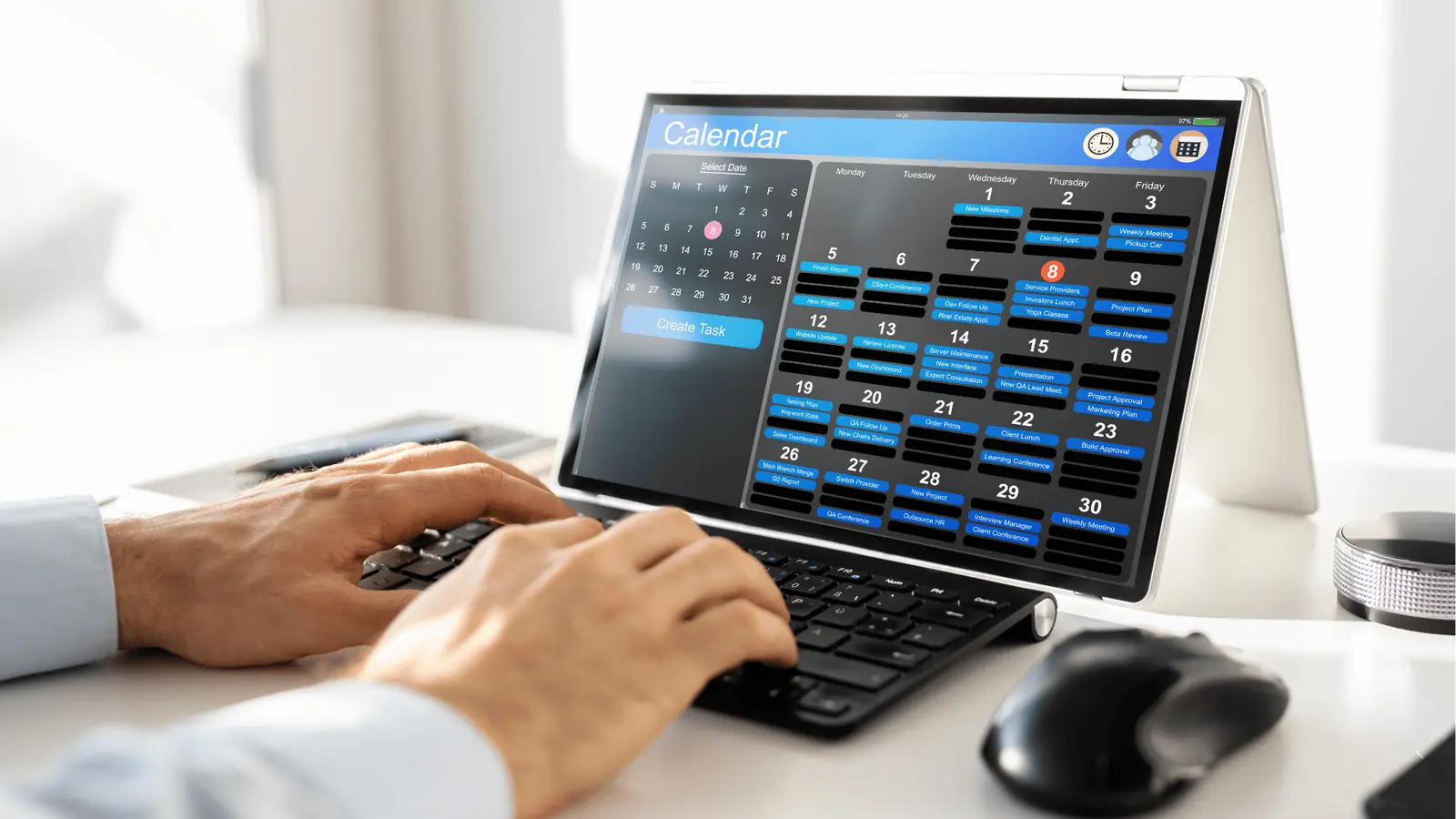
To build a content calendar that actually works, stop treating it like a glorified to-do list and start treating it like a shared operational nervous system. The most effective teams do not just fill cells in a spreadsheet; they build a single, unified loop where ideation, approval, and platform-specific execution live in the same place.
You know the feeling. You spend hours meticulously crafting a content matrix, only to have the entire plan crumble the moment you try to adapt it for different channels. You end up juggling a dozen browser tabs, three different project management tools, and an endless chain of email threads just to change a single caption. It is not just exhausting; it is a massive bottleneck that keeps you from actually shipping high-impact work.
The truth is that most calendars are just decoration. They track where you want to be, but they do nothing to help you get there.
TLDR: A functional calendar isn't a static schedule-it's an operational environment. Move your team away from "document-based" planning and toward a "platform-native" workflow where context is captured alongside the creative, not buried in a separate spreadsheet.
The real problem hiding under the surface
Most social media operations are failing not because of bad creative, but because of coordination debt. When your calendar lives in one tool and your actual publishing logic lives in another, every post requires a constant, high-friction translation process.
Here is where teams usually get stuck:
- Context Loss: Campaign themes, legal notes, and strategic context stay in a separate document. By the time a post reaches the platform, the original intent is diluted.
- Version Drift: Someone updates a caption in a Word doc, but the social manager copy-pastes an older version into the publishing tool.
- Timezone Blindness: Managing global brands with fragmented tools leads to scheduling errors that turn a "prime-time" post into a middle-of-the-night ghost town.
This is the part most people underestimate: The calendar should be the place where decisions are made, not just recorded. If you are using your calendar simply to log dates, you are missing out on the primary advantage of a modern Enterprise platform.
The real issue: Every time your team context-switches from a planning document back to a scheduling tool, you pay a "coordination tax" that slows down your entire cycle.
To cut this cost, you need to consolidate your operational context. If your calendar supports native notes and workspace-specific timezone settings, you can stop relying on scattered documentation.
Operator rule: If a campaign update isn't captured within your calendar’s workspace context, it effectively doesn't exist. Keep the "why" pinned directly to the "when."
When you move your planning into a system that understands the nuances of each channel-from Instagram first comments to YouTube thumbnail requirements-you stop wasting time on manual translation. You start moving from a mindset of "getting things scheduled" to a mindset of "managing a continuous production line."
- Define your workspace first: Ensure your timezone and team permissions are set globally before you schedule a single post.
- Pin the context: Use persistent calendar notes to hold campaign themes and approval status so that everyone, from the creative lead to the community manager, is looking at the same source of truth.
- Use channel-native templates: Never treat a post as a "one size fits all" object. Build your calendar around the specific requirements of each network, ensuring that TikTok video specs and LinkedIn copy constraints are built into the workflow from the start.
This shifts your daily rhythm. Instead of spending your morning reconciling spreadsheets, you spend it reviewing active, ready-to-deploy assets that already carry the right strategic DNA.
Why the old way breaks once volume rises
The moment your team adds a second brand, a new regional market, or an extra agency partner, the spreadsheet-based content calendar stops being a map and starts being a bottleneck. The core issue is coordination debt: you spend more time reconciling version history and chasing down approval signatures than you do actually improving the content.
When you move from managing a few channels to orchestrating a full enterprise presence, the friction becomes constant. Here is where the traditional "master tracker" fails:
- Version mismatch: The social manager is looking at v4 of a creative asset, while the legal reviewer is still commenting on v2.
- Context loss: Important operational constraints-like specific holiday closures in a regional timezone or temporary brand guidelines-live in a separate email chain, not attached to the post itself.
- Platform drift: Copy that works for LinkedIn inevitably loses its nuance when copied into Instagram or TikTok, and without a way to manage platform-specific adjustments side-by-side, your brand voice becomes diluted.
Most teams underestimate: The cost of "tool switching." Every time someone leaves the calendar to check a creative file, a compliance checklist, or a campaign brief, the likelihood of a missed detail doubles.
| Traditional Spreadsheet | Enterprise Operating Model |
|---|---|
| Static list of dates | Dynamic schedule with context |
| Versioning by naming convention | Unified asset and comment history |
| Manual timezone conversion | Automated workspace-level scheduling |
| Siloed creative/brief storage | Integrated asset-to-post workflow |
The awkward truth is that most calendars aren't designed to support execution; they are designed to track status. That is a dangerous distinction. If you only track status, you wait until the end of the week to realize your publishing velocity across regions is inconsistent, or worse, that your compliance risk is mounting because approvals are happening in a disconnected, non-auditable stream.
The simpler operating model

Shifting from a static tracker to an operating system requires separating the what (the creative ideas) from the how (the platform-specific execution). You need a system that acts as a nervous system, where the campaign context is visible alongside the actual publishing tasks.
Think of it as a tiered hierarchy: capture the intent, map the platform needs, then execute.
- Define Intent: Start by creating a calendar note to capture campaign goals, asset requirements, and stakeholders. This acts as the "source of truth" that stays anchored to the calendar view, preventing the need to dig through buried project management tickets.
- Platform Mapping: Instead of creating three separate posts, use a multi-platform composer to define the core message. Once the primary narrative is set, you can customize captions, thumbnails, and specific options for networks like LinkedIn, TikTok, or Instagram without duplicating the core creative effort.
- Creative Alignment: By importing directly from your design tools, you eliminate the "where is the latest file" loop. If you are using a tool like Mydrop, keeping design production connected ensures you are always pulling the correct orientation and quality settings required by the platform, not whatever someone happened to drop into a shared folder.
- Governance Layer: Lock the process into a repeatable flow. Use workspace-level settings to manage regional timezones, so your team in London isn't accidentally pushing content at the wrong time for your APAC market.
Operator rule: If a campaign or post doesn't have its operational context-notes, briefs, or compliance checks-attached to the calendar slot, the task is incomplete. Don't let team members "finish" a post that exists in a vacuum.
This model changes the rhythm of your week. Instead of spending Monday morning sending status update emails, you open your dashboard and look at the "Calendar notes" view. You see the campaign theme, the status of the creative assets, and the assigned owners for each region.
It is about reducing the number of decisions a human has to make before they can push publish. When the platform handles the timezone alignment and the asset formatting, your team can focus on the only work that matters: the content itself.
When you stop treating the calendar like a list and start using it as an interface for your entire social operation, the pressure to "do more" transforms into the ability to "do better." You gain visibility into where handoffs are failing, you see which markets are over-indexing on manual work, and you create a standardized, repeatable path for every piece of content from brain-storm to live post.
The goal isn't to be faster at creating content; it is to be more deliberate about how that content travels from an idea to a live, platform-native interaction.
Automated assistance usually falls into one of two traps: it either generates generic, unusable fluff or demands so much prompt-engineering time that you might as well have written the copy yourself. The goal is to move past the blank prompt. Use an AI teammate that already understands your workspace context, brand voice, and publishing history. When you need to turn a rough creative brief into a multi-platform campaign, you should be able to ask your assistant to draft the content and then immediately convert those outputs into saved, ready-to-edit posts.
Common mistake: Treating AI as a separate writing tool. If you have to copy-paste between a chat window and your calendar, you have already lost the efficiency battle.
Instead of hunting for the right format or template, keep your planning loop tight. A working AI teammate should function as an extension of your calendar, allowing you to ask for help on a specific post draft while referencing your existing brand guidelines, all without leaving the scheduling interface.
Operator rule: If the automation does not reduce the number of clicks required to get from an idea to a scheduled post, it is not automation. It is just another layer of administration.
Consider how your team handles the transition from creative asset to final post. If your designers are dropping files into a shared drive and someone else has to rename, resize, and upload them, you are inviting version-control chaos. Connecting your design workflow directly to your publishing pipeline changes the pace entirely. When you import assets, you should have immediate access to Canva export options that allow you to specify exact quality settings, orientations, and formats right at the point of ingestion, ensuring the file is platform-ready the second it lands in your gallery.
The metrics that prove the system is working

When you move from a fragmented spreadsheet model to an integrated operations platform, the metrics you track should shift from purely historical reporting to real-time performance indicators. Stop measuring success by how much content you managed to push out, and start tracking how much coordination friction you successfully removed.
KPI box:
- Coordination Latency: Time elapsed from initial campaign idea to final asset approval.
- Governance Drift: Number of posts requiring manual corrections due to platform-specific formatting errors.
- Asset Reusability: Ratio of primary campaign assets to total cross-platform variations produced.
- Timezone Accuracy: Percentage of posts scheduled for the correct regional prime-time, regardless of the user's location.
You need to know if the system is actually helping your team stay aligned. A healthy operating model shows a steady decline in back-and-forth emails and a corresponding increase in proactive calendar note usage.
- Intake (Idea defined in Mydrop Home)
- Production (Assets synced via Gallery import)
- Validation (Cross-platform preview in the Composer)
- Schedule (Localized time setting)
- Analyze (Performance feedback back into the Home assistant)
Use this checklist to audit whether your current system is working for your team or against it:
- Can any team member instantly see the publishing context, timezones, and review notes for any brand in the workspace?
- Are creative assets optimized and ready for the specific social network requirements before they reach the composer?
- Does your team have to manually check platform-specific requirements (like character limits or aspect ratios) during the approval process?
- Can your team turn an AI-generated idea into a multi-platform post schedule in one cohesive workflow?
- Is there a clear, visible thread of notes and operational context attached to your calendar, or is that information buried in a separate document?
If you find yourself checking multiple tools just to verify if a post is ready for launch, your operating system is leaking energy. True social media scale is rarely about producing more content; it is about reducing the coordination debt that accumulates every time you hit publish. The best calendar is not the one that looks the most organized, but the one that disappears, leaving your team with nothing to do but focus on the work itself.
The operating habit that makes the change stick

The secret to a sustainable calendar isn't better planning software; it is a weekly rhythm of asynchronous reconciliation. Most teams fail because they view their calendar as a static finish line. Instead, look at your calendar every Friday for 15 minutes as a live, evolving document.
This habit forces you to move from "what are we posting?" to "is our ecosystem aligned?". If you are managing multiple brands or regions, this is the only time you actually see the collisions before they happen.
Operator rule: Never start the week with a blank calendar. End the previous week with a 15-minute sync that locks the themes, updates the calendar notes with relevant context for the next seven days, and confirms that timezone settings match your regional publishing schedule.
If you don't build this habit, you are just waiting for a compliance fire or a mismatched campaign launch to hit you. When you have multiple teams working in the same workspace, these Friday check-ins prevent the "oops, I forgot we were running a sale in Germany" moment.
To get started this week, follow this simple cycle:
- Review: Look at the upcoming week's calendar not for copy, but for structural coverage. Are all brands represented? Are there any obvious resource bottlenecks in your Canva gallery uploads?
- Contextualize: Drop one calendar note for each major campaign block to provide the "why" for your team. This prevents the endless "what is this for?" ping-pong in your DMs.
- Validate: Use your team's home assistant to quickly check if the AI-generated drafts for next week align with your broader campaign goals. If they don't, course-correct immediately.
Conclusion
Building a social content calendar that actually works isn't about finding the perfect spreadsheet template. It is about removing the friction that stops your team from focusing on the work that moves the needle. When you stop treating your calendar like a dumping ground for half-baked ideas and start treating it as a shared operational nervous system, you stop wasting time.
The most effective social teams don't just push more content; they create systems that make high-volume execution feel predictable. They use workspace-level controls to keep teams focused, calendar notes to preserve the "why" behind the creative, and integrated workflows to stop assets from getting lost in translation.
Social media management at scale is ultimately about coordination. If your tools are fighting you, you are already behind. Mydrop helps by putting the strategy, the creative, and the scheduling in the same room, ensuring that your team can focus on the audience rather than the plumbing.