
Stop downloading. Instead, connect your Google Drive directly to your publishing workspace so creative assets flow into your campaigns without ever touching a local desktop. Every time a team member pulls a file from the cloud to their machine, only to drag it back into a browser window later, they create a fractured audit trail and a security gap that enterprise teams simply cannot afford. True campaign agility starts when your asset library and your publishing engine share the same nervous system.
TLDR: Stop treating your local machine as a temporary holding pen for social content. By integrating Google Drive directly into your workflow, you move from a "Download-Upload-Delete" cycle to a "Sync-Select-Schedule" pipeline, cutting asset transfer time by roughly 80% while ensuring the final creative version is always the one authorized by your design team.
It feels harmless, but that "transfer dance" is the silent killer of team momentum. You are essentially paying talented marketers to act as high-priced file couriers. When assets are scattered across personal hard drives, version control vanishes, and the legal team loses their minds trying to track down which video version is actually approved for market.
Operator rule: If a file needs a "Save As" command to get from storage to social, the process is already broken. Your source of truth must be your storage platform, not a desktop
Downloadsfolder.
Getting out of this cycle means changing how you think about file handoffs:
- Audit your current friction: Calculate the average time spent downloading, renaming, and re-uploading assets for a single campaign.
- Establish a "Cloud-First" gate: Require all final assets to reside in a shared, version-controlled Drive folder before a post can be scheduled.
- Automate the bridge: Use native integrations to pull assets directly from Drive into your gallery, ensuring you maintain a direct link to the canonical source file.
The real problem hiding under the surface

The real issue isn't just the minutes lost waiting for a progress bar; it is the fragmentation tax. Once an asset is downloaded to a local machine, it is effectively orphaned from your governance framework. The original metadata disappears, the link to the master folder is severed, and you have no way of knowing if that specific file version was recalled by the brand manager ten minutes ago.
In an enterprise environment, this leads to a dangerous reality: you are often publishing "zombie assets"-files that exist in a vacuum, untethered from the latest approvals or brand guidelines. When you force your team to manage these files manually, you are not just slowing them down; you are actively increasing your compliance risk.
High-risk handoff
When a social media manager is under pressure to pivot a campaign based on breaking news or a sudden trend, they don't have time to navigate file structures, check version numbers, or re-upload massive video files. They need to grab the approved creative from a shared space and move. If they have to download first, they will either skip the proper workflow entirely or settle for a lower-quality "local copy" they have lying around.
The real issue: Manual file handling is a coordination debt that compounds over time. The more campaigns you run and the more markets you serve, the more that debt prevents you from scaling, eventually leading to a bottleneck where your team is too busy managing files to actually manage a brand.
A mature operation recognizes that every manual click is a point of failure. If you want to move at the speed of social, your assets must be ready to deploy the second they are approved in the cloud. Anything less is just busywork masquerading as productivity.
Why the old way breaks once volume rises

The manual file dance is not a problem when you publish once a week. It becomes a systemic failure the moment you add a second brand, a new regional market, or a higher publishing cadence. When your team manages five active campaigns across ten channels, the "download-and-upload" cycle consumes hours that could be spent on strategy or creative refinement.
What starts as a minor inconvenience in a single-person operation becomes a massive coordination debt in an enterprise environment. Every manual transfer is a point of friction where progress slows to a halt.
Most teams underestimate: The sheer cumulative cost of these micro-interruptions. A team of ten people spending just fifteen minutes a day on file management is losing over 600 hours of productive time annually. That is an entire full-time employee dedicated solely to moving files between folders.
Consider the reality of how these files degrade:
| Factor | The Old Way (Manual) | The Sync Way (Automated) |
|---|---|---|
| Asset Origin | Local Hard Drive | Centralized Cloud (Drive) |
| Version Control | Multiple, disparate copies | Single source of truth |
| Risk Factor | High (outdated assets go live) | Minimal (live sync) |
| Time per Asset | 5 to 10 minutes | Seconds |
When assets live on individual desktops, you lose the ability to perform a last-minute swap for a trending topic or a corrected graphic. If a PR crisis hits, your team has to hunt through personal downloads folders to find the right version, wasting precious time while the brand narrative slips.
"The Single Source of Sync": If a file needs a "Save As," it is already broken.
The simpler operating model
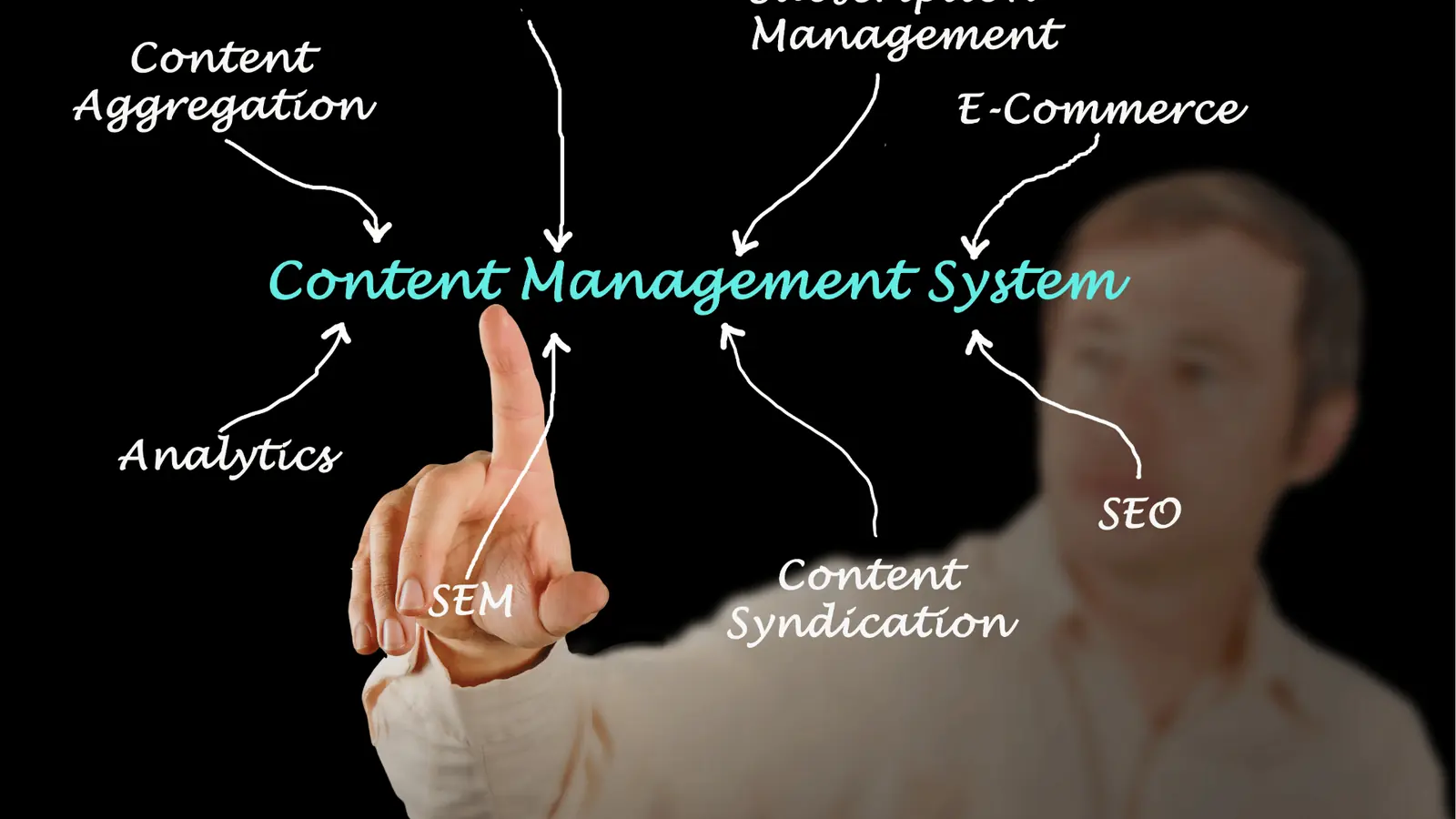
Moving to a zero-download workflow requires changing how you think about your creative pipeline. Instead of treating your local computer as the staging area, treat the cloud as your actual workspace. By connecting your Google Drive directly to your publishing platform, you essentially create a permanent bridge that bypasses the desktop entirely.
Here is the straightforward sequence of a modern, high-velocity publishing operation:
- Ingest: Assets are placed directly into the approved campaign folder in Google Drive.
- Refine: Your design team applies final touches or exports formats via integrated services like Canva.
- Deploy: You open your publishing tool, access the Drive picker, and select the final asset directly from the cloud.
- Schedule: The file flows from the cloud to the social channel in one continuous, unfragmented movement.
Operator rule: If it isn't in the cloud gallery, it does not exist for the campaign. By enforcing this standard, you remove the "desktop graveyard" where final assets go to die, trapped behind individual login credentials or fragmented hardware.
This shift does more than just save time; it changes the nature of your team's stress. Instead of worrying about whether someone has the right video file version, you manage the permissions and access to the folder. You move from being a file-handler to an orchestrator.
When you remove the physical requirement to touch a file, you gain the agility to pivot. If a creative asset needs a quick adjustment, the designer updates the file in the shared folder, and the publishing tool automatically sees the latest version. No re-uploading, no emailing links, and no wondering if the person in charge of posting has the right file.
The most expensive part of your social strategy is the time spent waiting for a progress bar. By removing the need for local storage, you stop the wait and keep the creative momentum moving forward.
Where AI and automation actually help

Automation is not about replacing human judgment; it is about protecting the time your team needs to exercise that judgment. Most teams try to solve their content volume problems by hiring more people to do the same manual tasks, which only scales the chaos. Instead, you need to automate the friction points so your team can focus on the creative.
When you remove the need for manual file movement, you gain a massive, often overlooked advantage: The audit trail. Because your assets flow from Google Drive directly through your Ingest -> Review -> Approve -> Schedule -> Publish pipeline, you always know exactly which version of a creative file went live, when it was approved, and who signed off on it.
Operator Rule: If it is not in the shared cloud gallery, it does not exist for the campaign.
This simple rule forces a standard: if the creative isn't in your connected Drive folder, it isn't ready. This ends the "I have it on my desktop" excuse that leads to compliance errors and off-brand assets hitting public channels. Here is what this looks like in practice for a high-performing team:
- Asset Ingest: Creative designers save final exports directly to the designated Google Drive project folder.
- Gallery Sync: Mydrop monitors that Drive folder, pulling in assets automatically so they appear in your gallery ready for scheduling.
- Template Application: Use post templates to standardize recurring formats, ensuring captions and links follow brand guidelines without manual typing.
- Publishing: Content reaches your social channels without a single file ever being downloaded to a personal hard drive.
Common mistake: Treating "sync" as a backup utility rather than a production engine. If your team still treats the cloud as a place to dump files after they have already published them, you are missing 90% of the efficiency gain.
The metrics that prove the system is working

When you move from manual "download-upload" workflows to a synced model, the improvements are measurable. You are no longer guessing if your team is productive; you can track the reduction in "transfer tax" across your entire department.
KPI box:
- Asset Transfer Time: Minutes spent downloading/uploading per campaign.
- Version Drift Rate: Instances of unapproved creative assets appearing on live channels.
- Approval Velocity: Time from asset creation to scheduled post.
- Compliance Coverage: Percentage of published content traceable to a master file in Drive.
If your team is currently spending two hours a day moving files, you are losing roughly 500 hours per person, per year. That is a full-time role dedicated entirely to moving bits of data from point A to point B. By syncing, you reclaim that capacity.
Use this checklist to identify where your team is still losing ground:
- Does your team have a "personal download folder" dependency for any active campaign?
- Are you currently managing more than three manual uploads per platform, per week?
- Can a stakeholder find the original creative asset for a post published last month in under 60 seconds?
- Do you have a recurring campaign template that still requires manual copy-pasting of account details?
The goal is to stop paying your most expensive people to wait for progress bars. When assets flow directly, the technical barrier between an approved design and a published post disappears. You stop being a file-management service and start being a media-delivery engine. The real magic happens when your team stops thinking about how to get a file into a tool, and starts thinking about what that file needs to say to your audience. The most expensive part of your social strategy is the time spent waiting for a download to finish.
The operating habit that makes the change stick

The true test of a modern workflow is not the technology you install, but the habits you enforce when the clock is ticking. When a campaign pivot lands five minutes before a scheduled launch, the instinct is to grab the nearest file, desktop-sync be damned. That is when the old habits-the rogue downloads and local uploads-sprint back to the surface. You have to replace the "save-to-desktop" reflex with a "link-to-gallery" standard.
Operator rule: If a creative asset is not in your cloud-synced gallery, it does not exist for the campaign.
If you allow exceptions, you allow fragmentation. The secret is to make the "right" way the path of least resistance. When your team knows they can open a drive picker directly inside the publishing workflow, they stop thinking about file paths and start thinking about content strategy.
Here are three steps to lock in this new rhythm this week:
- Audit the asset trail: Identify the three most common folders where your team currently stores final creative.
- Standardize the connection: Connect these specific Google Drive source folders directly to your Mydrop media gallery.
- Delete the desktop-sync: Issue a clear directive to stop keeping "final" assets on local hard drives, treating local storage only as a temporary transit point.
Framework: The Asset Lifecycle
- Create: Design in external tools.
- Store: Sync to Google Drive.
- Ingest: Import directly via Mydrop Gallery.
- Publish: Schedule and deploy to channels.
Result: Zero manual copies, full version control.
When you remove the friction, you remove the excuse. Your designers keep their creative control in their preferred workspace, while your social leads get instant access to the source of truth. It turns the entire team into a single, cohesive engine. No more chasing versions, no more "is this the right file?" emails, and no more waiting for slow uploads from a remote server while the audience is already engaging with your competitors.
Conclusion

Operational maturity in social media isn't about buying more tools or hiring more hands to move files around. It is about removing the artificial barriers that exist between your creative source and your distribution channels. The moment you stop treating your files as local objects that need to be moved and start treating them as living assets that exist in a continuous, synced stream, your team finally gets the breathing room to focus on the content that actually moves the needle.
The most expensive part of your social strategy is the time your high-performing team spends waiting for a progress bar or verifying if a file version is the current one. When assets flow seamlessly from Drive to your publishing workspace, that cost drops to zero. Real control over a multi-brand social presence is only possible when you stop managing files and start managing the flow of the brand itself. At the end of the day, Mydrop is just a bridge-the intelligence to use it is entirely yours.