
Your content calendar is the ground truth for your brand, but it stops being a source of truth the moment you start discussing edits in a separate chat app. When feedback is scattered across Slack, email, or direct messages, you lose the vital link between what was said and where it is being published. Every minor revision turns into a digital scavenger hunt, wasting hours on status checks instead of actual creative work.
The quiet exhaustion is real. It is the sinking feeling of scrolling through three weeks of chat history to find that one specific caption change for a campaign that launches in an hour. The relief, by contrast, is opening a post and seeing the exact context, revision history, and approval stamp waiting right where the work happens.
TLDR: To stop the communication tax on your social team:
- Centralize: Move all feedback into the post-specific discussion thread.
- Standardize: Never accept edits via screenshots or external chat.
- Verify: Use the calendar as the single source of truth for "ready to publish."
The awkward truth is that most marketing teams think they are collaborating when they are actually just creating "communication debt." Every comment outside the platform doubles the time required to track, execute, and verify the work.
The real problem hiding under the surface

The friction of switching tabs might feel like a minor annoyance, but it is a massive performance drag at scale. When your team relies on external chat for collaboration, you are essentially running two parallel projects: one in the calendar and one in your messaging app.
The real issue: The "switch-cost" between your publishing calendar and your chat tool creates a disconnect that breeds errors. When a legal reviewer or brand manager comments on a draft in Slack, that feedback is physically separated from the media and the platform-specific constraints.
This gap forces someone-usually a social manager-to manually bridge the two worlds. They have to read the chat, open the calendar, find the post, apply the edit, and then notify the team that the change is done. It is manual, slow, and prone to "drift," where the final version of the post in the calendar and the final version of the request in the chat no longer match.
Teams that thrive don't just "work harder"; they eliminate the noise by keeping the work and the conversation together.
Operator rule: If it didn't happen in the calendar, it didn't happen. Treat your scheduling environment as the immutable log of all decisions.
For teams managing multiple brands or high-volume social calendars, this shift is critical. In Mydrop, for instance, this manifests as keeping the conversation context-adjacent. You aren't just sending a message; you are attaching a decision to a specific piece of media, a specific date, and a specific platform requirement.
When feedback lives inside the calendar, the "did we ever fix that typo?" question disappears. The history of the revision is already sitting on the post, visible to anyone who has access to approve it. This isn't just about saving time; it is about protecting your brand from the compliance risks and embarrassing typos that slip through when a team's feedback loop is broken.
If you are still toggling between tabs to manage edits, you aren't just wasting time-you are betting that your team will never make a mistake in the translation process. That is a bad bet for an enterprise team.
Why the old way breaks once volume rises

Scaling is the silent killer of team cohesion. When you are posting once a day for a single brand, a stray DM or a quick Slack huddle is manageable. Once you hit five brands, multiple regional markets, and dozens of posts per week, that "quick sync" becomes a chronic dependency on human memory.
The moment you move a conversation about a caption edit outside of the calendar, you have essentially deleted that context for anyone who wasn't in the chat. Your calendar shows the final post, but your chat logs hide the "why" behind the changes. When a brand manager asks why a specific phrase was removed three weeks later, your team is left digging through archived threads.
Most teams underestimate: The true cost is not the time spent searching for a link or a screenshot; it is the compounded uncertainty of not knowing if the version in your calendar is the one that was actually approved.
This leads to "version drift," where someone updates the copy in the calendar but forgets to mention it in the thread, or worse, they implement an old suggestion because it was the last thing they saw in their inbox. At enterprise scale, this is not just inefficient; it is a governance nightmare waiting to happen.
| Feature | The Chat-Based Trap | The Calendar-Centralized Workflow |
|---|---|---|
| Context | Fragmented across apps | Anchored to the post |
| Searchability | Poor (requires perfect memory) | Native (post-specific history) |
| Approval | Informal/Implicit | Explicit/Audit-Ready |
| Visibility | Siloed by channel | Transparent to stakeholders |
The simpler operating model
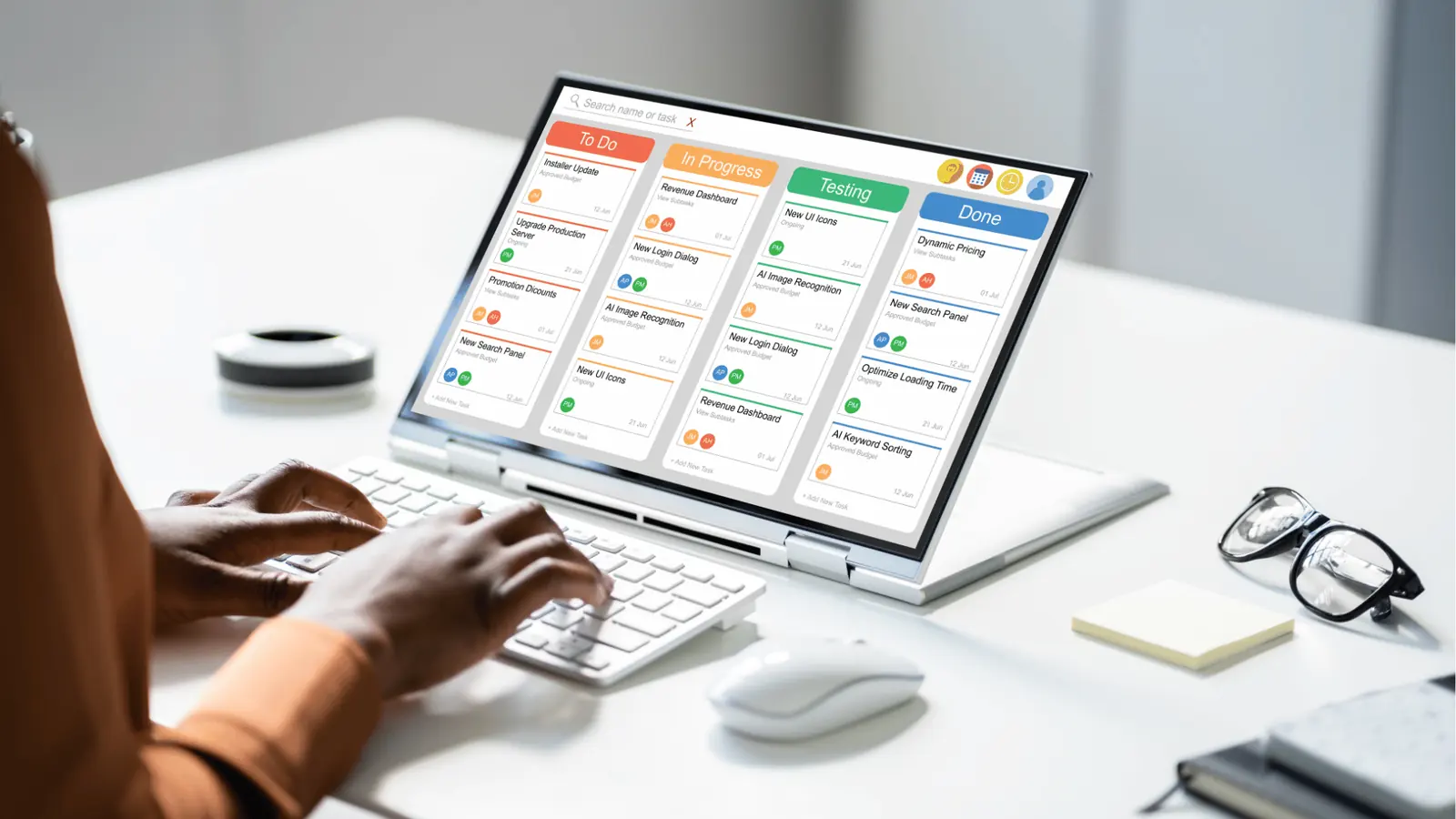
Moving your collaboration into the flow of work is not about adding another tool; it is about stopping the exit from the one you already have. The goal is to make the calendar the ground truth for both scheduling and decision-making. If it did not happen inside the post workflow, it did not happen.
By using Mydrop conversations, you anchor every critique, asset swap, and brand check directly to the placeholder where the content lives. When a legal reviewer needs to weigh in, they are looking at the actual preview, not a screenshot of a draft that might have changed five minutes ago.
- Intake: Create the post draft directly in your calendar.
- Discuss: Use workspace comments to refine copy or swap assets in-thread.
- Approve: Trigger the review flow to lock the version.
- Publish: Push to live knowing the history is attached.
Operator rule: Centralize feedback, decentralize execution.
When you treat your calendar as a social hub rather than just a spreadsheet, the friction disappears. You replace the "Screenshot Shuffle"-where someone takes a picture of a post to discuss an edit-with a fluid, persistent record of how that post evolved from idea to reality.
This is the shift from managing people to managing work. You stop acting as a human router for information, constantly CC'ing stakeholders or pinging designers, and start acting as an editor who reviews the work where it sits. It feels lighter because it is. You are not chasing status updates; you are simply checking the progress of a live project.
Ultimately, this is about reclaiming your mental bandwidth. When you stop treating your calendar like a static schedule and start treating it as the primary workspace for your brand, you stop fighting the platform and start using it to do the heavy lifting for you. You don't need more meetings to stay aligned; you need less noise between the people who create and the people who sign off.
Where AI and automation actually help
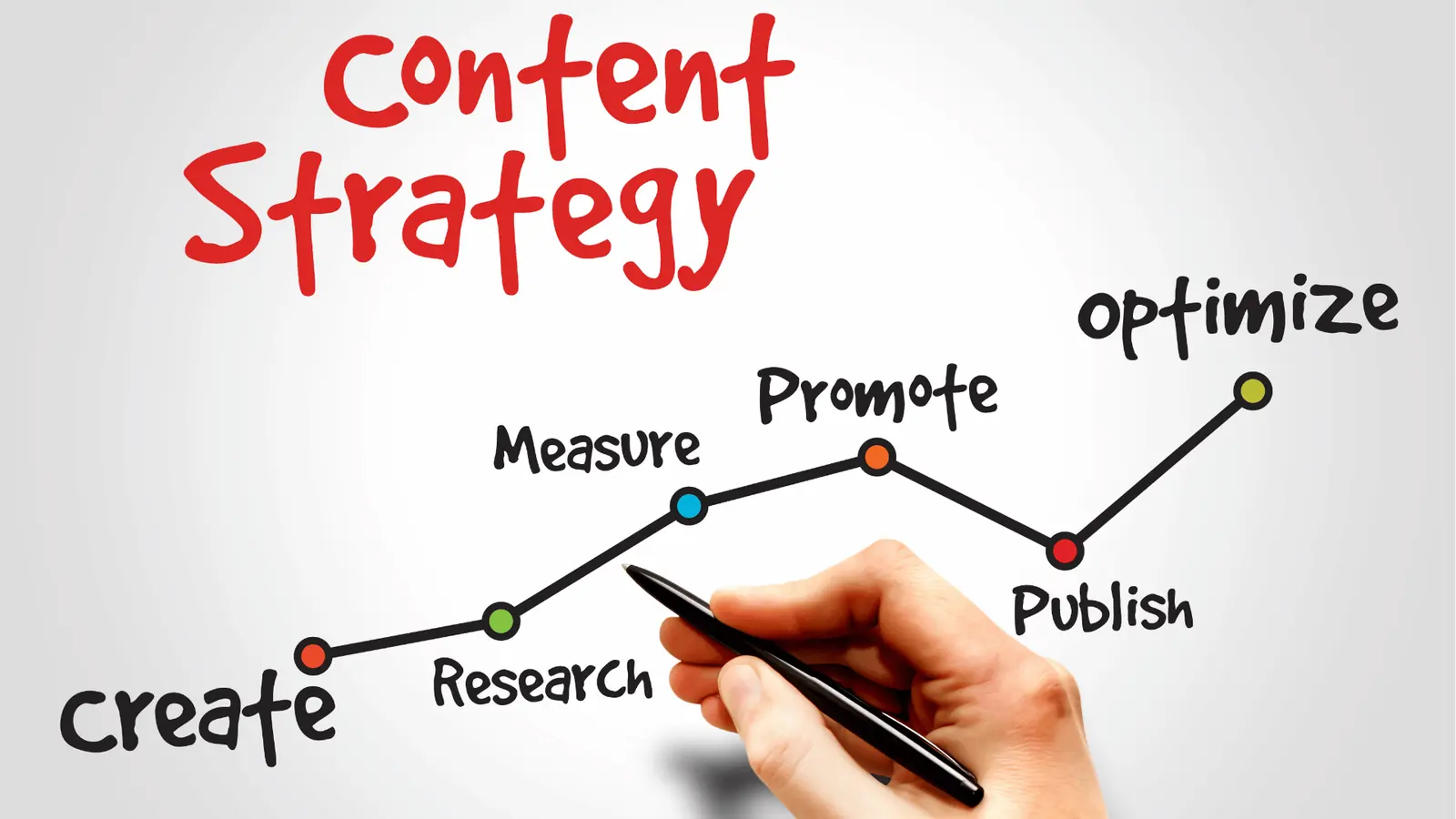
Automation is not a magic button for creativity, but it is a powerful filter for coordination noise. Teams often use AI to generate more content, which ironically increases the very communication debt they are trying to pay off. The better approach? Use automation to enforce the process rather than accelerate the output.
When you move your feedback loops into the calendar, you can stop asking, "Who approved this?" or "Is this the final version?" and let the system handle the housekeeping.
Common mistake: Using automation to mass-auto-approve content. This removes the "human touch" check for brand voice and context, leading to tone-deaf posts that slip through under the guise of efficiency.
Instead, look for these three high-leverage automation points:
- Status-Triggered Notifications: Use platform hooks to alert stakeholders only when a post enters a specific "Pending Approval" stage. This replaces the endless "Checking in on this!" Slack messages.
- Version Checkpoints: Automate the archiving of media and copy revisions. If a reviewer asks, "Why did we change the headline?" you have a searchable history attached to the post card.
- Approval Routing: Set up rules so that content for specific high-stakes brands or regions automatically routes to the correct legal or manager queue.
By automating the hand-off instead of the thought, you keep the calendar clean. The goal is to make it impossible for a post to be published if a required step hasn't been verified by the system.
Framework: The "Validation Loop"
Drafting -> Peer Review -> Stakeholder Approval -> System Check -> Live
When every step of this loop occurs inside your publishing flow, the calendar naturally becomes a ledger of your team's decision-making process. You aren't just scheduling posts; you are building an audit trail that keeps your compliance team happy and your social team fast.
The metrics that prove the system is working

If you cannot measure the friction in your workflow, you cannot fix it. Most teams track vanity metrics like reach or engagement, but they ignore the operational metrics that dictate whether they can scale without burning out their staff.
When you centralize your collaboration, you should see immediate shifts in how your team interacts with the calendar.
KPI box: Efficiency indicators
- Comment-to-resolution speed: Target a 30% reduction within the first month of moving feedback into the calendar.
- Platform-switching frequency: Monitor how often your team leaves the publishing environment to discuss work.
- Post-launch edit rate: A high rate indicates that the "final" version wasn't actually final, signaling a failure in the approval workflow.
- Ghost feedback: Track the number of comments that are never resolved because they were lost in a buried chat thread.
Teams that successfully make the switch stop talking about "managing social" and start talking about "operating a content engine." They spend less time chasing down signatures and more time refining strategy.
If you want to know if your team is truly operating at an enterprise level, look at how they handle last-minute changes.
- Does the team pull the draft back to "In Progress" status immediately?
- Are all new comments dated and timestamped inside the post card?
- Is the previous version archived so context isn't lost?
- Is there a clear, system-validated approval mark before the status flips back to "Ready"?
If the answer to all four is yes, you have successfully decoupled your speed from your chaos. You are no longer reliant on who happens to be logged into Slack at 4:00 PM on a Friday. You have a system that works even when the team isn't staring at the same chat window.
The quietest teams are usually the most effective. They don't have thousands of messages flying back and forth about a singular post; they have a clear, documented flow that moves from an idea to a live link without ever leaving the calendar. That is the definition of a mature social operation.
The operating habit that makes the change stick

The true test of your new workflow is not the first week; it is the moment a high-stakes campaign hits a snag at 4:30 PM on a Friday. When the pressure spikes, the natural reflex is to dive back into the chaos of a group chat to scream for an urgent fix. You have to actively override that instinct. The habit that sticks is treating the calendar as the only acceptable place to voice a concern.
If a team member messages you with an edit, your reply should be a link back to the specific post in the calendar with a gentle, "Can you drop that in the comments here so we keep the history together?" It feels repetitive for the first few days, but it quickly shifts the team culture from "find the person" to "find the post."
Operator rule: If it didn't happen in the calendar, it didn't happen. Treat the calendar as the single source of truth for both scheduling and decision-making.
Once you normalize this, the background noise of social management vanishes. You stop being a professional message-forwarder and start being a publisher. Here is how to lock this in before the month ends:
- Audit your notification sources. Turn off Slack or Teams alerts for anything related to "social approvals" and force those notifications to only ping inside your workspace.
- Define the escalation path. If a post is not approved within 24 hours of the target date, the process should be to notify the reviewer via the native approval system, not a passive-aggressive DM.
- Run a post-mortem inside the calendar. Once a week, open a finished post and look at the conversation thread. Did the final asset match the initial request? Did the comments reveal a bottleneck that slowed you down? Fix the process where the work actually lives.
Conclusion

Success in modern social media operations is rarely about having better ideas; it is about having a better way to coordinate the execution of those ideas. Every time you pull a conversation out of your publishing platform, you are essentially borrowing time from your future self. You are creating a trail of fragmented decisions that you will eventually have to pay back with interest when an audit happens, a legal question arises, or a campaign misses its mark.
By keeping your feedback, assets, and approvals in the same environment as your publishing schedule, you turn your content calendar into an active operational engine rather than a static list of dates. You stop searching for context and start building on it. The best social teams eventually realize that the friction they were feeling wasn't a lack of tools, but a lack of centralization.
Centralization is not just an efficiency play; it is a sanity play for anyone managing brand reputation at scale. When the feedback is anchored to the post, the entire team can move faster, with less anxiety and fewer missed details. Ultimately, collaboration shouldn't be a separate job that happens in a different app; it should be the invisible background process of creation. And when that process is finally unified within Mydrop, you stop managing the chaos of communication and start managing the growth of your brand.