
The fastest way to kill a social campaign isn’t a poor design; it’s the four minutes your designer spends downloading a high-res asset from Google Drive and re-uploading it into your publishing dashboard. By the time that file hits your feed, your team has burned hours of collective focus on a task that offers zero strategic value.
Operational Efficiency
You are likely tired of the classic "download-upload-rename" loop that turns simple content updates into a full-scale administrative burden. It feels like you are managing a file server rather than a brand voice. Imagine a workflow where your cloud storage acts as a seamless extension of your publishing engine, turning hours of manual busywork into a single, fluid motion.
TLDR: Stop syncing files. Start linking creative.
The most expensive part of your social strategy is the time your team spends acting as human file servers. We have become accustomed to this "Copy-Paste" tax, but enterprise teams shouldn't be paying for file janitors. You need a unified "Cloud-to-Feed" pipeline where assets live in one place and flow directly to the platforms.
The real problem hiding under the surface
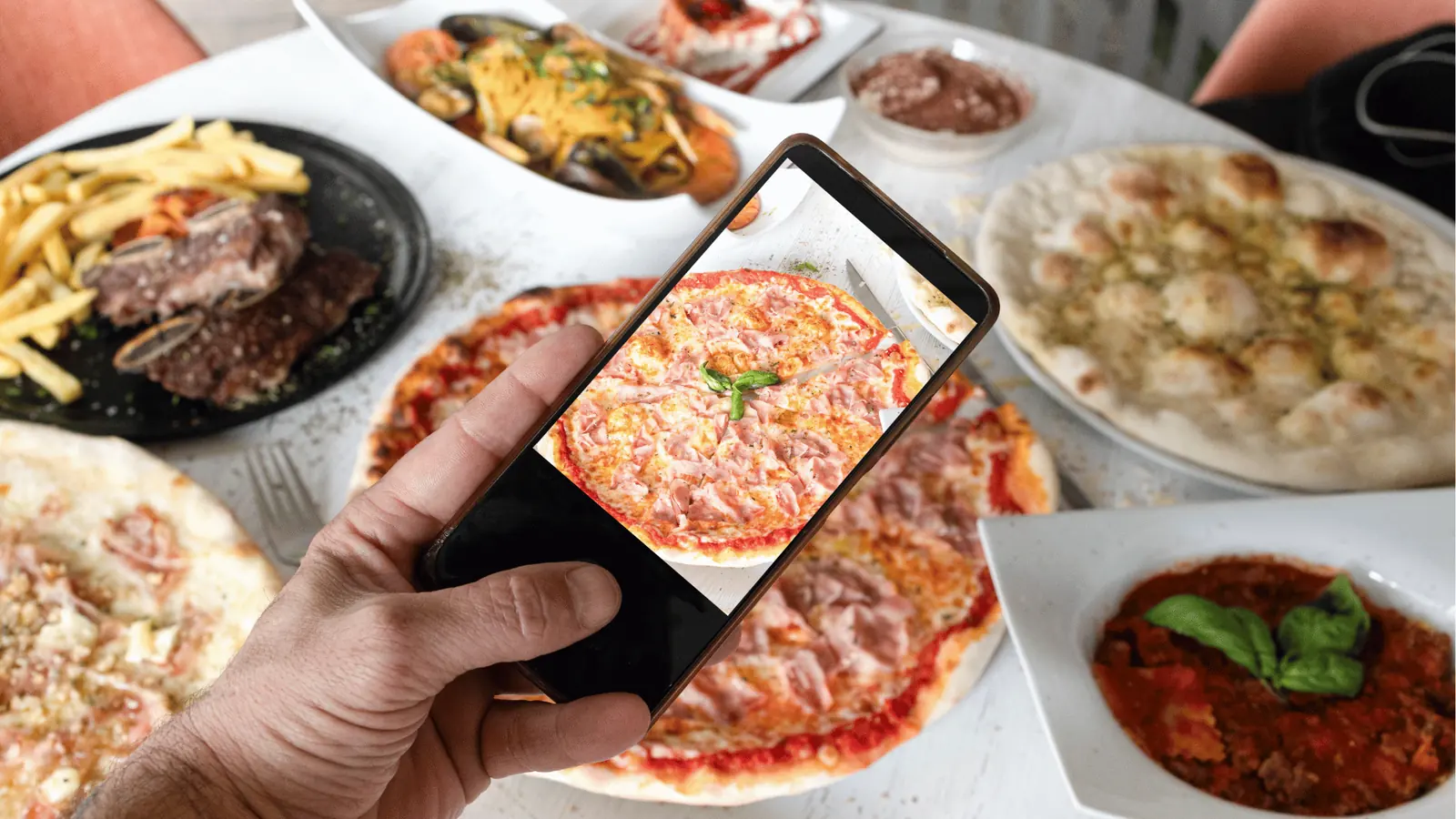
When you treat your publishing tool as a storage locker, you invite a specific kind of chaos. It starts small-a quick download here, a duplicate file there-but it compounds until your version control is in tatters.
The real issue: The invisible cost of "file-hopping."
When your media lives in Drive but needs to reach Instagram, every manual transfer point is a potential failure. You are losing money on:
- Hidden labor costs: High-value strategists spending 15% of their day on file management.
- Version decay: Publishing a v2 asset when the team explicitly approved v4.
- Compliance friction: Losing the audit trail of which specific file version was actually pushed live.
The "Copy-Paste" trap keeps your team reactive. Instead of refining content, they are troubleshooting why a specific file size rejected during a last-minute upload. You are essentially paying for manual labor that is prone to human error, all while your actual social strategy sits on the back burner.
Most teams underestimate the cumulative failure rate of this manual process. It is not just about the time wasted; it is about the risk. If a social lead pushes the wrong file because they had five different versions sitting on their local desktop, the brand hit is immediate.
Here is a simple way to audit your current process:
- Centralize: Is your creative master-file in the cloud, or is it scattered across three team members' hard drives?
- Verify: How many times did an upload fail last month because the file format wasn't compatible with a platform requirement?
- Connect: Can your publishing tool "see" your Drive library without you ever touching a download button?
If you answered "no" to the last point, your infrastructure is working against your output.
Operator rule: Never download what you can link.
Your publishing dashboard should function as a window to your cloud storage, not a digital warehouse for abandoned files. By treating your Google Drive as the single source of truth, you eliminate the middle-man file versioning that causes the most common publishing errors. When the asset stays in the cloud until the moment of publication, you maintain complete integrity of the creative.
When we talk about scale, we often focus on headcount. But in reality, enterprise social media management usually fails from coordination debt, not a lack of ideas. You are losing thousands of dollars in hidden labor costs every month just moving bits from point A to point B. It is time to treat your asset pipeline with the same rigor you apply to your campaign analytics.
Why the old way breaks once volume rises

The trouble starts when your social team grows beyond a single person. When you manage one brand, the "download-reupload" loop is just a minor annoyance you can ignore. But when you are orchestrating ten campaigns across fifty channels, that same loop becomes coordination debt. Every time someone downloads a file, renames it, finds the correct folder on their local machine, and then re-uploads it, they are essentially acting as a manual file server. You are paying for high-level strategy, but you are getting manual data transfer.
Most teams underestimate: The cumulative failure rate of manual re-uploads. In a high-volume environment, human error-selecting the wrong version, skipping a file, or mislabeling an asset-increases exponentially with every manual transfer.
The old way creates a fragmented landscape where the "master" file in your cloud storage and the "live" asset in your publishing tool drift apart. Eventually, the version in your publishing dashboard is an outdated mockup, while the approved final high-res file sits gathering dust in a Drive folder nobody is checking anymore. You lose version control integrity, and your brand quality takes the hit.
| Workflow Step | Manual Handling | Direct Cloud Sync |
|---|---|---|
| Source Selection | Manual download/upload | Direct link to Drive |
| Version Sync | High risk of drift | Real-time source update |
| File Metadata | Lost during transit | Preserved from source |
| Time per asset | 3-5 minutes | < 30 seconds |
The simpler operating model

Shifting to a direct cloud-to-feed pipeline means stopping the "file-hopping" tax. Instead of treating your publishing tool like a destination that needs to be constantly restocked with local files, you start treating it as a window into your existing creative ecosystem.
The goal is to implement the "Pull-Flow" Model. This framework treats your storage as the only place creative assets truly live, while your publishing tool acts as the intelligent bridge to your audience.
- Store: Keep all final approved creative assets in your central Google Drive structure.
- Select: Open the media picker directly within Mydrop to pull the approved file.
- Validate: Run the automated pre-publish check to ensure format, size, and duration meet platform requirements.
- Publish: Push directly to the selected social channels without local file staging.
By adopting this, you stop the frantic "where is the latest file" thread in your team chat. If the file in the Drive folder is updated by the designer, the source remains singular and authoritative.
Operator rule: Never download what you can link. If your publishing platform cannot talk directly to your cloud storage, it is not a tool; it is an obstacle.
This isn't just about saving time; it's about removing the technical overhead that prevents your team from moving fast. When the barrier to launching a post drops from a five-minute manual process to a thirty-second selection, the entire rhythm of your social operations changes. You move away from "managing files" and back toward "managing presence."
This transition fundamentally shifts the role of your social team from being manual file processors to being high-impact brand operators. The most expensive part of your social strategy is the time your team spends acting like file servers, and removing that bottleneck is the single highest-leverage move you can make for your output quality.
Where AI and automation actually help

Automation is not about removing your team from the loop; it is about removing the boredom that leads to human error. When you stop acting as a file mover, you finally have the bandwidth to act as a strategist.
Most teams assume that "validation" happens at the end of the chain, right before the post goes live. That is when you notice the YouTube video has the wrong aspect ratio or the Instagram carousel is missing a required brand tag. Catching these mistakes at the point of publishing is a high-stress, low-margin way to work.
Real efficiency comes from Shift-Left Validation. This is where automated workflows move the "check-engine" light closer to the start of your process. Instead of guessing, you let the system audit the requirements the moment you pull the asset from your cloud drive.
Operator rule: If your publishing tool cannot tell you that an image is the wrong size before you start writing the caption, you are not using a tool; you are using a glorified notepad.
When you integrate Google Drive directly into your publishing flow, Mydrop runs these background checks automatically. It catches the missing thumbnails, the incorrect file formats, and the lapsed offer deadlines while you are still in the drafting phase. You stop being the person who catches "oops" moments after they hit the feed.
Common mistake: Relying on human memory to verify platform-specific requirements like TikTok duration limits or LinkedIn thumbnail dimensions. This is the fastest way to turn a high-performing creative asset into a broken link.
Here is the checklist for a clean, error-free handoff every time you move assets into your calendar:
- Ensure the file name in Drive follows the naming convention established in your brand guide.
- Verify that the file has been granted view-access for the Mydrop service account.
- Run the platform-specific pre-publish check within the Mydrop calendar view.
- Confirm that the destination profile groups are selected before applying a template.
- Sync the final post status with your team's project management tool to keep stakeholders in the loop.
Automating these steps does not just save seconds; it prevents the "re-do" loops that derail an entire week of publishing.
The metrics that prove the system is working

If you cannot measure the friction, you cannot prove the value of removing it. Most enterprise teams track vanity metrics like "follower growth," but they ignore the operational metrics that dictate whether their team can actually scale.
To justify moving away from manual file handling, you need to track how much of your "creative budget" is being spent on basic administration.
KPI box: The 3-Key Efficiency Scorecard
- Time-to-Publish: Track the minutes from the moment a file is approved in Drive to the moment it is live in the calendar. Aim to cut this by 70%.
- Creative Error Rate: Track how often posts are pulled or edited within 15 minutes of going live due to formatting or asset issues.
- Admin-to-Strategist Ratio: Measure the percentage of time your team spends downloading/uploading versus writing captions and engaging with the community.
The math is simple: if your team manages 50 posts a month and each post currently requires 10 minutes of "file-hopping" (downloading, renaming, re-uploading, and fixing format issues), you are losing over 8 hours of labor every month per person. In an enterprise agency or a large multi-brand team, that is not just a few hours-that is a full-time role dedicated solely to moving bits from one folder to another.
When you shift to a Pull-Flow Model (Intake -> Approval -> Link to Gallery -> Publish), you reclaim that time.
Framework: The Pull-Flow Model
Cloud Storage(Drive)->Verified Import(Mydrop Gallery)->Platform-Validated Post(Calendar)->Live Feed
The goal is not to publish more content-the goal is to publish content that is governed, validated, and ready to work the moment it hits the feed. When you stop chasing files, you finally stop managing the process and start leading the strategy.
Ultimately, your publishing dashboard should be a window to your cloud storage, not a digital warehouse for abandoned files. If your team is still spending their afternoons downloading assets from one cloud and pushing them to another, they are being paid to be file servers, not social experts. The technology to stop that is already in your hands.
The operating habit that makes the change stick

The biggest barrier to a "Cloud-to-Feed" pipeline is rarely the technology itself; it is the subconscious reflex to drag files onto a desktop. You have to actively break the "download-first" habit, or your team will continue to build a hidden graveyard of assets on their hard drives.
To make this change permanent, you need to transition your team from viewing local files as the master copy to seeing them as temporary junk.
Framework: The "Pull-Flow" Model
- Store: All approved creative lives in your Google Drive folder structure.
- Select: The social team triggers the Mydrop Drive picker directly within the dashboard.
- Publish: The asset moves from the cloud to the social platform instantly.
The rule is simple: If it is not in the Drive, it does not exist for the social calendar.
Here is how you shift the culture this week:
- Purge the local cache: Instruct your team to delete all "social-ready" folders from their machines. If they need to edit, they pull from Drive, finish the work, and re-upload to Drive. No local staging.
- Standardize the link: Require all project management tickets to include the direct Google Drive link to the media, rather than an attached file.
- Audit the friction: Review your next 10 posts. If any were downloaded, identified the bottleneck. Was it a permissions issue? A folder naming problem? Fix the root cause so no one feels forced to download just to move fast.
Pull Quote: "Your publishing dashboard should be a window to your cloud storage, not a digital warehouse for abandoned files."
By centralizing everything, you gain more than just clean hard drives. You gain governance. When your media lives in one place, you stop guessing if you are posting the final version or the "final_v2_edit_final" version. You also reduce the chance of leaking unapproved assets, because your publishing engine is only talking to your approved source of truth.
Quick win: Run an automation to audit your gallery usage. If you see high volumes of manual uploads in your logs, use the Mydrop automation builder to flag any posts missing a connected cloud source. It acts as an automated nudge to bring the team back into the cleaner workflow.
The operational reality

Ultimately, enterprise social media management is a battle against coordination debt. Every time a human has to manually move a file, you are paying a "coordination tax"-time spent on logistics that adds zero value to the actual message, the brand, or the audience engagement.
The goal is to shrink the gap between the creative spark and the live feed until the process feels invisible. When your team stops being file janitors, they finally get to act like social strategists. They spend their hours analyzing trends and refining tone instead of waiting for progress bars on a file transfer.
The true measure of a high-performing social operation is not how many posts you push, but how little effort it takes to push them. Scaling isn't about working harder; it is about building a system that lets you move faster without ever needing to touch the bits yourself. Before you worry about your next campaign strategy, fix your plumbing. Great social is built on clean, automated, and seamless foundations.