Intro
You just signed up for Mydrop and you want two things. You want to stop doing the busy work and start getting measurable results fast. This checklist is designed to get a solo social manager from zero to a working, automated social machine in one month. It is not theoretical. Each step is actionable and ordered so early wins come first.
Think of the first week as connection and foundation. Week two is content structure and templates. Week three is automation and schedules. Week four is testing, approvals, and measurement. Follow the steps in order, and do not skip the early setup. Skipping identity, permissions, or brand rules will make automation fragile and slow down results.
This guide uses plain language and practical tips you can complete on a laptop. No developer needed. If you manage clients, do the checklist once per client account. If you manage multiple accounts for the same brand, reuse the templates and map them per profile. Keep a short log of notes for each account so you can repeat the successful setup quickly.
1. Prepare your goals, assets, and access (Steps 1 to 6)

Clarify the one month goal. Pick a single measurable outcome for this first month. Examples: publish 3 posts per week across two platforms, reduce manual posting time by 70 percent, or collect five leads from social. A focused goal keeps the setup decisions simple.
List the platforms you will connect. Common combos are Instagram, Facebook, LinkedIn, TikTok, and X. Note any platform restrictions like business account requirements or extra verification steps. Mydrop works best when you plan platform-specific assets ahead of time.
Gather account access and credentials. For each platform, collect login details or invite the Mydrop account as an admin. Avoid sharing passwords in chat. Use platform-level invites where possible. If you need client access, request role-based permissions that allow posting and analytics view.
Assemble brand assets. Collect logos, profile images, color hex codes, and brand fonts. Put them in a shared folder. Also collect a short brand voice guide: three words that describe tone, forbidden words, and key hashtags. These small guardrails save time and keep automation on brand.
Prepare content pillars. Pick 3 to 5 content pillars that map to your audience needs. Examples: tips, case studies, behind the scenes, client wins, and evergreen guides. For each pillar write two headline templates you can reuse. Pillars guide automation so you do not publish random content.
Decide cadence and time windows. Pick posting frequency per platform and preferred time windows for your audience. Write these down as rules: for example, Instagram 3 times per week between 11:00 and 14:00 local time, LinkedIn 2 times per week between 09:00 and 11:00. These rules will become schedule templates in Mydrop.
These six setup steps take about one to three hours depending on how organized you are. They are worth it because they make everything else repeatable.
2. Connect accounts and set permissions safely (Steps 7 to 12)

Connect one account at a time. Start with the platform you care most about. Use Mydrop's connect flow and follow platform prompts. If a platform asks to verify a business manager or page, complete that first. Connecting one platform successfully reveals common pitfalls for the rest.
Check posting permissions and test. After connecting, create a draft post and schedule it for a low-impact time or use Mydrop's preview mode. Make sure the post publishes and that links, images, and captions appear correctly. This small test prevents headaches later.
Enable two factor authentication where recommended. Keep a secure method for recovery codes. If you manage client accounts, ask clients to enable two factor and give you trusted device access or temporary codes for initial setup. Security prevents lockouts that break scheduled campaigns.
Configure team roles. If you have collaborators, invite them with the minimum permissions they need. Use reviewer roles for clients who only approve content and editor roles for people who produce it. Keep owner-level permissions for account admins only.
Connect analytics and UTM defaults. Link any analytics platforms or conversion pixels Mydrop supports. Add a default UTM template for campaign tagging. Use predictable UTM values so you can later filter traffic sources by campaign without manual tagging.
Note platform quirks in your setup doc. Write a one line note per platform about constraints you discovered. For example, LinkedIn captions may limit characters differently than Instagram. TikTok may require a vertical video format. These quick notes save time when you batch content.
Connecting accounts and verifying permissions can take 1 to 2 hours. Account level hiccups are normal. Treat them as part of the onboarding cost and resolve them immediately.
3. Build content foundations: templates, styles, and pillars (Steps 13 to 18)

Create post templates for each pillar. For each content pillar from step 5 create two caption templates and one image or video format guide. Example caption template for tips: "3 quick tips to [audience benefit] - 1) 2) 3)". Store templates inside Mydrop or a single Google Doc that your team can access.
Build a reusable hashtag bank. For every platform create a short list of 10 to 20 high value hashtags and a second list of niche tags for smaller, targeted reach. Keep the lists under separate headings per platform because hashtag effectiveness changes between platforms.
Create a style swipe file. Collect 8 to 12 brand approved post examples including color overlays, logo placement, and text hierarchy. Label each example with the template name and use case. This helps automated creative generation stay consistent with brand identity.
Build a caption tone map. For each platform, write 3 short style rules that match your brand voice. For example, Instagram: friendly and short, LinkedIn: professional and helpful, X: conversational and witty. Use these rules when generating content inside Mydrop so captions do not feel off tone.
Prepare evergreen assets. Identify 5 pieces of content or assets you can reuse across posts. Examples include a product explainer, a short tutorial clip, a customer testimonial, and a branded quote. Evergreen assets reduce content creation pressure and are perfect for scheduling blocks.
Create a content backlog of 30 items. Use your pillars and templates to quickly draft 30 post ideas. Keep each idea to one line with suggested media type and the intended pillar. A backlog gives Mydrop the fuel it needs to populate weekly schedules without last minute scrambling.
This foundation phase is the most creative and the best place to recruit help. Spend most of your energy on templates and the backlog because they scale across weeks.
4. Set up automation flows and scheduling templates (Steps 19 to 23)
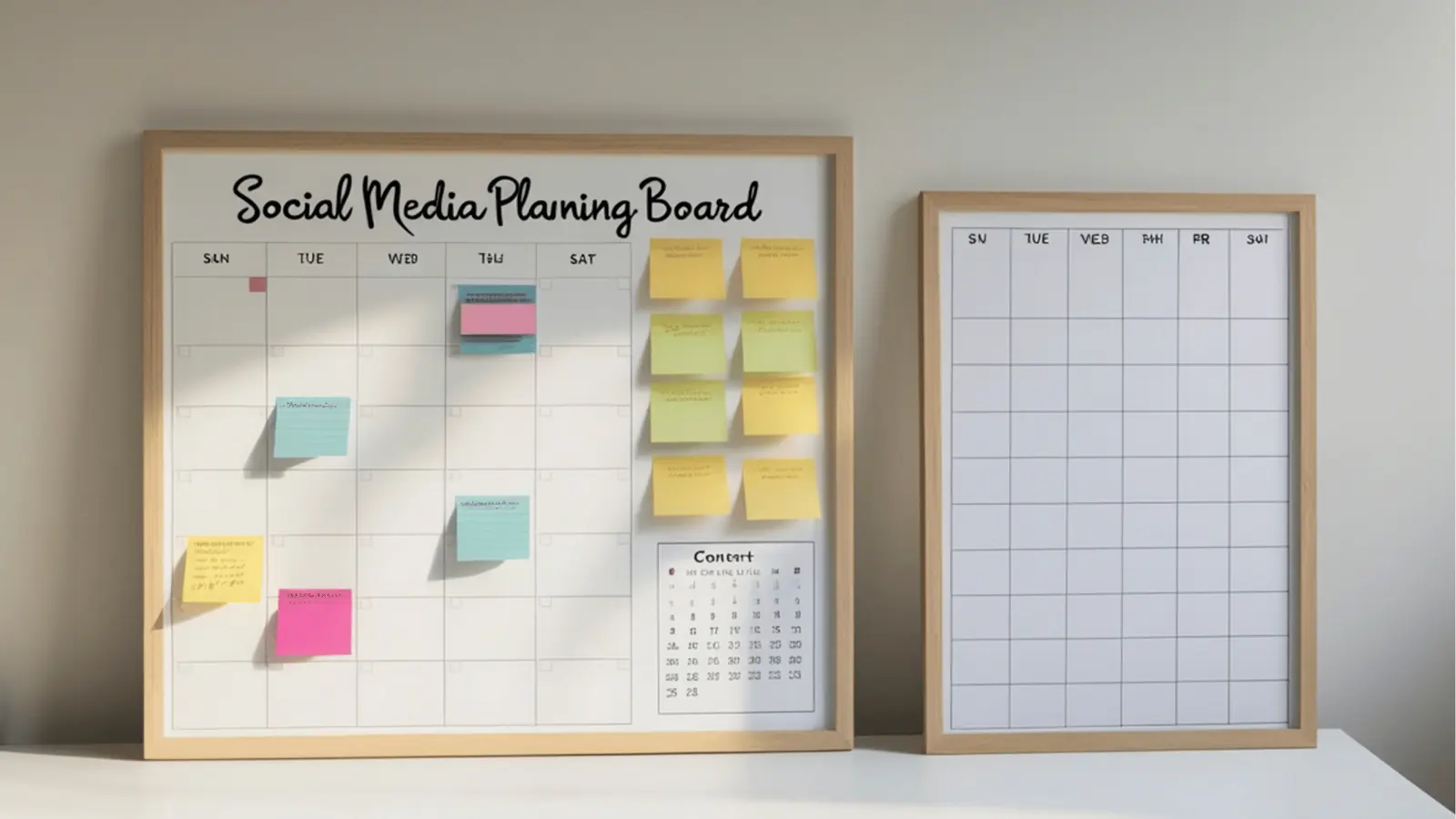
- Create posting schedules per platform and save them as templates. Translate your cadence and time windows from step 6 into scheduled templates inside Mydrop. Use descriptive template names like "Instagram - Weekday Lunch (Local)", "LinkedIn - Mon Wed Morning (Business Hours)", and "TikTok - Fri Evening (Experiment)" so you can pick the right rhythm without retyping times.
Pro tip: create a primary schedule and a fallback schedule for each client. The primary schedule is your target cadence; the fallback runs at lower frequency if approvals or assets are delayed. For international brands, add timezone-aware templates or label templates by region so you always publish at local peak times.
- Build automation rules for repurposing. Define clear, named rules that turn one long form piece into multiple micro posts. Example rule: "Article -> Carousel + 3 Quotes + 2 Shorts". Each rule should list required assets, default captions, hashtags, and a stagger plan (day offsets per platform). When a long form asset is added, preview the generated outputs before they enter the live queue to catch formatting or tone issues early.
Segment repurposing by content intent. A how-to should convert into an instructive carousel and short clip; a testimonial should become a quote image and a short video. Tag each repurposing rule so analytics can later report which strategies drive engagement and clicks.
- Configure approval gates and notification flows. Use an approval step that creates a one-click preview link and assigns an approver. Include these fields in the approval message: publish date, preview link, images list, captions, and required reply-by time. Automate reminders at 48, 24, and 6 hours before the approval deadline and add an audit trail so you can see who approved which version.
Design the flow to reduce friction. Offer quick approvals for routine posts and batch approvals for weekly blocks. If a client delays frequently, switch to weekly batch approvals to keep the pipeline moving. For urgent content, use an "expedite" flag that triggers a manual sign-off workflow documented in the client notes.
- Set fallbacks and error handling. Decide what happens when a publish fails: typical pattern is 1) automatic retry once after a short delay, 2) mark the item as failed and notify the owner with error details, and 3) move the item back to draft or a manual retry queue. Include platform error codes and the failed media link in the notification so the owner can diagnose quickly.
For critical posts, add extra safeguards: preflight checks in a staging channel, a final human sign-off, and a named owner responsible for the publish window. That prevents launches from depending solely on automated retries and reduces stress when stakes are high.
- Automate caption variations and A/B testing with measurement hooks. Create small, repeatable tests: two caption variants, two thumbnail frames, or two opening lines. Schedule variants under controlled conditions (same audience or matched time windows) and tag them so Mydrop analytics can attribute results to the variant.
Keep tests focused and run them long enough to reach a useful sample. When a variant wins by your chosen margin, fold the winning language into the master template and retire the losing variant. Over time this continuous improvement will compound gains across clients.
Automation setup is an investment, not a shortcut. The early time spent designing reliable rules and approvals delivers consistent hours back every week. Focus on reliability first: validate one schedule template and two repurpose rules until they run cleanly, then expand gradually.
Keep the automation window narrow at first. Run automation on a single client or a small test group, watch results, fix edge cases, and then roll rules out more widely. This staged approach prevents surprises and keeps clients happy as you scale.
5. Run tests, approvals, and client workflows (Steps 24 to 27)

Run a full dry run. Pick seven posts from your backlog and schedule them across the week in a staging calendar. Use preview links, send them to yourself, and check that images, captions, mentions, and links appear correctly on each platform. The dry run should include a checklist per platform: image aspect, caption length, mention resolution, link preview, video codec and thumbnail, and UTM parameters. Treat the dry run like a pre-flight inspection for an aircraft: fix any repeatable failure before you go live.
Test edge cases and content variations. Include link-heavy posts, videos, multi-image carousels, and posts with many mentions. Check how the platform renders long captions, multiple hashtags, and emojis. For video uploads, validate file size, codec compatibility, and automatic trimming behavior. For link posts, confirm Open Graph previews and rich snippets. Document each issue and the fix so the same problem does not repeat.
Test the approval flow end to end. Invite a colleague or a friendly client to approve a batch. Time each step and capture where approvers get stuck. Common friction points include missing context, unclear image credits, and broken preview links. Improve the approval request template to include only the essentials: a one-line summary, publish date, preview link, image list, and a single question to answer (for example, "Approve image A or B?").
Approval message example (short):
- Subject: Approve week of April 12 - 4 items
- Body: "Hi Sam, please review the 4 preview links below. Confirm by Tuesday 9am. Approve or request change with the item number. (1) Preview link A - Instagram - Mon 11:30."
Make approvals painless by offering two modes: quick single-item approval for routine posts and batch approvals for weekly blocks. For time-poor clients, schedule a 15-minute weekly video or phone review where you get everything signed off. Track approval SLA (target: 48 hours) and measure it—if the client misses SLA twice, trigger a scheduled catch-up.
- Create client notes, onboarding documentation, and backup manual publishing steps. Draft a one-page onboarding PDF that lists what you need from the client and what they can expect during month one. Include image specs, file naming conventions (e.g., campaign_asset_v1.jpg), caption length limits per platform, approval SLAs, and escalation contacts. Keep the language simple and action-oriented.
Emergency manual publish checklist for launches:
- Final assets folder link
- Final captions and hashtags
- Exact publish times per platform
- Step-by-step manual publish instructions per platform
- Named fallback person and phone number
Store this checklist in the client folder and link it inside Mydrop so anyone on the team can access it quickly. Version assets clearly: append v1, v2, v3 to filenames and include short change notes so approvers always know which version they are reviewing.
Practical approvals and workflow tips:
- Keep approvers focused: one action per message and a clear deadline.
- Automate reminders at 48, 24, and 6 hours before the deadline.
- Use simple subject lines with dates and number of items to approve.
- Track approval metrics and surface blocked items in your team dashboard each morning.
- If a client consistently misses approvals, propose a different cadence or offer a paid fast-track for urgent changes.
Testing, approvals, and repeatable client workflows are where most teams win time back. Nail this and the rest of the month becomes routine rather than firefighting.
6. Measure, iterate, and scale (Steps 28 to 30 plus next month plan)

- Define the 3 metrics you will track this month. Pick one growth metric such as new followers, one engagement metric such as saves or comments, and one business metric such as clicks to a landing page. Make these metrics time-boxed and target-specific. Example targets: +5% followers, engagement rate ≥ 2.5 percent, and 30 clicks to the landing page. Record the current baseline before you change anything so improvements are measurable.
Metric tips:
- Baseline first: take one week of data before major changes so you can compare apples to apples.
- Pick actionable metrics you can change with content and schedules.
- Tie one metric to business outcomes (leads, signups, clicks) to show direct value.
- Create a structured weekly review routine. Every Monday review the previous week for wins and issues using a short, repeatable template: 1) Top 3 wins (what to scale), 2) Top 3 issues (what to stop or fix), 3) One experiment to run next week (hypothesis + test), 4) One automation or template change to implement.
How to run the review:
- Pull the three metrics and a short list of top/bottom performing posts.
- For each top performer, note the likely reason (format, CTA, time, audience).
- For each poor performer, check whether it missed a known rule (wrong format, missing asset, bad time).
- Convert insights into a single, clear experiment with defined success criteria.
Experiment template (simple):
- Hypothesis: "If we use carousel format for how-to posts, saves will increase by X%."
- Test: run carousel vs single image across 10 posts in matched time windows.
- Success metric: % change in saves after two weeks.
- Plan month two: scale with confidence. Use your backlog and analytics to schedule a mix of proven formats and one controlled experiment per week. Add a governance layer: require a reset review before any automation rule expands beyond three clients or more than two posts per day. This prevents accidental scale mistakes.
Month two checklist:
- Retire templates that underperform and double down on winners.
- Expand automation rules only after a successful pilot group.
- Add one new platform only if existing channels are stable.
- Consider hiring a part-time contractor for asset creation when backlog production becomes the bottleneck.
Reporting and stakeholder updates:
- Create a one-page monthly report with: three tracked metrics, trend chart, two wins, one risk, and next steps.
- Share a short summary with clients: what changed, top wins, and one recommended action.
Advanced tips for compounding growth:
- Use cohort analysis: compare performance by pillar, template, or automation rule to see what scales.
- Tag learnings: when something works, tag posts with the reason so future automation can surface similar content.
- Limit experiments: run one experiment at a time to avoid noisy signals and get clear learning.
- Document decisions: keep a short change log (date, change, hypothesis, result) so your team understands why templates evolved.
Scaling is about repeatability. Month one focuses on building reliable processes and a stable backlog. Month two is about compounding those wins with measured expansion: more templates, smarter repurposing rules, and the right capacity to keep the machine running well.
Conclusion
Follow these 30 steps in order and you will leave month one with a working automated system, a clear backlog, and the habits to improve. The early time investment pays back as repeated hours gained every week. The checklist is intentionally prescriptive. Use it as a repeatable playbook for every new client or brand you manage.
Final practical checklist to carry forward:
- Day 0: Complete goals, access, and brand assets (Steps 1 to 6).
- Day 1–3: Connect platforms and verify permissions (Steps 7 to 12).
- Week 1: Build templates, swipe file, and a 30-item backlog (Steps 13 to 18).
- Week 2: Set schedules, repurposing rules, and approval gates (Steps 19 to 23).
- Week 3: Run dry runs, test approvals, and fix edge cases (Steps 24 to 27).
- Week 4: Lock metric definitions, run the first weekly review, and plan month two (Steps 28 to 30).
Small checklist, big wins. Treat this plan as an operating rhythm rather than a one-off project. Automating social media is not about removing care from content; it is about freeing time to focus on the highest-value work—strategy, relationships, and storytelling.
Ready to automate your first month? Copy this checklist into your project doc, schedule the dry run, and block two hours this week to finish steps 1 to 6. Small, consistent actions add up quickly. Good luck, and enjoy the time you get back.