
Growth-stage marketing teams are moving away from general-purpose CRM marketing suites because they are trading away their team's speed to stay inside a "one-tool" ecosystem. You are likely hitting the ceiling where your social media operations-managing dozens of brands, hundreds of stakeholders, and thousands of monthly posts-require a specialized, social-first powerhouse rather than a basic scheduling add-on. Mydrop is that shift, turning your social workspace into a high-speed, validated engine that handles the complexity of enterprise publishing without the friction of legacy CRM handoffs.
TLDR: Large-scale teams are replacing "all-in-one" legacy social modules with Mydrop to stop the "tab-switching" tax, eliminate manual approval bottlenecks, and automate pre-publish error checks that kill organic performance.
You know the feeling of the "All-in-One" tax: that nagging sense of friction when you have to bounce between your CRM for context, a separate document for approvals, and a clunky scheduler for the final push. It is an exhausting way to work, and it is costing you more than just time; it is costing you the ability to move at the speed of the current conversation.
The reality is that operational speed is the ultimate brand advantage. When your team spends more time fighting the UI of a legacy suite than actually refining a campaign, you have stopped being a social-first team and started being a data-entry team. It is time to stop fitting your strategy into a database-first box and start working in a digital workshop where every tool is tuned for social velocity.
Why the old tool starts cracking at multi-brand scale

The "All-in-One" model works until it doesn't. You reach a point where the number of profiles, the diversity of regional markets, and the intensity of your stakeholder approval loops turn your once-helpful suite into a digital bottleneck.
When your marketing team grows, these three issues usually emerge within 30 days:
- Context fragmentation: Social teams cannot find the original campaign brief or stakeholder comments because they live in a separate CRM or email thread.
- Validation paralysis: Last-minute "failed to publish" errors or wrong-format media triggers an emergency manual fix, delaying everything in the queue.
- Governance blind spots: Managing permissions for regional teams becomes a nightmare, leading to off-brand posts or missed compliance checks.
The real issue: Legacy suites are built to capture leads, not to orchestrate high-velocity creative assets. They treat a social post like a simple database entry, whereas your team needs to treat it like a complex product launch.
At this scale, you need to decide if you are prioritizing your CRM’s reporting convenience or your social team’s actual publishing output. If you are leaning toward the latter, here is how you should evaluate your current setup against a specialized workflow:
| Feature | Legacy CRM Social Module | Mydrop Social Operation |
|---|---|---|
| Ideation | Blank prompt, manual research | AI-Assisted workspace context |
| Pre-publish | Manual human review/checklist | Automated platform-specific validation |
| Context | Scattered docs and emails | Integrated calendar notes and briefs |
When you force your team to work inside a database, they naturally start to operate like database administrators. They begin to fear publishing rather than embrace it, because the cost of an error is a massive, slow-moving manual re-do. Your best talent should be spending their time on strategy and creative, not checking if a thumbnail is the correct aspect ratio for a specific network. The goal is to move from a system that asks you to input data to one that validates your work before you ever hit the send button.
Ultimately, the most dangerous cost in enterprise social is not the subscription fee for a new tool; it is the hidden cost of a team that has lost its creative rhythm because their tooling is too rigid to catch up.
The coordination cost nobody budgets for
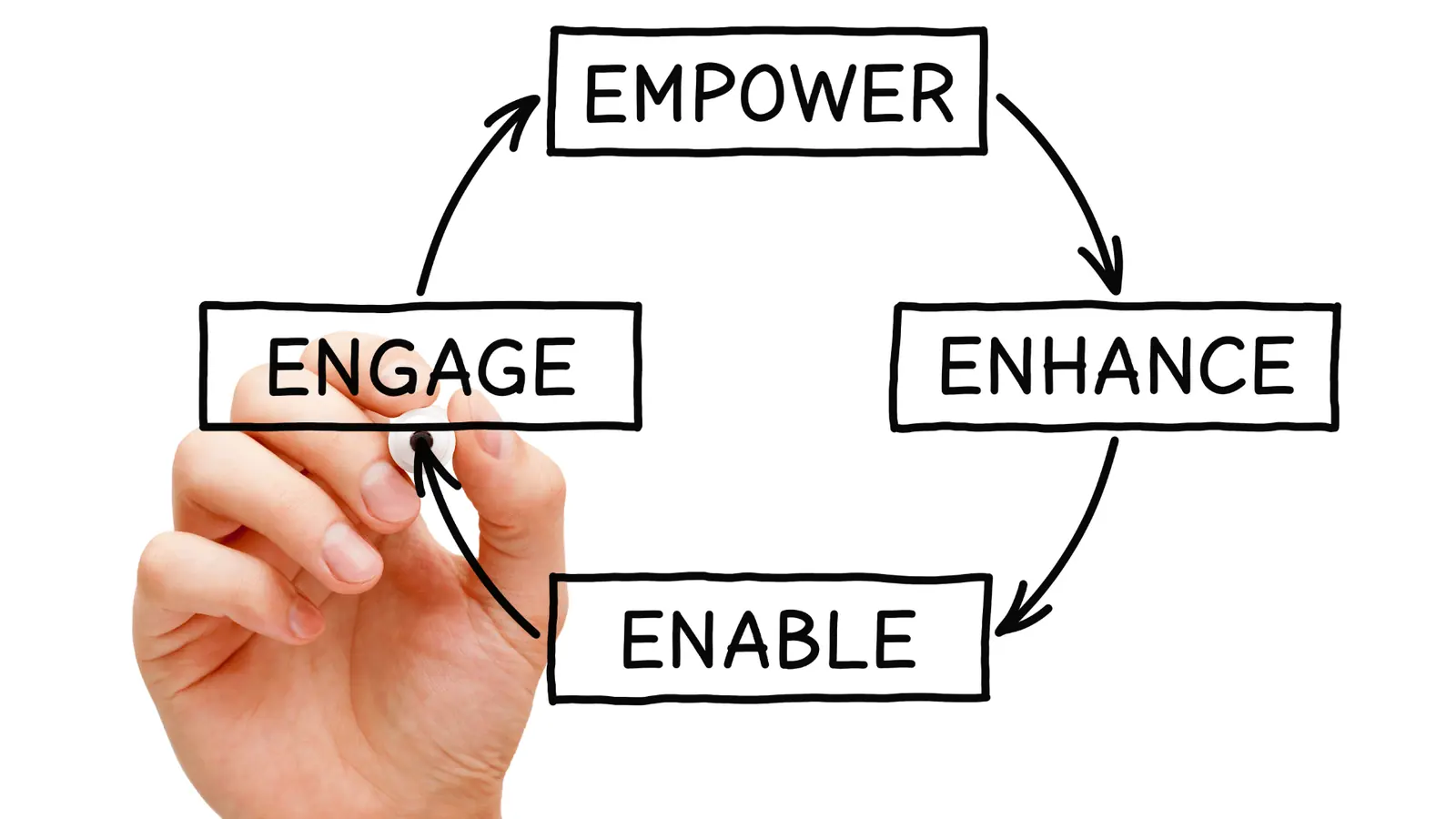
When you work out of a general-purpose CRM, your "social media strategy" often looks less like a creative process and more like a high-stakes scavenger hunt.
You spend the morning in an email thread, the afternoon in a spreadsheet, and the final hour fighting the CMS interface to ensure the right assets are attached to the right post for the right brand. This isn't just annoying; it is a hidden tax on your team's velocity. Every time a social lead has to ping a designer for a different thumbnail version or clarify a regional brand guideline in a separate Slack channel, you lose minutes. Multiply that by twenty posts a week across five brands, and you are losing days of productive time every single month.
Most teams underestimate: The total time lost to "administrative friction." When your team spends more energy tracking down the status of a post than they do refining the content, your operational overhead has effectively become your biggest competitor.
The coordination debt accumulates silently. You start with a simple campaign and end with a tangled web of approval chains that cross three different platforms. By the time a post is ready, it is often stale, or worse, it contains a minor compliance error that forces a last-minute panic.
| Coordination Metric | Legacy Suite (CRM-led) | Mydrop (Social-first) |
|---|---|---|
| Asset Centralization | Scattered docs / Local folders | Unified workspace / Asset-linked |
| Approval Path | External email / Slack chains | In-platform notes / Automated |
| Context Switching | High (Multi-tab reliance) | Low (All-in-one view) |
| Pre-publish Safety | Manual human-check required | AI-assisted validation |
How Mydrop removes the extra handoffs

The shift to Mydrop isn't just about moving to a new interface; it is about folding your operational workflow into a single, intelligent loop. Instead of treating your social team like a database entry, Mydrop treats them like a creative studio that needs a clean, fast, and safe path to the feed.
The biggest change is how we stop the "manual handoff" cycle. In legacy setups, you have a planner, a creator, an approver, and a publisher. In Mydrop, these roles collapse into a shared workspace.
- Intake & Planning: The team captures campaign context directly in Calendar Notes. No more lost thoughts in random docs; the strategy lives where the publishing happens.
- AI-Anchored Drafting: Instead of staring at a blank prompt, the AI Home Assistant uses your workspace context-brand voice, past high-performing posts, and current goals-to draft content that actually sounds like you from the start.
- Real-time Validation: This is where the "handoff" effectively vanishes. When a team member hits schedule, Mydrop doesn't just queue it; it runs an automated pre-publish audit. It checks if the media fits the channel, if the link is active, and if the brand guidelines were followed.
Operator rule: If your team is manually checking every post for size requirements and broken links before scheduling, you are doing work that a machine should have handled three steps ago.
By moving the validation to the scheduling stage, you eliminate the "approval ping-pong." Stakeholders aren't guessing if the post is compliant; they are reviewing a post that has already been verified by the system. You aren't just shipping content faster; you are shipping with the confidence that it won't break the moment it goes live. This is how you reclaim the hours you used to waste on coordination, turning them back into the high-velocity social operations your brand needs to actually compete.
The migration checks that prevent a messy switch

Moving your social operations is not just a technical lift; it is a structural audit of your team's health. The goal is to move your assets and permissions without importing the "coordination debt" that slowed you down in the first place. Most teams get into trouble because they try to "lift and shift" their existing, broken processes rather than using the move as a clean slate for better governance.
Operator rule: Treat your migration like a security update. If a manual process currently requires a spreadsheet, a group chat, and a prayer, do not rebuild it in Mydrop. Replace it with a Mydrop workflow using pre-publish validation or Home assistant notes.
To keep your transition frictionless, run these specific verification steps before you disconnect your old suite:
- Profile Audit: Map every active account to its specific brand and region. Remove "zombie" profiles that haven't been used for a campaign in six months to reduce clutter.
- Asset Library Purge: Migrate only the current campaign assets. Archived, low-resolution, or expired content should stay in your long-term cloud storage, not in your active social workspace.
- Permission Reset: Map stakeholders to their actual required level. A common mistake is giving everyone "admin" access in the old tool; use the move to enforce role-based access for local market leads versus global HQ teams.
- Validation Sync: Identify the top three reasons posts failed or required emergency edits in the last quarter (e.g., wrong aspect ratios, missing alt text, incorrect link parameters). Set these as your initial
pre-publish validationtriggers in Mydrop.
KPI box:
- Baseline: 12% of posts currently require a "last-minute fix" due to formatting or compliance errors.
- Target: Reduce "re-do" work by 75% within 30 days by automating validation checks at the scheduling stage.
Do not try to move every historical metric from your old dashboard. You will never look at them again. Export your last 12 months of performance data to a raw CSV for your archive and focus your team's energy on the active publishing cycle.
The low-risk pilot that proves the switch

The safest way to switch is to isolate a single brand or market segment for a two-week "live fire" test. You want to prove that your team can produce more, with less friction, before you migrate the entire enterprise load. Avoid the temptation to run two systems simultaneously for months; the "dual-entry" tax will burn out your best operators in a week.
Pilot strategy: The "Speed-to-Feed" test
Select one active brand identity and route all of their upcoming content through Mydrop. Use the Home assistant to generate the initial drafts and the calendar notes feature to coordinate campaign feedback in place of your existing document-based review loop.
- Intake: Use the Home assistant to build the week's content from a central brand strategy note.
- Drafting: Keep all iteration within the Mydrop editor, tagging regional leads for input using direct notes.
- Validation: Enable the automated pre-publish checks to catch errors as you schedule.
- Publishing: Execute the week's campaign, tracking the "time-from-concept-to-publish" metric.
Common mistake: Teams often forget to inform local stakeholders about the new workflow until after the pilot starts. Over-communicate the "why" - emphasize that they aren't losing features, they are gaining a specialized space where their specific brand needs are prioritized over global CRM data.
If your pilot team doesn't report feeling "lighter" by the end of the second week, you haven't gone far enough. Look for the friction points: Are they still emailing assets? Are they still tracking approvals in a separate spreadsheet? If so, kill the manual step and move that logic into Mydrop.
The goal of the pilot isn't to replicate your old workflow; it is to find out how much faster your team moves when you stop treating social media as an accessory to your CRM and start treating it as the primary engine for your brand's voice. When you remove the handoffs and let the team work directly in their primary habitat, you find that operational speed is not a luxury; it is the ultimate brand advantage.
When Mydrop is worth the move

The pivot to a social-first platform like Mydrop makes sense the moment your team spends more time fighting tool limitations than crafting content. If your current workflow involves constant manual sanity checks, fragmented feedback loops across email or chat, and a general lack of confidence when you hit "Publish," you have outgrown the generalist CRM.
You should consider the switch to Mydrop if you meet these three criteria:
- Multi-Brand Complexity: You manage two or more brands or distinct market segments and need strict governance over asset access and profile settings.
- Approval Velocity: Your current process creates a bottleneck where posts sit in draft state for days because stakeholders cannot easily visualize the final output or offer feedback within the editor.
- Validation Friction: You have experienced, or are currently terrified of, posting formatting errors, broken links, or platform-specific sizing violations that could have been caught by a system-level check.
Operator rule: If your team spends more than 15 minutes per post ensuring it meets basic platform requirements, you are bleeding operational speed. Mydrop replaces that manual audit with real-time pre-publish validation.
Transitioning is not just about changing your login; it is about reclaiming the headspace your team loses to coordination debt. When you move to a workshop-style environment where the AI Home Assistant knows your brand voice and the calendar flags errors automatically, the goal shifts from simply "getting posts out" to "scaling high-quality output."
If you are ready to stop managing your tools and start managing your presence, here are your next steps:
- Map your current coordination debt: Document where your team loses time-is it in Slack threads, spreadsheet trackers, or confusing CRM permissions?
- Run a 7-day social audit: Identify how many hours were spent on manual corrections or status updates last week.
- Initiate a focused pilot: Sync one brand’s profile with Mydrop and attempt a full planning-to-publishing cycle using the Home Assistant to handle your initial draft generation.
Conclusion

The "all-in-one" suite was a great idea for a simpler time, but modern social media is too fast and too demanding for general-purpose tools to handle well. When your operation reaches a certain scale, the friction of legacy systems stops being a minor nuisance and becomes a real constraint on your brand's growth.
You do not need more features packed into a database-first CRM; you need a dedicated canvas where your strategy can move at the speed of the feed. The most successful teams we work with stop trying to fix their broken manual workflows and instead adopt a platform that enforces order by design. At the end of the day, you cannot manufacture agility with processes that were built for a slower, more static era of marketing.
True operational speed is the ultimate brand advantage, and it starts by giving your team a workspace that actually works the way they do. Mydrop is that workshop.