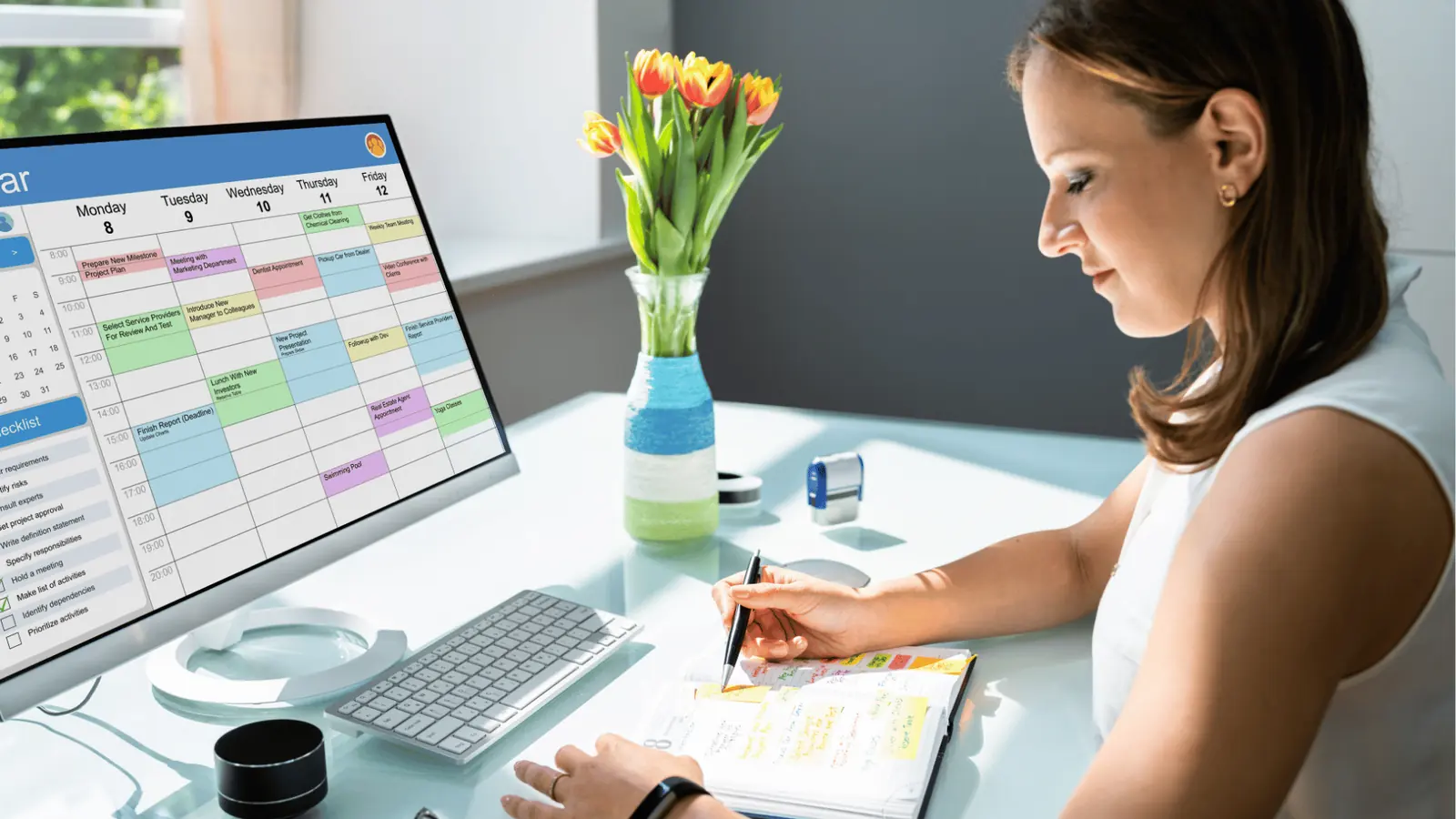
The solution to the handoff gap between your creative and social teams is to abandon the "storage-first" mindset. You need to treat your calendar as the primary source of truth, where the asset lives and breathes alongside its publishing metadata, rather than waiting in a static folder to be manually moved into a scheduler later.
It is a common sight: designers are finishing a high-effort asset while the social team is refreshing their dashboard, hoping it will appear in time for a post. The friction isn't about being unorganized. It is the exhaustion of being a human bridge between a creative file and a platform-ready post. When you force your team to jump between disparate tools, you are paying a heavy tax in lost time and missed details.
Where the handoff is actually breaking
The struggle is rarely about talent; it is about temporal mismatch. Design is a process of refinement, while social is a process of timing. When your asset storage-your "file cabinet"-is physically and digitally disconnected from your publishing environment, you create a vacuum where simple mistakes bloom into major delays.
Here is how the breakdown usually manifests:
| Source of Friction | The Traditional Symptom | The Operational Reality |
|---|---|---|
| Tool Silos | Creative team uses one system; Social team uses another. | Files are uploaded, lost, renamed, then re-uploaded in wrong formats. |
| Validation | Approval is handled in email threads or Slack. | Comments are buried in chat, leading to "I thought that was approved" confusion. |
| Governance | Manual copy-pasting of metadata. | Captions drift from the source, hashtags are missed, and formatting breaks at launch. |
At Mydrop, we see this across teams managing hundreds of brand profiles. When you disconnect the creative journey from the scheduling journey, you are not just missing an upload; you are creating a secondary workflow just to keep track of the first one. This is why "ready-to-post" files so often languish in folders while your social calendar stares back at you with empty slots.
The core issue is that your team is managing a project, but your tools are managing a file.
Operator rule: Never treat an asset as finished until it exists within the context of its destination. If you cannot preview the post with the asset attached, it is not "done"-it is just a fragment waiting to be re-managed.
You should stop asking "Is the asset done?" and start asking "Is the post ready for final review?" This shift moves the pressure away from chasing files and toward validating intent. When the creative and social teams share the same window-where the post preview and the approval status live together-the handoff stops being an event and starts being a continuous stream.
The operational health checklist
You can tell if your team is trapped in a fragmented workflow by looking for these five signs of structural friction. If you find yourself nodding at three or more, it is time to change how your files move from creative to live.
- The Versioning Guessing Game: Your social team is constantly asking, "Is this the final final?" because your shared drive looks like a graveyard of
_v1,_v2, and_final_updatedfiles. - The Approval "Black Hole": A post sits in a Slack channel for three hours, missing its prime engagement window, because the stakeholder who needs to sign off is not getting an alert.
- The Format Mismatch: Your designer spends hours perfecting a 16:9 graphic, only for the social lead to realize at the last second that the platform requires a 4:5 crop.
- The Context Vacuum: Every asset arrives without its accompanying caption, link, or geo-targeting requirements, forcing the social team to hunt down the campaign brief in a separate document.
- The Ghost Scheduling: You are manually re-uploading assets from your desktop to the scheduler because the initial file was never actually attached to the calendar entry.
If these look familiar, you are paying a heavy hidden tax in time and energy. It is not about your people working harder; it is about the system forcing them to manage the gaps instead of the content.
How to move decisions closer to the work
The most effective way to close this gap is to anchor every asset to its future publishing event from the start. Instead of treating the calendar as a final destination, treat it as the central nervous system where every creative file is born.
When you use a platform like Mydrop, you stop treating design and social as two separate sequences. You create a shared space where the calendar, the asset, and the approval status exist as a single unit. Designers can upload the final creative directly into the calendar slot, and the social lead can review it right there, without ever switching tools or checking a folder.
Here is how the shift looks in practice:
| Feature | The Old Status Quo | The Integrated Way |
|---|---|---|
| Asset Storage | Scattered in folders | Linked to the calendar date |
| Feedback Loop | Email or chat threads | In-platform comment or approval |
| Publishing Status | Manual re-upload to tool | Native to the scheduled item |
| Governance | None (risk of errors) | Rules-based validation |
By moving approvals into the calendar flow, you eliminate the "middleman" phase. You no longer chase status updates, because the status is visible to everyone who needs to see it.
Decision check: Never export a file until it has a home in the calendar. If it does not have a scheduled date or an assigned slot, the creative work is not actually complete.
This approach forces a simple but powerful habit: designers and social managers define the "what," "where," and "when" simultaneously. You catch those missing 9:16 crops during the planning phase, not when the social team is desperately trying to hit "post."
When your team spends less time acting as human file-transfer servers, they can actually focus on the work that moves the needle. You turn a sequence of chaotic handoffs into a single, reliable stream. You are not just organizing files anymore; you are building an engine that keeps your brand moving without the constant friction of internal status updates.
The roles and rules that reduce rework
The best teams we observe don't just rely on talent; they rely on clearly defined authority boundaries. When everyone is responsible for everything, no one is actually accountable for the final polish. To stop the cycle of endless revisions, you need to tighten the feedback loop by assigning specific, limited roles.
At Mydrop, we often see teams thrive when they embrace the Three-Touch Approval rule. Instead of circulating files through a team of five, limit your review to three specific lanes.
- The Brand Guardian: Checks for visual and tonal consistency. (Are the colors right? Does it sound like us?)
- The Subject Expert: Checks for accuracy and technical alignment. (Is the link valid? Is the price correct?)
- The Publishing Lead: Confirms final readiness. (Is the format correct? Is it scheduled for the optimal slot?)
By restricting the "Yes" to these three roles, you bypass the paralysis caused by trying to please everyone in a group chat. The rule is simple: if you aren't one of these three, you provide feedback early, or you trust the process.
Workflow check: Never send a file for "general feedback." Always ask for specific validation against a checklist of three criteria.
This clarity prevents the "where is the final version" scavenger hunt. When the asset is already linked to the calendar post in Mydrop, your reviewers don't have to search through folders. They see the exact context of the post, the planned channel, and the caption, making their approval meaningful rather than speculative.
The weekly habit that keeps the system honest
Efficiency isn't about having a perfect toolset; it’s about having a predictable rhythm. You need a recurring moment where the creative and social teams stop working in silos and look at the "big picture" together. We suggest the Friday Sync-Up.
It shouldn't be an hour-long status meeting where you list tasks. Use this 20-minute window to align on two things: the upcoming creative demand and any "coordination friction" observed during the week.
Follow this simple cadence to keep the system clean:
| Stage | Activity | Goal |
|---|---|---|
| Review | Look at the past 5 days of scheduled posts | Identify if assets were ready on time |
| Audit | Check for "near misses" (last-minute fixes) | Spot patterns in process failure |
| Commit | Finalize the calendar for the next 7 days | Set clear expectations for handoffs |
If you catch yourself saying "we missed that because we were waiting on design," that is a signal to adjust your internal deadlines. Using Mydrop’s calendar reminders during this sync-up helps turn these abstract goals into visible commitments. You aren't just discussing work; you are locking it into the schedule.
Conclusion
The gap between design and social isn't a permanent feature of your company. It is a byproduct of treating creative files and social posts as separate entities that happen to meet at the finish line.
If you bring those two worlds together-moving assets directly into a shared calendar, enforcing clear approval lanes, and holding a brief, honest weekly sync-you stop being a middleman. You start being an operator. You will find that when your team spends less time hunting for the right file, they naturally start producing better, more thoughtful content.
Stop managing the silence between your teams and start building a path that moves your work forward, one scheduled post at a time.