
You stop losing 5 hours a week the moment you realize that "bespoke" social media management is just a polite term for manual data entry. You aren't losing that time to strategy or high-level creative direction; you are losing it to the friction of rebuilding the same post architecture from scratch, re-uploading identical brand assets, and hunting for the same formatting requirements every single time you hit schedule.
The quiet exhaustion that settles over marketing teams isn't caused by the volume of work, but by the relentless, repetitive cognitive load of manual assembly. There is a profound sense of relief in moving from staring at a blank screen to refining a pre-built standard. It is the difference between drafting a contract from a blank document and simply filling in the variables on a template that you already know works.
TLDR: To reclaim 5 hours a week, stop treating every post as a unique event. Build a library of reusable post templates that lock in your brand standards, channel-specific requirements, and workflow triggers. Use them to snap high-speed production modules together, shifting your team from manual labor to high-impact strategy.
The real problem hiding under the surface

Most large marketing teams pride themselves on being artisanal, but they are actually suffering from a lack of operational discipline. When you are managing 5 posts a week, the "manual assembly" tax is negligible. But when your team needs to manage 50, 100, or 500 posts across multiple brands, markets, and stakeholders, the cracks start to show. The "blank page" isn't a canvas for creativity here; it is the primary engine of your operational bloat.
Here is the operational reality check: if your workflow forces your team to manually re-select the same profiles, re-verify the same aspect ratios, and re-type the same disclaimer text for every single post, you aren't managing social media. You are essentially doing data entry, but with higher stakes and more stress.
The real issue: The "re-assembly" tax-the time spent on non-creative logistics-is the silent killer of social strategy. When the process of getting a post scheduled is harder than creating the content itself, your team will subconsciously slow down, miss cadence targets, or skip quality checks just to get the job done.
We see this pattern constantly in enterprise teams that haven't hit their stride. They end up with scattered tools, slow approval loops, and a total lack of governance because they are too busy "building" posts to actually manage them. They think they are being creative by doing it all by hand, but they are really just creating a massive coordination debt that makes every new campaign harder to launch than the last.
Operator rule: Never build a post twice. If a content format happens twice, it gets a template.
To break this cycle, you need to stop thinking about individual posts and start thinking about "Modular Brand" principles. Think of your social presence as a set of Lego bricks: you shouldn't be molding the plastic for every build; you should be snapping pre-optimized modules together.
When you move your production into a shared space-like a calendar that treats templates as first-class citizens-the manual friction vanishes. You aren't just saving time; you are creating a reliable Workflow Optimized foundation where:
- Brand safety is automated: Templates define the approved disclaimer, character limits, and account tagging rules so they never have to be remembered.
- Asset readiness is guaranteed: You stop hunting for the right file versions because your templates are already mapped to your design gallery.
- Governance is baked in: The workflow requirements-who reviews it, where it goes, and how it is tagged-are already part of the module.
If you are still manually setting your post orientation every day, you aren't managing social; you are doing data entry. The goal is to make the repetitive parts of your job invisible so your team can actually focus on the work that moves the needle.
Why the old way breaks once volume rises

Scaling social media management is a classic trap: what works beautifully when you are managing five posts a week for a single brand completely collapses the moment you hit fifty posts across three regions and four product lines.
The breakdown starts in the cracks of your coordination. When a team relies on manual assembly, every post becomes a unique "project." Someone has to pull assets from a shared folder, remember the specific hashtag strategy for the regional account, manually format the caption to avoid platform errors, and then remember to update the link-in-bio page before the post goes live.
It is the repetitive nature of this cognitive load that burns teams out. You stop being a strategist and start being a glorified copy-paste operator.
Most teams underestimate: The hidden tax of "context switching." Every time an operator leaves the calendar to check a brand guideline document, then opens a different tab to resize an image, then returns to the calendar to paste text, they lose focus. Research shows this constant fragmentation can add 15 to 20 minutes of "administrative friction" to every single post. Multiply that by 50 posts, and you have lost an entire workday just moving data between windows.
| Feature | Manual Workflow | Template-Driven Workflow |
|---|---|---|
| Asset Preparation | Search, download, resize | Instant pull from gallery |
| Setup Time | 20-30 mins per post | 2-5 mins per post |
| Brand Compliance | Subject to memory/notes | Baked into the template |
| Platform Optimization | Manual adjustments | Pre-set per channel |
The most dangerous part of this "bespoke" approach is not just the lost time; it is the drift in quality. When you manually recreate posts, you aren't just doing data entry-you are introducing human error. A hashtag gets missed, the video orientation is slightly off, or the tone shifts because the person posting was rushing to meet a deadline.
The simpler operating model

The secret to escaping this loop is adopting the "Modular Brand" Principle. Instead of treating every social post as a unique event, treat your social presence as a collection of reusable, pre-validated components.
When you move to a template-driven model, you stop molding the clay for every single brick. You simply snap together the pieces that have already been approved for brand safety and performance.
- Intake: Drag a pre-approved visual asset into your draft.
- Apply: Select the template that matches the content type (e.g., "Product Launch," "Weekly Tip," "Client Testimonial").
- Refine: Update the variable text and CTA fields.
- Schedule: The platform handles the platform-specific formatting and link-in-bio alignment automatically.
This shift changes the calendar from a list of chores into a production engine. If your team is struggling to keep up with the volume, look at how many times they are reinventing the wheel in a single afternoon.
Operator Rule: Never build a post twice. If a specific format, layout, or campaign structure happens more than twice, it gets a template.
By building your workflow this way, you allow the team to focus on the high-value work: analyzing sentiment, refining the creative, and engaging with the community in the inbox. You aren't cutting corners on your brand; you are protecting your team's energy for the creative tasks that actually require human judgment.
"Templates are not limitations; they are the floor upon which your creativity stands."
When you remove the friction of setup, you stop asking your team to be machines and start letting them be marketers again. The goal is to move from the frantic, manual race of "just getting it published" to a calm, predictable rhythm of high-quality execution. If you are still setting your image orientation manually every morning, you aren't really managing a social strategy-you are just performing high-speed data entry.
Where AI and automation actually help

The most dangerous way to use AI is to ask it to "write my social strategy." The most effective way to use it is to treat it as a junior editor that fills in the blanks inside your pre-built templates.
When you have a template for your recurring "Weekly Industry Insight" post, you already know the structure, the character count constraints, and the link placement. AI excels here because it isn't guessing; it is working within a hard, defined fence. It can instantly draft three variations of a caption for that specific template, ensuring your brand voice stays consistent while drastically cutting the time you spend staring at a blinking cursor.
Operator rule: AI should handle the "filling in," not the "setting up." If you have to prompt an AI for the structure every single time, you are just trading one manual task for another.
By keeping your core brand requirements-hashtags, tone, and link structures-baked into your Mydrop post templates, you remove the guesswork for both your team and your AI tools. You stop asking "What should we say?" and start asking "Which of these three pre-optimized variations fits today's news cycle?"
The metrics that prove the system is working

If you cannot measure the time you reclaim, you will inevitably slide back into "bespoke" chaos because it feels safer. Start tracking your efficiency at the <u>modular level</u> rather than just looking at total volume.
KPI box: Efficiency Tracking
- Production Velocity: Minutes saved per post by applying a template vs. building from scratch.
- Template Utilization Rate: Percentage of total content published via saved templates (Target: >70%).
- Setup-to-Schedule Time: Average time elapsed from opening the calendar to finalizing a post.
- Error Reduction: Number of rejected posts due to missing legal disclosures or broken links (Target: 0).
When you shift from manual assembly to template-driven publishing, you will see your "Setup-to-Schedule" time plummet within the first month. This isn't just about faster typing; it is about eliminating the cognitive tax of checking, re-checking, and double-checking standard fields.
- Audit the last 20 posts and identify three formats that repeat weekly.
- Create base templates in Mydrop for those formats with all brand-safe defaults pre-filled.
- Set up your link-in-bio page destination once in the template settings to ensure zero broken links.
- Train the team to "apply and adjust" rather than "create and configure."
- Review your "Setup-to-Schedule" time in the calendar after the first two weeks of template usage.
Common mistake: The "Template-Lock" Trap. Teams often fear templates will make their feed look robotic. The reality is the opposite: templates provide the structural stability that actually makes your creative risks safer. When the foundation is consistent, your unique campaign photography and bold messaging stand out much more than they do in a cluttered, inconsistent feed.
Framework: Intake -> Standardization -> Template Application -> Automated Validation -> Publish
If you are manually setting your post orientation every day, you aren't managing social; you're doing data entry. The goal is to get your team to a state where they are spending 80% of their time on the creative "edge" and only 20% on the mechanical "center." Templates are not limitations; they are the floor upon which your actual strategy stands. When you stop fighting the blank page, you finally have the bandwidth to actually look at the data your audience is sending back to you.
The operating habit that makes the change stick

The biggest reason template systems fail isn't that they are too complex; it is that they lack a "gatekeeper" habit. If you create a beautiful set of templates but don't build a mandatory review into the team's weekly rhythm, you will find yourself back in the "blank screen" trap within a month.
Start by assigning one person on your team to be the "Template Auditor." This isn't a high-level creative role. It is an operations role. Their only job is to look at the last five posts of the week and ask: "Could this have been a template?" If the answer is yes, they have 24 hours to turn it into one in the calendar.
Operator rule: If a specific post format happens twice, it gets a template. If it happens three times, it becomes a mandatory standard.
Here is a 3-step workflow to cement this habit:
- The Friday Audit: Spend 15 minutes every Friday reviewing the week’s published content. Identify any recurring visual layouts or caption structures that were built from scratch.
- Standardization Sprint: Convert the top two recurring posts into saved templates in the Mydrop Calendar. Give them clear, functional names like "Product Launch - Grid" or "Monthly FAQ - Carousel."
- Template-First Mandate: Require that all new post requests must start by checking the existing template library. If a team member insists on starting from scratch, they must be able to justify why a template couldn't be adapted.
Quick win: Next week, take your most popular brand announcement or product update and save it as a template in your scheduling calendar. Include the pre-approved legal disclaimer in the caption field and set your preferred image orientation. You will cut your next production time by 70% instantly.
This habit shifts the team's culture. Instead of pride being tied to how many hours they spent "crafting" a post, pride becomes tied to how efficiently they can maintain brand quality at scale. When you stop treating every post like a bespoke work of art, you gain the freedom to actually focus on the performance of the campaign.
Conclusion
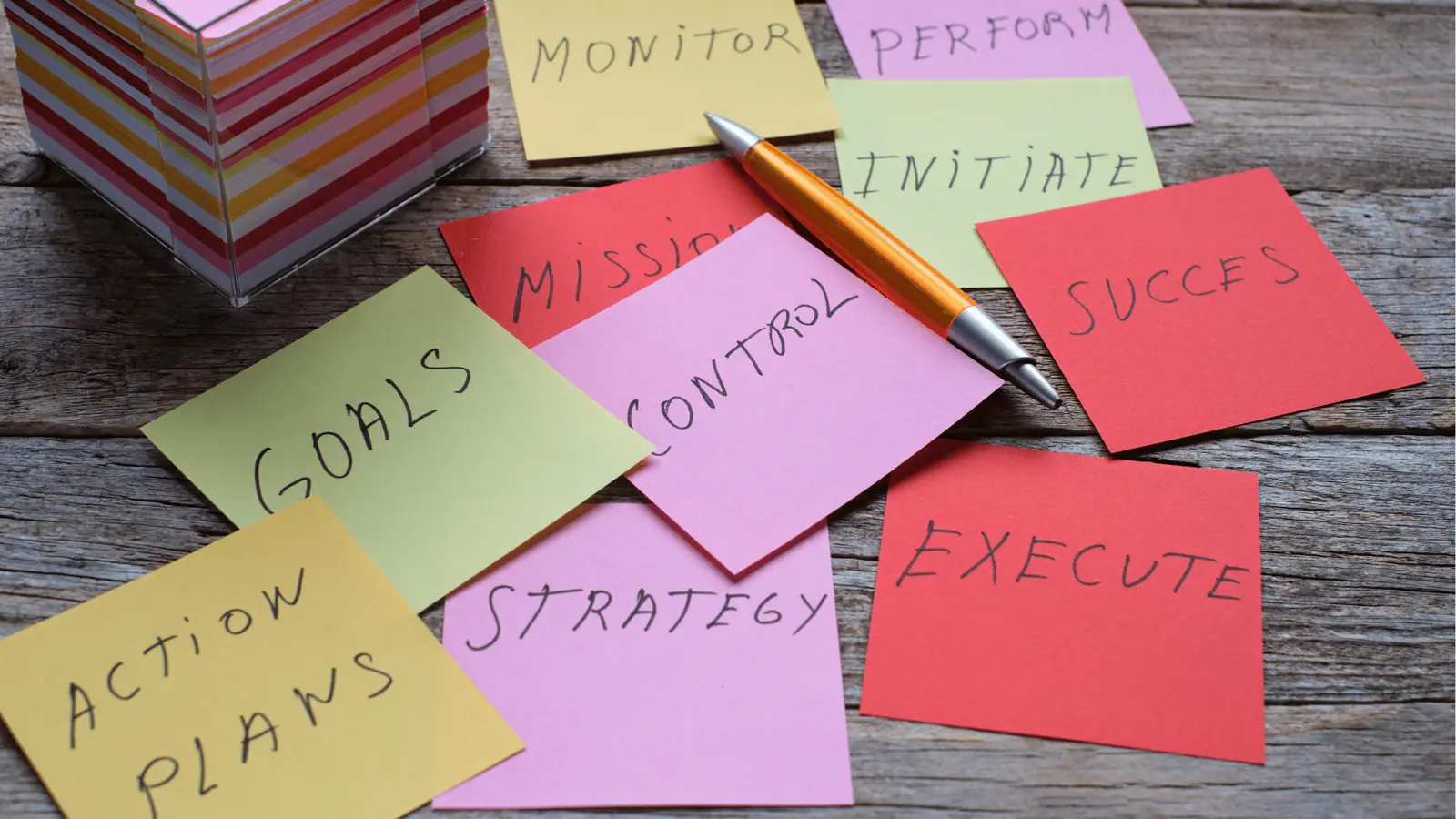
The transition from manual assembly to template-driven production is rarely about better software-it is about a shift in organizational discipline. When you stop fighting the "blank page" and start building a library of reusable modules, you move your team from being reactive producers to proactive strategists. The goal is to shrink the time between a good idea and a live post, not to fill that gap with administrative busywork.
If you are spending more time moving assets between folders and checking character limits than you are refining your actual message, you are fighting against your own infrastructure. Building a robust social operation is the process of eliminating the friction that keeps you from scaling.
Ultimately, your social media presence is only as consistent as your slowest manual process. In Mydrop, templates provide the foundation for that consistency, turning what was once a daily burden of fragmented tasks into a repeatable, high-speed engine for your brand.