
You don't need a bigger content team to scale; you need to stop treating platform-specific formatting as a creative act. The most effective way to turn one core campaign idea into a full suite of multi-platform content is to stop manually reformatting every post and start using a centralized composer that maps your master asset to platform-specific constraints in a single workflow.
You are likely exhausted from the daily copy-paste loop. You spend your morning fighting with aspect ratios, rewriting captions to fit character limits, and manually uploading assets across five different tabs. It feels like you are doing real work, but you are actually just performing high-stakes data entry. Imagine the relief of having a single hub that transforms one core idea into a ready-to-publish suite for every platform, turning your chaotic production line into a predictable, automated engine.
The truth is, your content strategy isn't failing because your ideas are stale; it is stalling because your operational debt is too high to allow for real growth.
TLDR: Stop manually reformatting. Configure your core assets once in a unified composer and let the system handle the platform-specific syntax, sizing, and scheduling requirements for every channel.
The real problem hiding under the surface

Most enterprise teams underestimate the cumulative cost of manual media management. When you treat the LinkedIn post, the TikTok cut, and the X thread as three separate projects, you lose visibility into the campaign as a whole. You end up with fragmented messaging, inconsistent timing, and a high risk of compliance errors because your legal team can't possibly review five different versions across five different interfaces.
Here is the operational reality check:
- Manual Overhead: Every manual upload introduces a 15-20% chance of a broken link or a misformatted caption.
- Approval Friction: When assets are scattered across folders and drives, your reviewers spend more time searching for the file than actually checking the creative.
- Governance Gaps: Without a centralized view of your calendar, it is nearly impossible to ensure your messaging aligns across different timezones and regional markets.
The real issue: Why "creative burnout" is often just "workflow fatigue." You are burning your best people on low-value tasks that should be automated by your infrastructure.
Think of your workflow like a manufacturing line. If you are still hand-tooling every single piece of content at the end of the line, you will never be able to increase volume without breaking the system. The "hub-and-spoke" model is the only way to break this cycle. You create the master asset (the hub) and use a tool to configure the adaptations (the spokes) programmatically.
When you stop viewing "posting" as the final step and start viewing it as the final configuration of your campaign, you unlock the ability to manage ten times the volume with the same headcount. You stop being a digital pack mule and start acting as a campaign director.
The most successful teams we see aren't the ones that produce the most raw content; they are the ones that have the tightest control over their deployment engine. They refuse to touch a file more than once. When you centralize your assets-moving them directly from your drive to the composer-you aren't just saving time; you are ensuring that what you planned is exactly what goes live, every single time.
This isn't about making your work "easier." It is about making your output robust enough that you can actually trust your team to hit "publish" on a global campaign without someone having to watch every single post like a hawk. Content is the engine, but operations is the fuel. Without the right workflow, even the best creative stalls in the draft folder.
Why the old way breaks once volume rises

The manual, fragmented approach to social publishing survives for about three weeks. It works when you have one brand, one channel, and a small team. But as soon as you add a second market, a third agency partner, or a recurring campaign cadence, the system starts to leak. You aren't just managing content; you are managing a massive volume of "coordination debt."
When you rely on spreadsheets, manual re-uploads, and disjointed approvals, the process becomes brittle. A single change in a campaign hashtag requires hunting through five separate platform drafts to update the text. A last-minute file tweak means deleting posts across three networks and re-uploading, risking version control errors that can lead to off-brand visuals going live.
Most teams underestimate: The cumulative "context-switching tax" of manual posting. It is rarely the actual content creation that burns out a team; it is the sheer amount of administrative friction-checking technical requirements, resizing images for different aspect ratios, and ensuring the right link is attached to the right profile-that turns a simple task into a workday-ending slog.
Here is how the cracks look in an enterprise environment:
| Pain Point | The "Manual" Reality | The Scalable Path |
|---|---|---|
| Asset Handoff | Emailing files, Slack links, Drive versions | Centralized gallery with direct import |
| Platform Specs | Trial-and-error per platform | Configurable templates by network |
| Approval Flow | Ping-ponging screenshots in chat | Integrated calendar sign-offs |
| Consistency | High risk of manual human error | Automated validation of requirements |
These aren't just minor inconveniences; they are structural failures. When the process relies on a person remembering to copy the right caption and upload the right media at exactly the right time, you are building your entire social strategy on the most fragile foundation possible: human memory.
The simpler operating model
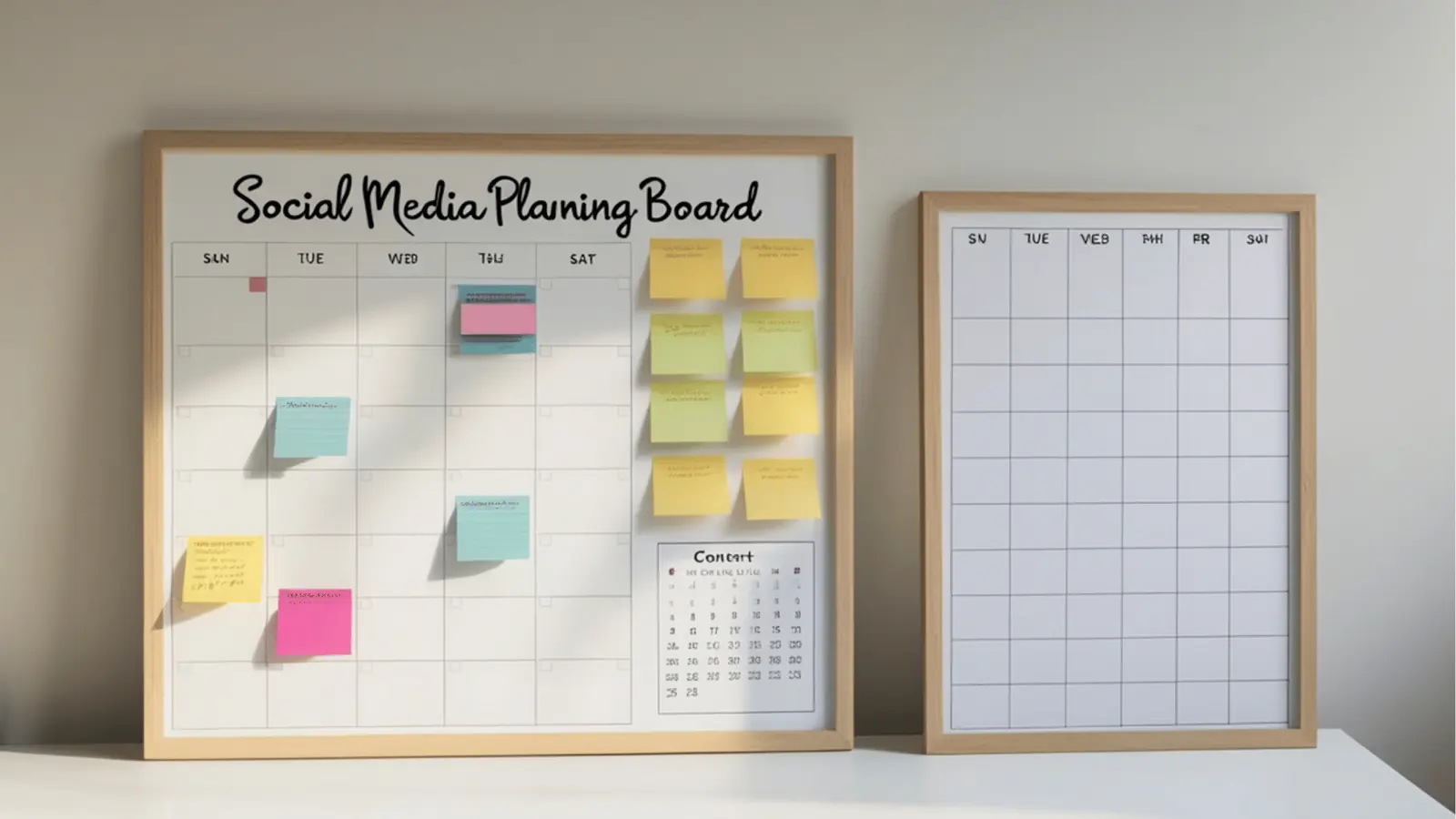
The secret to scaling isn't working faster; it is switching from "manual distribution" to "configuration-based output." Think of your core campaign assets as the Hub. You spend your creative energy there. Every subsequent social post is a Spoke that derives its structure, media, and core message from that central hub, rather than being created from scratch.
When you use a composer designed for multi-platform output, you move from "doing the work" to "configuring the output." You define the core message once, attach the master file from your drive, and then let the system handle the platform-specific syntax.
Operator rule: Never manually download and re-upload. Every time you pull a file down to your local machine, you lose track of the source of truth and introduce the potential for version decay. Connect your storage directly to your publishing hub.
To make this shift effective, follow the A.C.E. Principle:
- Adapt: Take your core campaign asset and identify the platform-specific constraints (e.g., character limits for X, caption style for LinkedIn, or thumbnail needs for YouTube).
- Configure: Use a multi-platform composer to apply these adaptations in one interface, without needing to switch tabs or open new browser windows.
- Execute: Run a final validation audit-checking captions, media, and profile selection-then schedule the entire campaign across all channels in one go.
This approach creates a clear, predictable workflow for your team:
- Intake: Asset finalized and moved to the shared gallery via direct cloud import.
- Setup: Composer opened; core campaign message and media attached.
- Configuration: Platform-specific variations added to each relevant channel tab.
- Validation: Calendar audit confirms all dates, times, and tags are aligned.
- Release: Scheduled and tracked, with reminders set for any post-publish community engagement.
By treating the "Spoke" configuration as an operational step rather than a creative one, you remove the guesswork. You stop asking "Did we remember to change the link for the Instagram bio?" and start relying on the system to flag missing requirements before anything goes live.
Content is the engine, but operations is the fuel. Without the right workflow, even the best creative stalls in the draft folder. You aren't just saving minutes on every post; you are buying back the capacity to actually focus on strategy instead of chasing missing captions.
Where AI and automation actually help

The mistake most teams make is thinking automation means replacing the human strategist with a generative model. It does not. The true power of an automated system lies in removing the "coordination tax" that drains your team's energy. When you use a centralized composer, AI does not write your campaign; it handles the grunt work of syntax, sizing, and formatting, ensuring your content is optimized for the specific requirements of every social network without you having to manually toggle settings for each.
Common mistake: Treating AI as a primary content creator rather than an operational assistant. If you rely on AI to generate your core strategy, you lose your brand voice. Use it to map a master asset to platform-specific constraints like aspect ratios, character limits, and comment placement.
Here is where the shift becomes palpable for your team:
- Syntax Normalization: The system automatically handles character counts and platform-specific tagging requirements, so you are not checking docs for every network before you hit schedule.
- Asset Transformation: Instead of your designer exporting five versions of every video, the composer handles crop and thumbnail selection natively during the final review.
- First-Comment Management: You can pre-configure the "first comment" for platforms that demand it, keeping your main caption clean and algorithm-friendly without a separate task.
- Media Mapping: Connecting directly to your storage, like Google Drive, ensures the team is always using the approved, final creative rather than a downloaded "version 2_final_final" sitting on a desktop.
Framework: The A.C.E. Principle
Adapt (Config) -> Configure (Settings) -> Execute (Publish)
When you stop treating "post-production" as a creative act and start treating it as an automated configuration, you effectively reclaim your team's schedule. You aren't just saving minutes; you are preventing the context switching that kills high-level strategic thinking.
The metrics that prove the system is working
If you cannot measure it, your workflow is just a guess. Moving to a unified composer should show immediate relief in your operations dashboard. When your team stops hunting for files and wrestling with platform-specific upload screens, you gain back hours that were previously lost to manual busywork.
KPI box: The Efficiency Gain
- Time-to-Publish: 60-80% reduction by eliminating manual uploads and reformatting.
- Governance Accuracy: 100% reduction in "missing caption" or "wrong aspect ratio" errors.
- Approval Velocity: 40% faster cycle time due to centralized previewing rather than emailing attachments.
To track if your team is truly leaning into this shift, keep an eye on these indicators over the next month:
- Track the time spent in the "draft" state vs. "scheduled" state.
- Measure the number of manual file-download events versus direct media imports.
- Audit the volume of platform-specific tweaks made per campaign.
- Monitor the cadence of your publishing schedule for gaps or late-night manual fixes.
Watch out: If your team is still downloading media to a local machine before moving it into your scheduling tool, you have a broken link in your chain. That is where compliance risk hides, and where your "coordination debt" begins to accumulate.
The goal is to move from a state where the team is "holding the system together" to one where the system does the heavy lifting. When the workflow is sound, the creative has room to breathe. Stop editing every post individually. Start configuring your campaign once, trust the automation to handle the translation, and watch it propagate. Social media at scale is not about working harder to keep up; it is about building an engine that does the math for you, leaving your team to focus on the one thing that actually matters: the quality of the conversation.
The operating habit that makes the change stick

The biggest barrier to scaling your output is not a lack of creativity, but a lack of operational hygiene. Most teams fail because they treat each post as an island. They create the asset, save it to a desktop folder, email it to themselves, and then spend twenty minutes fiddling with aspect ratios and character counts for every platform they serve.
You break this cycle by shifting your workflow from "creating posts" to "managing a master record."
The habit is simple: Everything starts in your centralized calendar, not on your hard drive.
When you use your calendar as the single source of truth for assets, reminders, and timelines, you stop being a digital pack mule and start acting like a broadcast producer. The moment a new campaign is briefed, put the dates on the calendar as reminders. Attach the high-resolution source files directly from your cloud drive so they are ready for the composer. When the time comes to execute, the assets are already waiting for you in the gallery, pre-verified and ready for any platform's specific requirements.
Framework: The A.C.E. Principle
- Adapt: Start with the master asset and define the core message.
- Configure: Use a multi-platform composer to translate that message into the syntax required by each network.
- Execute: Schedule and validate through a single calendar interface to ensure zero gaps in your coverage.
If you are struggling to make this stick, try this 3-step audit for your next project:
- Purge the desktop: Delete all local copies of your campaign assets. If they aren't in your cloud-linked gallery, they don't exist for the team.
- Calendar everything: Convert all deadlines, asset collection goals, and team review checkpoints into recurring calendar reminders. If it isn't on the calendar, it isn't part of the operational plan.
- Audit the output: For the next three posts, use a multi-platform composer to push content to at least three different networks simultaneously. Compare your time-to-publish against your previous manual-upload baseline.
Pull quote: "Content is the engine, but operations is the fuel. Without the right workflow, even the best creative stalls in the draft folder."
This is the point where most teams hesitate. It feels faster to just post that one TikTok video manually right now, rather than setting up the calendar entry. That is a trap. That "five-minute" manual task is the exact thing that leads to inconsistent governance and missed deadlines when you are managing ten campaigns across twenty channels.
Conclusion

Scaling your social operations isn't about working harder or hiring more hands to hammer out posts. It is about removing the friction between your creative vision and the platform's distribution requirements. When you eliminate the manual copy-paste loop, you stop chasing algorithms and start managing a coherent brand presence.
The goal is to get to a place where you spend your energy on the strategy, while the platform-specific syntax is handled by a system that understands the nuances of each network. You don't need more hours in the day; you just need to stop manually building the same house five times over. Mydrop is built to handle that structural complexity, so you can focus on the message instead of the mechanics. Ultimately, the best social teams aren't the ones that post the most, but the ones that make their distribution flow so predictable that they can't help but win.